
CRAFTYBOX
Preparing your block world
正在准备你的方块世界
First visit setup
首次访问设置
CRAFTYBOX
Preparing your block world
正在准备你的方块世界
First visit setup
首次访问设置
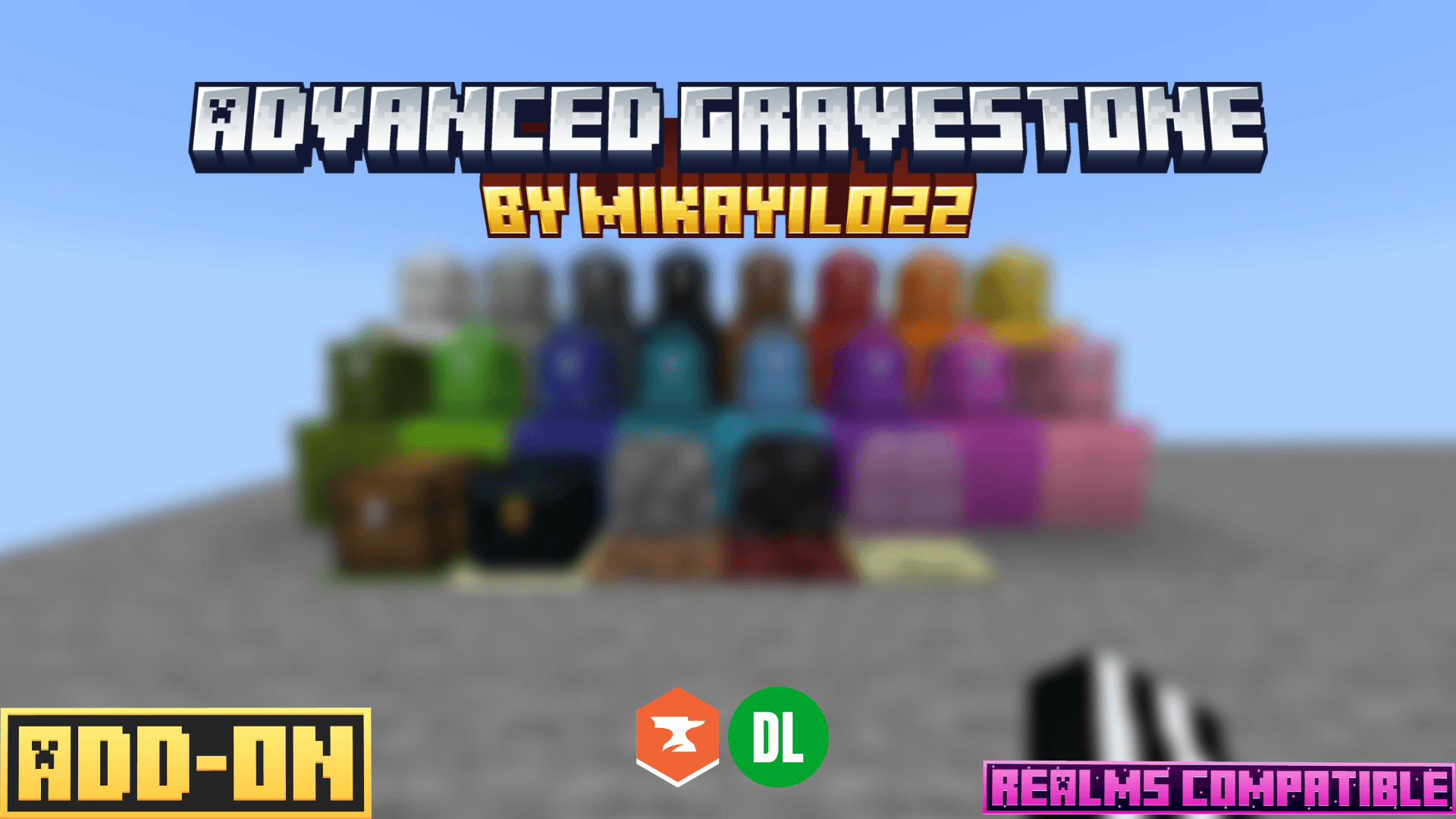
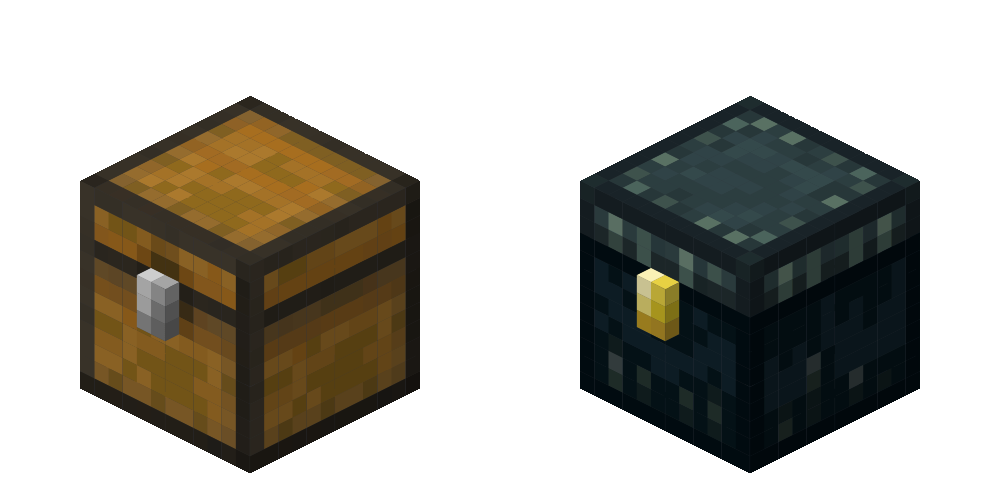
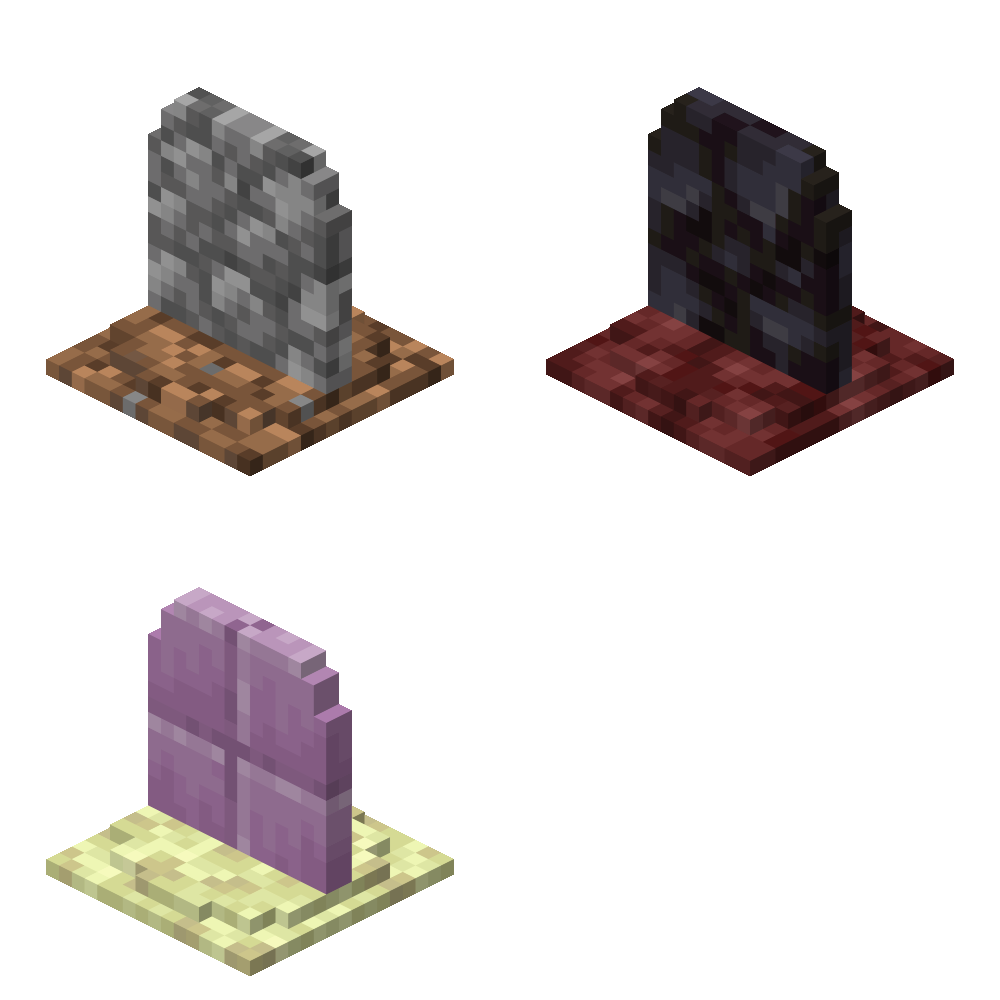
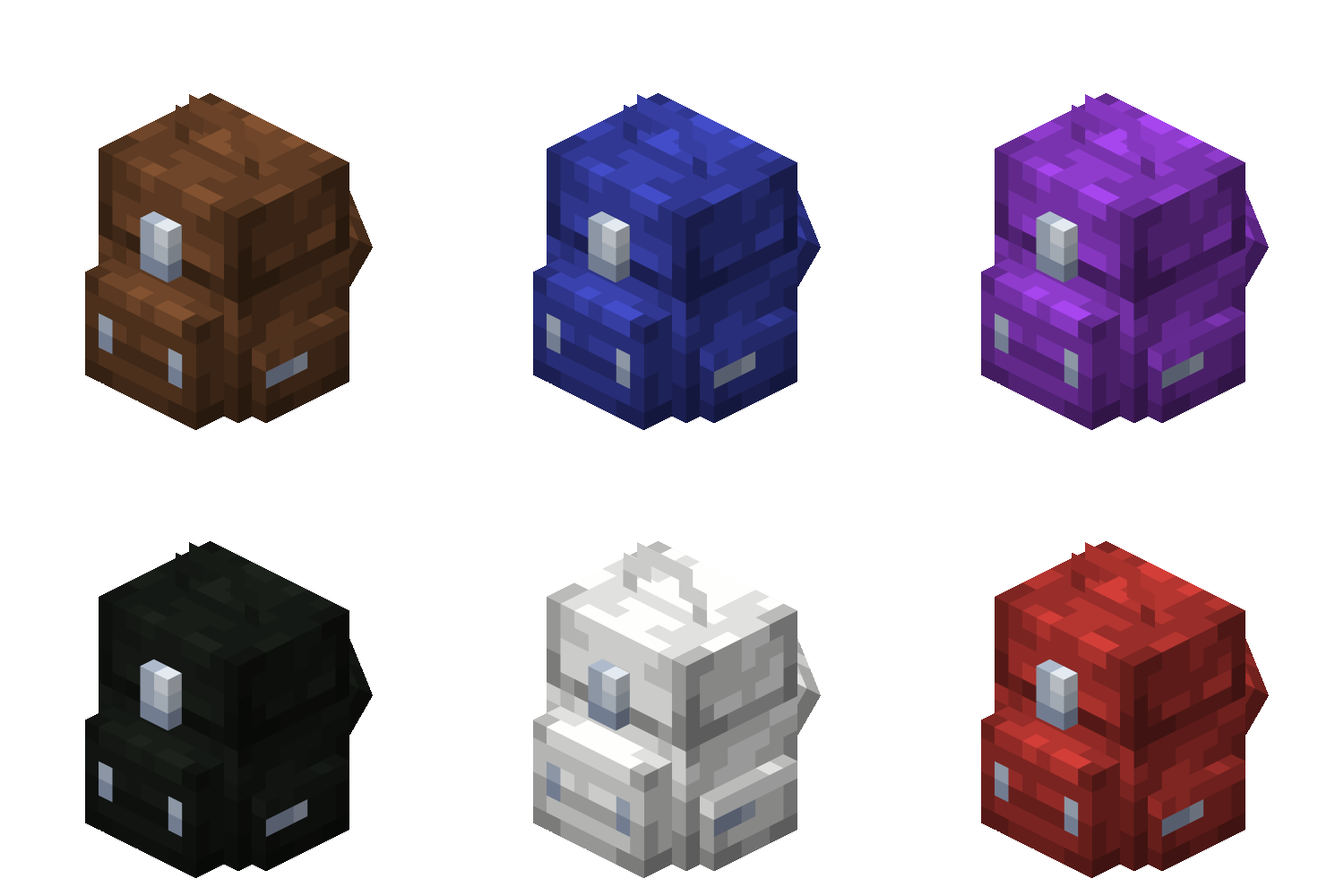
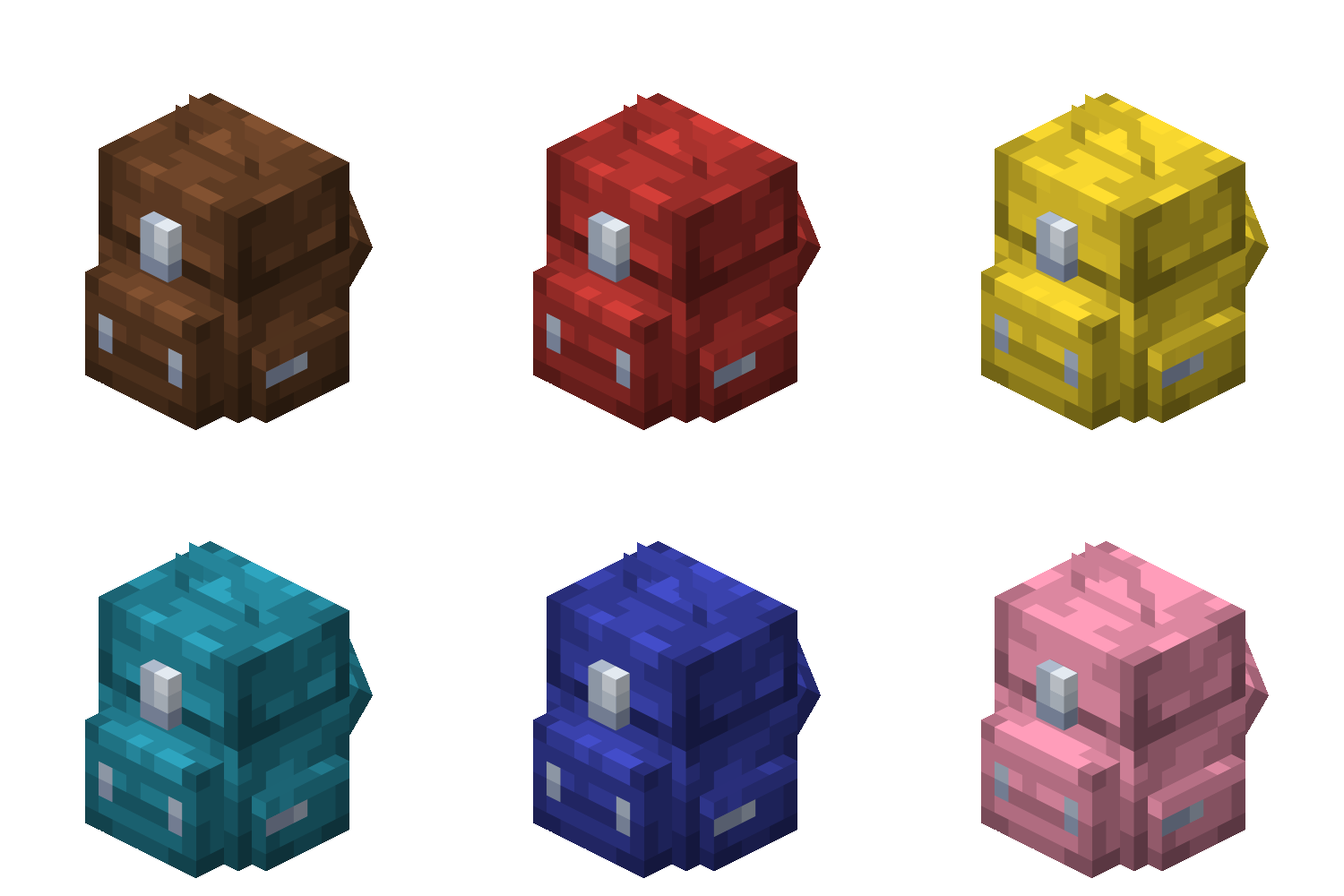
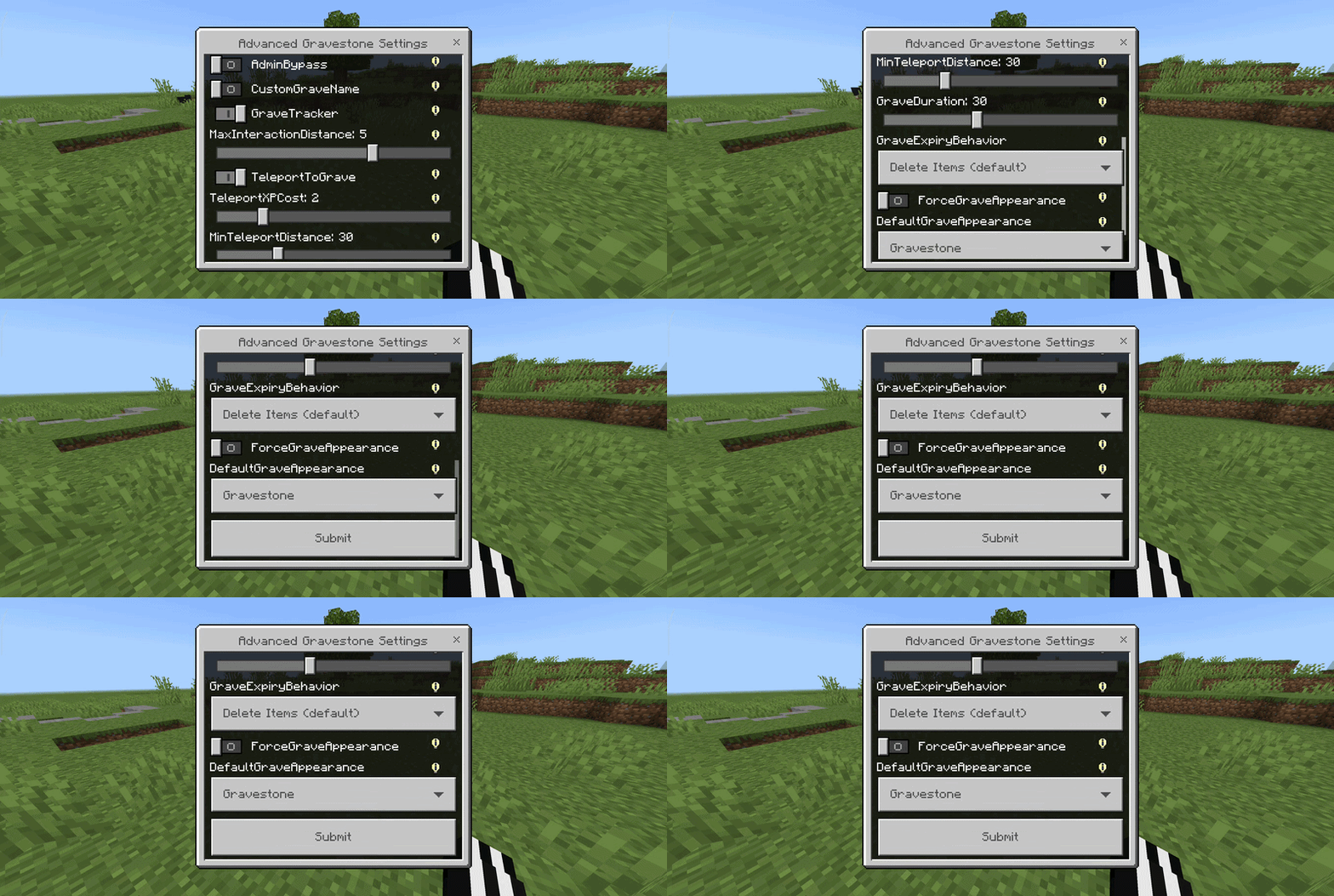
Advanced Gravestone (Gravestones Graves Grave) Automatically store your inventory in a secure gravestone upon death with full tracking tools. Features: Secure item storage upon player death Distance tracking and teleportation via Obituary item Dynamic grave models including Chests and Backpacks Comprehensive admin configuration panel Why You'll Love It: 1 Never lose valuable loot to accidental deaths again. 2 Choose from multiple stylish grave models and colors. 3 Fully compatible with multiplayer servers and Realms. How to Get Started: 1 Download the Advanced Gravestone (Gravestones Graves Grave). 2 Install it in Minecraft PE. 3 Open your world and e
Open this resource in CraftyBox