
CRAFTYBOX
Preparing your block world
正在准备你的方块世界
First visit setup
首次访问设置
CRAFTYBOX
Preparing your block world
正在准备你的方块世界
First visit setup
首次访问设置
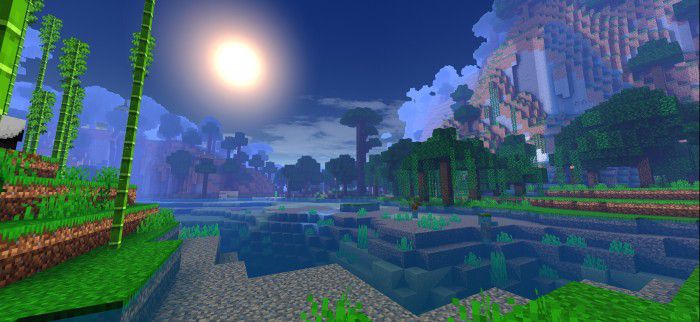
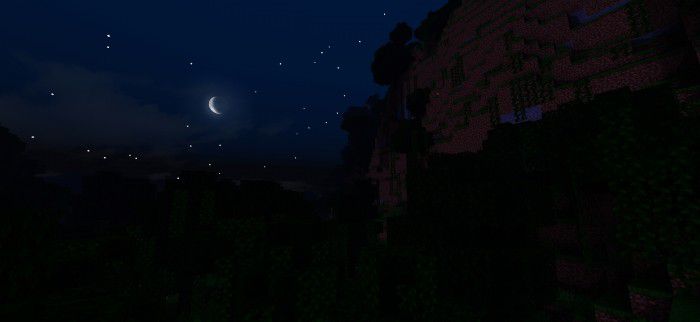
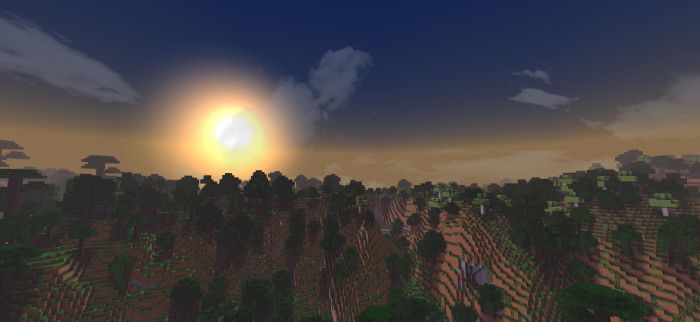
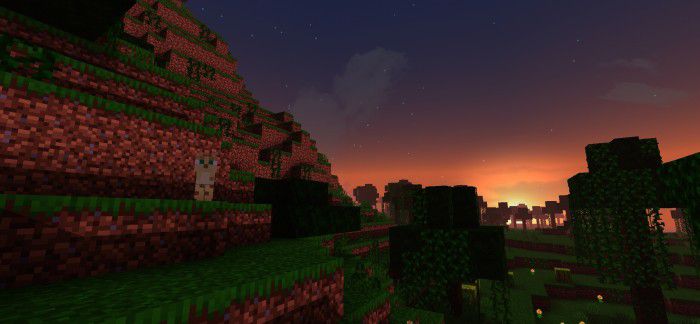
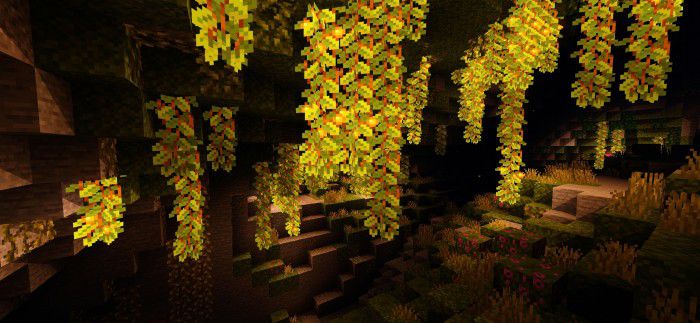
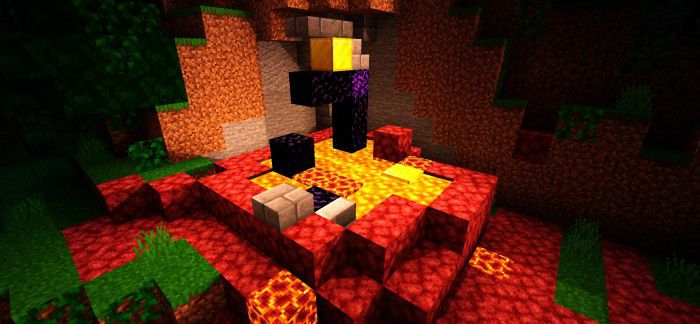
Ale Pack Shader Only 1GB of RAM? No problem! Ale Pack Shader supports RenderDragon on Minecraft PE 1.26+ and is built to run on the most modest devices. Features: RenderDragon engine support out of the box Designed to run on devices with just 1GB RAM Pleasant lighting, skies, and water upgrades Minimal resource use for maximum stability Why You'll Love It: 1 Shader beauty on hardware others leave behind. 2 No crashes, no overheating, just smooth play. 3 A genuine visual upgrade for entry-level phones. How to Get Started: 1 Download the Ale Pack Shader. 2 Install it in Minecraft PE. 3 Open your world and enjoy the new experience. Small RAM, big vis
Open this resource in CraftyBox