
CRAFTYBOX
Preparing your block world
正在准备你的方块世界
First visit setup
首次访问设置
CRAFTYBOX
Preparing your block world
正在准备你的方块世界
First visit setup
首次访问设置
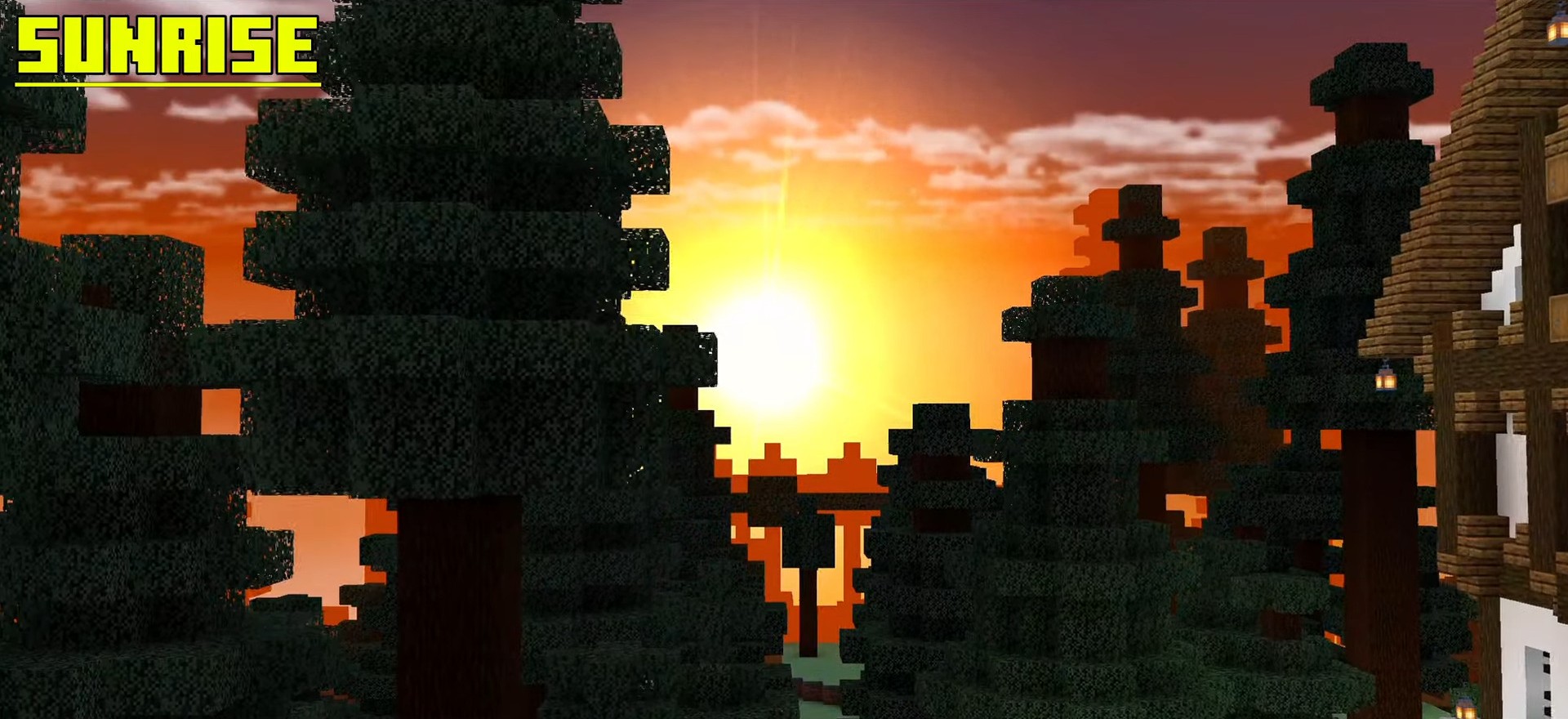
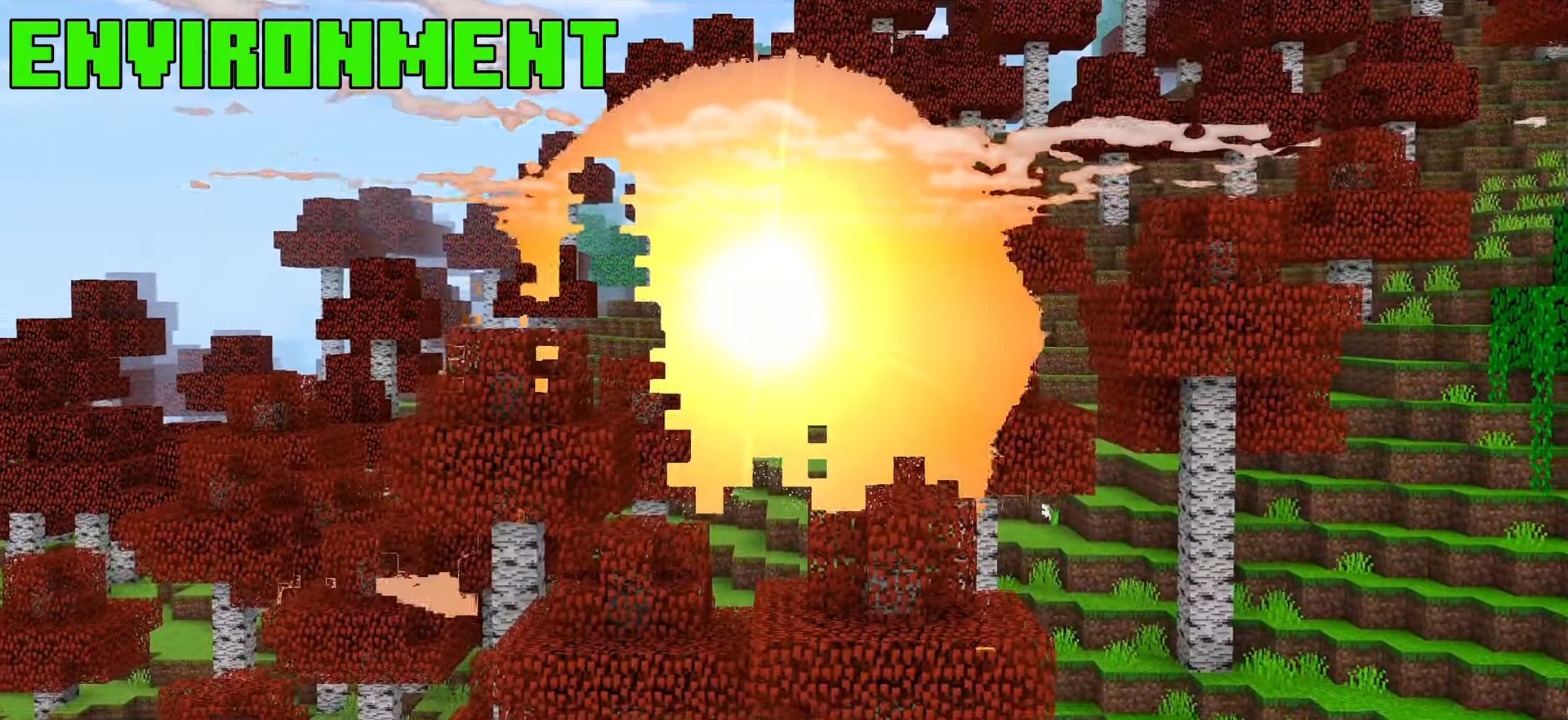
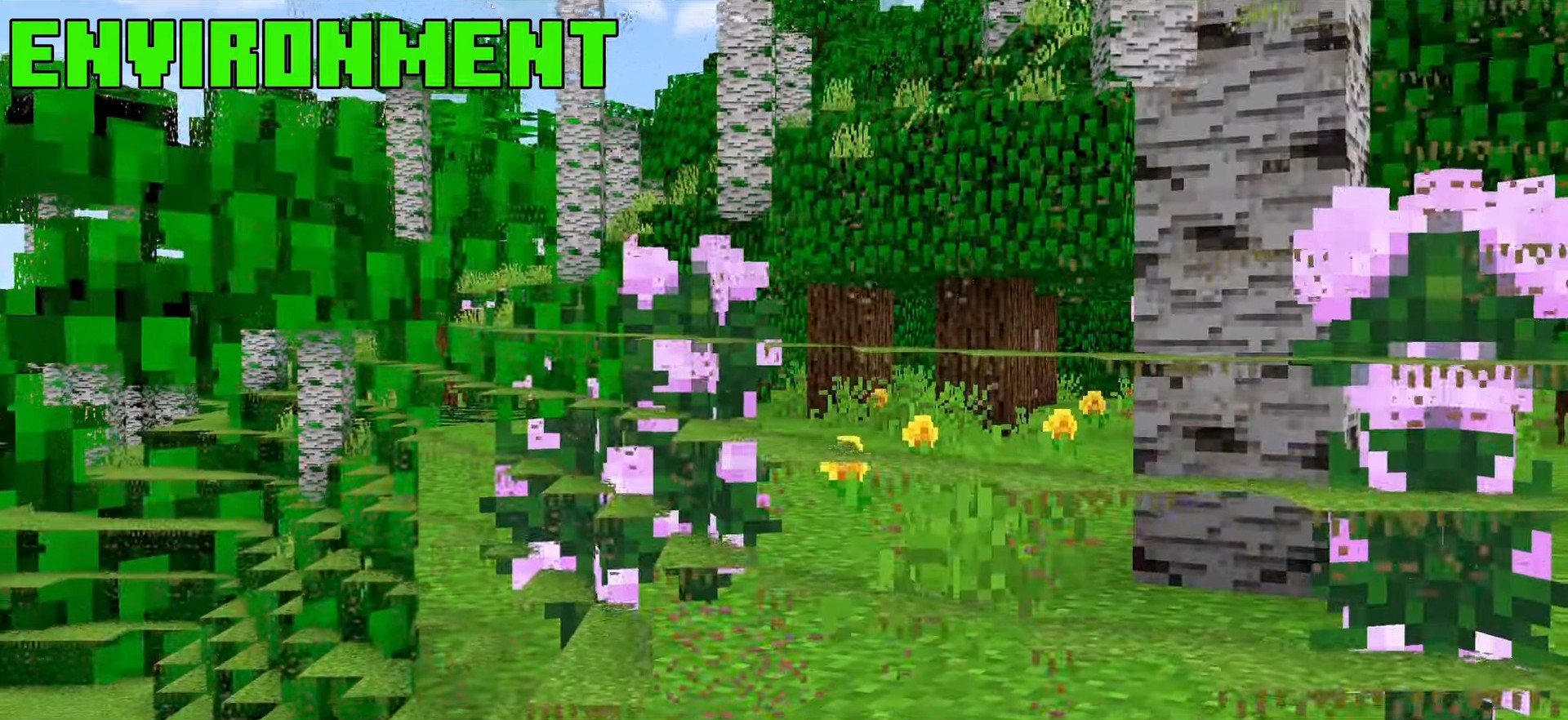
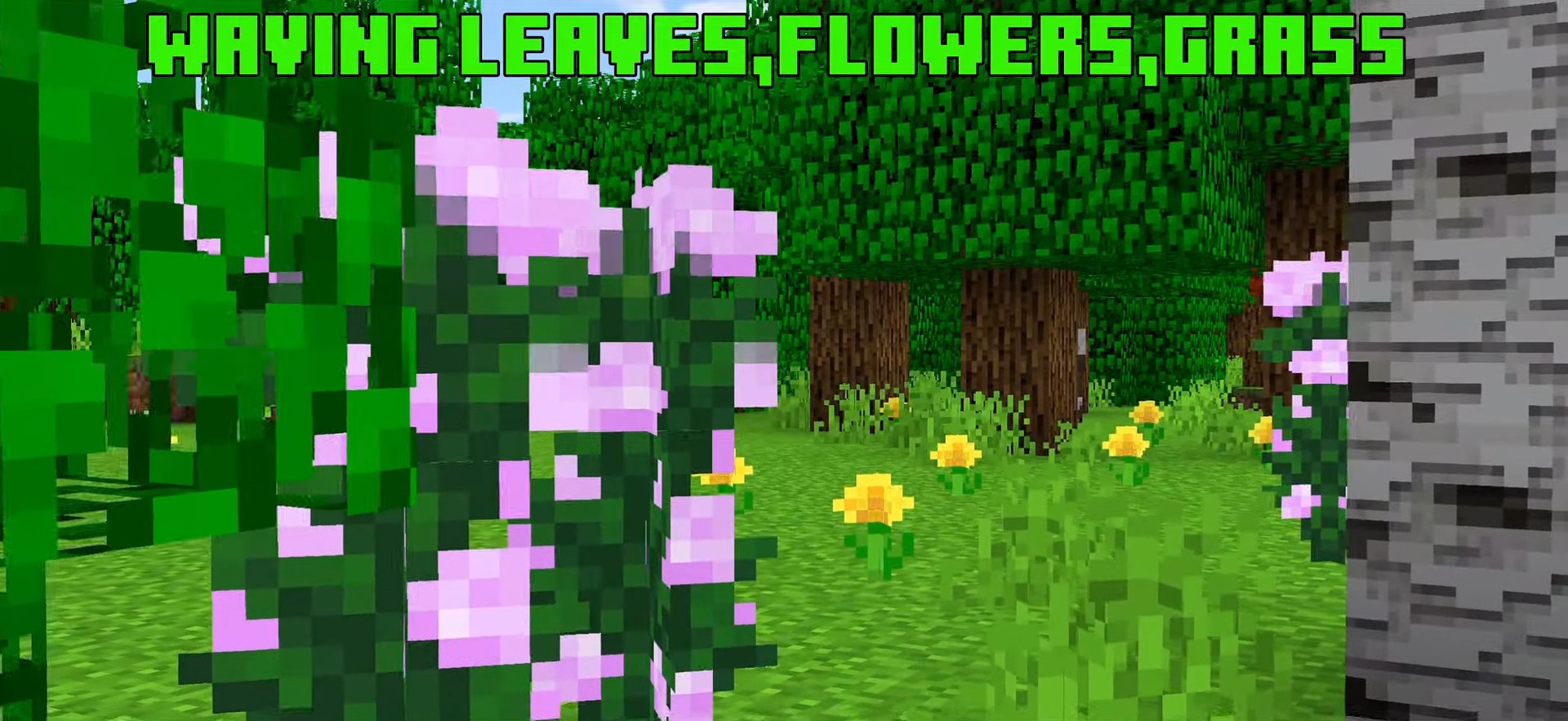
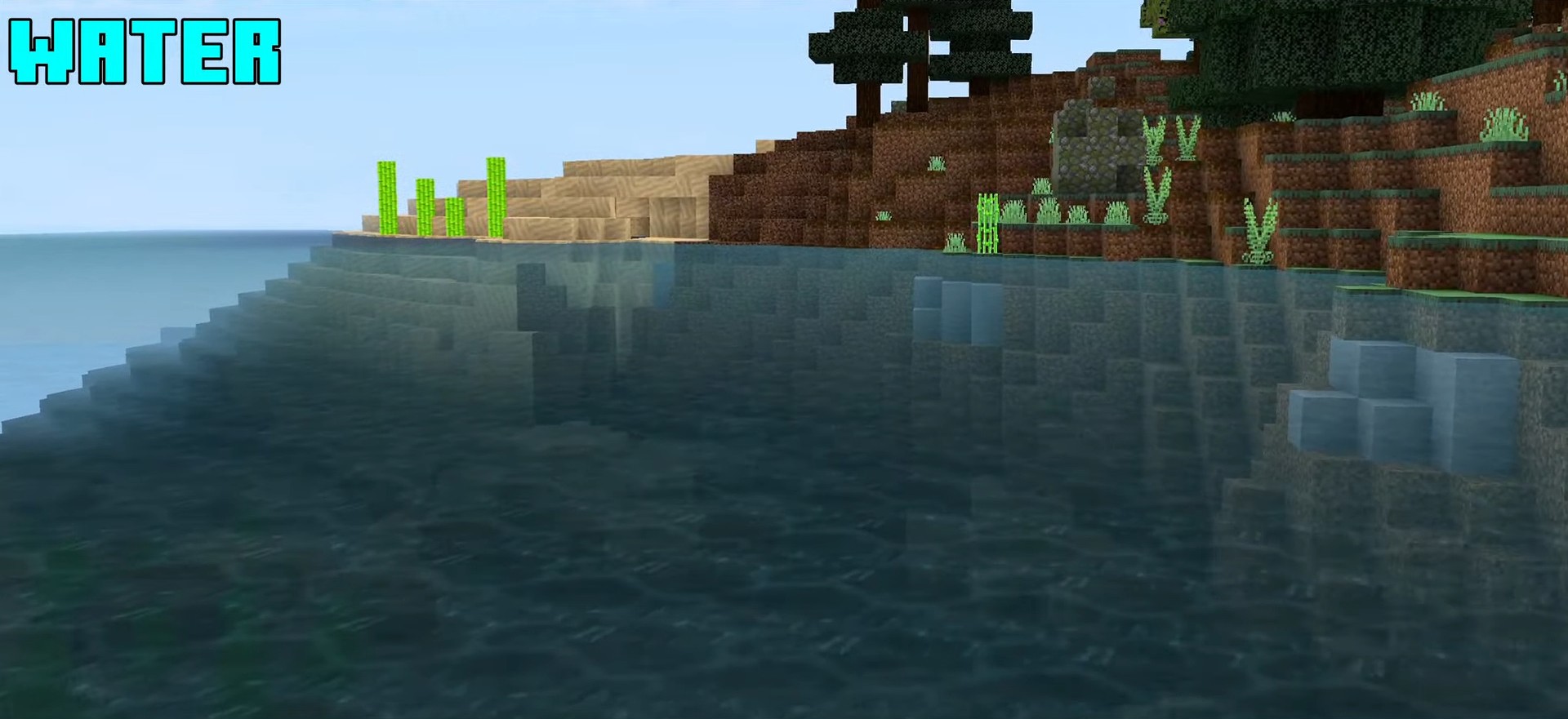
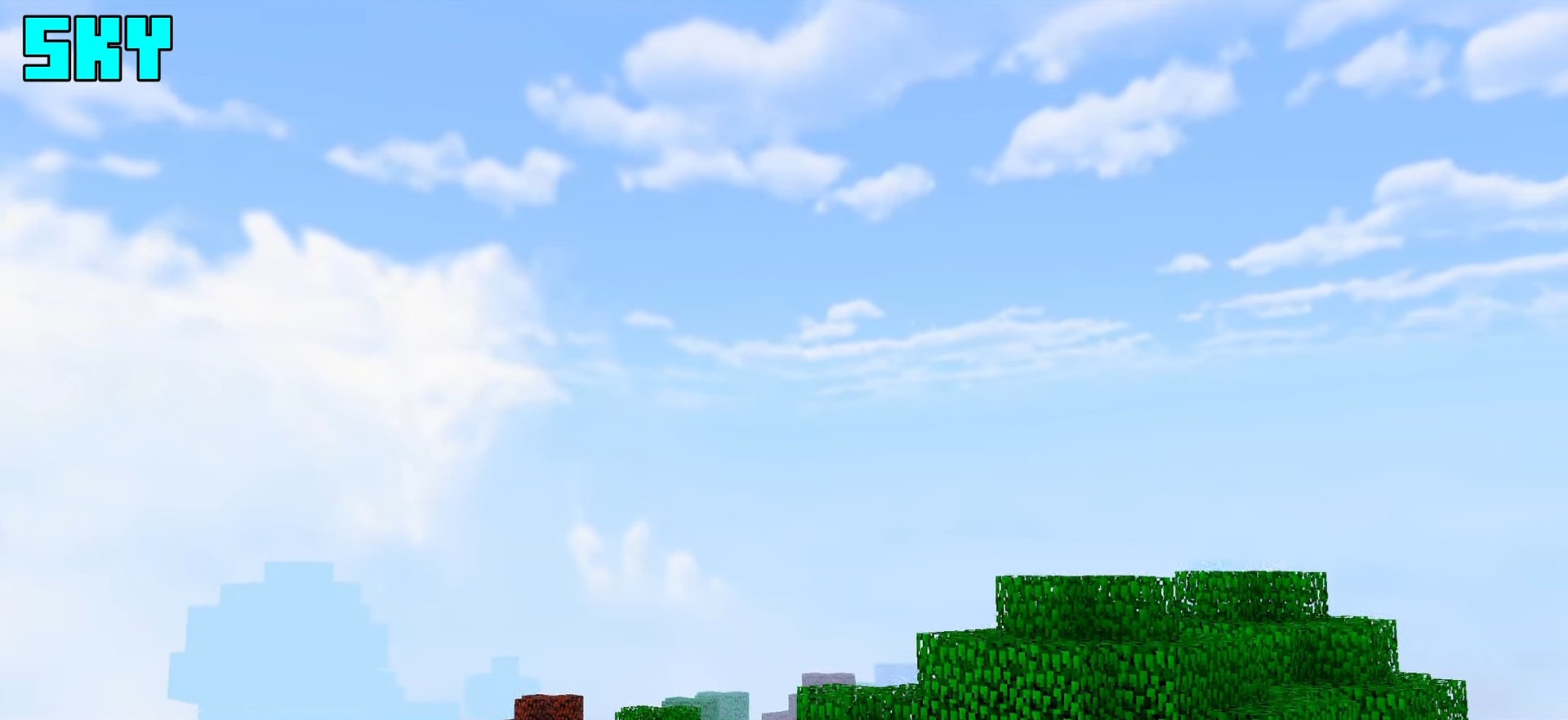
Apple Shader Crisp as a fresh apple — this shader delivers bright, clean, and juicy visuals that sweeten every corner of your Bedrock world! Features: Fresh, vibrant color enhancement across biomes Bright natural lighting with a soft glow Clear, sparkling water and improved skies Smooth experience on MCPE/Bedrock 1.21+ Why You'll Love It: 1 A cheerful, vivid look that lifts every world 2 Light enough for everyday survival play 3 Great all-rounder for builders and explorers How to Get Started: 1 Download the Apple Shader. 2 Install it in Minecraft PE. 3 Open your world and enjoy the new experience. An Apple Shader a day keeps the dull graphics away
Open this resource in CraftyBox