
CRAFTYBOX
Preparing your block world
正在准备你的方块世界
First visit setup
首次访问设置
CRAFTYBOX
Preparing your block world
正在准备你的方块世界
First visit setup
首次访问设置
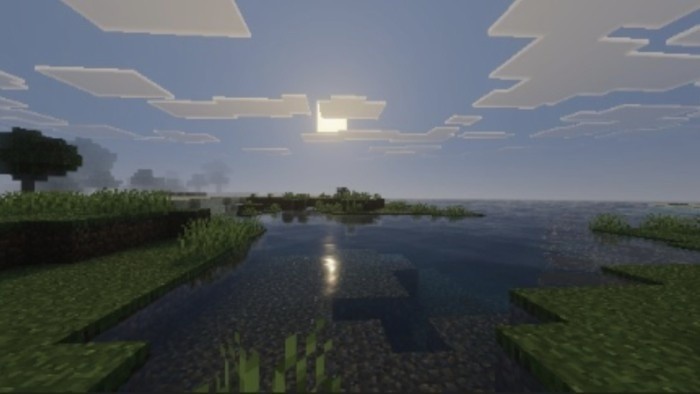
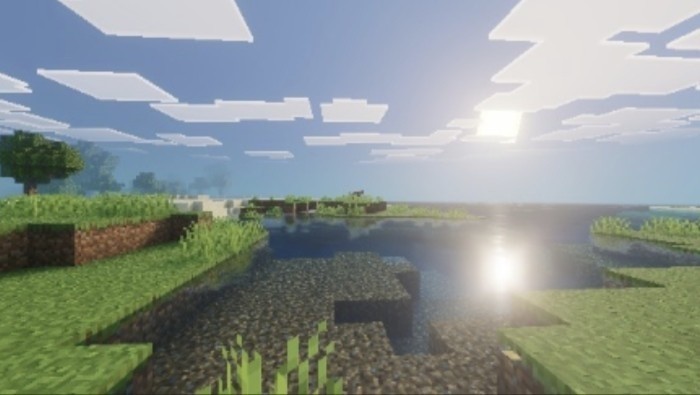
Brazz Shader The Brazz Shader delivers rich colors and beautiful lighting to MCPE/Bedrock without melting your device! Features: Vibrant color grading that makes biomes pop Soft dynamic lighting and improved skies Prettier water and smooth cloud rendering Balanced visuals tuned for everyday play Why You'll Love It: 1 A noticeable glow-up over vanilla graphics 2 Stays smooth during survival and building sessions 3 Great middle ground between beauty and performance How to Get Started: 1 Download the Brazz Shader. 2 Install it in Minecraft PE. 3 Open your world and enjoy the new experience. Your world, but in its Sunday best!
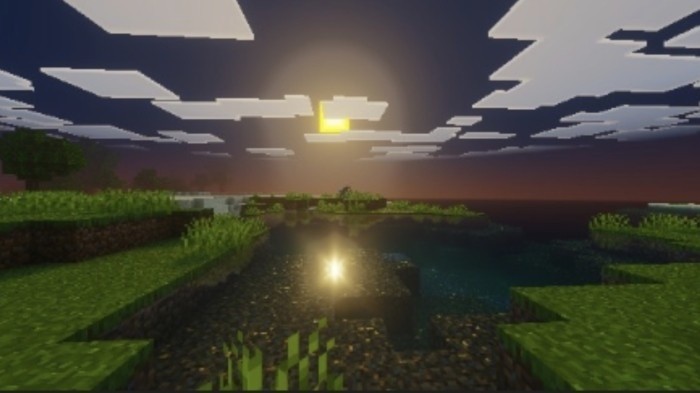
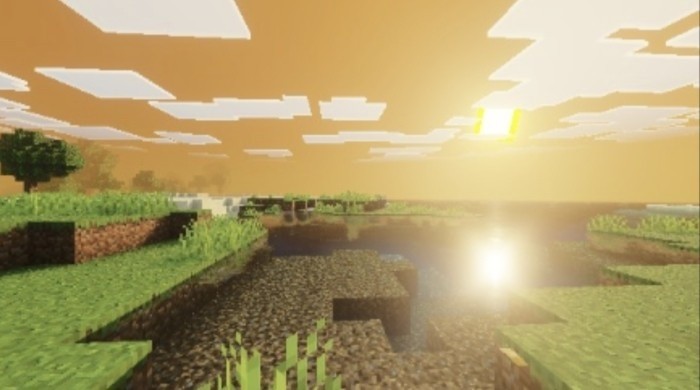
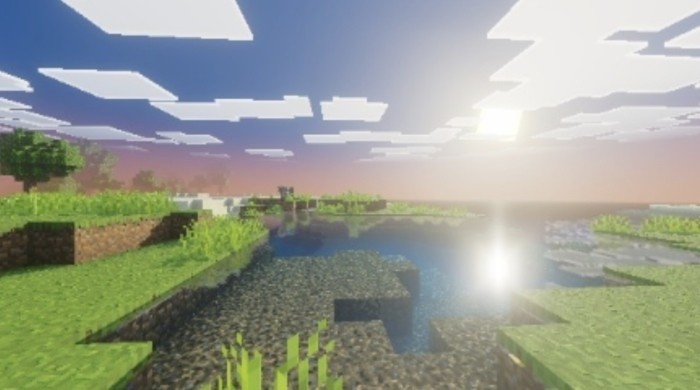
Read the full details and screenshots
Open this resource in CraftyBox