
CRAFTYBOX
Preparing your block world
正在准备你的方块世界
First visit setup
首次访问设置
CRAFTYBOX
Preparing your block world
正在准备你的方块世界
First visit setup
首次访问设置
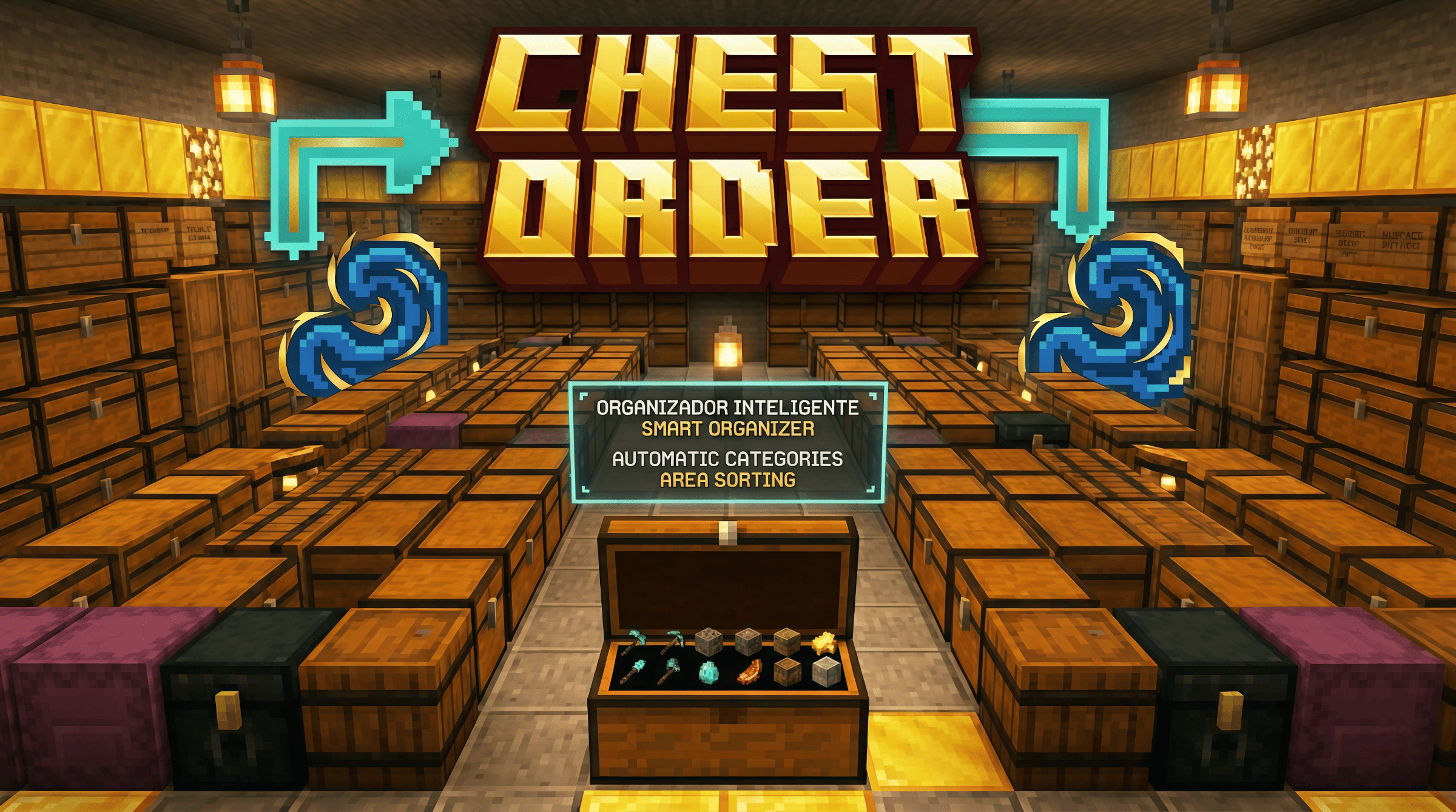
Chest Order Sort messy storage rooms and containers in seconds with a smart category-based organization system! Features: Special sorting device to manage individual or area containers. Customizable area presets ranging from 8x8 up to 32x32 blocks. Category sorting for tools, armor, food, ores, and redstone. Actionbar category display when looking at marked containers. Why You'll Love It: 1 Saves hours of tedious manual item organization. 2 Fully compatible with chests, barrels, and shulker boxes. 3 Multiplayer-friendly area handling for shared bases. How to Get Started: 1 Download the Chest Order. 2 Install it in Minecraft PE. 3 Open your world and e

Open this resource in CraftyBox