
CRAFTYBOX
Preparing your block world
正在准备你的方块世界
First visit setup
首次访问设置
CRAFTYBOX
Preparing your block world
正在准备你的方块世界
First visit setup
首次访问设置

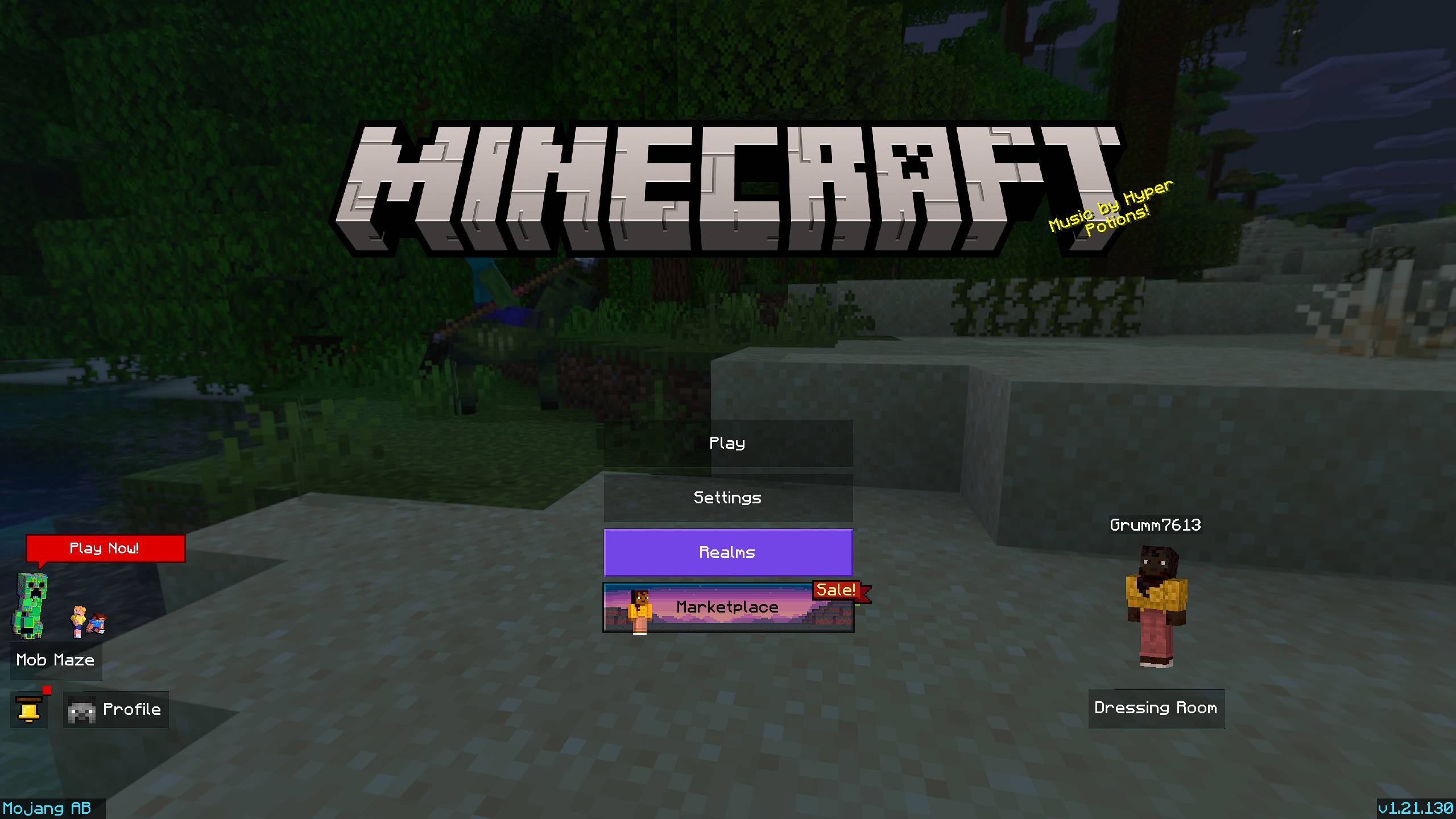
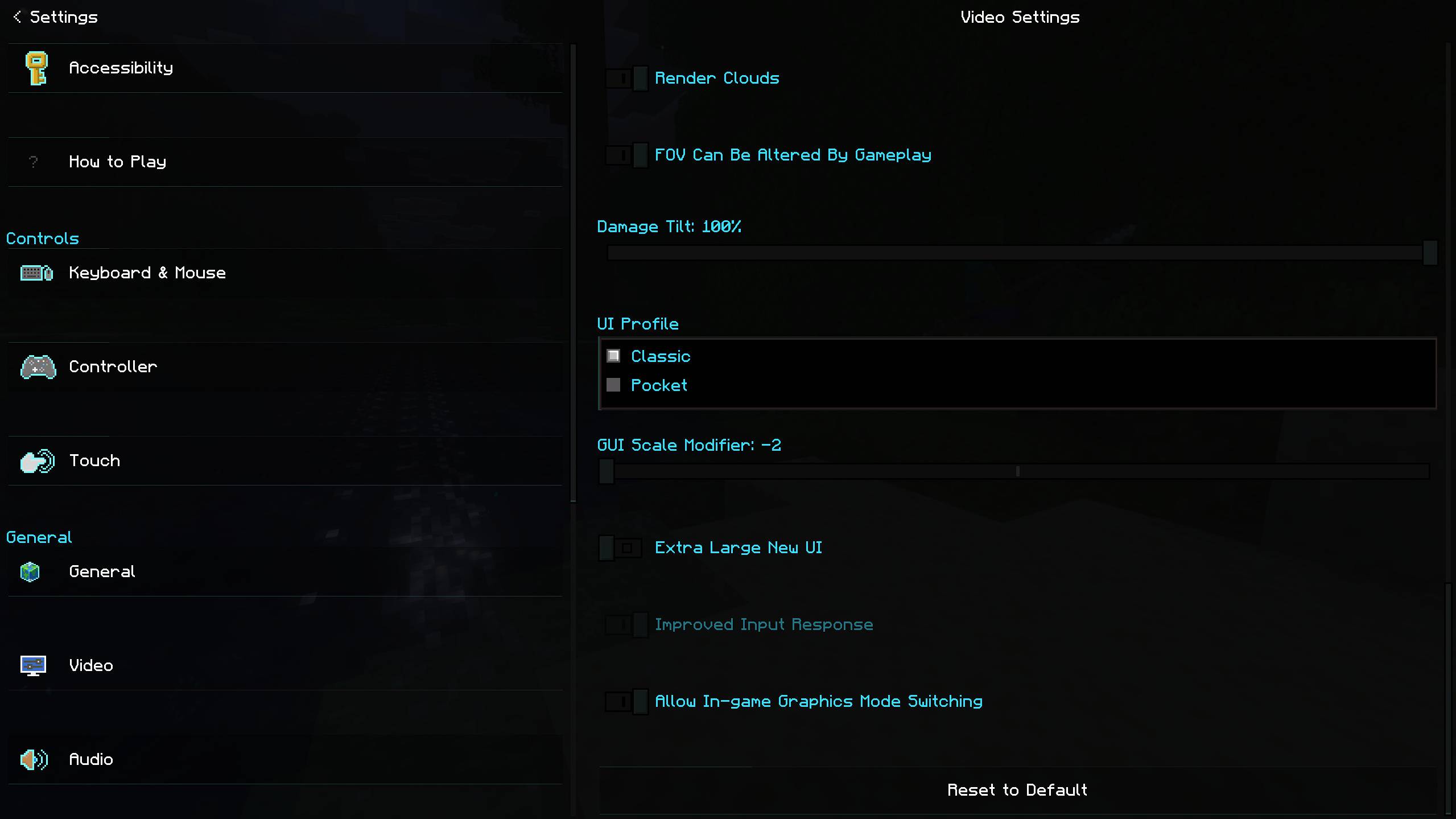
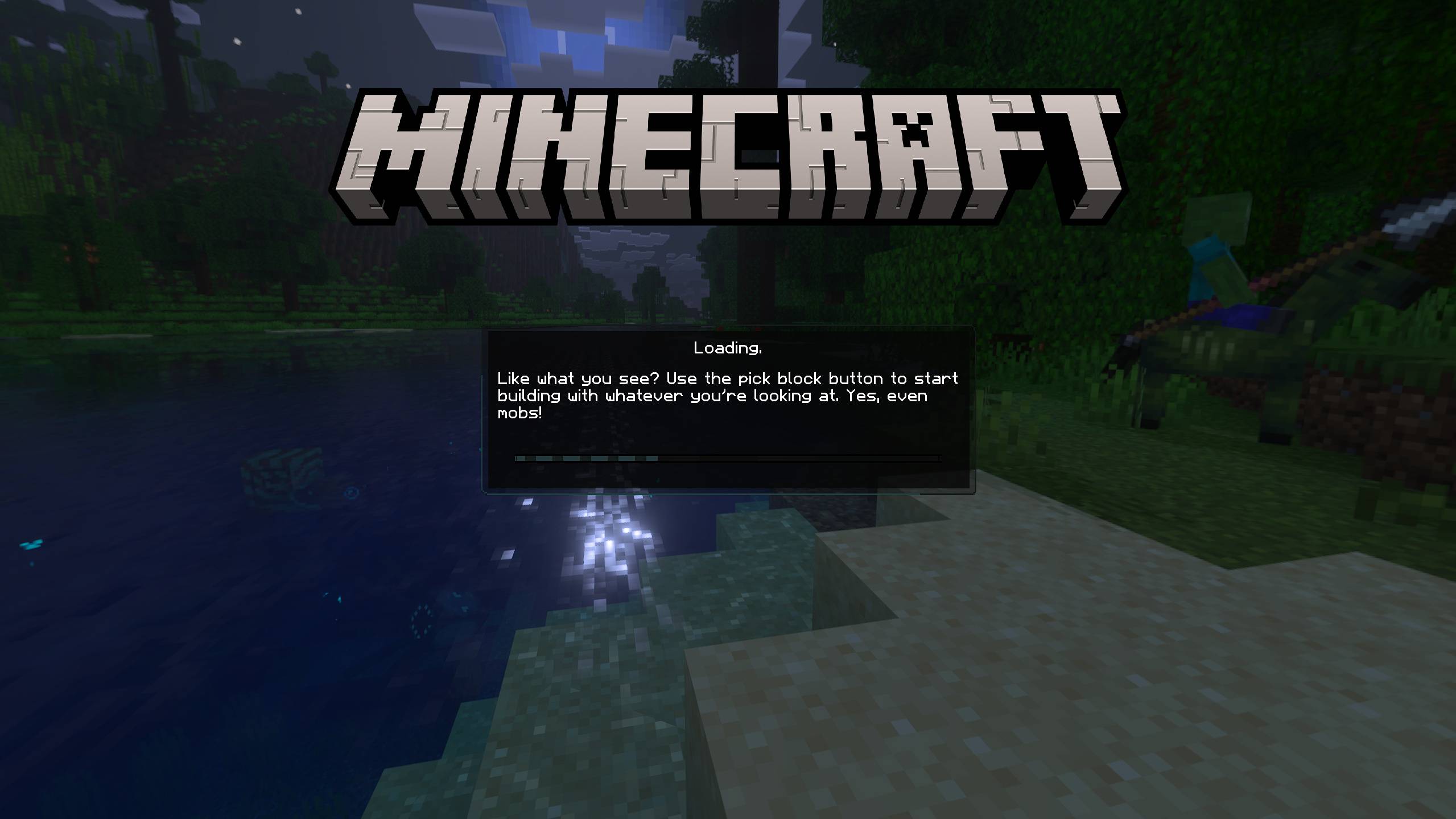
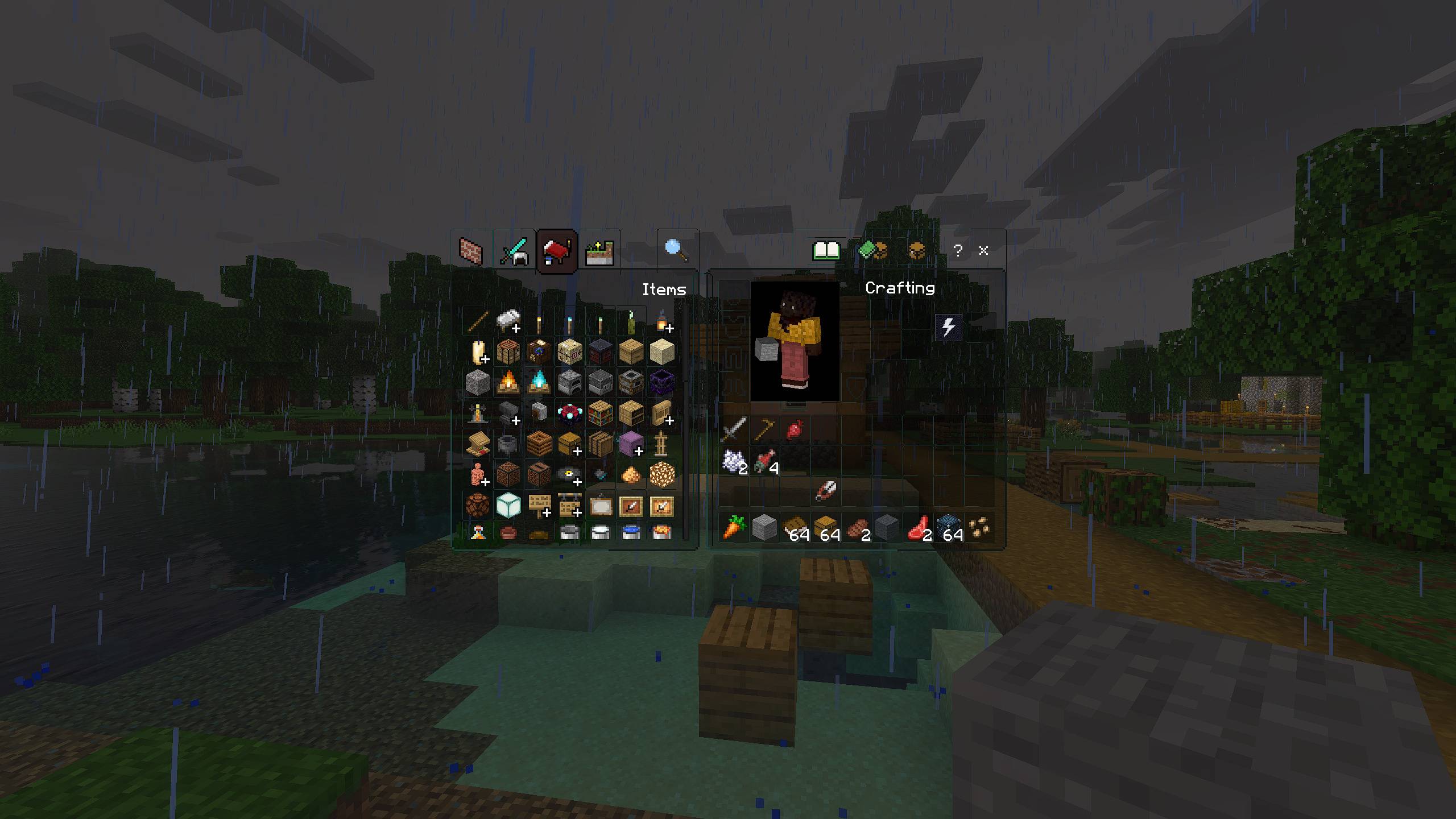
Clean Dark UI (Amoled) Revamp your menus into a modern, sleek, AMOLED-friendly dark theme. Features: True dark black backgrounds optimized for OLED screens Complete UI overhaul for inventories, chests, and chat Custom scrollbars, buttons, and borderless hotbars Fast craft and recipe book integrations Why You'll Love It: 1 Easy on the eyes during late-night gaming sessions. 2 Clean, minimalist design removes visual clutter. 3 Crisp cyan highlights and high-readability text. How to Get Started: 1 Download the Clean Dark UI (Amoled). 2 Install it in Minecraft PE. 3 Open your world and enjoy the new experience. Give your game interface a sleek, eye-fri
Open this resource in CraftyBox