
CRAFTYBOX
Preparing your block world
正在准备你的方块世界
First visit setup
首次访问设置
CRAFTYBOX
Preparing your block world
正在准备你的方块世界
First visit setup
首次访问设置
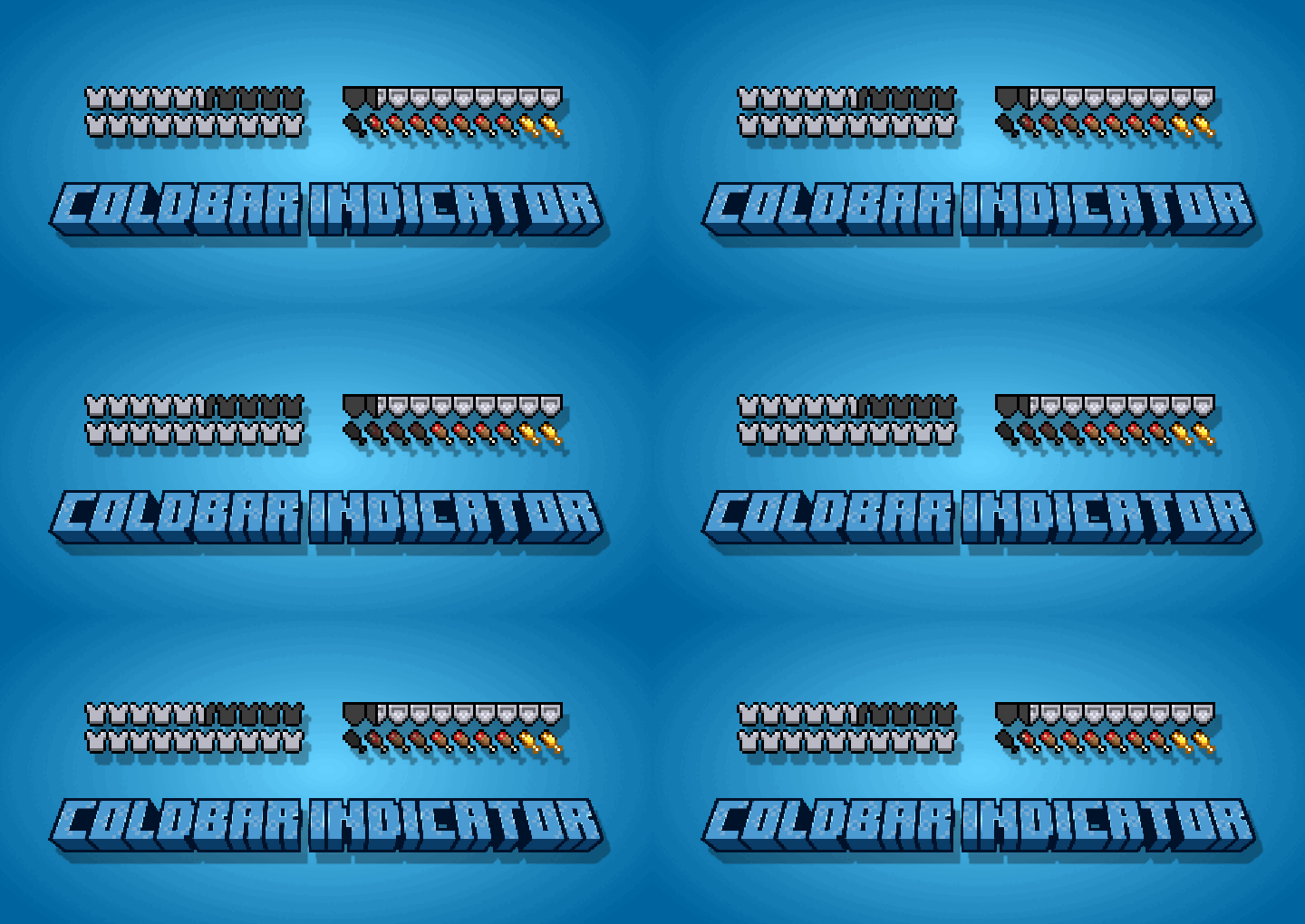
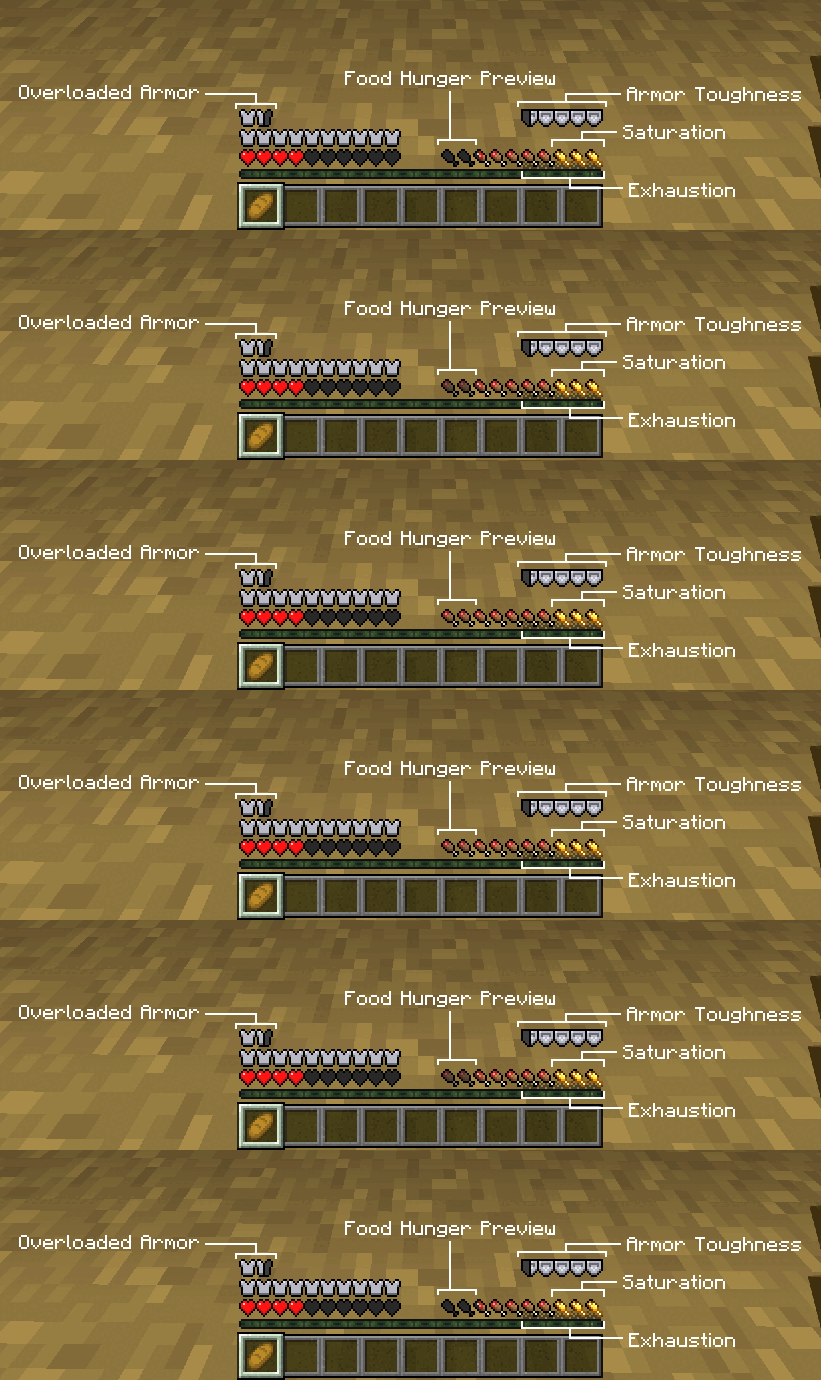
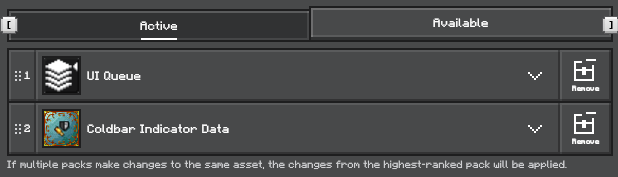
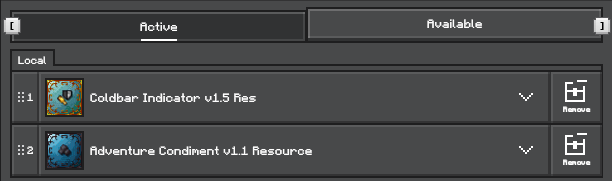
Coldbar Indicator Gain precise information about your status, armor, and surroundings with an advanced HUD indicator system. Features: Overloaded armor bar and armor toughness display Detailed food hunger, saturation, and exhaustion bars Direction indicators for steps, attacks, and targets Immersive visual effects for damage and status changes Why You'll Love It: 1 Keep track of vital stats with comprehensive UI elements. 2 Know instantly when and where attacks are coming from. 3 Enjoy enhanced gameplay information at a glance. How to Get Started: 1 Download the Coldbar Indicator. 2 Install it in Minecraft PE. 3 Open your world and enjoy the new exper
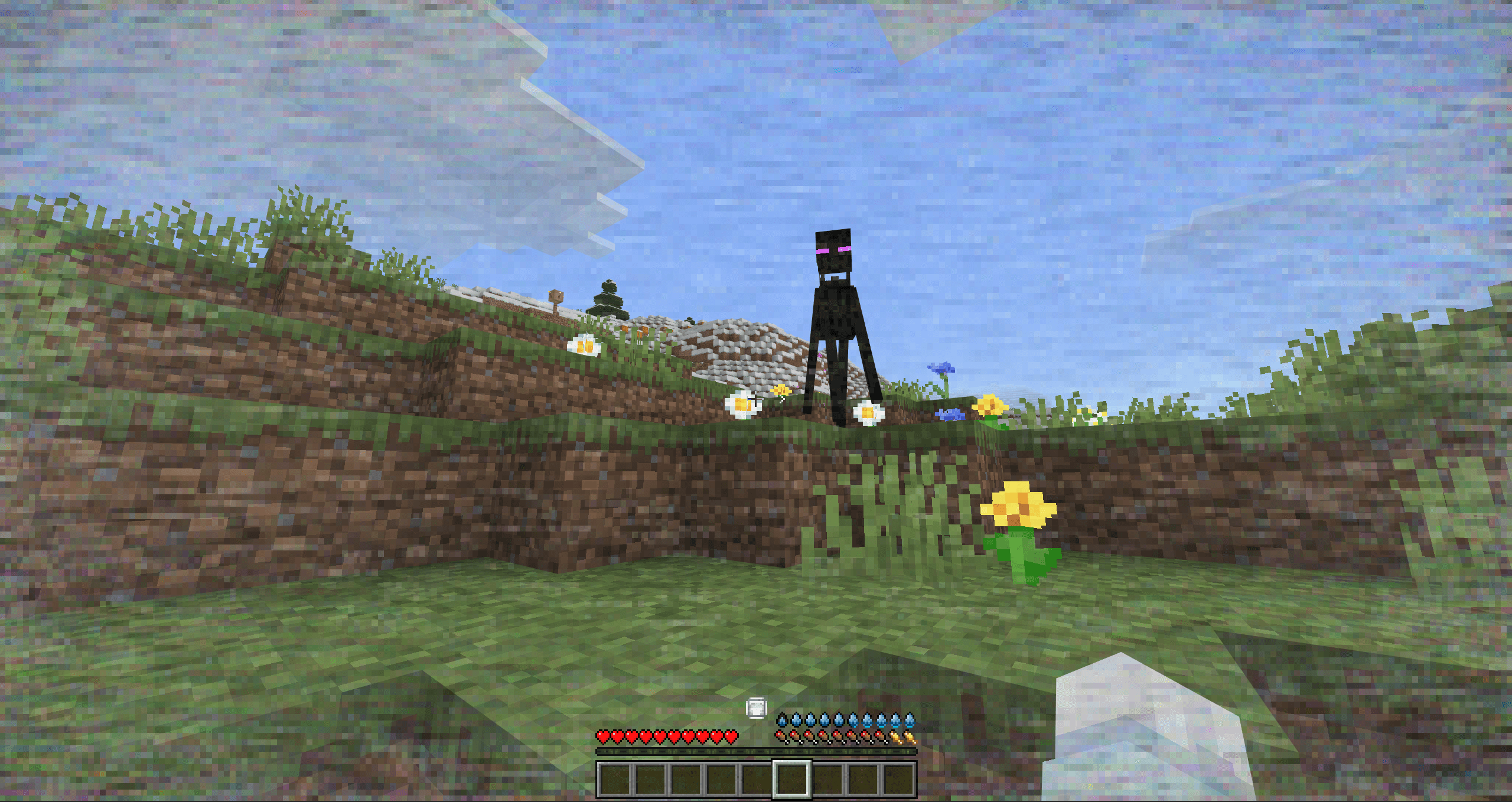
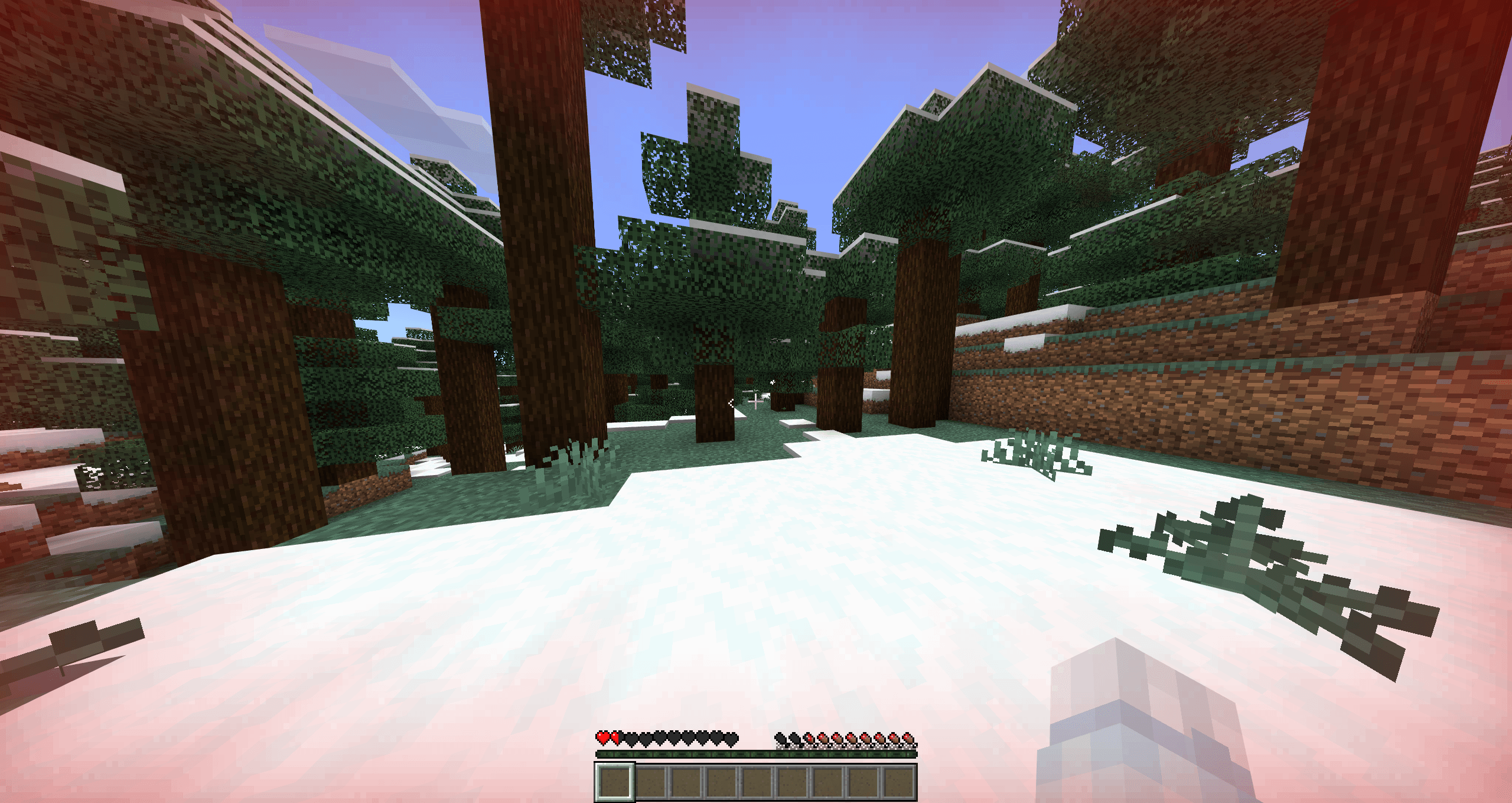
Read the full details and screenshots
Open this resource in CraftyBox