
CRAFTYBOX
Preparing your block world
正在准备你的方块世界
First visit setup
首次访问设置
CRAFTYBOX
Preparing your block world
正在准备你的方块世界
First visit setup
首次访问设置
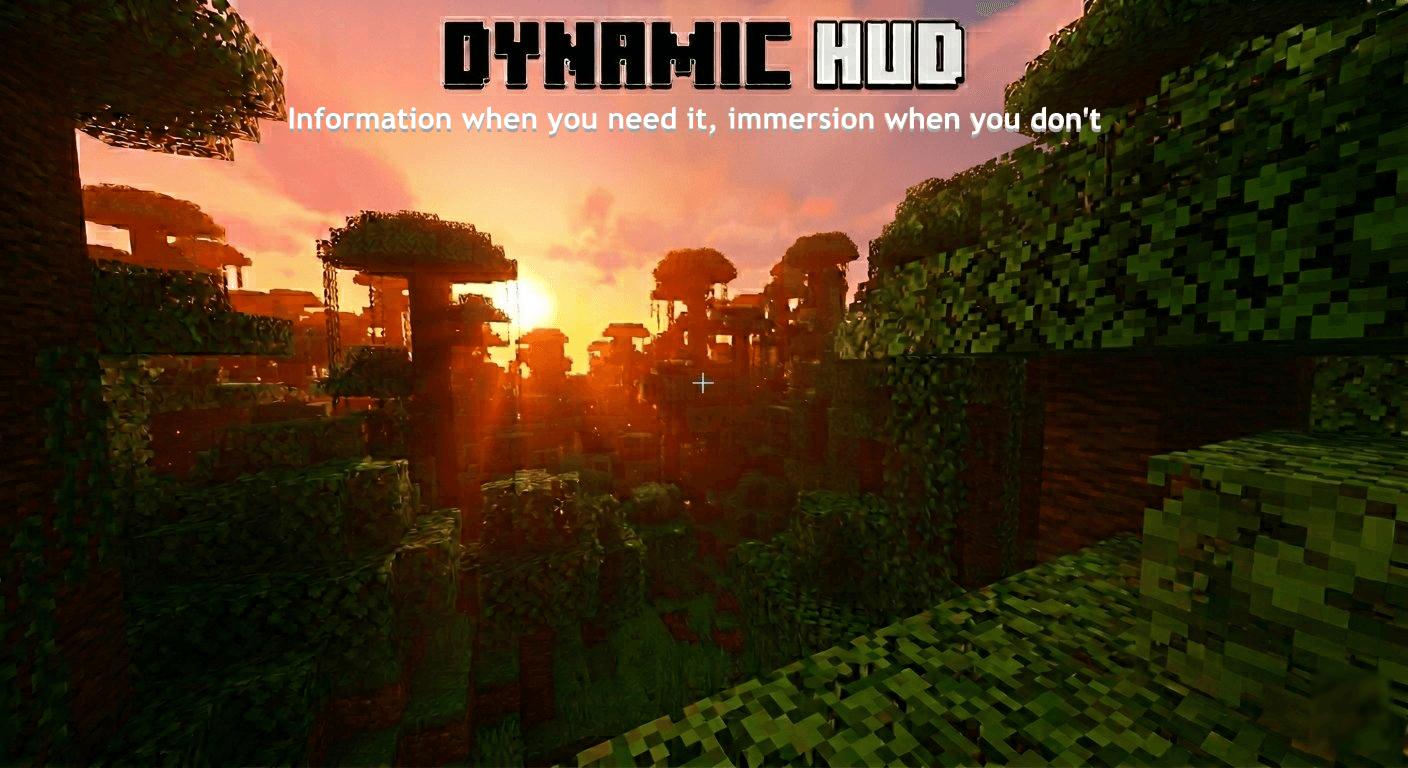
Dynamic HUD Declutter your Minecraft screen by automatically hiding HUD elements until you actually need them! Features: Automatically reveals hotbar, health, and armor during events Immersive gameplay focused purely on the world around you OLED screen protection features against burn-in Fully customizable per player preferences Why You'll Love It: 1 Enjoy a clean, cinematic interface view. 2 Protect your display screen from static element burn-in. 3 Keep essential status bars visible only when in danger. How to Get Started: 1 Download the Dynamic HUD. 2 Install it in Minecraft PE. 3 Open your world and enjoy the new experience. Immerse yourself in
Read the full details and screenshots
Open this resource in CraftyBox