
CRAFTYBOX
Preparing your block world
正在准备你的方块世界
First visit setup
首次访问设置
CRAFTYBOX
Preparing your block world
正在准备你的方块世界
First visit setup
首次访问设置
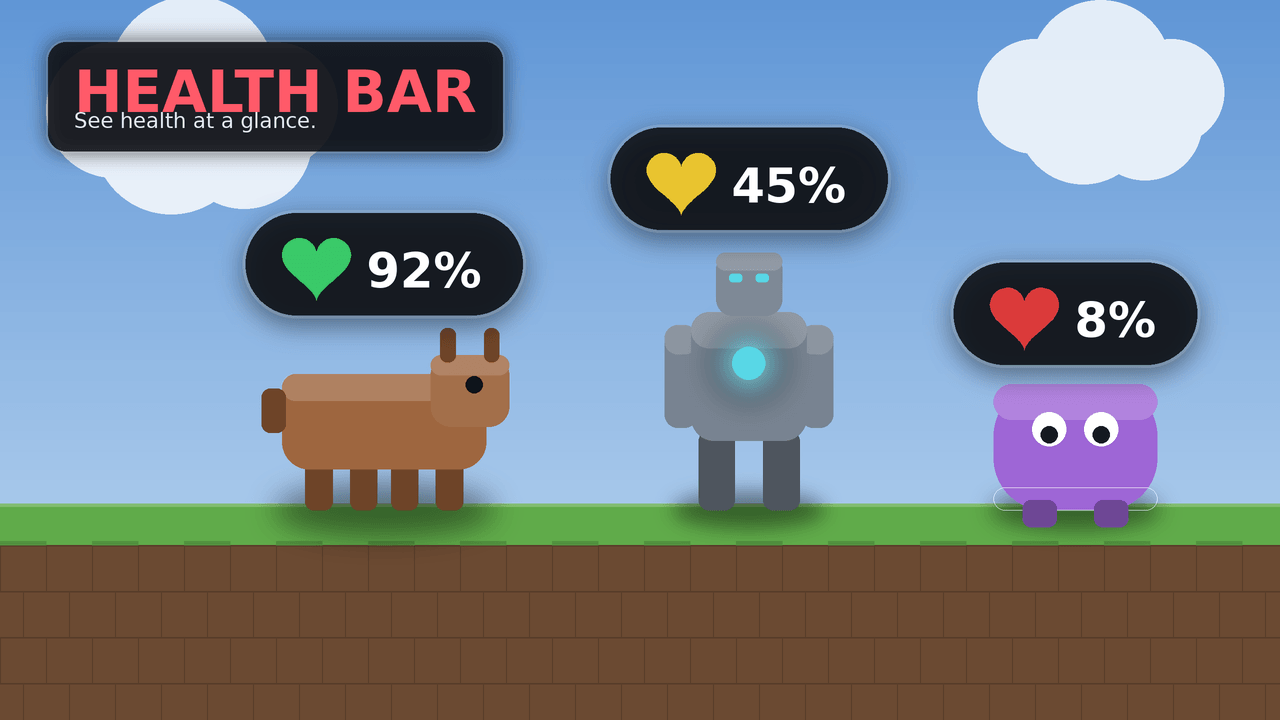
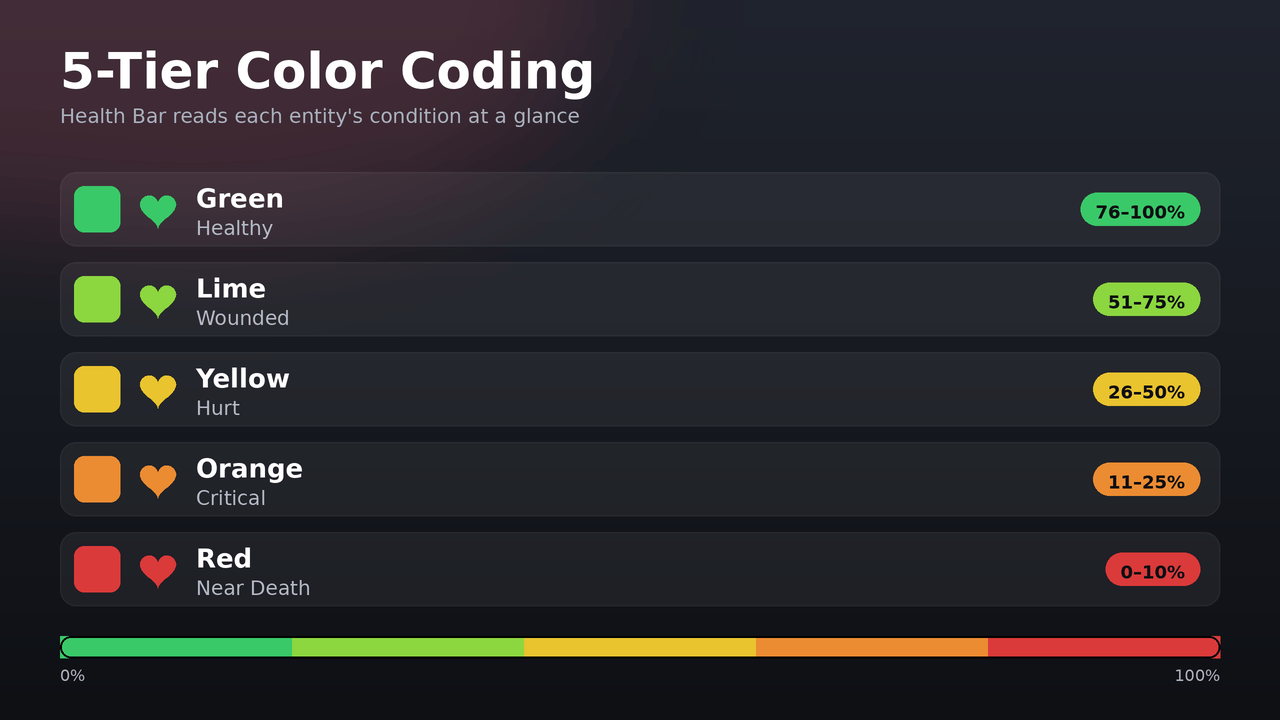
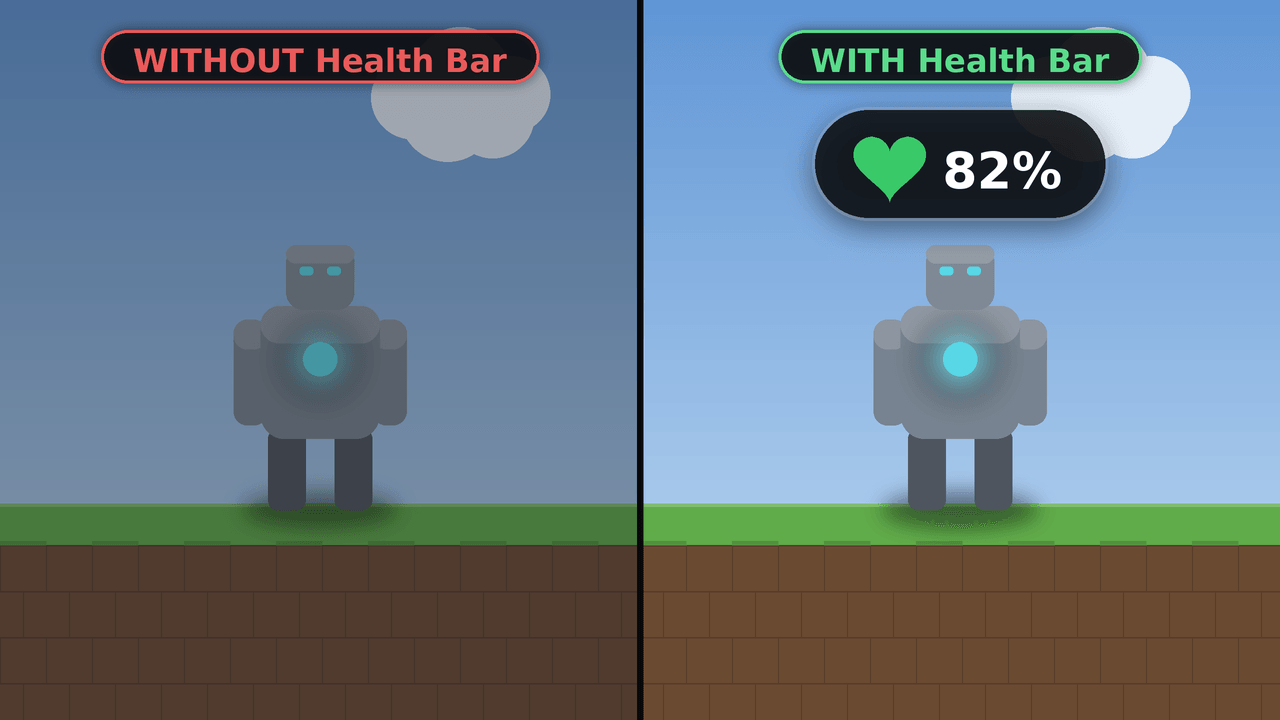
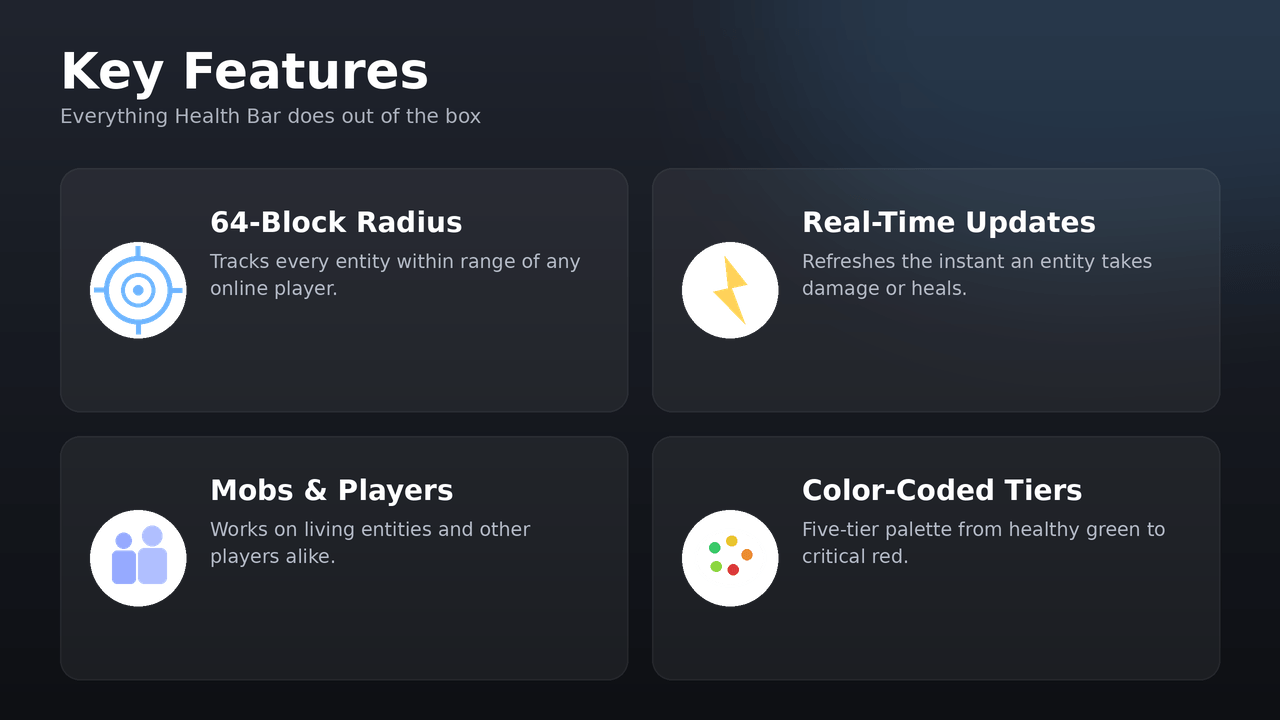
Health Bar View real-time, color-coded health readouts floating above every mob and player around you. Features: 64-block range entity tracking Color-coded health percentage tiers Real-time damage and healing updates Pure Script API with zero world edits Why You'll Love It: 1 Know the exact status of nearby threats. 2 Play seamlessly without needing crosshair aim. 3 Enjoy lag-free performance on any server. How to Get Started: 1 Download the Health Bar. 2 Install it in Minecraft PE. 3 Open your world and enjoy the new experience. Keep a close eye on the battlefield!
Open this resource in CraftyBox