
CRAFTYBOX
Preparing your block world
正在准备你的方块世界
First visit setup
首次访问设置
CRAFTYBOX
Preparing your block world
正在准备你的方块世界
First visit setup
首次访问设置
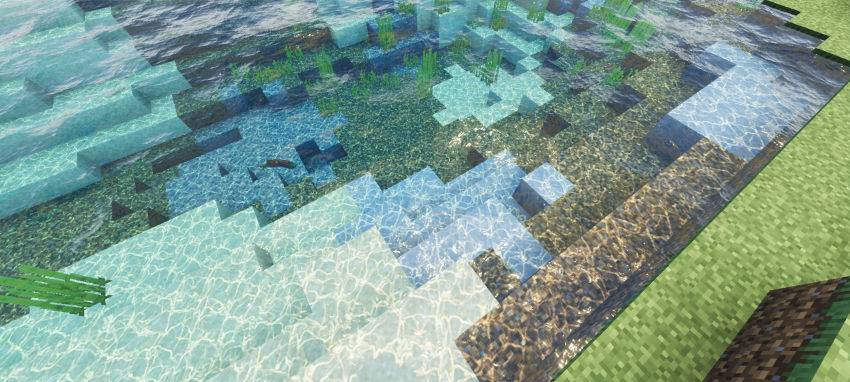
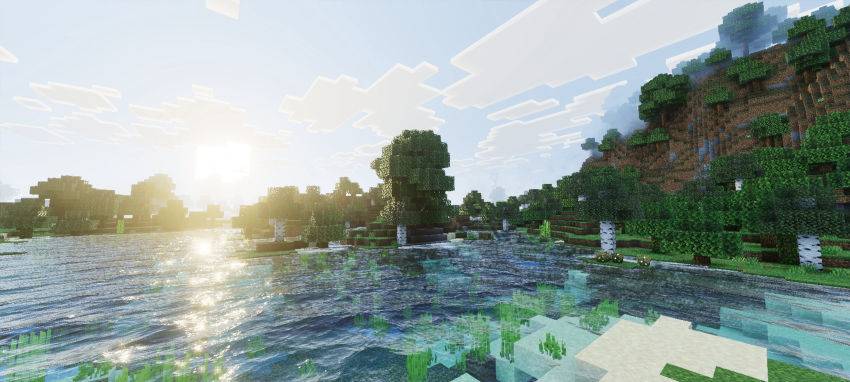
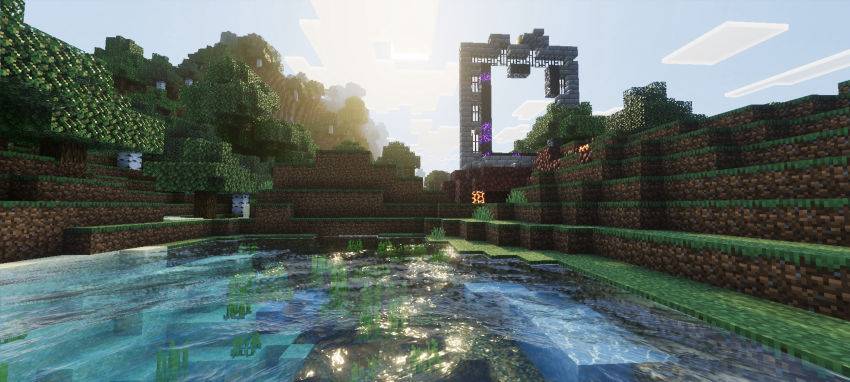
Immersive Visuals Shader Sink into a richer, more atmospheric Minecraft — enhanced lighting, colors, and depth that pull you straight into the world! Features: Beautiful dynamic lighting and soft shadows Realistic water with gentle waves and reflections Enhanced colors that make biomes pop Tuned for MCPE/Bedrock 1.21+ devices Why You'll Love It: 1 Every sunrise and sunset becomes a screenshot moment 2 Immersion without destroying your frame rate 3 Vanilla gameplay, dramatically better atmosphere How to Get Started: 1 Download the Immersive Visuals Shader. 2 Install it in Minecraft PE. 3 Open your world and enjoy the new experience. See your world
Open this resource in CraftyBox