
CRAFTYBOX
Preparing your block world
正在准备你的方块世界
First visit setup
首次访问设置
CRAFTYBOX
Preparing your block world
正在准备你的方块世界
First visit setup
首次访问设置
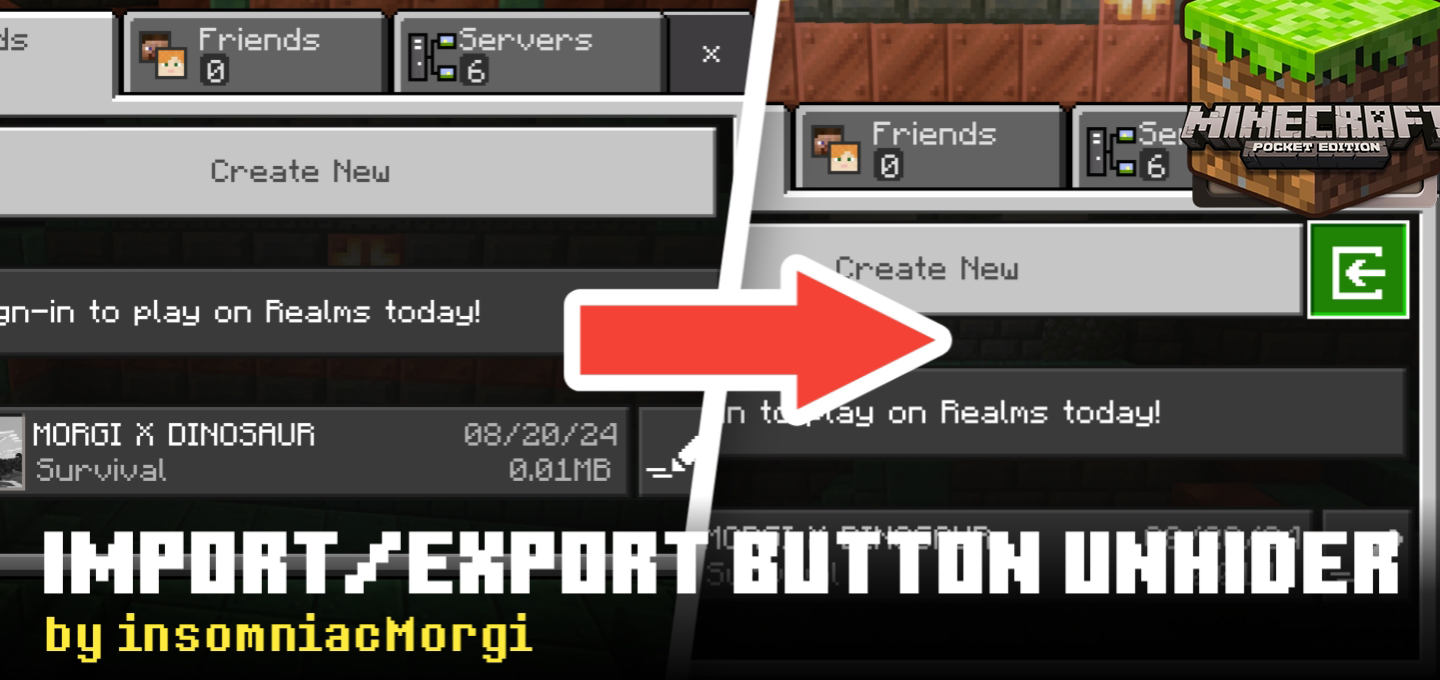
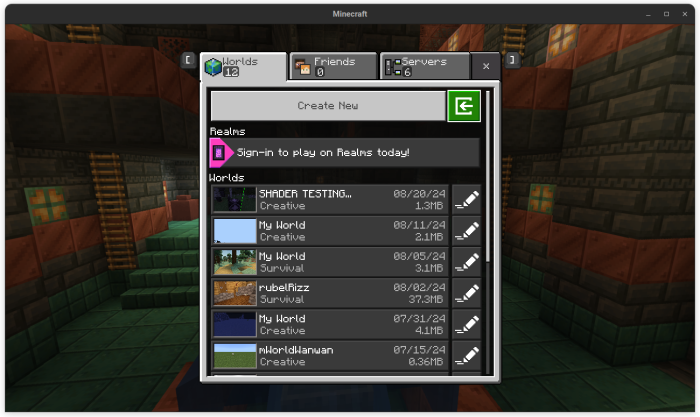
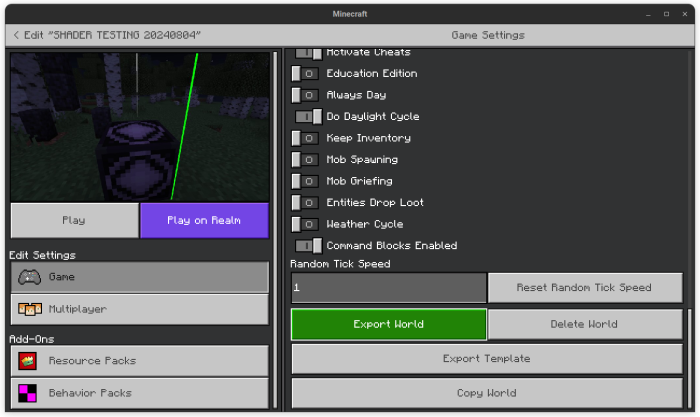
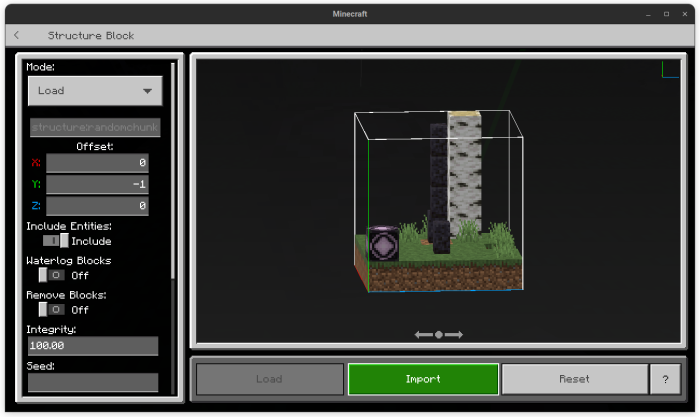
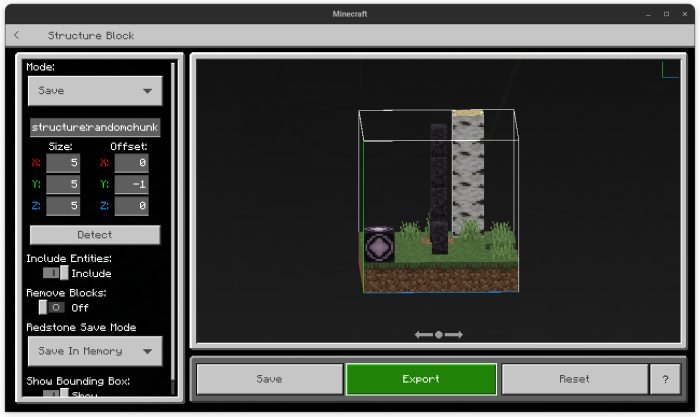
Import/Export Button Unhider for MCPE/Bedrock Unlock hidden import and export buttons to easily manage your worlds and addons. Features: Reveals hidden UI buttons. Simplifies world and addon management. Compatible with Minecraft PE/Bedrock Edition. Improves usability and control. Why You’ll Love It: 1 Quick access to import/export features. 2 Manage your creations effortlessly. 3 Great for creators and modders. How to Get Started: 1 Download Import/Export Button Unhider. 2 Enable it in Minecraft PE. 3 Manage your worlds and addons with ease! Take control of your Minecraft content!
Open this resource in CraftyBox