
CRAFTYBOX
Preparing your block world
正在准备你的方块世界
First visit setup
首次访问设置
CRAFTYBOX
Preparing your block world
正在准备你的方块世界
First visit setup
首次访问设置
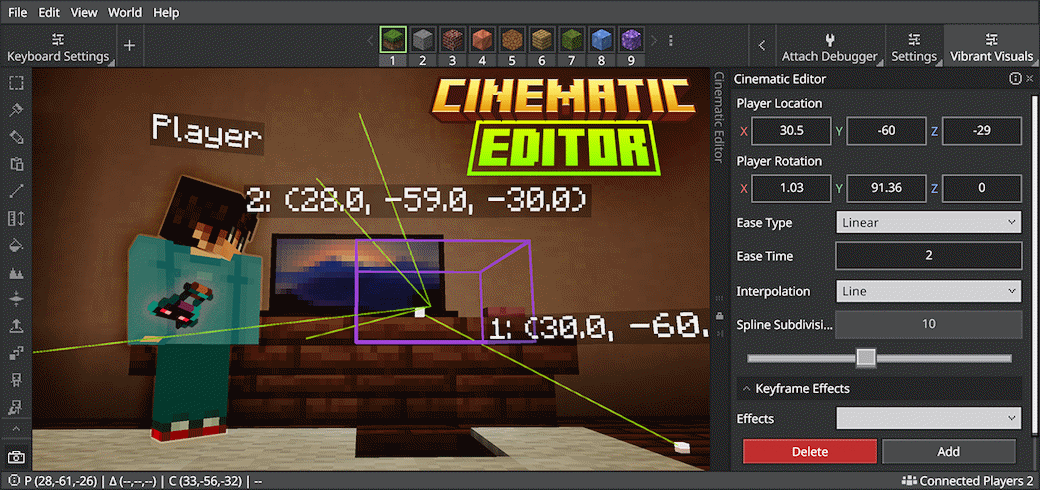
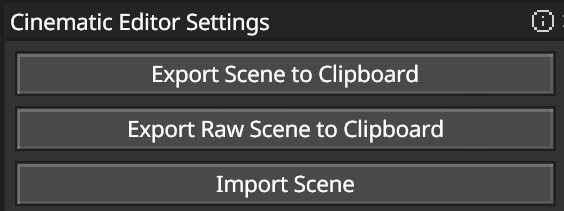
Jayly's Cinematic Editor v2.2.3 Master camera perspectives and design stunning cinematic scenes right inside Minecraft! Features: Create and manage smooth keyframes Control camera transitions and easing Add keyframe effects like fade in and out Import and export scenes for runtime add-ons Why You'll Love It: 1 Build professional cinematic videos easily. 2 Interact with the world while managing cameras. 3 Utilize advanced debug tools with FOV support. How to Get Started: 1 Download the Jayly's Cinematic Editor v2.2.3. 2 Install it in Minecraft PE. 3 Open your world and enjoy the new experience. Bring your cinematic visions to life!
Read the full details and screenshots
Open this resource in CraftyBox