
CRAFTYBOX
Preparing your block world
正在准备你的方块世界
First visit setup
首次访问设置
CRAFTYBOX
Preparing your block world
正在准备你的方块世界
First visit setup
首次访问设置
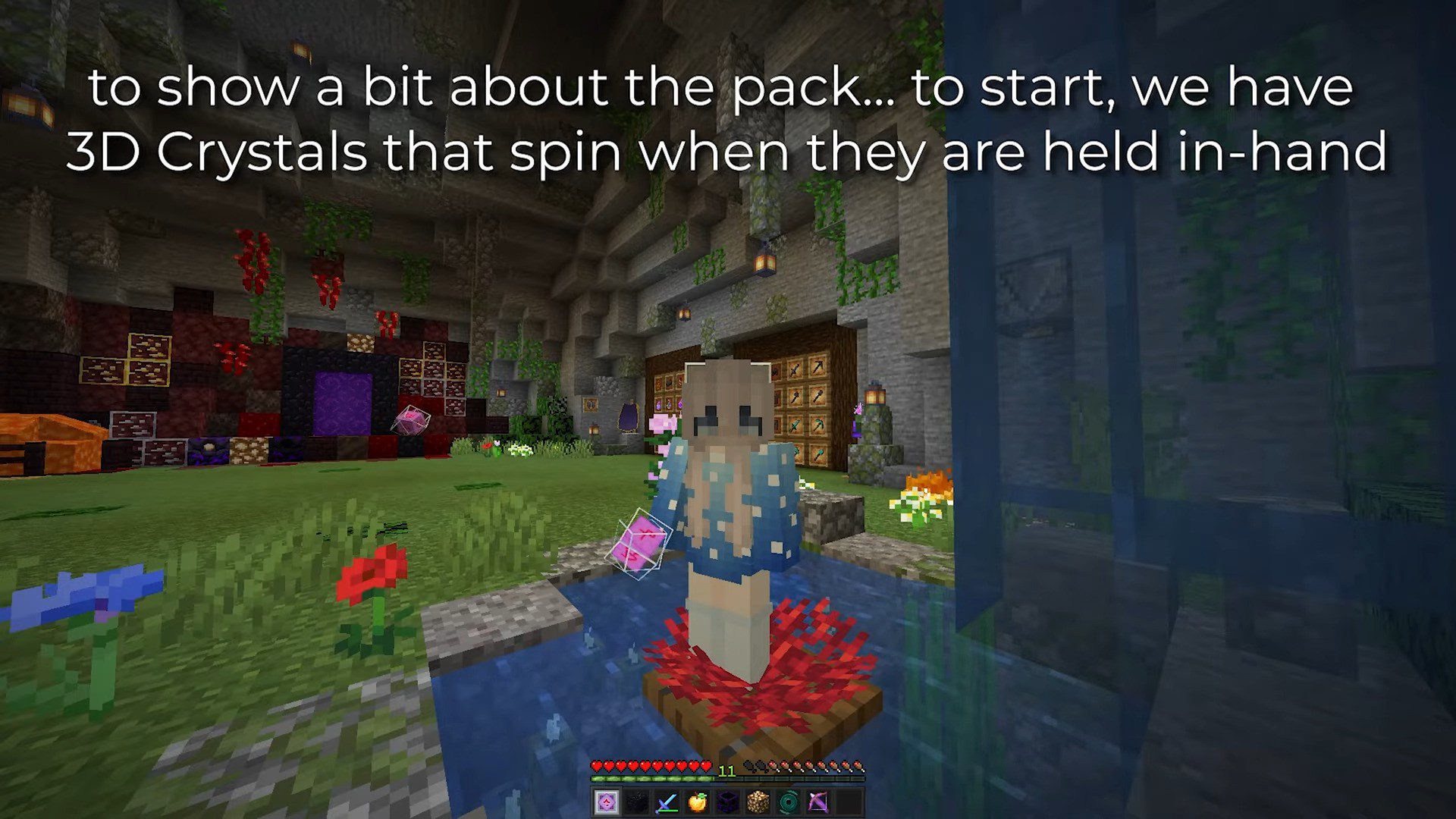
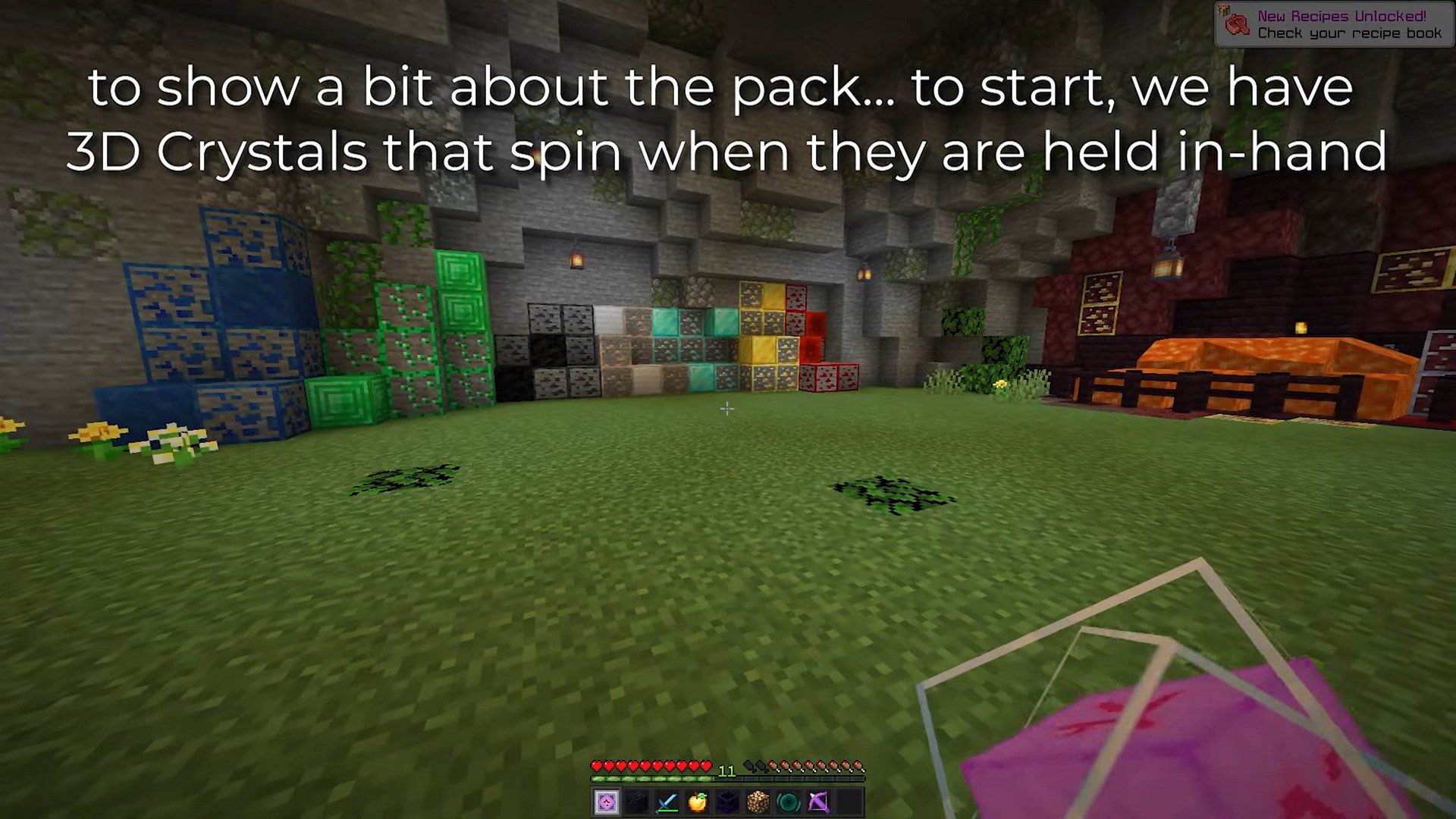
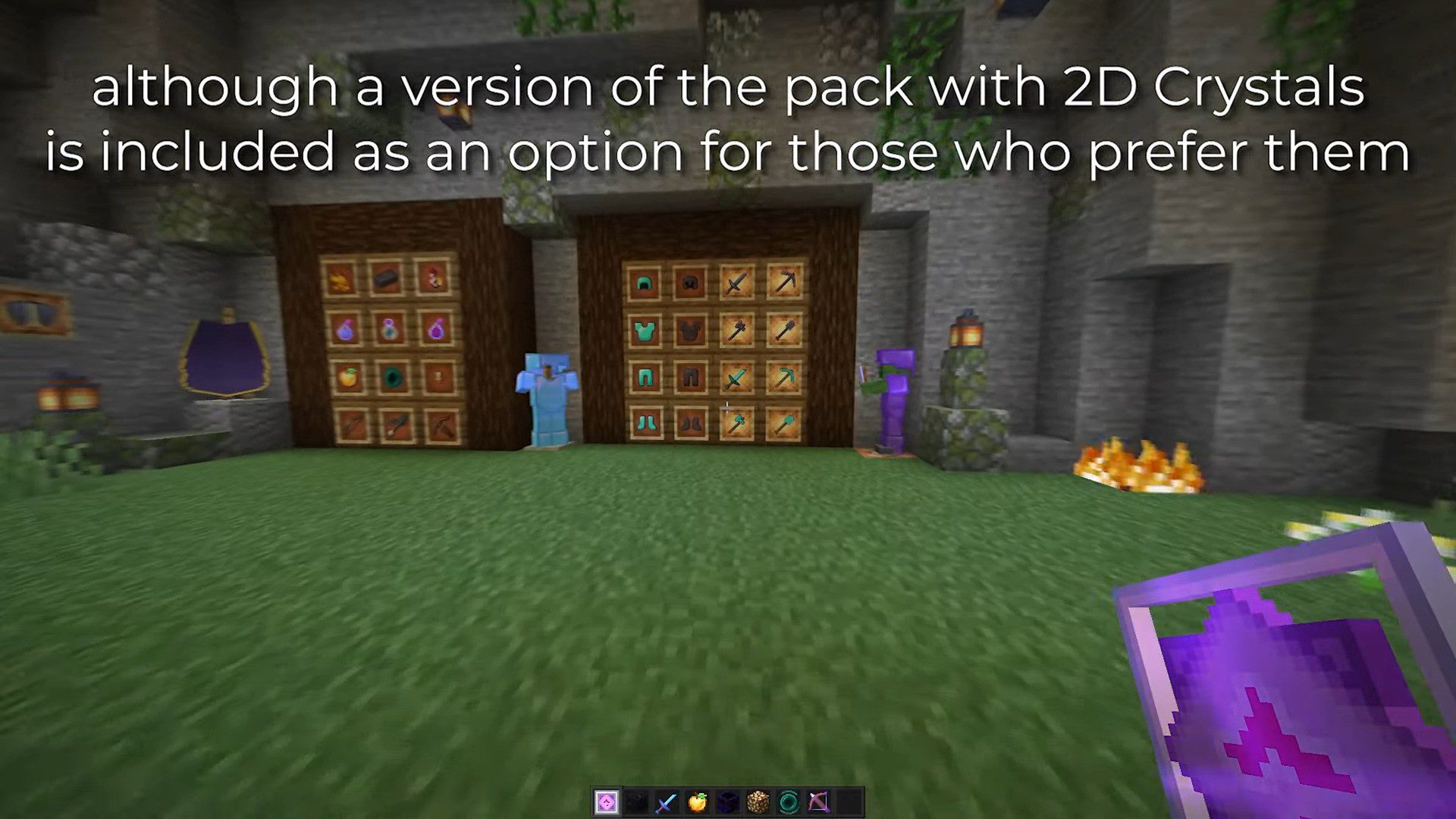
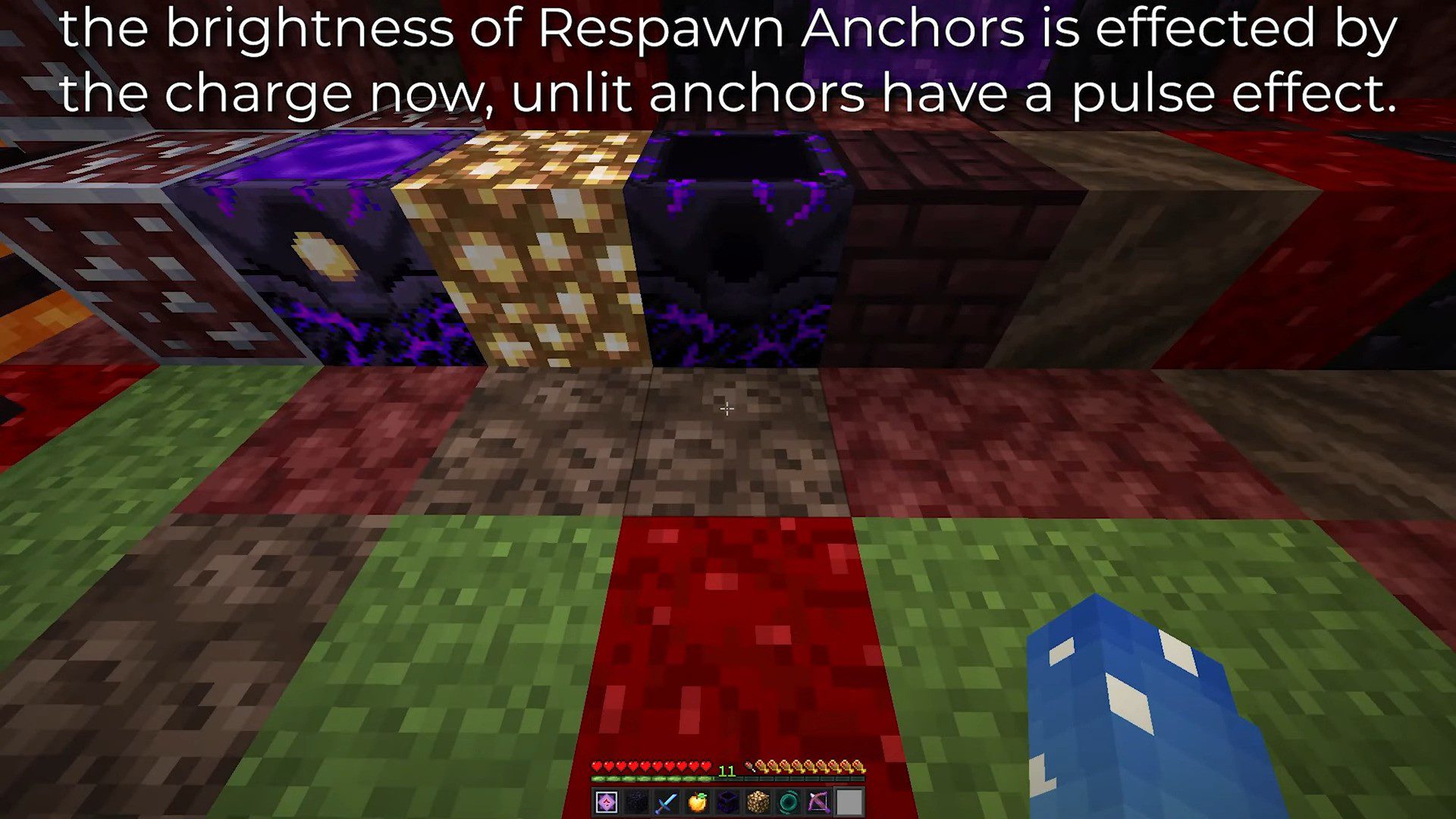
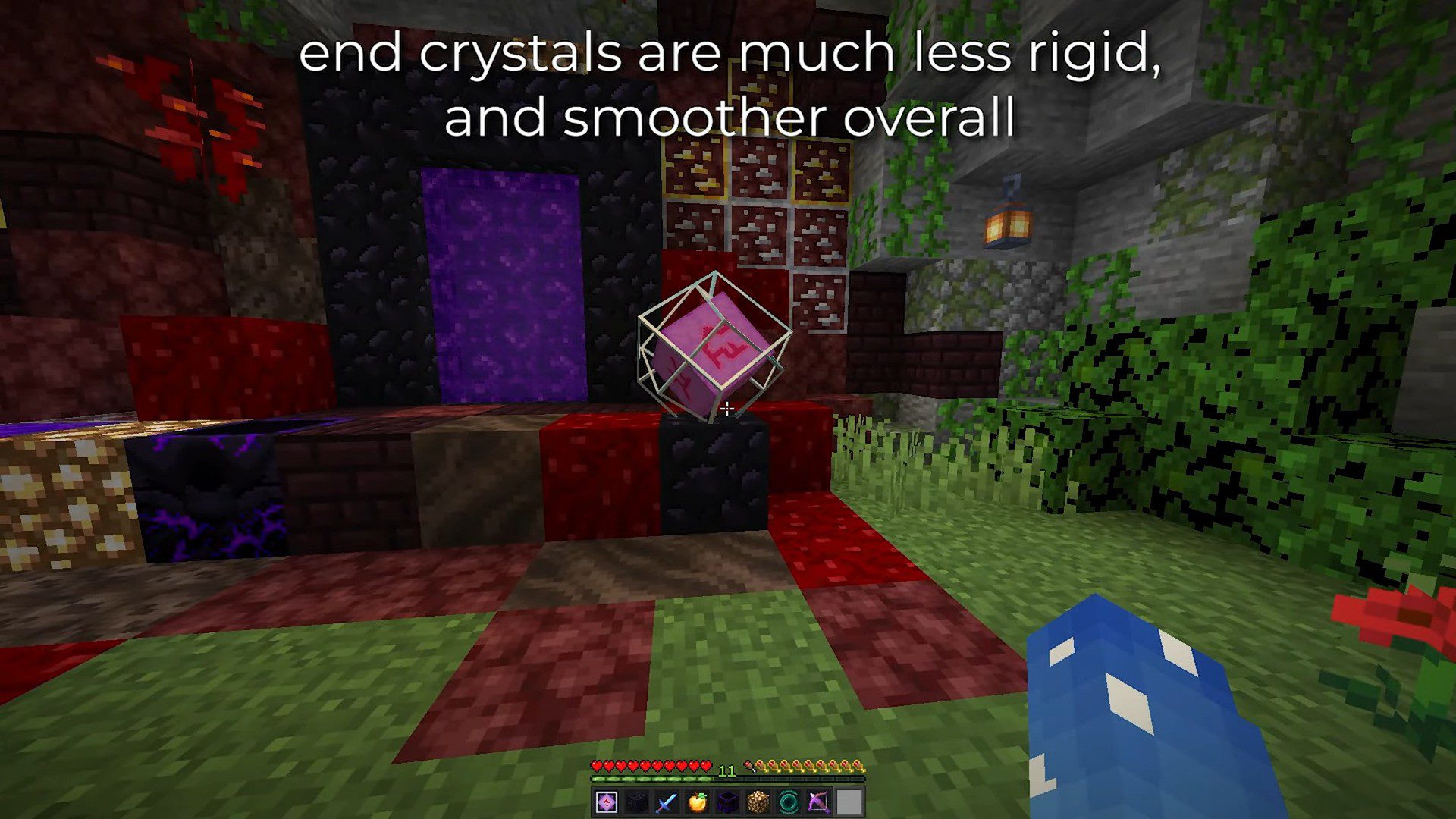
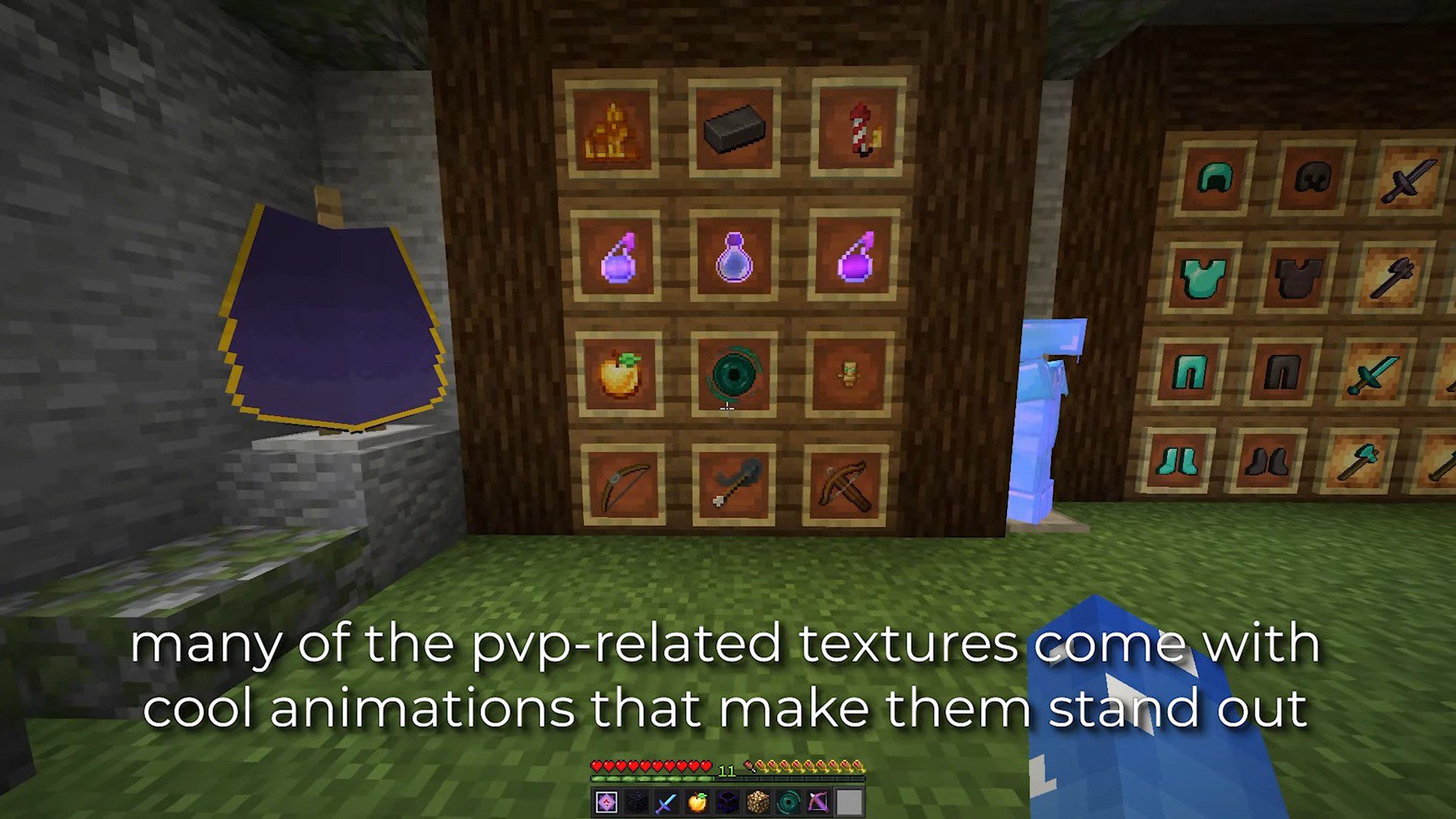
Marlow’s Vanilla+ 32x Texture Pack Marlow’s Vanilla+ upgrades Minecraft PE to crisp 32x textures while keeping the vanilla soul fully intact. Features: Sharp 32x resolution versions of classic textures Subtle detail added to blocks, plants, and items Faithful vanilla palette – nothing feels out of place Optimized for smooth play on 1.26 and 1.21 Why You'll Love It: 1 Vanilla charm with double the detail. 2 No jarring style changes, just a cleaner world. 3 Light enough for everyday survival sessions. How to Get Started: 1 Download the Marlow’s Vanilla+ 32x Texture Pack. 2 Install it in Minecraft PE. 3 Open your world and enjoy the new experience.
Open this resource in CraftyBox