
CRAFTYBOX
Preparing your block world
正在准备你的方块世界
First visit setup
首次访问设置
CRAFTYBOX
Preparing your block world
正在准备你的方块世界
First visit setup
首次访问设置
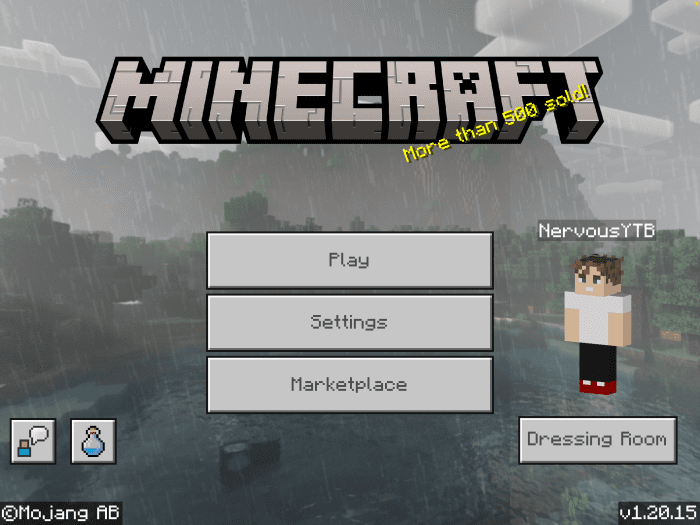
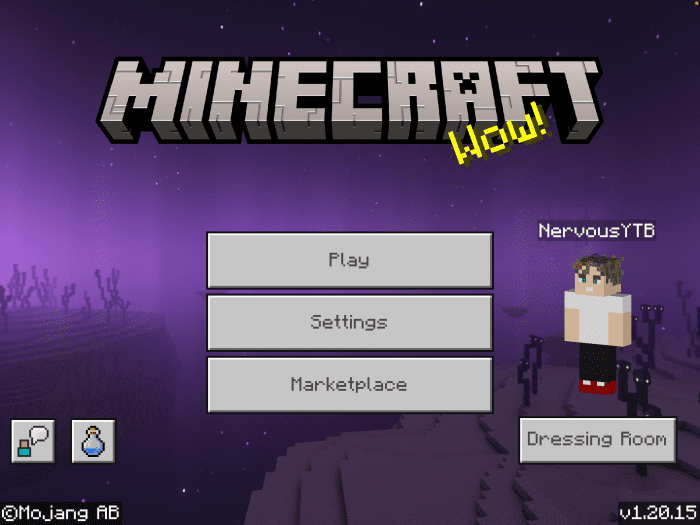
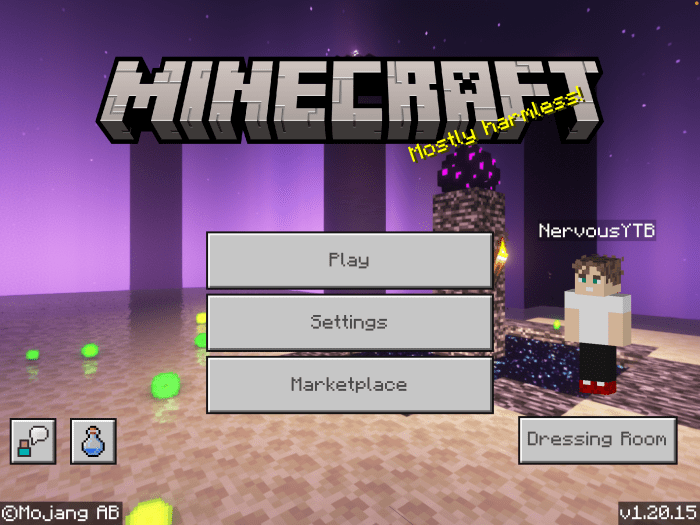
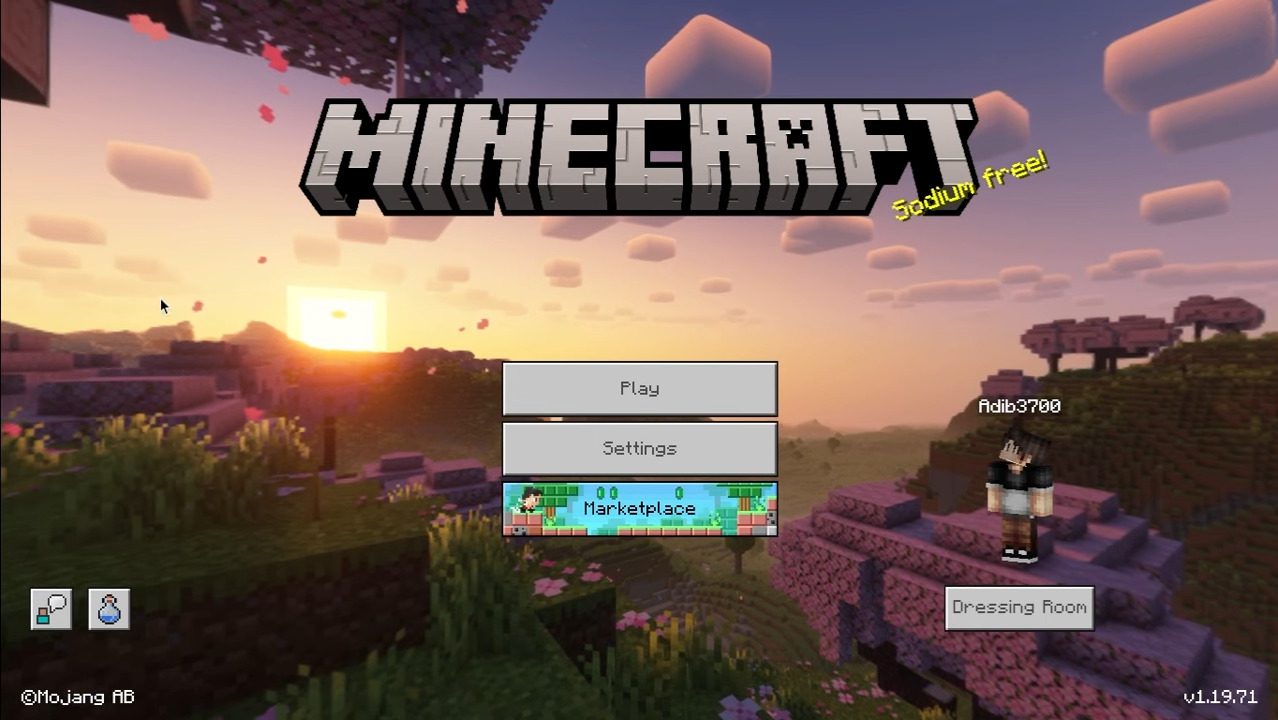
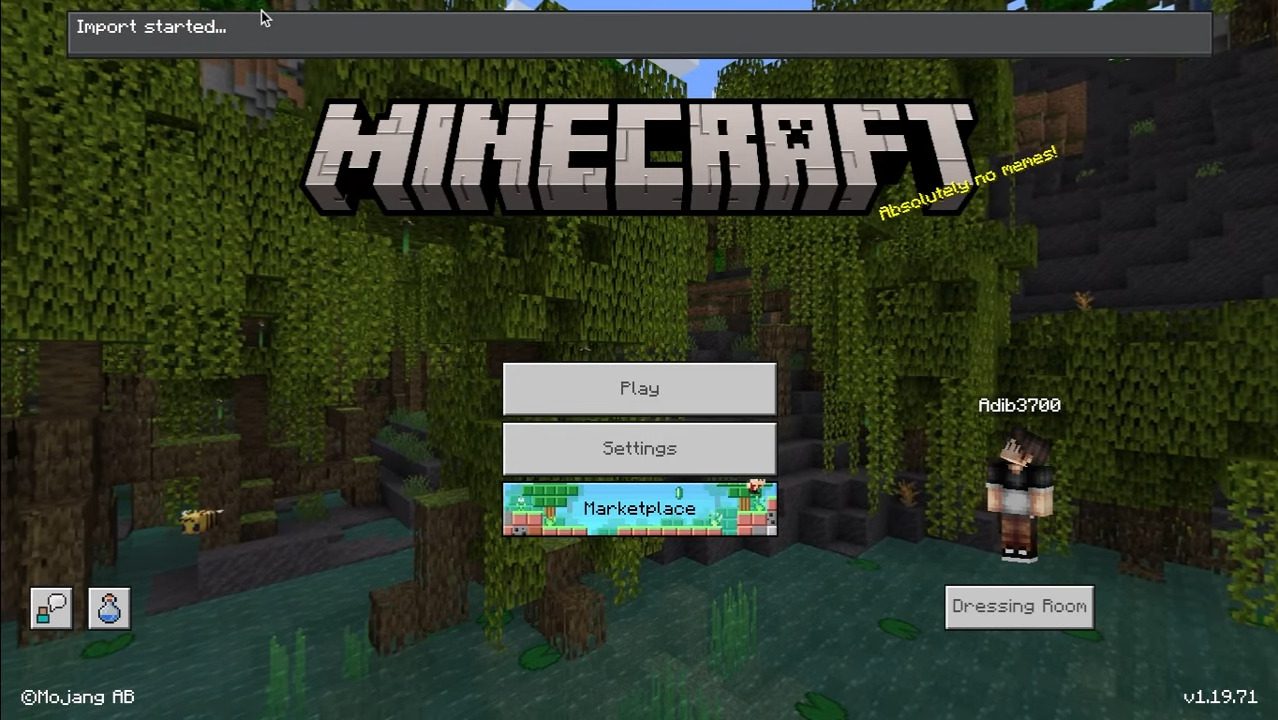
Nature Panoramas UI Pack Turn your main menu into a scenic getaway — breathtaking nature panoramas replace the default background on MCPE/Bedrock! Features: Gorgeous rotating nature panorama backgrounds Mountains, forests, and serene landscape views Refreshes your menus without touching gameplay Easy visual treat for Bedrock 1.20 Why You'll Love It: 1 Launching the game becomes a scenic moment 2 A simple change that makes the game feel premium 3 Zero impact on performance or gameplay How to Get Started: 1 Download the Nature Panoramas UI Pack. 2 Install it in Minecraft PE. 3 Open your world and enjoy the new experience. Start every session with a
Open this resource in CraftyBox