
CRAFTYBOX
Preparing your block world
正在准备你的方块世界
First visit setup
首次访问设置
CRAFTYBOX
Preparing your block world
正在准备你的方块世界
First visit setup
首次访问设置
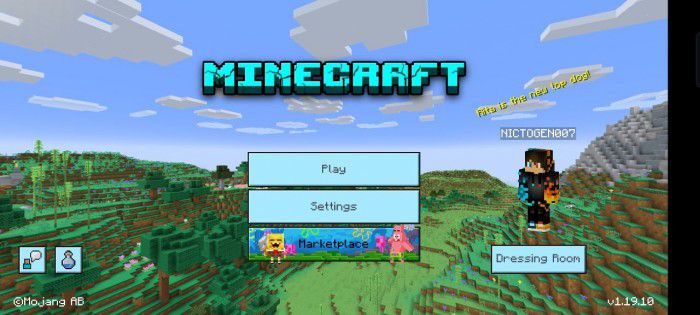
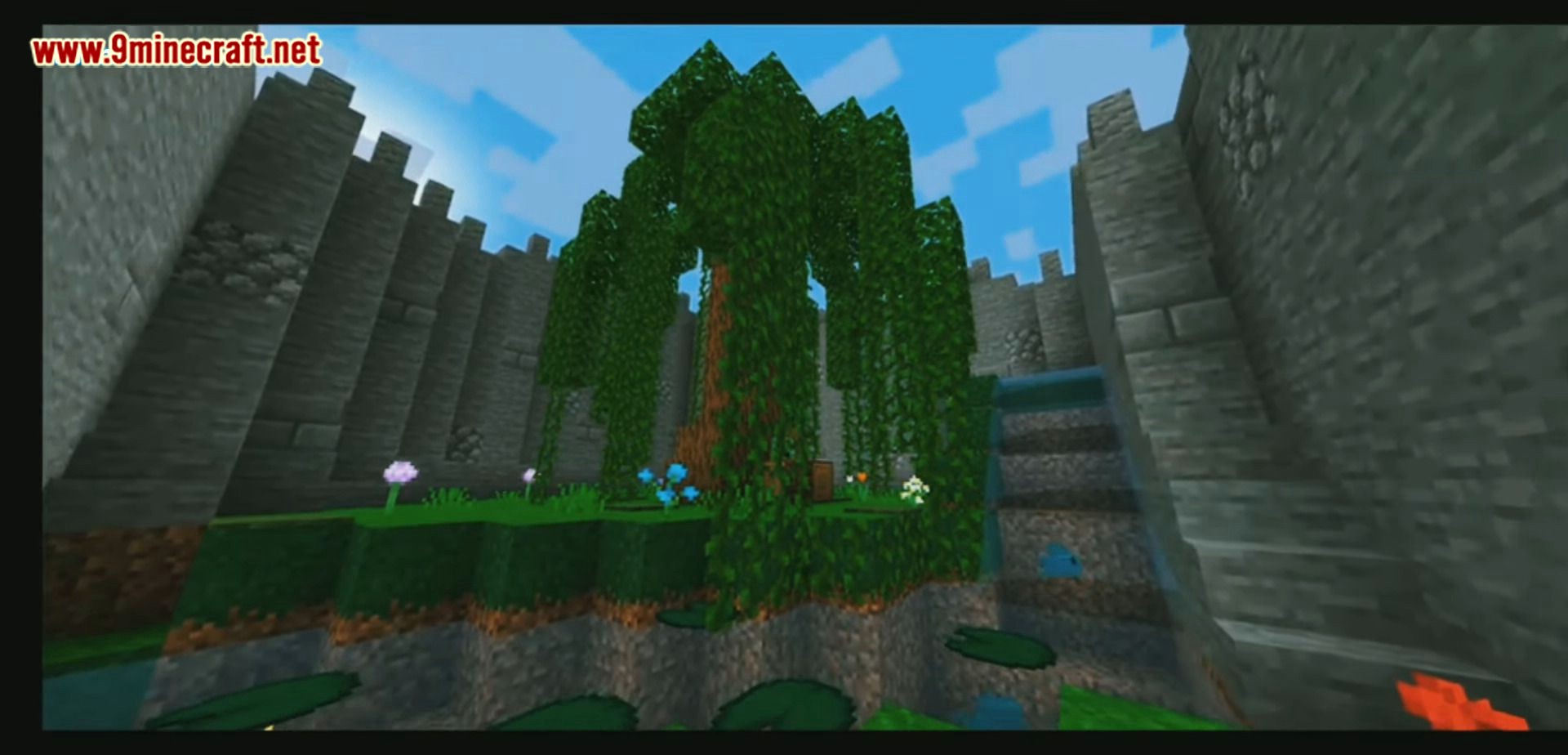
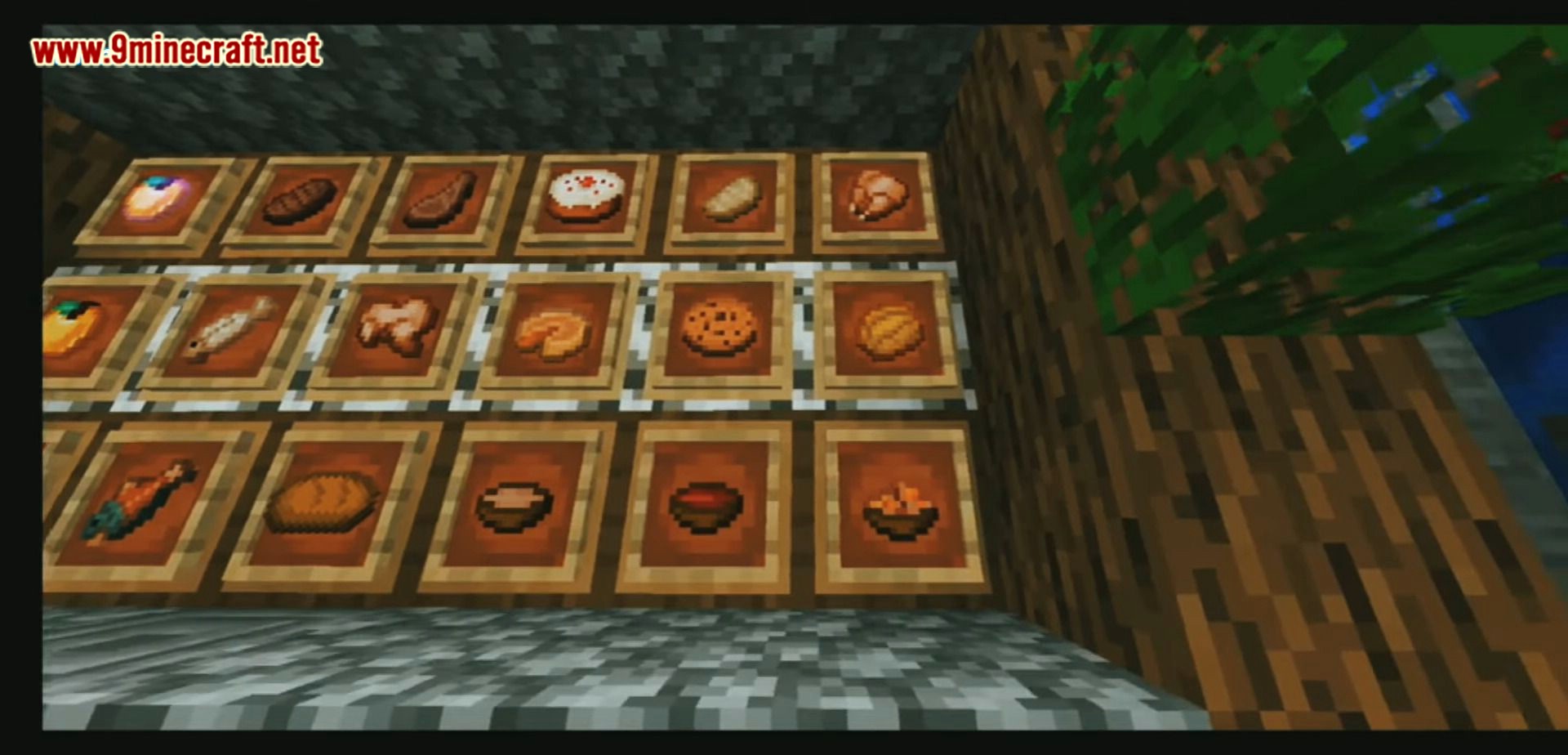
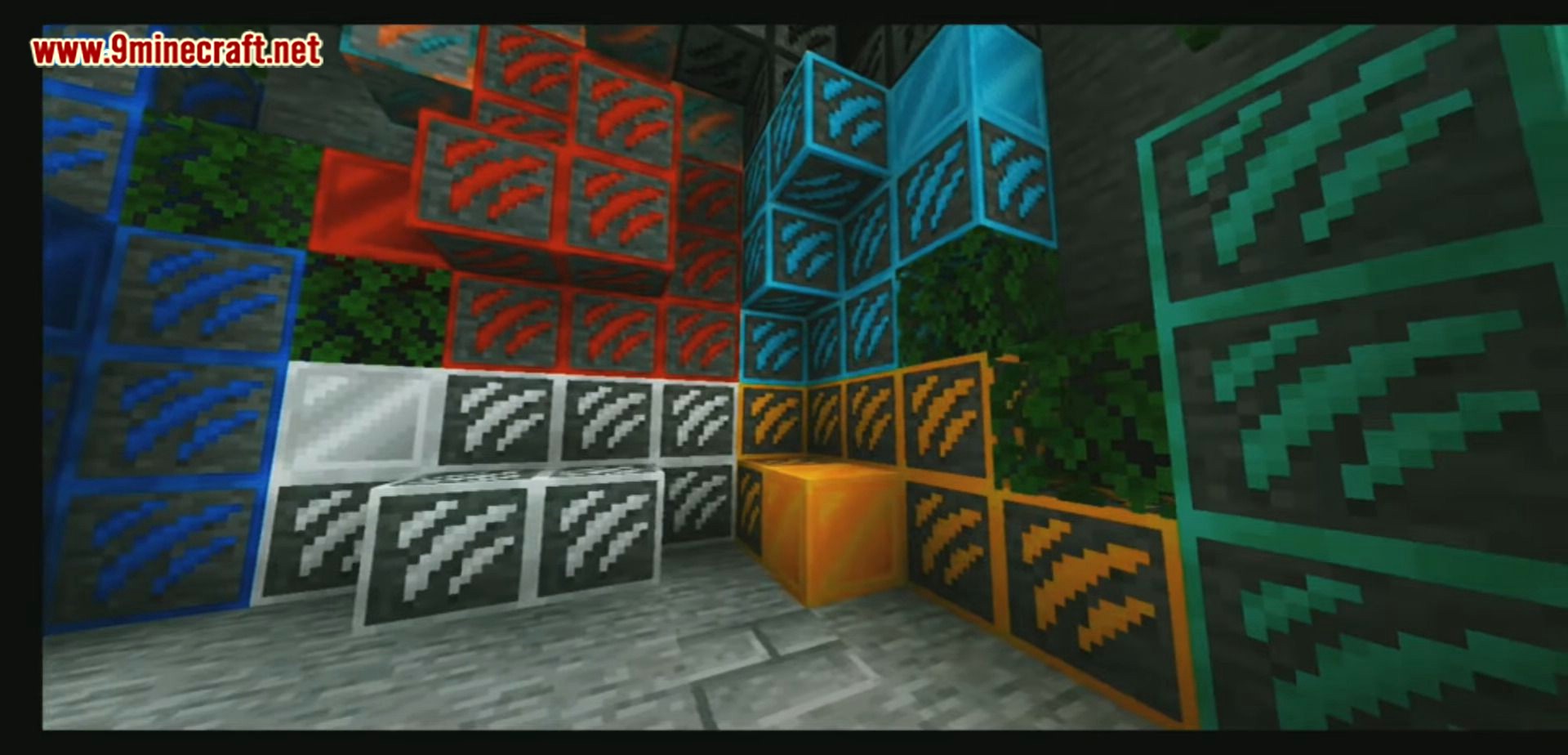
Neo Texture Pack UI Give your menus a futuristic makeover — a sleek modern UI redesign with full RenderDragon shader support! Features: Sleek, modern redesign of every menu and screen Smooth UI elements with a clean neo style Fully compatible with RenderDragon shaders Polished experience for MCPE/Bedrock 1.20 Why You'll Love It: 1 Your game interface finally matches modern design standards 2 Menus feel faster, cleaner, and easier to navigate 3 Pairs perfectly with your favorite shaders How to Get Started: 1 Download the Neo Texture Pack UI. 2 Install it in Minecraft PE. 3 Open your world and enjoy the new experience. Welcome to the new age of Minec
Open this resource in CraftyBox