
CRAFTYBOX
Preparing your block world
正在准备你的方块世界
First visit setup
首次访问设置
CRAFTYBOX
Preparing your block world
正在准备你的方块世界
First visit setup
首次访问设置
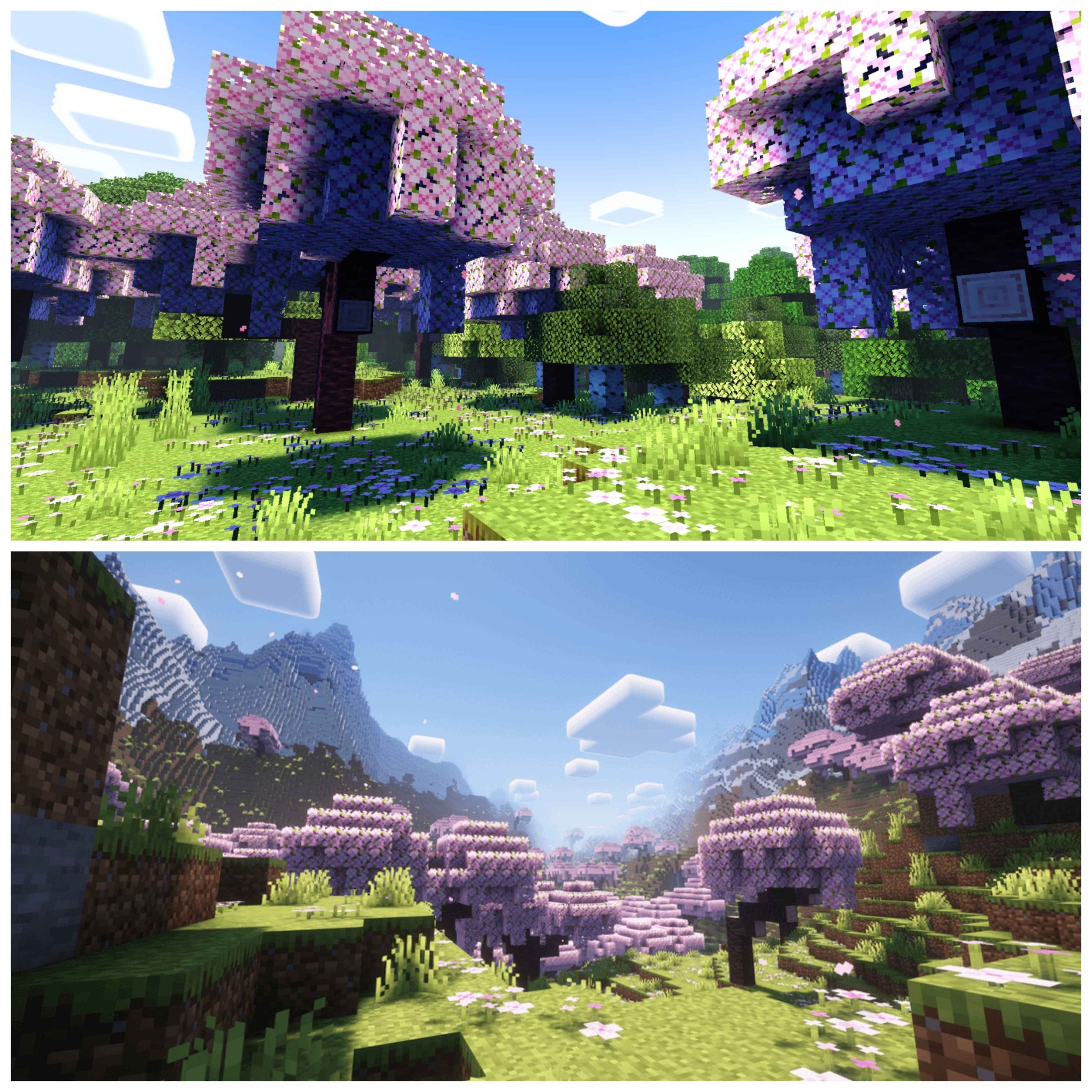
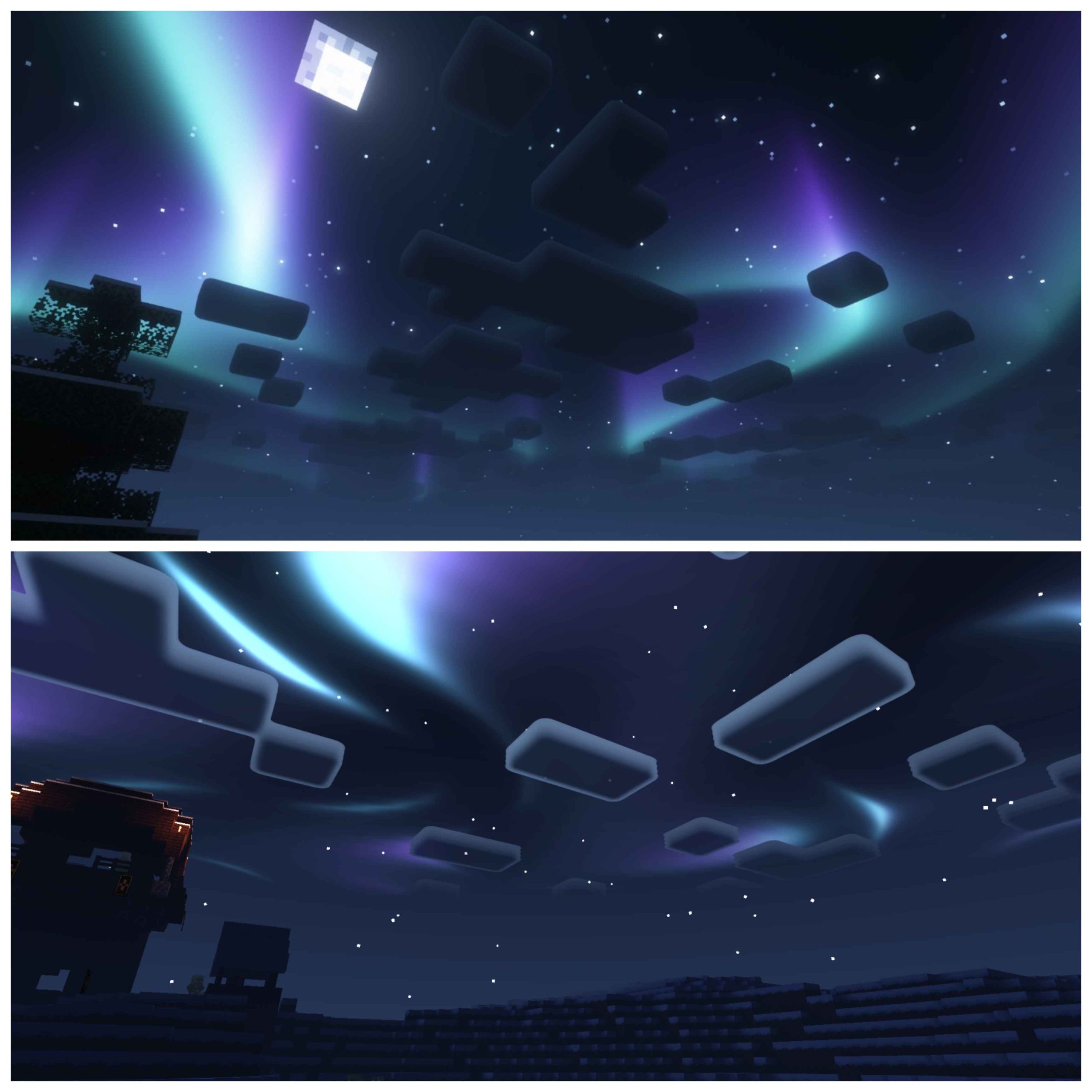
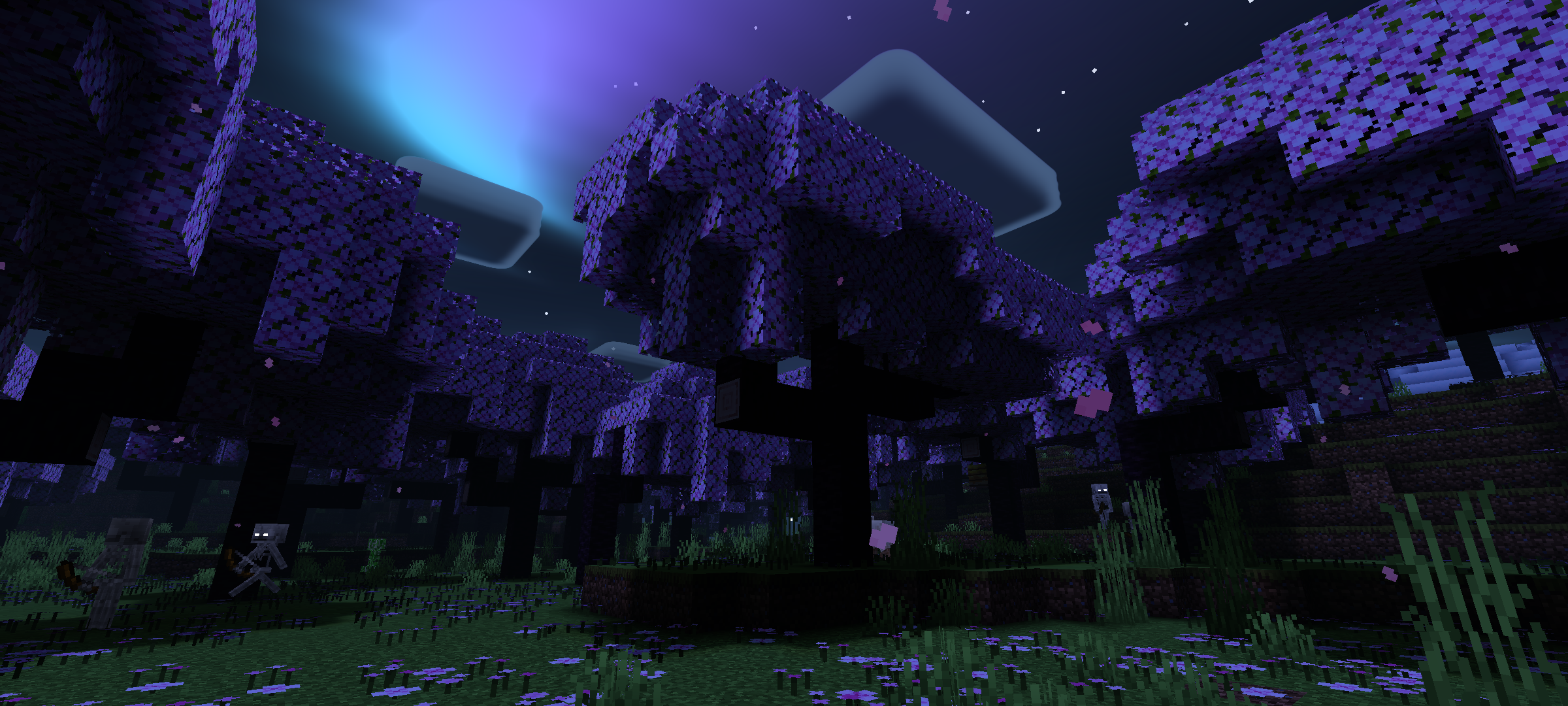
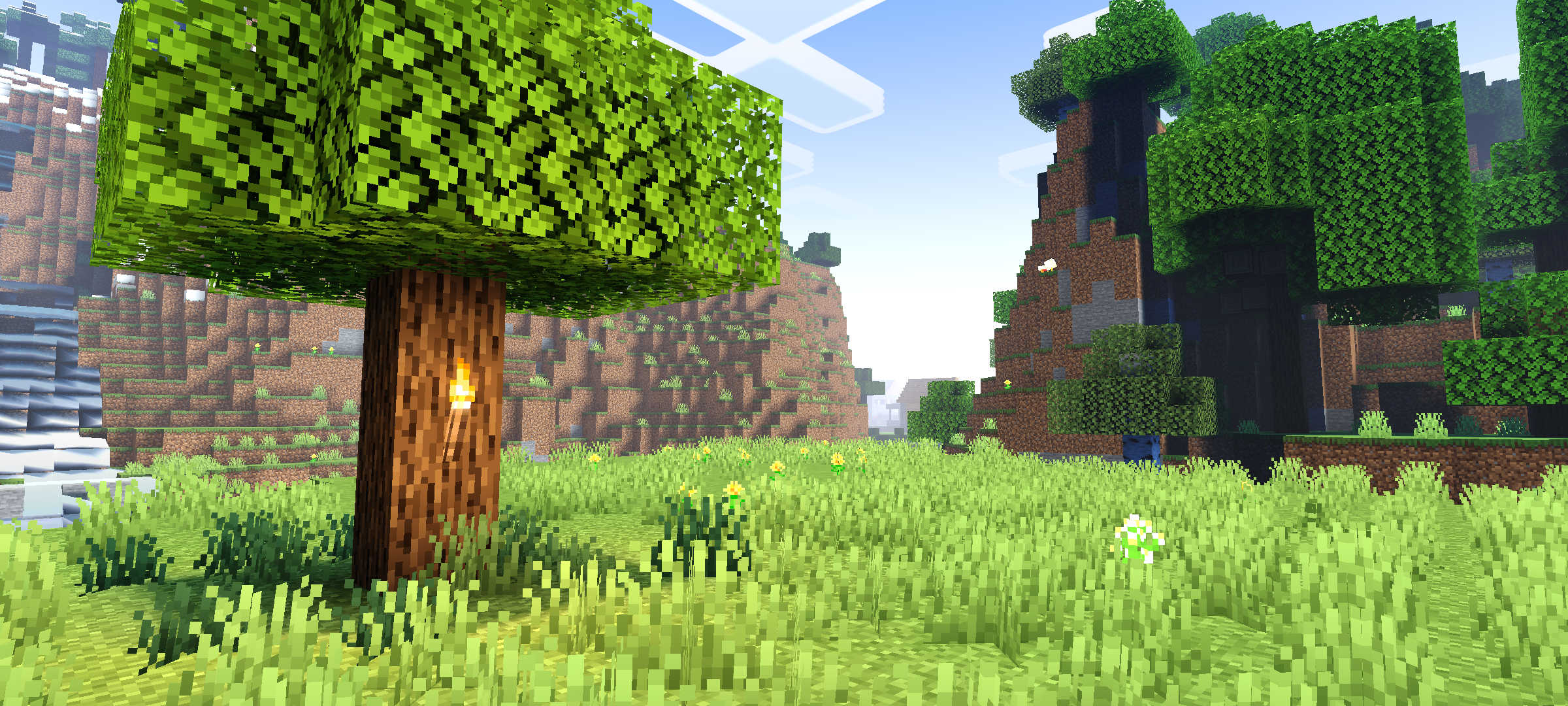
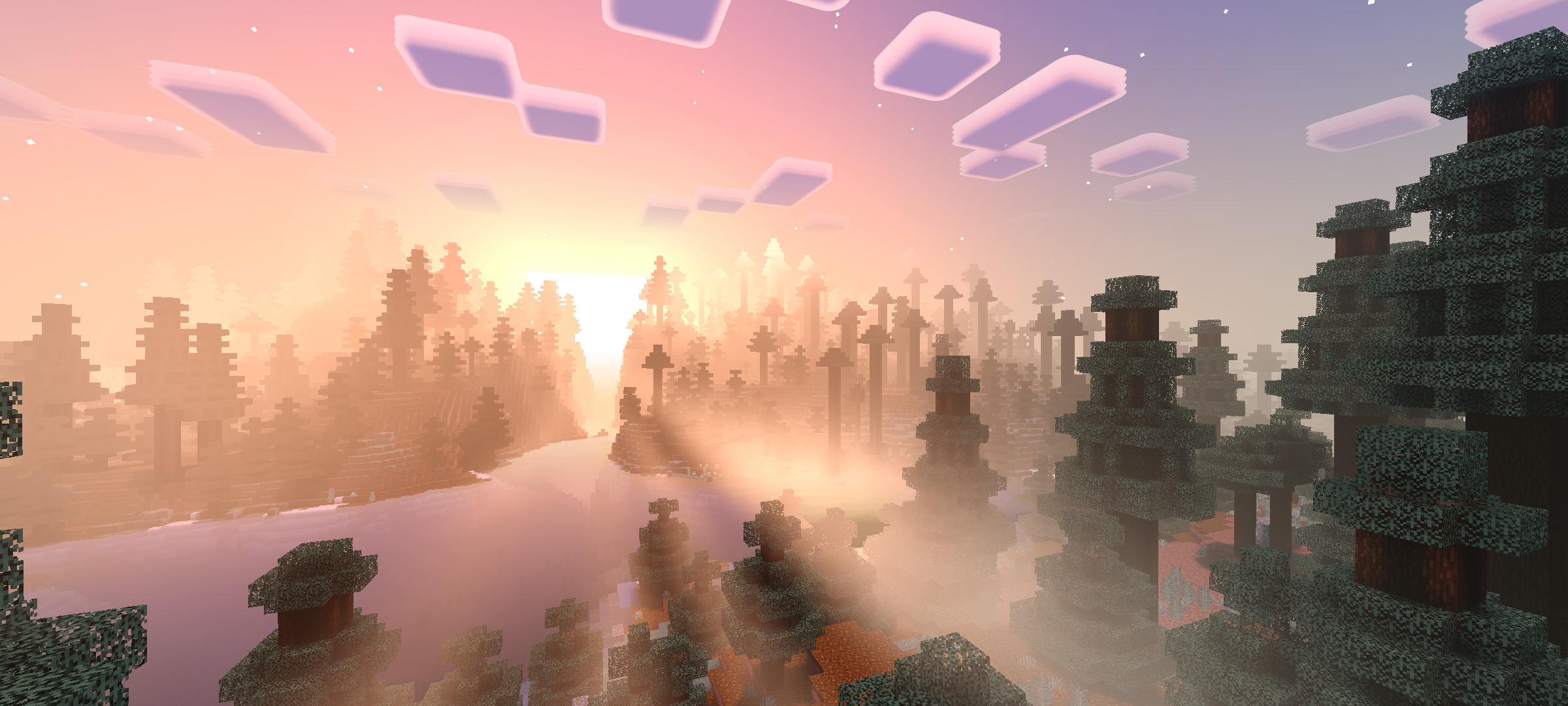
Newb Complementary Shader Two legends, one shader — the Complementary aesthetic fused with the Newb engine, running beautifully on Android, Windows and iOS. Features: Complementary-style balanced lighting on the Newb core Harmonious colors that make every biome look its best Polished water, clouds and sky rendering Full cross-platform support: Android, Windows and iOS Why You'll Love It: 1 The best of two beloved shader worlds in one pack 2 Consistent gorgeous visuals on every device you own 3 Proven stability for long survival sessions How to Get Started: 1 Download the Newb Complementary Shader. 2 Install it in Minecraft PE. 3 Open your world and
Open this resource in CraftyBox