
CRAFTYBOX
Preparing your block world
正在准备你的方块世界
First visit setup
首次访问设置
CRAFTYBOX
Preparing your block world
正在准备你的方块世界
First visit setup
首次访问设置
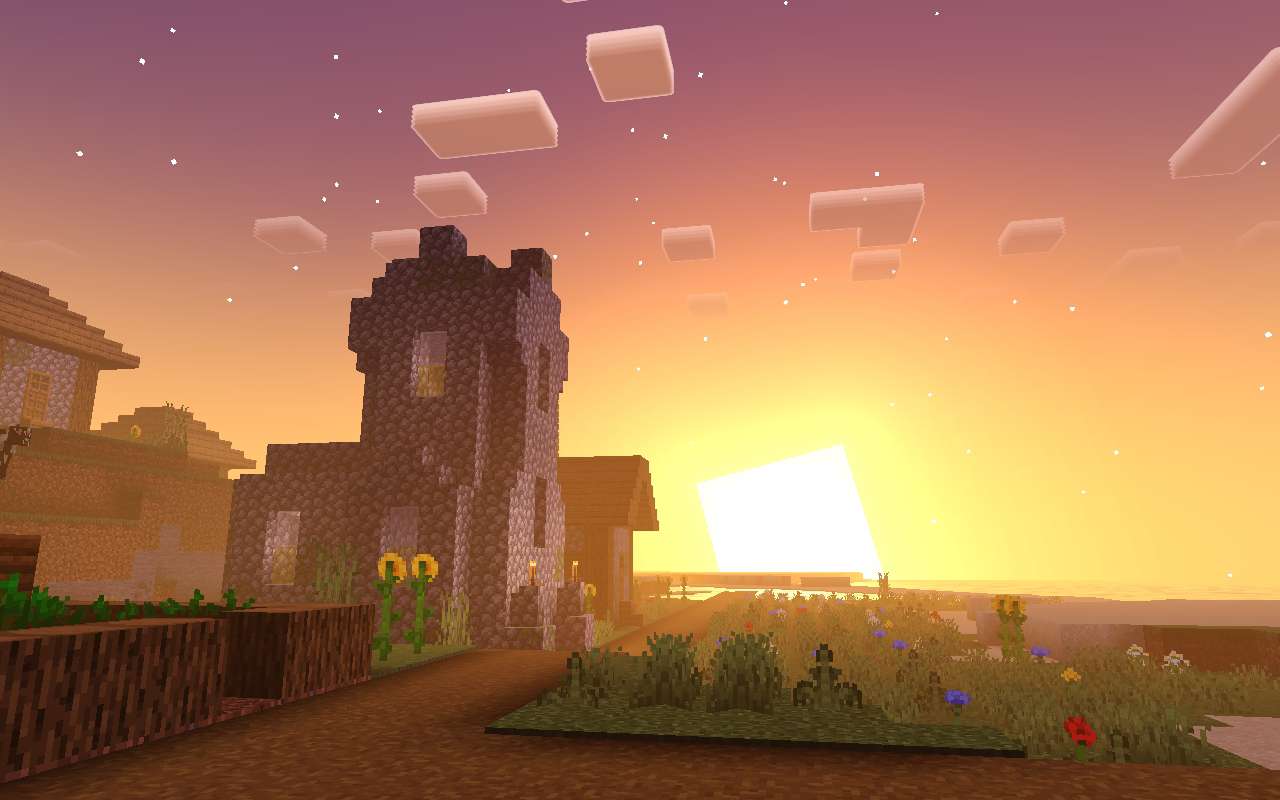
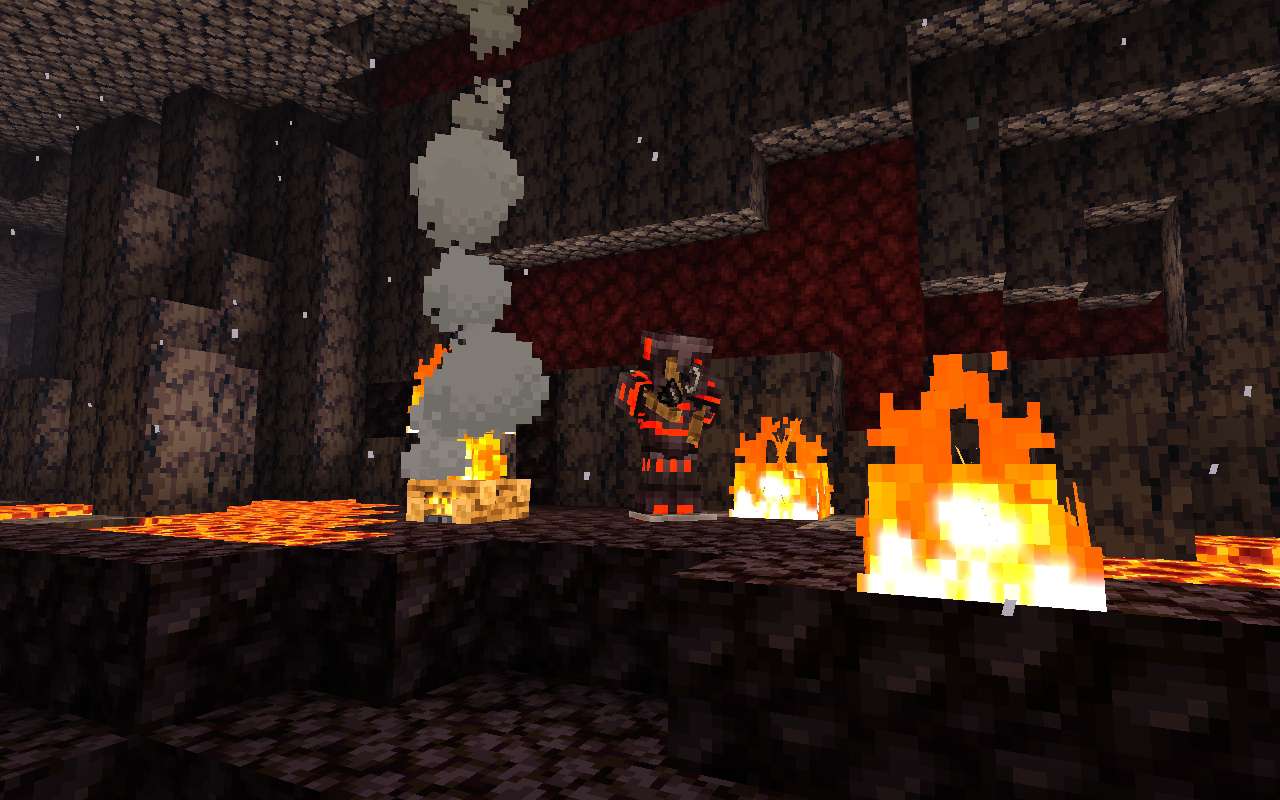
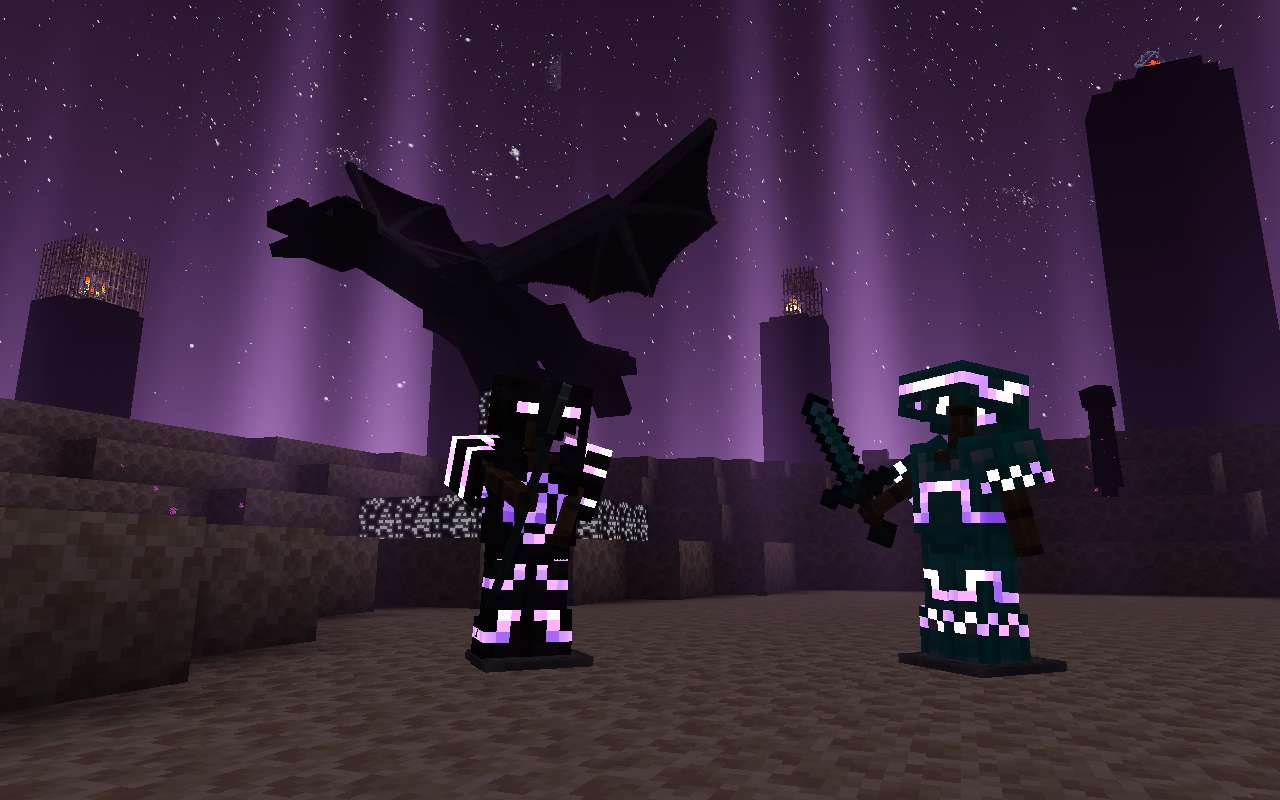
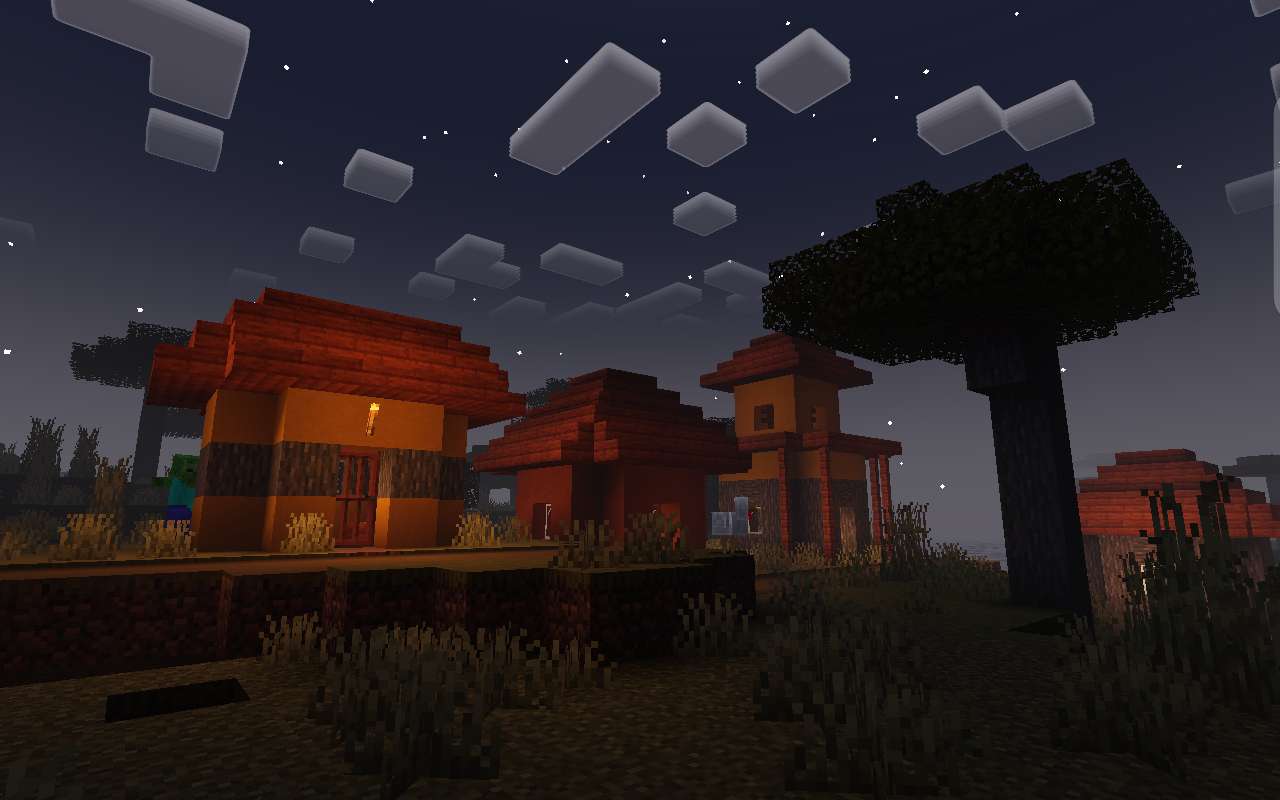
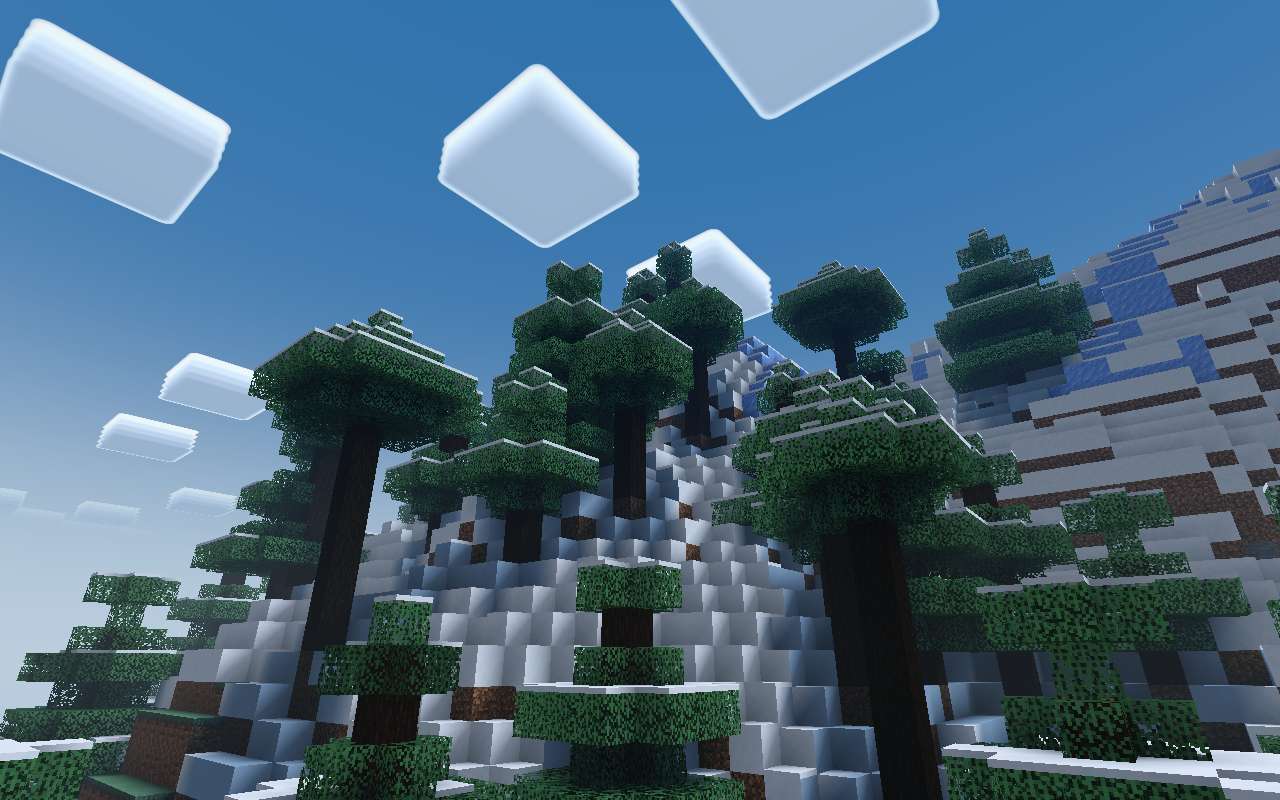
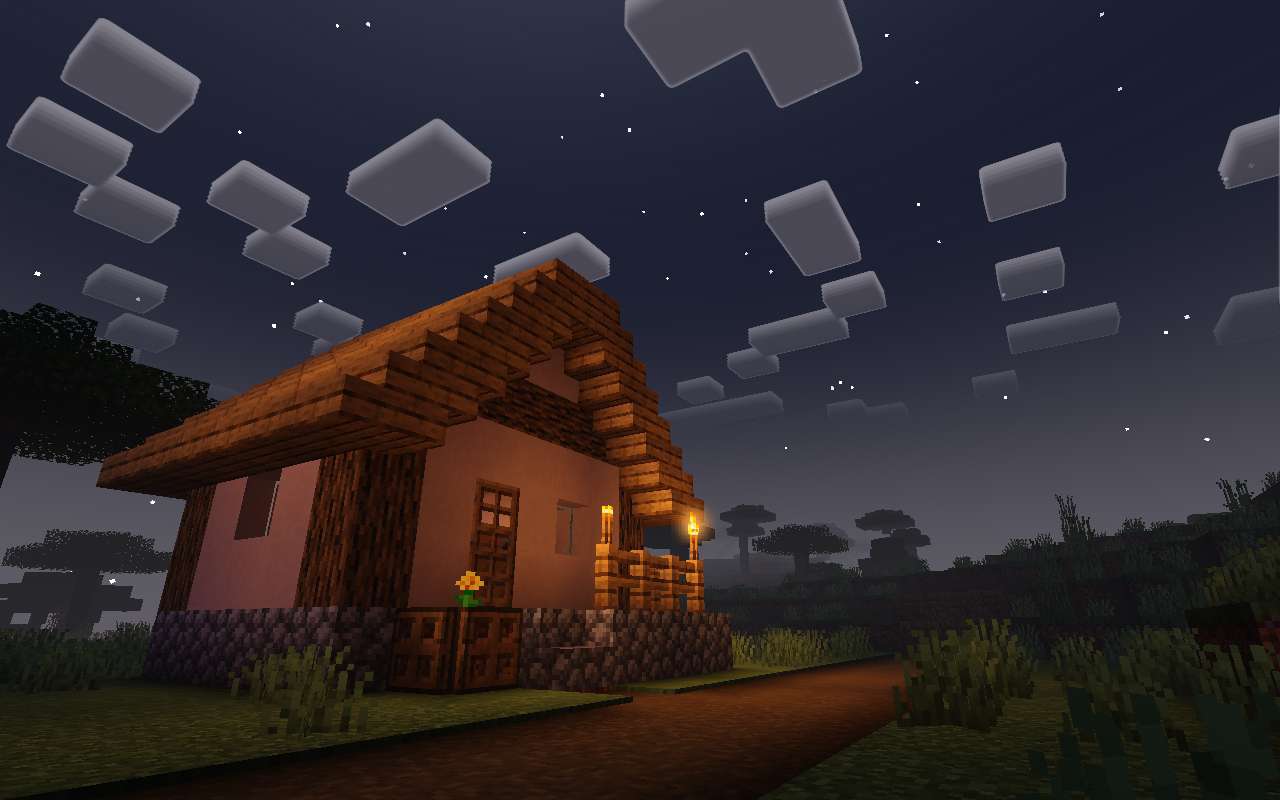
Newb X Plus Shader The classic Newb X shader, upgraded — more polish, more atmosphere, same buttery performance! Features: Enhanced lighting, skies, and cloud rendering Improved water waves and reflections Refined fog and atmospheric depth One of the most trusted shader bases on Bedrock Why You'll Love It: 1 A proven fan-favorite with constant improvements 2 Beautiful visuals that respect your FPS 3 Works great across phones and tablets How to Get Started: 1 Download the Newb X Plus Shader. 2 Install it in Minecraft PE. 3 Open your world and enjoy the new experience. Everything you loved, plus a whole lot more!
Open this resource in CraftyBox