
CRAFTYBOX
Preparing your block world
正在准备你的方块世界
First visit setup
首次访问设置
CRAFTYBOX
Preparing your block world
正在准备你的方块世界
First visit setup
首次访问设置
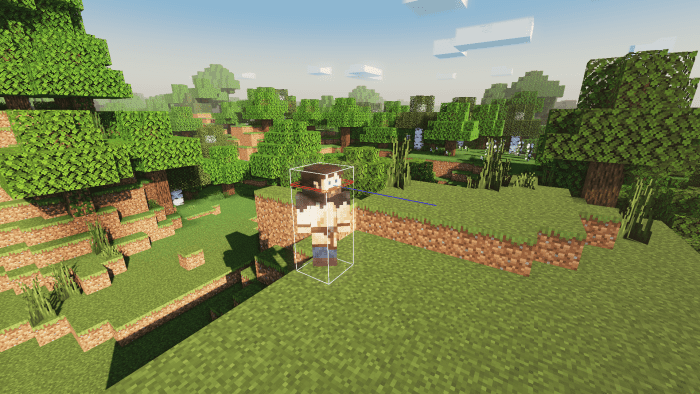
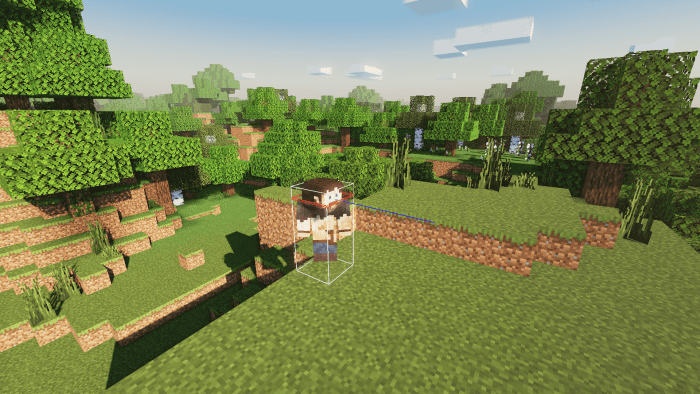
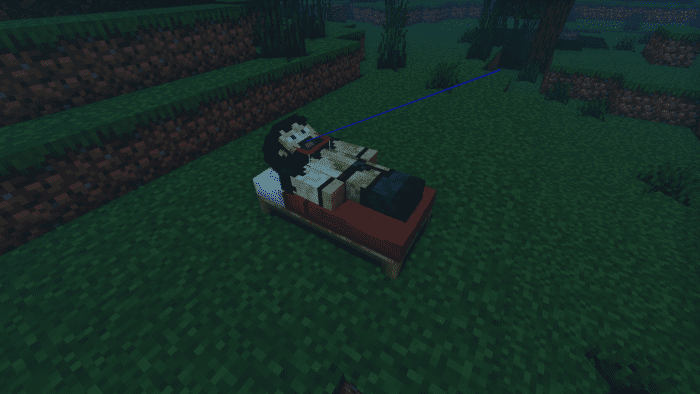
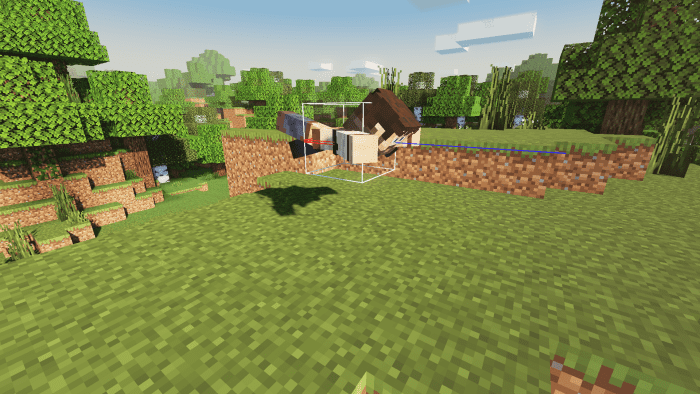
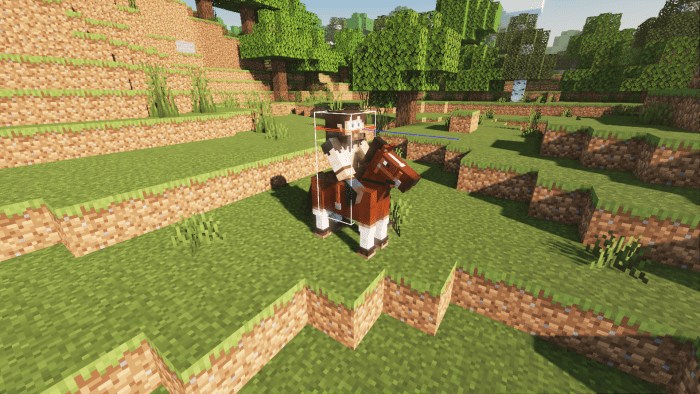
Player Hitbox Texture Pack Gain a tactical advantage in Minecraft PE with the Player Hitbox Texture Pack, clearly visualizing player boundaries! Features: Clearly outlines player hitboxes for better combat awareness. Aids in precise aiming and strategic positioning. Simple and effective visual aid for all game modes. Minimalistic design that doesn't clutter the screen. Why You'll Love It: 1 Understand player positions like never before. 2 Improve your PvP skills and combat effectiveness. 3 A simple yet powerful tool for any serious player. How to Get Started: 1 Download the Player Hitbox Texture Pack. 2 Install it in Minecraft PE. 3 Open your world
Open this resource in CraftyBox