
CRAFTYBOX
Preparing your block world
正在准备你的方块世界
First visit setup
首次访问设置
CRAFTYBOX
Preparing your block world
正在准备你的方块世界
First visit setup
首次访问设置
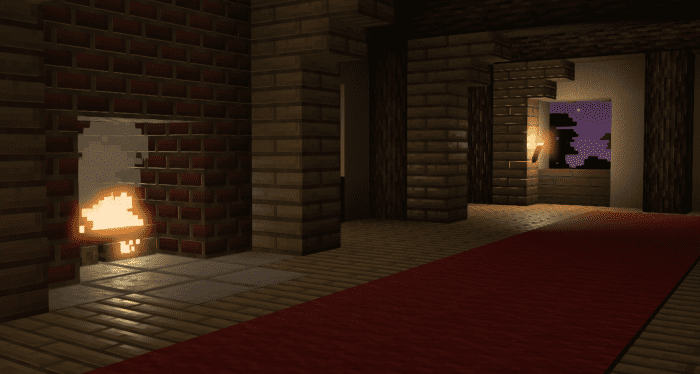
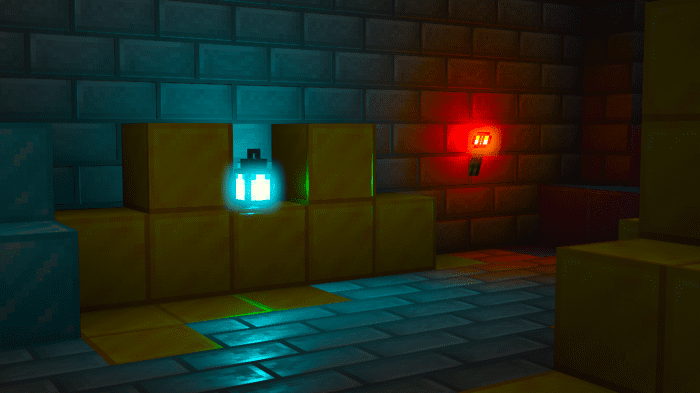
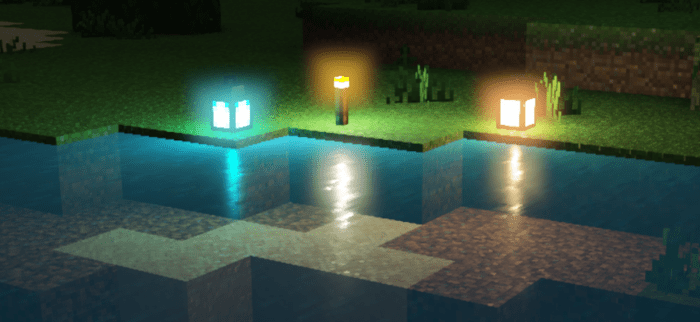
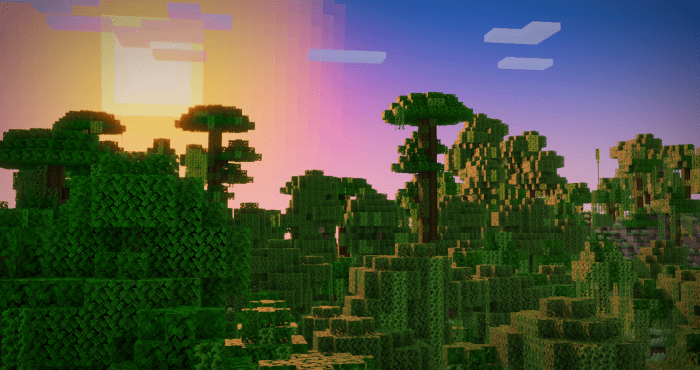
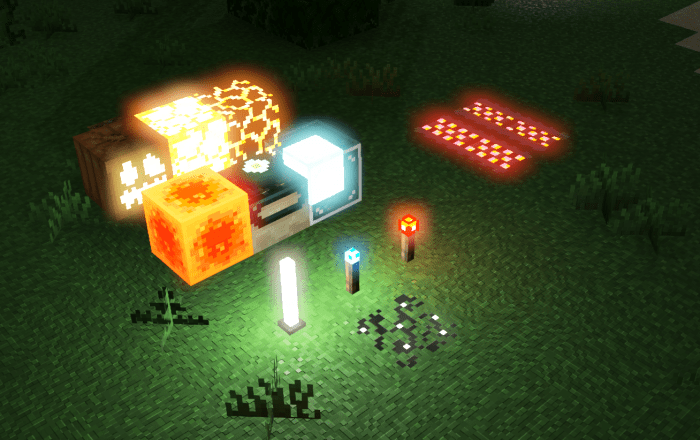
Prizma Shader Transform your Minecraft world with the vibrant and dynamic Prizma Shader! Features: Stunning color saturation and contrast Realistic lighting and reflections Dynamic shadows that adapt to the environment Enhanced visual effects for weather and water Why You'll Love It: 1 Adds a vivid and eye-catching aesthetic to your game. 2 Creates an immersive atmosphere with its unique color grading. 3 Ideal for players who enjoy visually rich and colorful worlds. How to Get Started: 1 Download the Prizma Shader. 2 Install it in Minecraft PE. 3 Open your world and enjoy the new experience. See your Minecraft world in a new light with Prizma Shade
Read the full details and screenshots
Open this resource in CraftyBox