
CRAFTYBOX
Preparing your block world
正在准备你的方块世界
First visit setup
首次访问设置
CRAFTYBOX
Preparing your block world
正在准备你的方块世界
First visit setup
首次访问设置
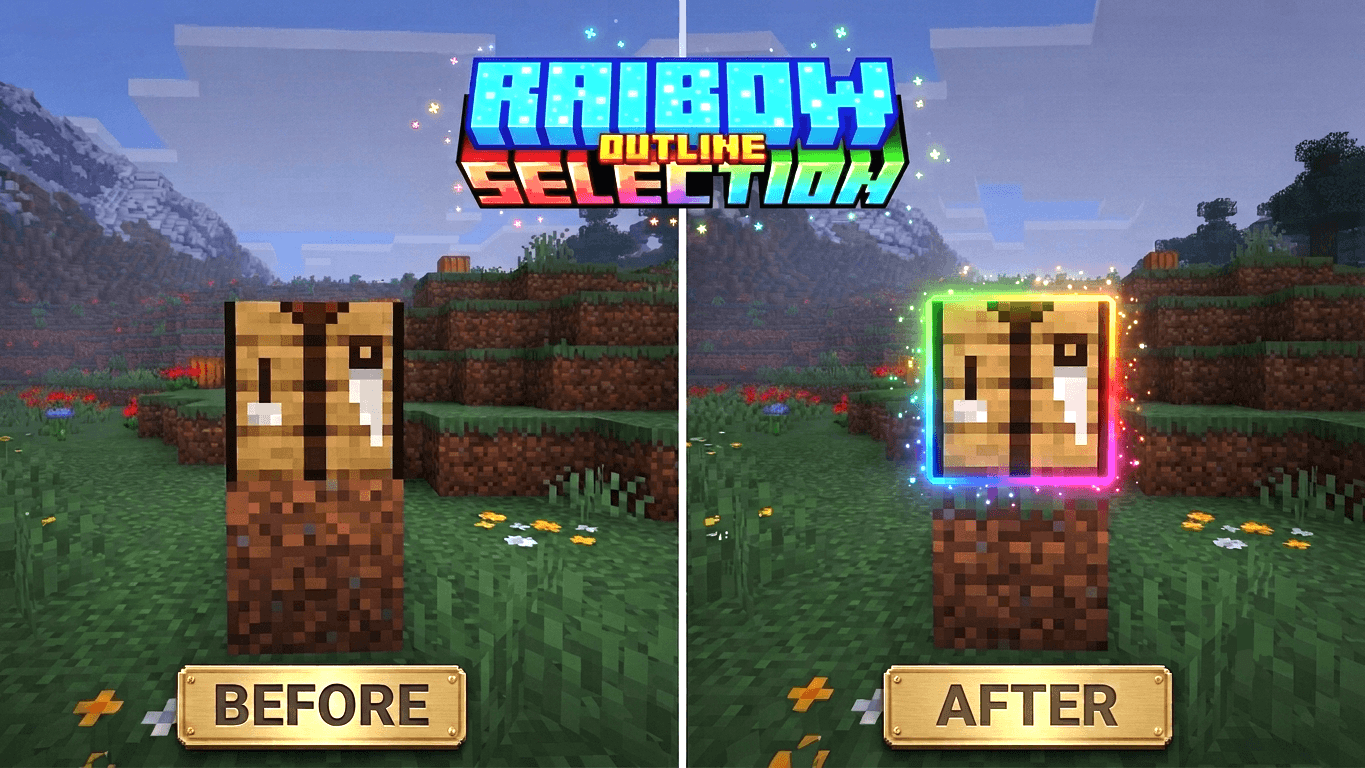
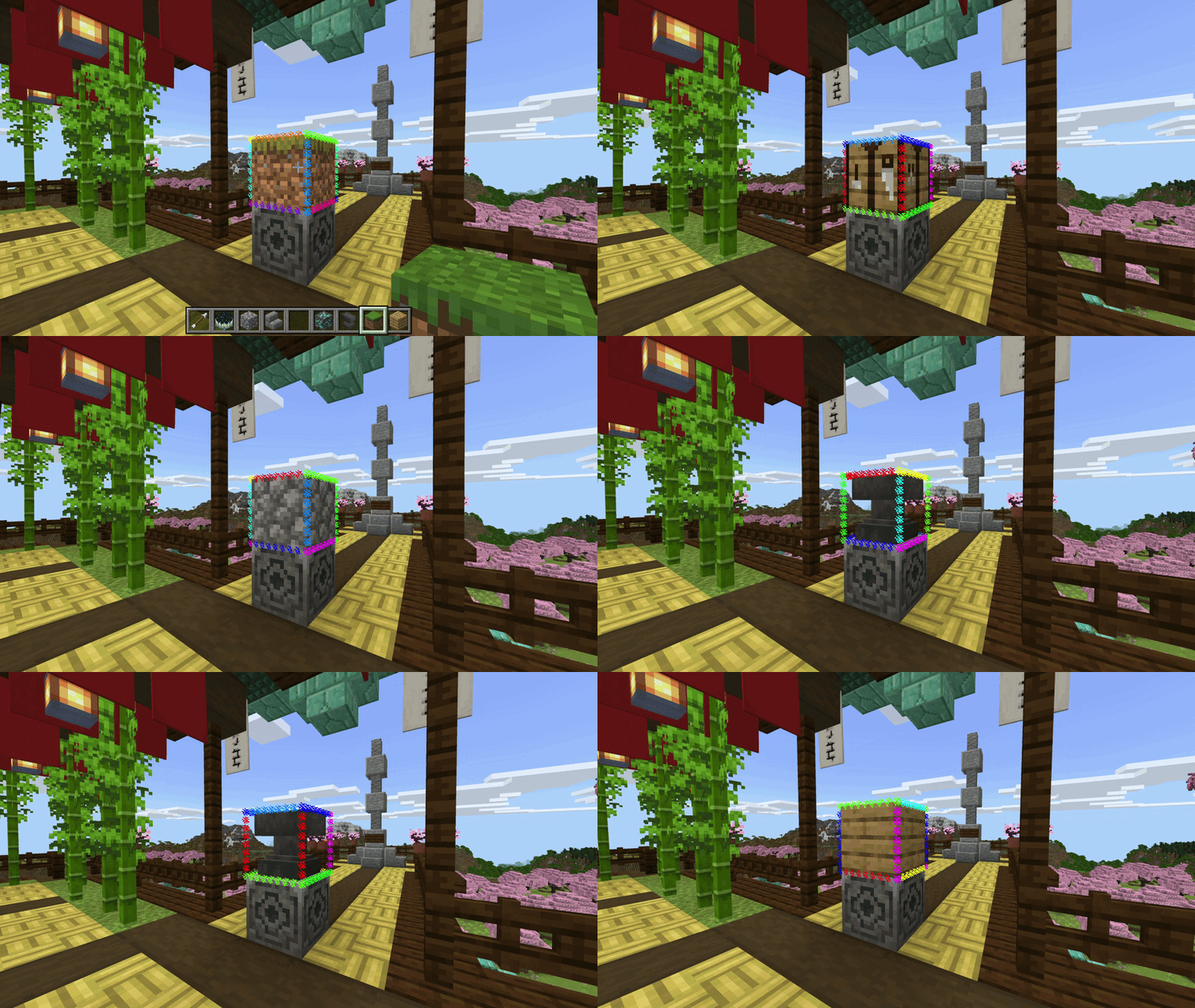
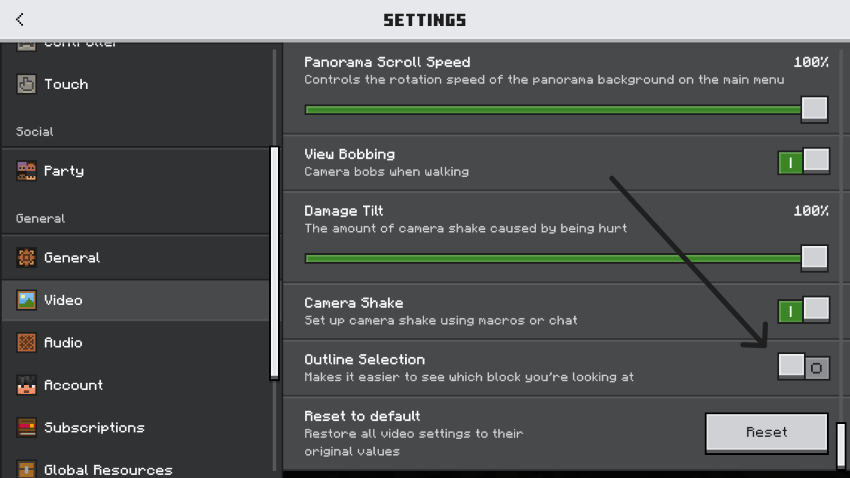
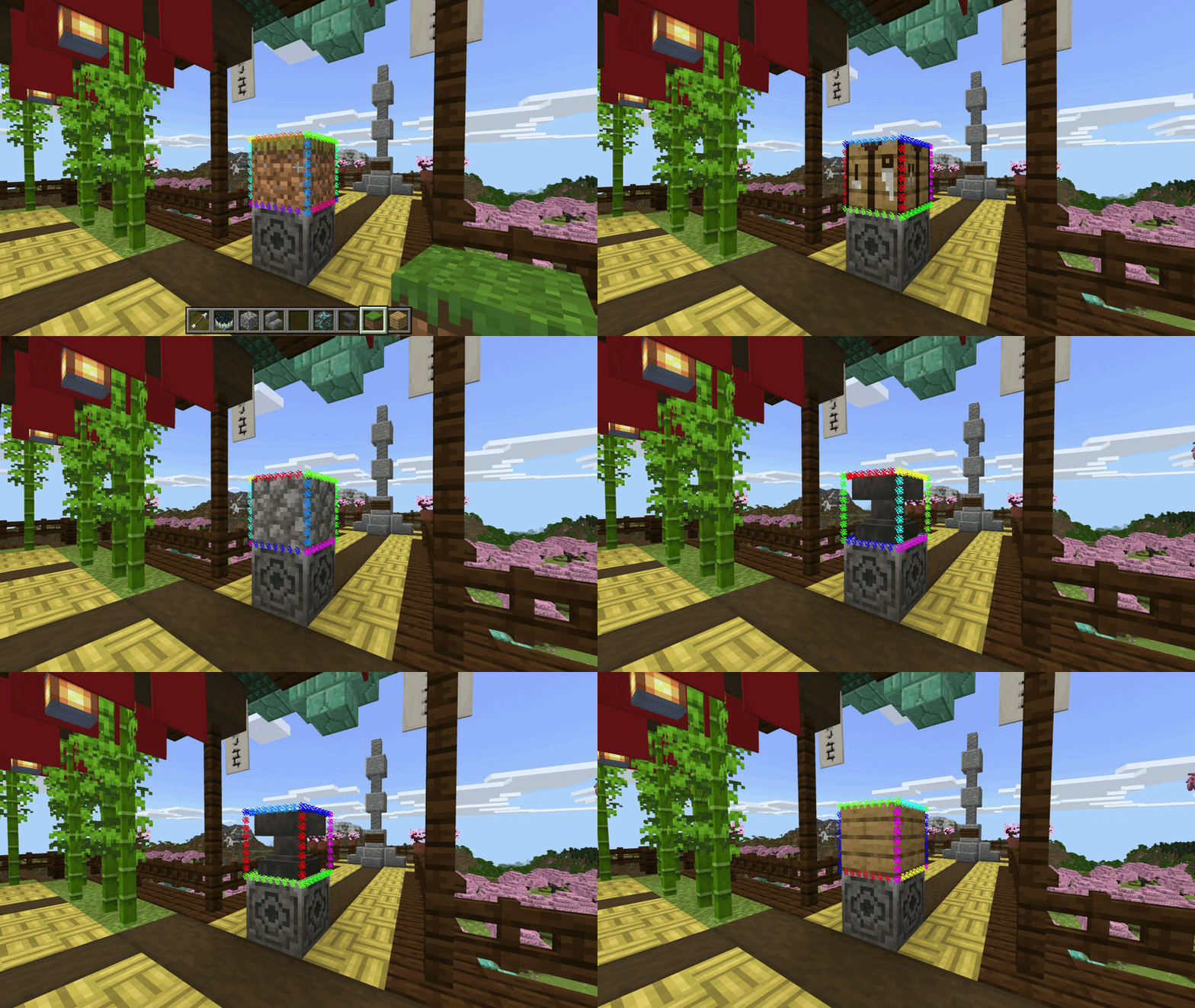
Rainbow Outline Selection Transform your block selection highlight into a stunning, color-cycling particle rainbow using native Script APIs. Features: 12-Edge Dynamic Particle Outline Smooth Full-Spectrum Color Shifting Zero-Lag Script API Performance Fully Compatible with Shaders and Resource Packs Why You'll Love It: 1 Replaces the boring vanilla selection box with vibrant visuals. 2 Works seamlessly in both survival and creative modes. 3 Runs entirely on lightweight particles without heavy entity lag. How to Get Started: 1 Download the Rainbow Outline Selection. 2 Install it in Minecraft PE. 3 Open your world and enjoy the new experience. Bring
Read the full details and screenshots
Open this resource in CraftyBox
More Vibrant Visuals resources