
CRAFTYBOX
Preparing your block world
正在准备你的方块世界
First visit setup
首次访问设置
CRAFTYBOX
Preparing your block world
正在准备你的方块世界
First visit setup
首次访问设置
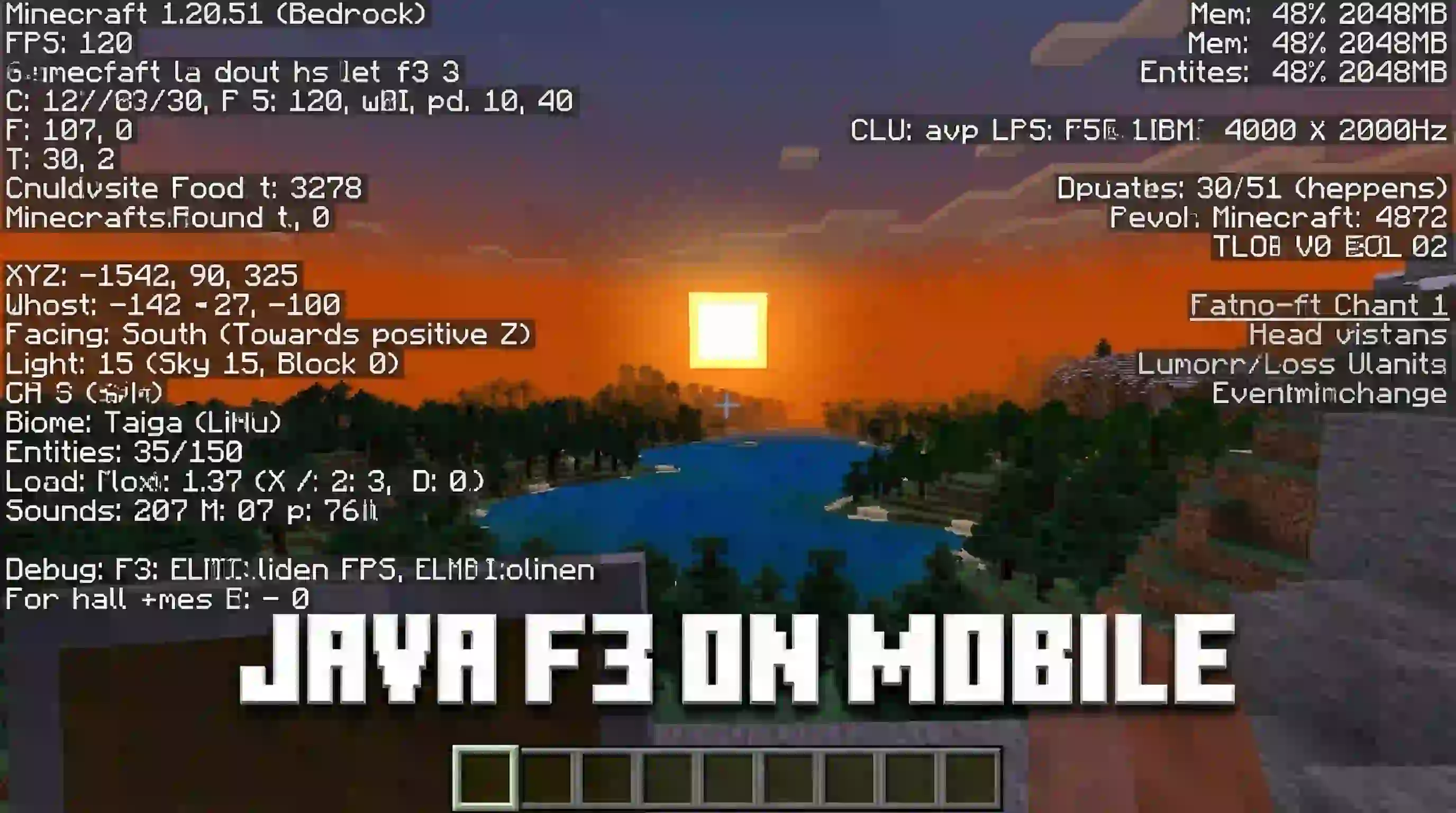
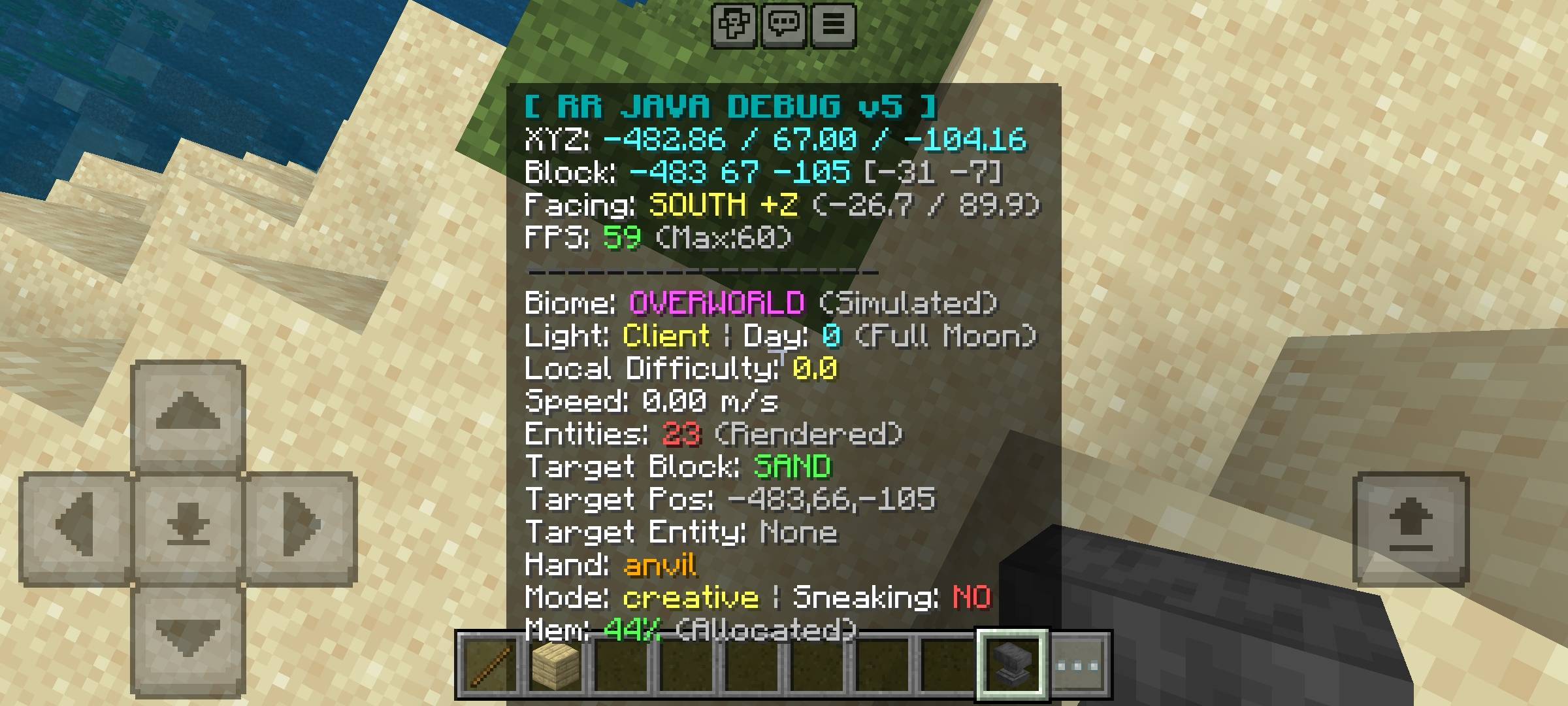
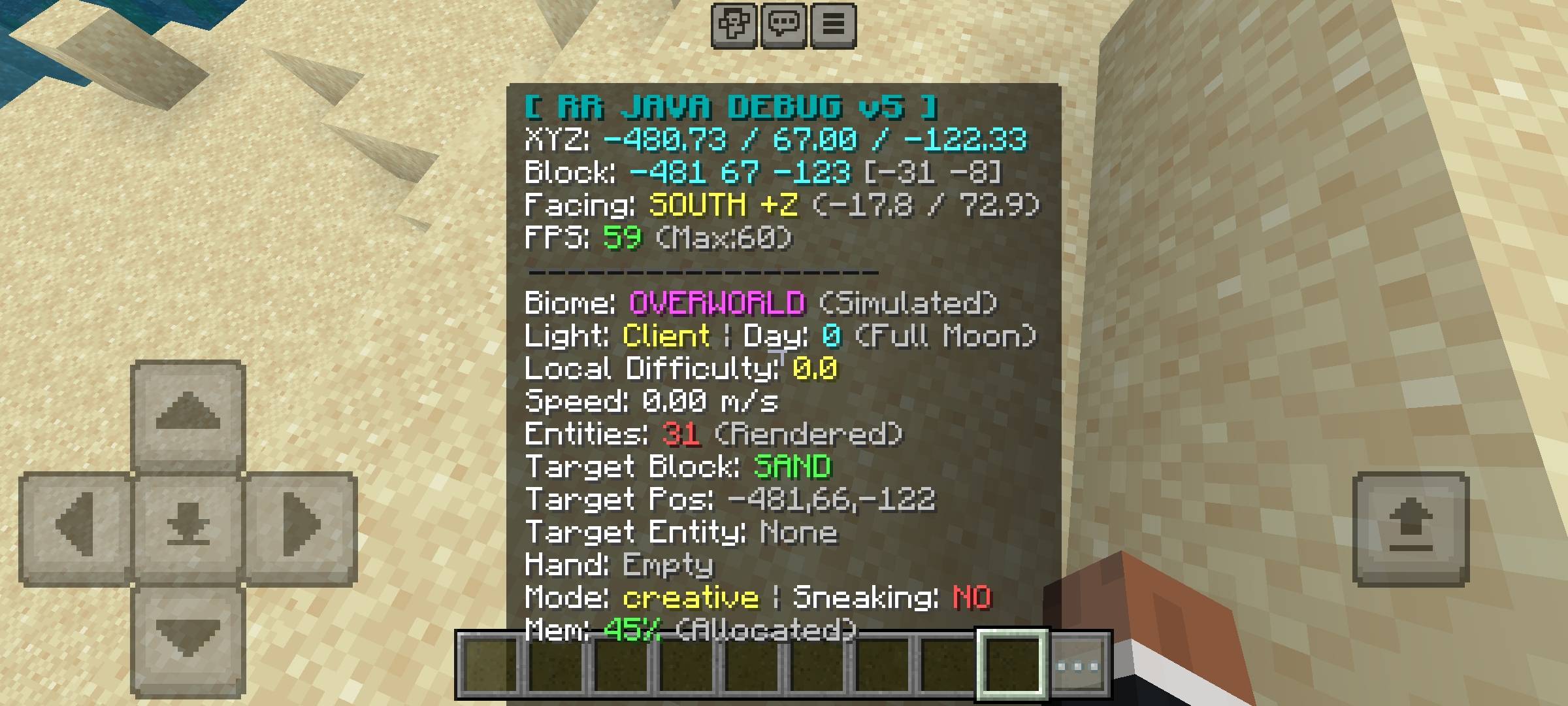
RR Debug Screen Ultimate Java F3 HUD Bring the powerful Java Edition F3 debug screen directly to your Bedrock mobile device or console. Features: Over 25 Real-Time World Statistics Precise Chunk Coordinate Tracking 8-Direction Compass and Axis Readout World Day and Moon Phase Indicators Why You'll Love It: 1 Navigate Nether portals and build efficient slime chunk farms with absolute precision. 2 Track exact facing directions and movement axes effortlessly. 3 Level the playing field with professional Java-style HUD tools. How to Get Started: 1 Download the RR Debug Screen Ultimate Java F3 HUD. 2 Install it in Minecraft PE. 3 Open your world and enjoy t
Read the full details and screenshots
Open this resource in CraftyBox