
CRAFTYBOX
Preparing your block world
正在准备你的方块世界
First visit setup
首次访问设置
CRAFTYBOX
Preparing your block world
正在准备你的方块世界
First visit setup
首次访问设置
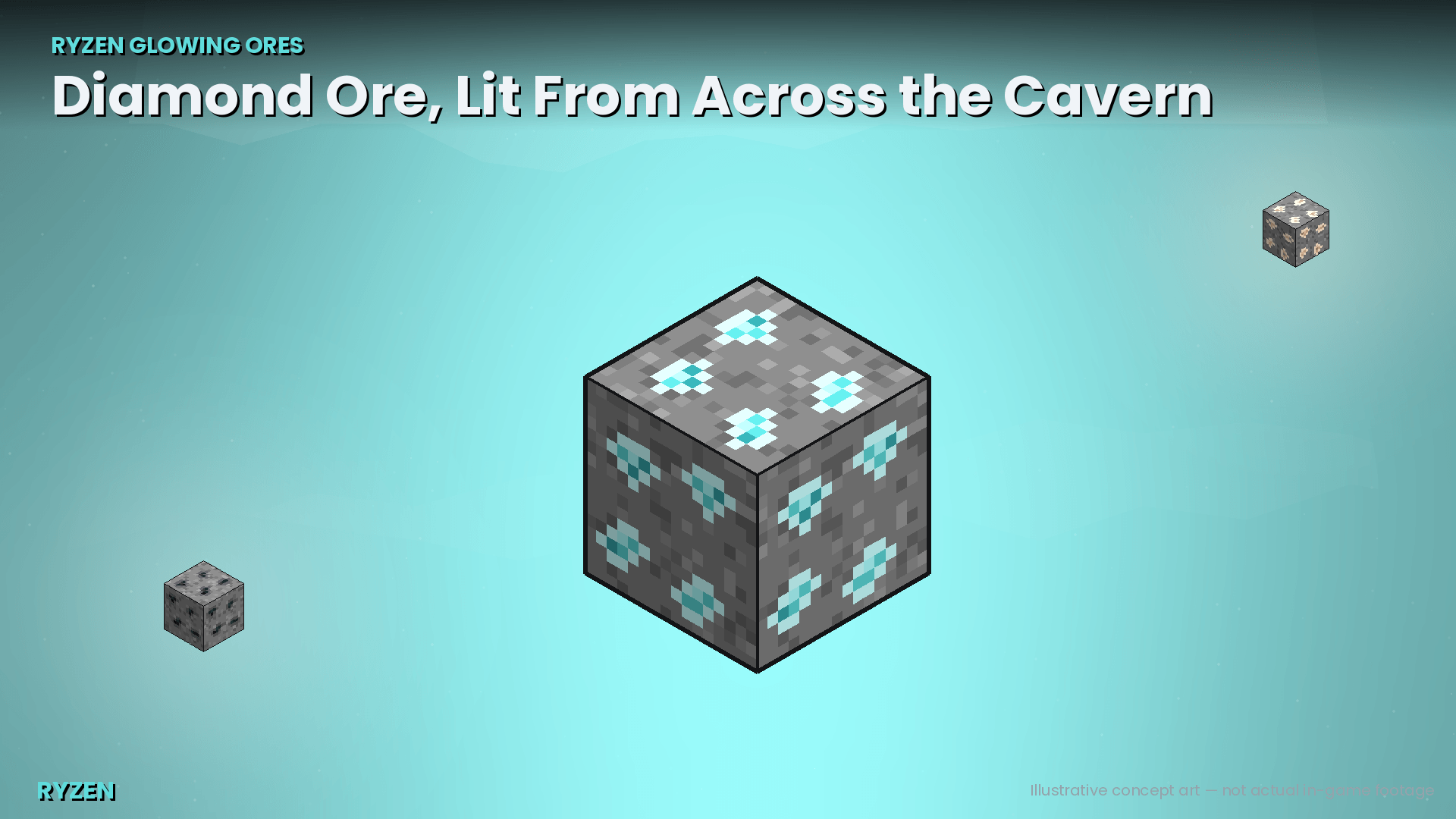
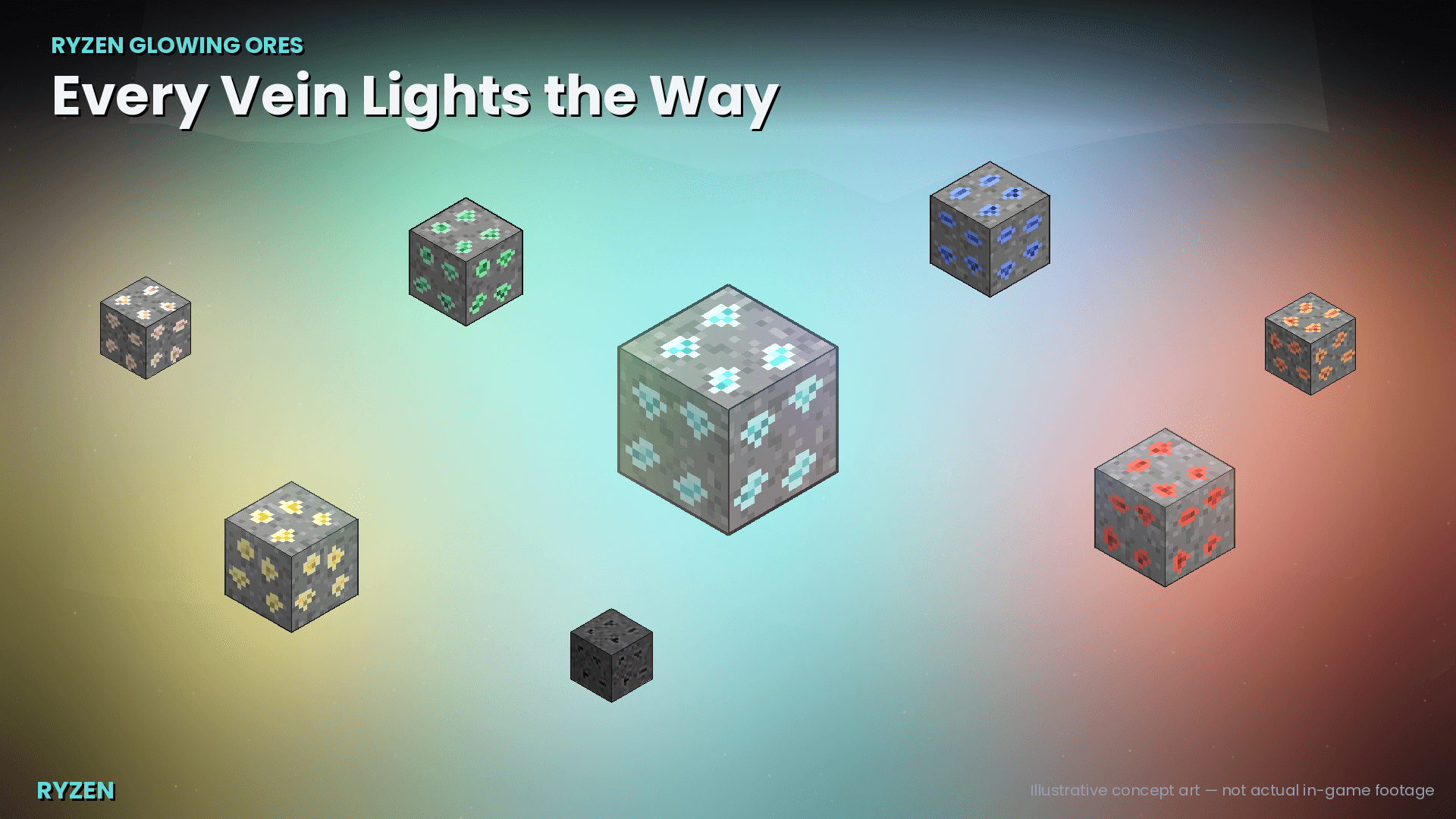
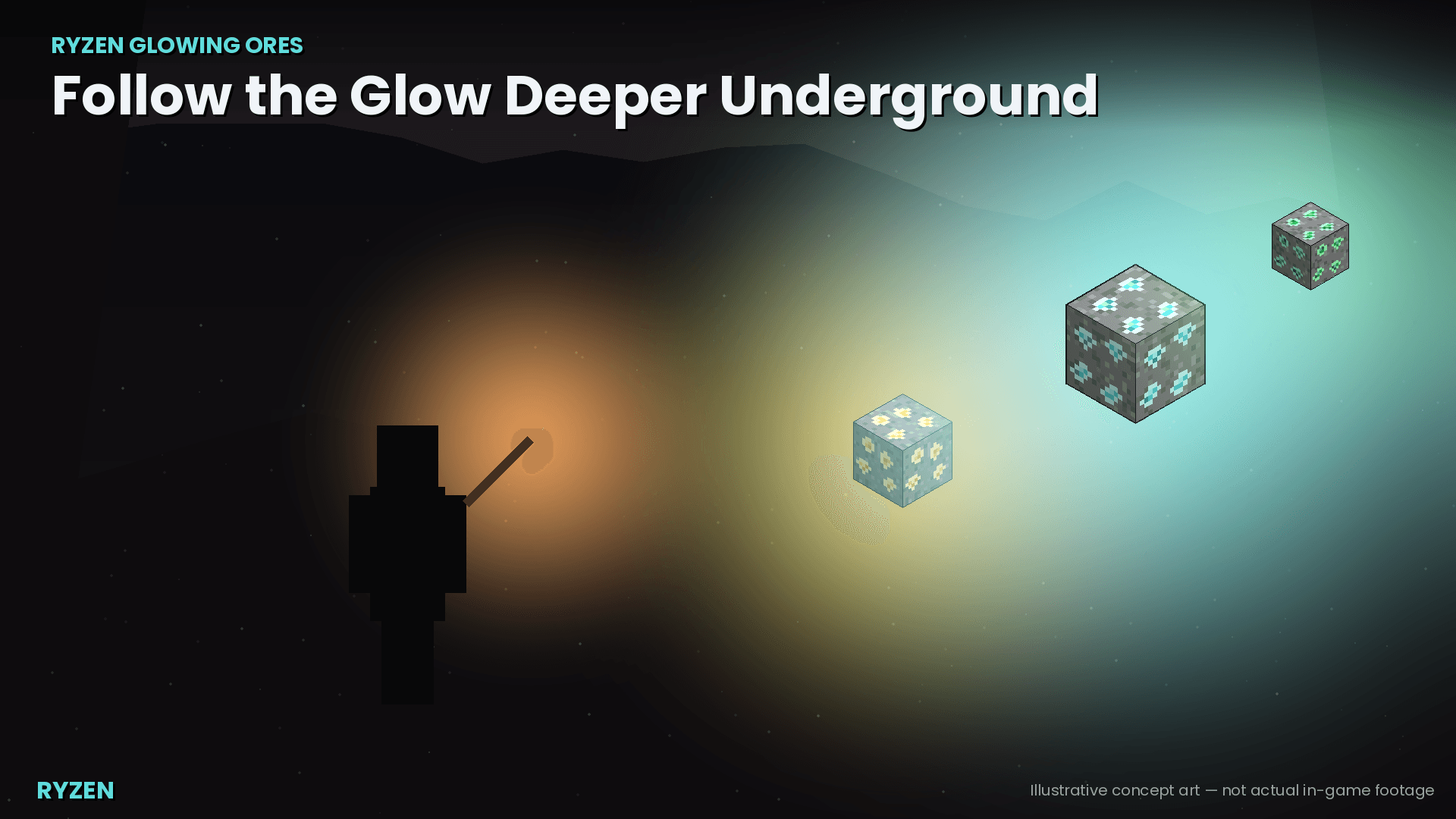
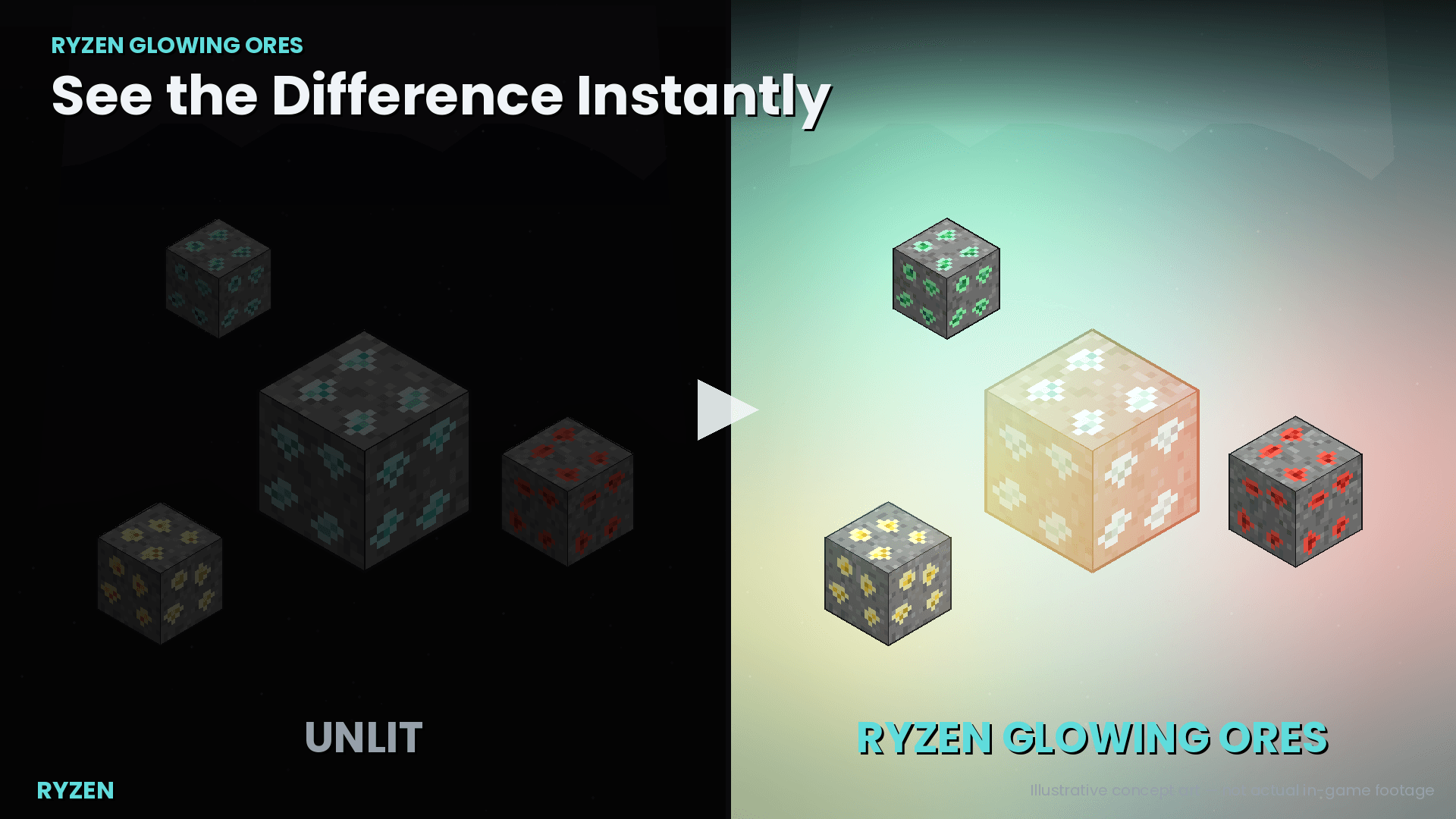
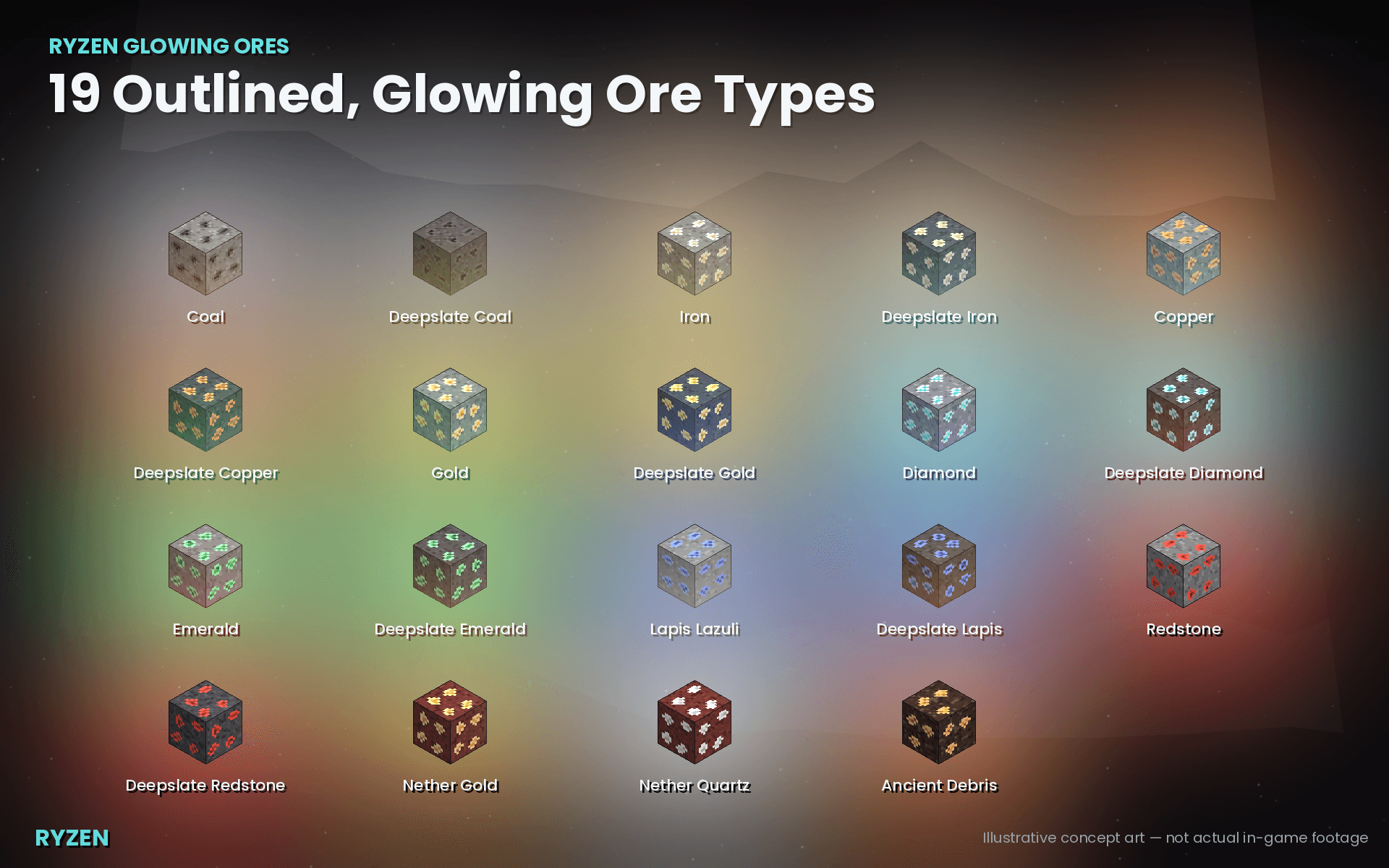
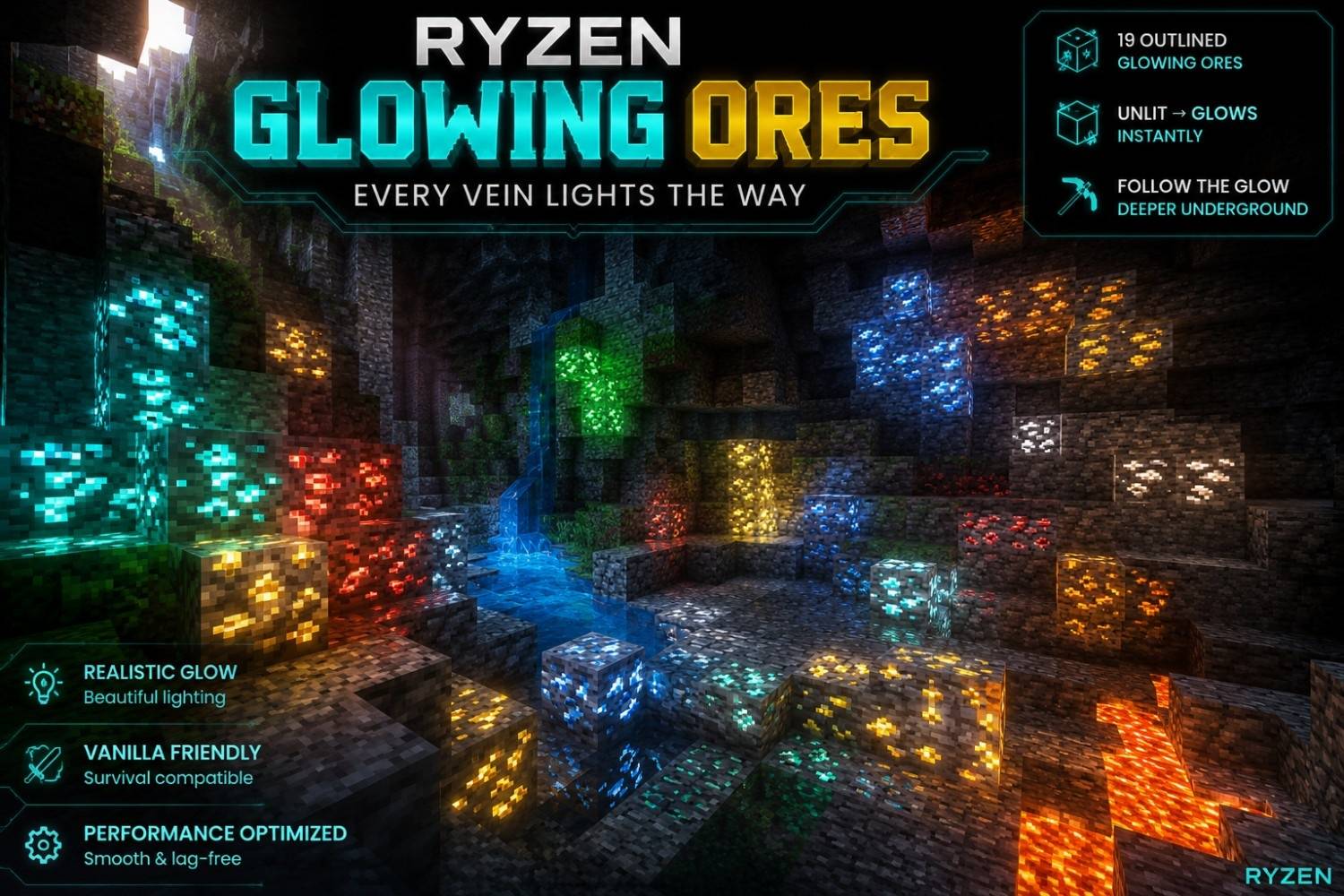
Ryzen Glowing Ores Spot exposed ore veins from across dark caverns with subtle, genuine local illumination on every valuable block. Features: 19 Supported Overworld and Nether Ores Custom Outlined 16x16 Pixel-Art Textures True Light Block Mechanics Fully Configurable via Chat Commands Why You'll Love It: 1 Easily spot unmined veins without squinting at gray stone in the dark. 2 Preserves complete vanilla balance with zero gameplay changes. 3 Safely optimized for multiplayer worlds and realms. How to Get Started: 1 Download the Ryzen Glowing Ores. 2 Install it in Minecraft PE. 3 Open your world and enjoy the new experience. Make valuable mineral hun
Open this resource in CraftyBox