
CRAFTYBOX
Preparing your block world
正在准备你的方块世界
First visit setup
首次访问设置
CRAFTYBOX
Preparing your block world
正在准备你的方块世界
First visit setup
首次访问设置
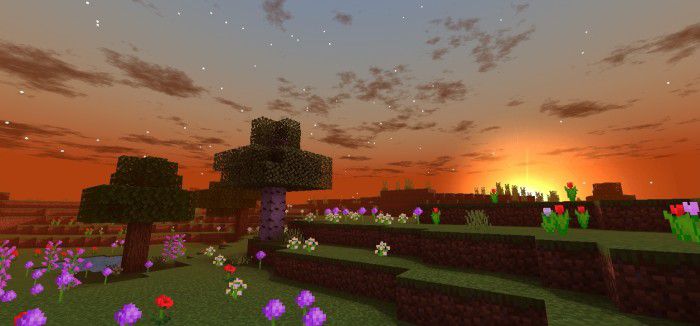
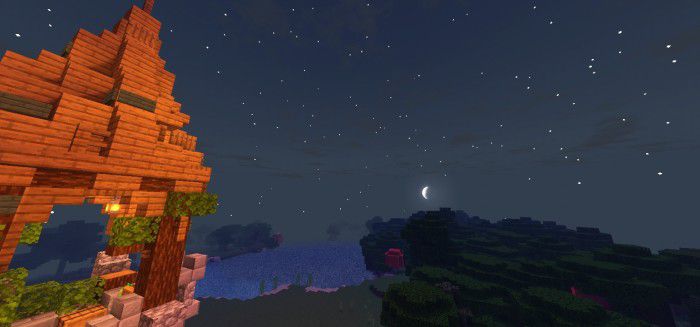
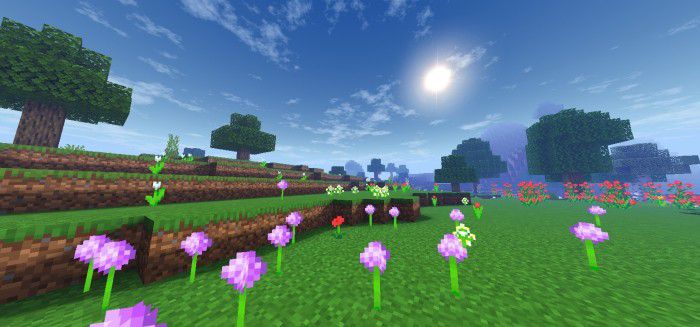
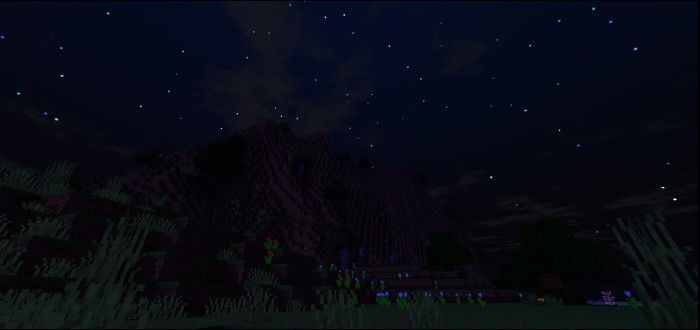
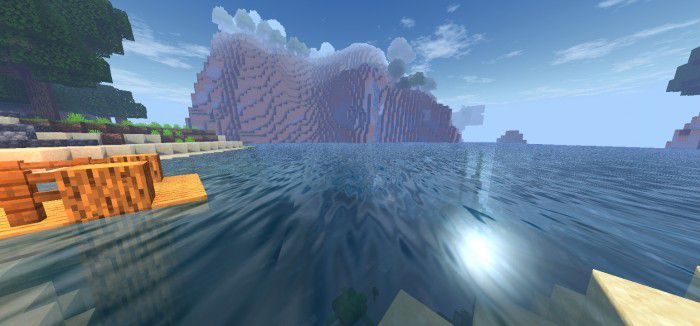
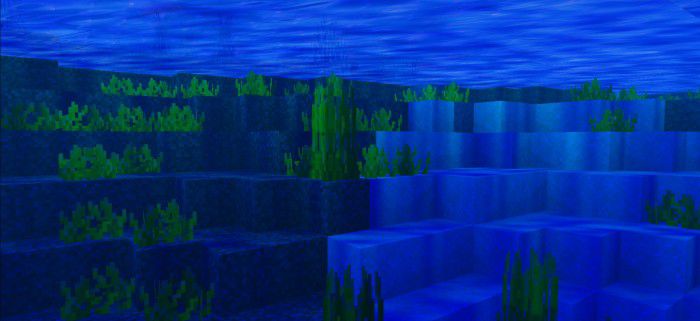
Spectrum Shader Realistic graphics across the full spectrum — this MCPE shader for 1.26+ blends lifelike lighting with rich, natural color. Features: Realistic sun positioning, shadows, and tone mapping Full-spectrum color grading from dawn to dusk Convincing water with depth and reflection Detailed skies that shift naturally through the day Why You'll Love It: 1 Among the most realistic looks available on Bedrock 2 Every hour of the day cycle feels distinct and beautiful 3 Elevates screenshots, cinematics, and builds alike How to Get Started: 1 Download the Spectrum Shader. 2 Install it in Minecraft PE. 3 Open your world and enjoy the new experience
Open this resource in CraftyBox