
CRAFTYBOX
Preparing your block world
正在准备你的方块世界
First visit setup
首次访问设置
CRAFTYBOX
Preparing your block world
正在准备你的方块世界
First visit setup
首次访问设置
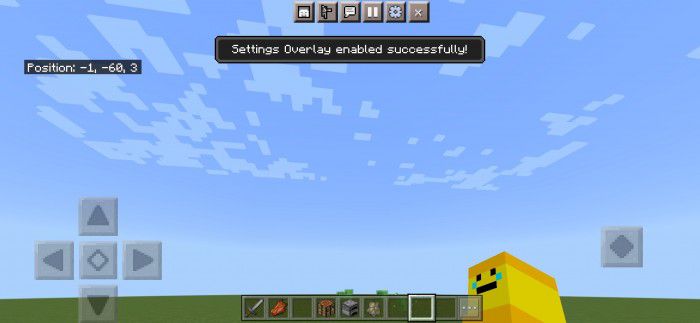
The Ty-el’s Settings Overlay UI Pack Tweak without pausing — Ty-el's overlay UI pack for MCPE/Bedrock 1.20–1.21 puts your settings in a sleek overlay right on top of the game. Features: Modern settings overlay you can open mid-game Quick access to key options without menu-diving Clean, polished interface design that fits Bedrock's style Works smoothly on touch, controller, and keyboard Why You'll Love It: 1 Adjust settings in seconds instead of digging through menus 2 A genuinely fresher, more modern-feeling UI 3 Zero gameplay changes — pure quality of life How to Get Started: 1 Download the The Ty-el’s Settings Overlay UI Pack. 2 Install it in Minecra
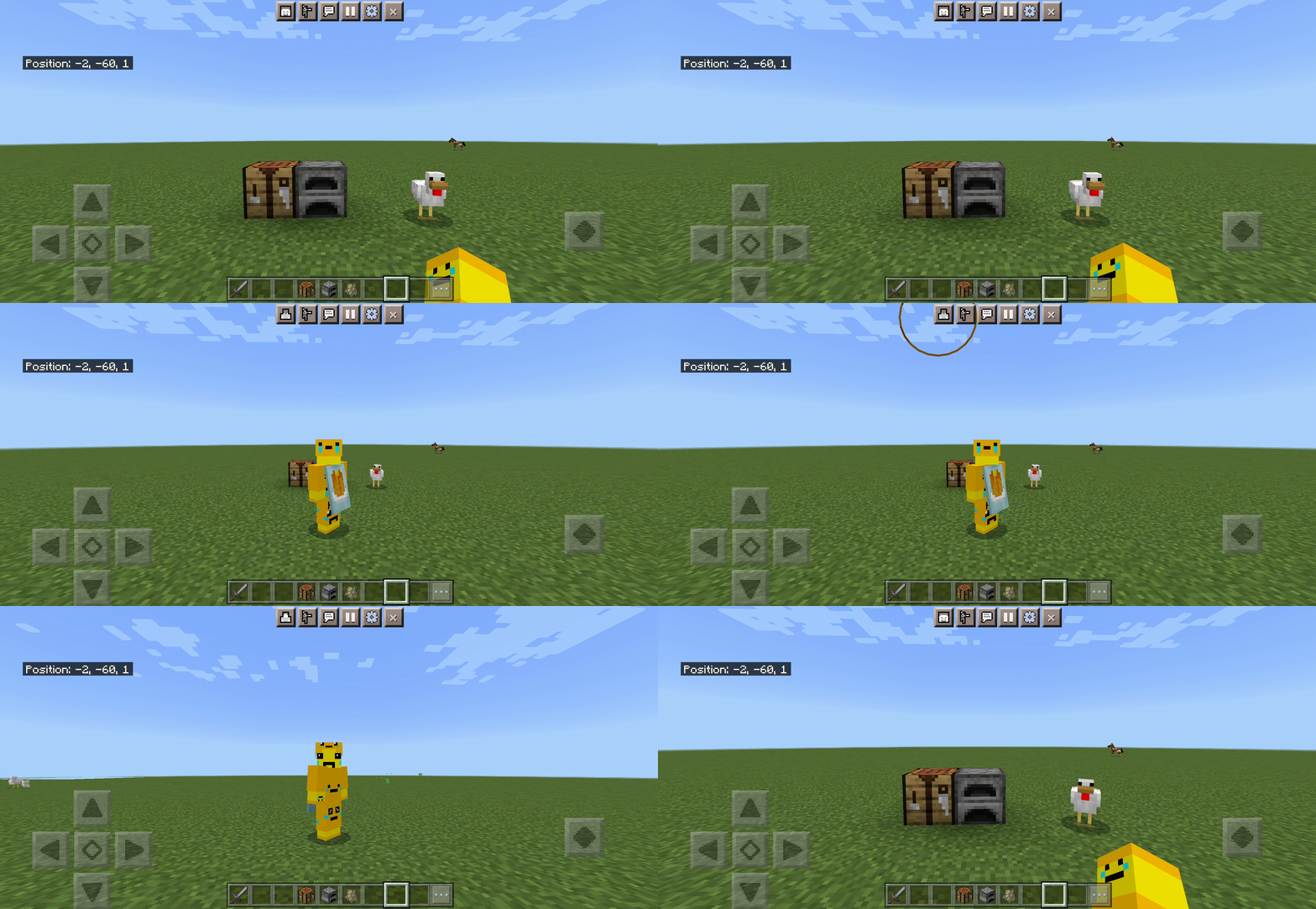


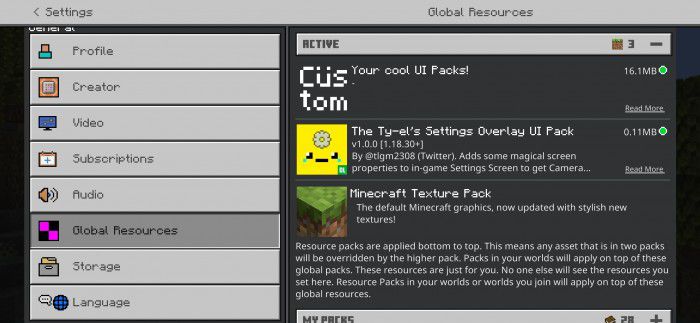
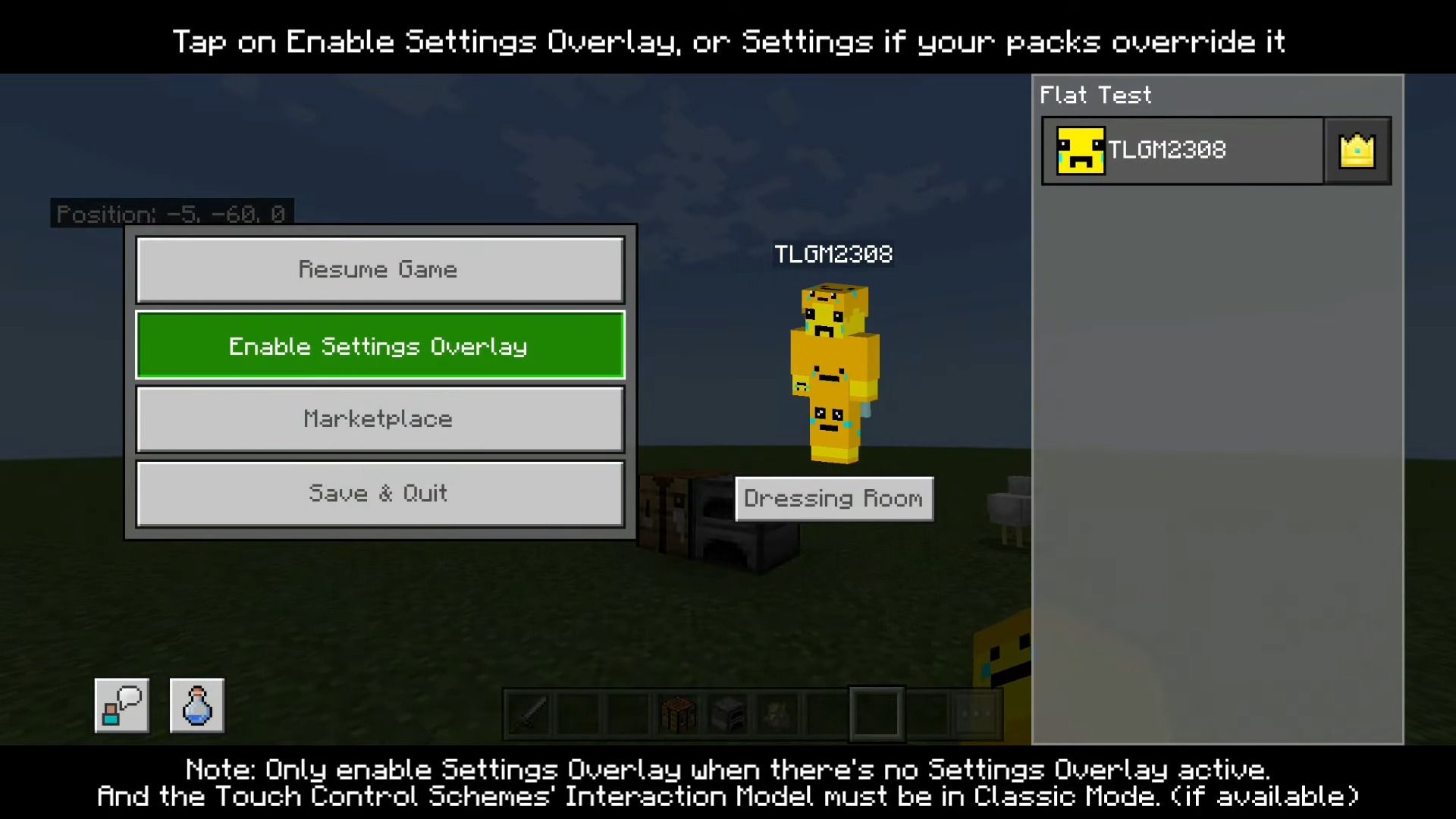
Read the full details and screenshots
Open this resource in CraftyBox