
CRAFTYBOX
Preparing your block world
正在准备你的方块世界
First visit setup
首次访问设置
CRAFTYBOX
Preparing your block world
正在准备你的方块世界
First visit setup
首次访问设置
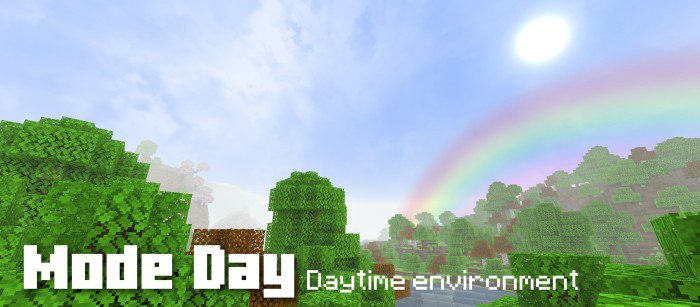
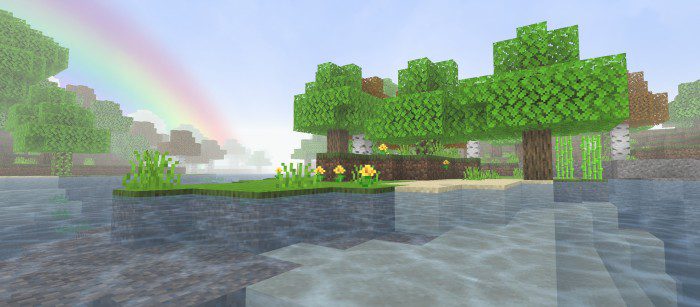
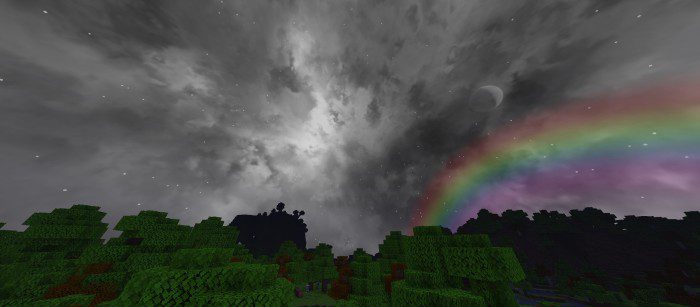
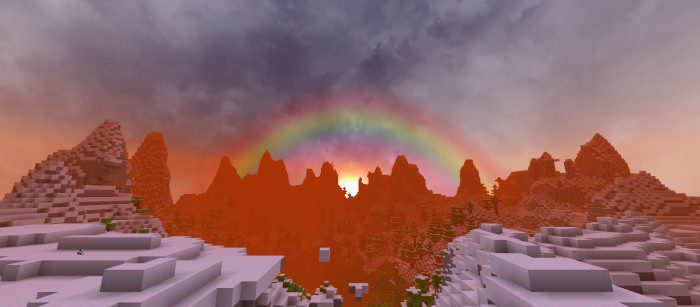
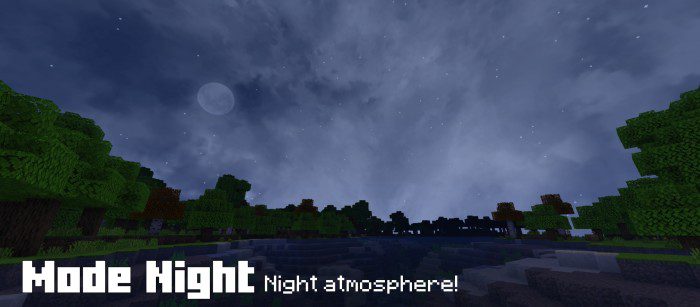
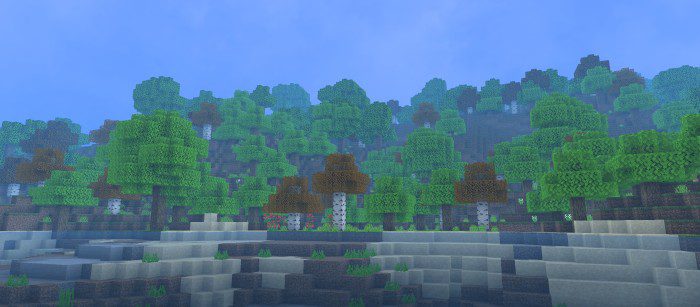
UniversalPack Shader One shader to rule them all — UniversalPack supports Render Dragon on MCPE 1.26+ and delivers dependable, good-looking visuals for every kind of player. Features: Universal design that fits any world or build style Render Dragon engine support for modern Bedrock Enhanced water, sky and light rendering Stable performance across a wide device range Why You'll Love It: 1 A safe, versatile pick that just works 2 Compatible with the latest game updates 3 Balanced visuals with no weak spots How to Get Started: 1 Download the UniversalPack Shader. 2 Install it in Minecraft PE. 3 Open your world and enjoy the new experience. Universal
Open this resource in CraftyBox