
CRAFTYBOX
Preparing your block world
正在准备你的方块世界
First visit setup
首次访问设置
CRAFTYBOX
Preparing your block world
正在准备你的方块世界
First visit setup
首次访问设置
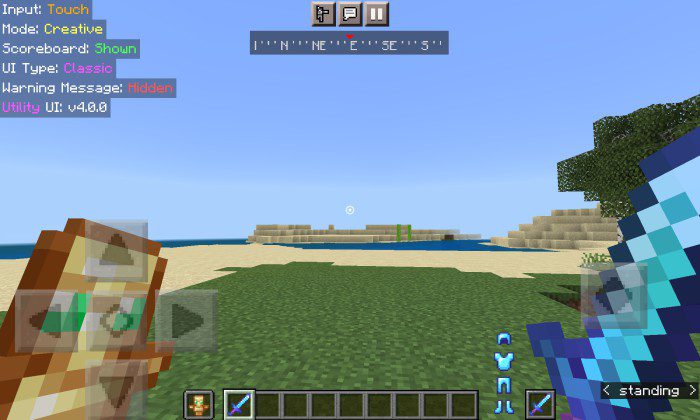
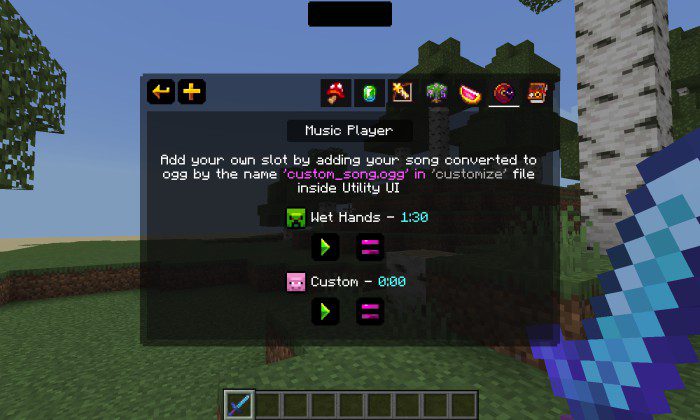
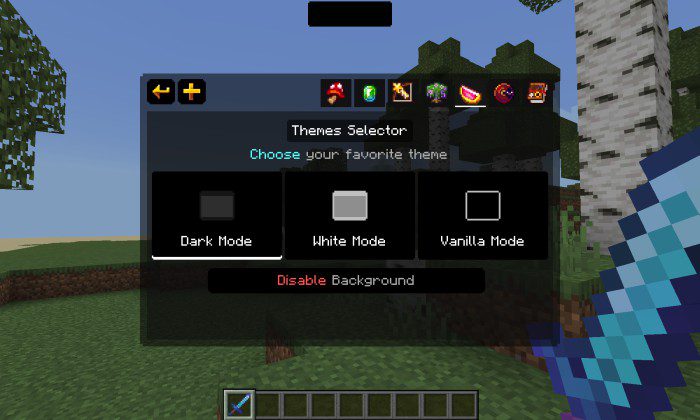
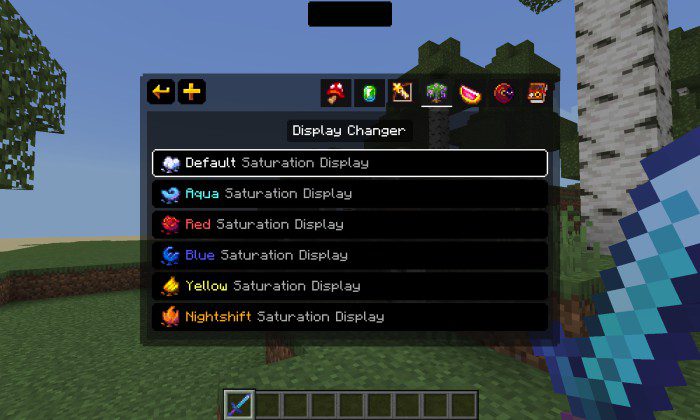
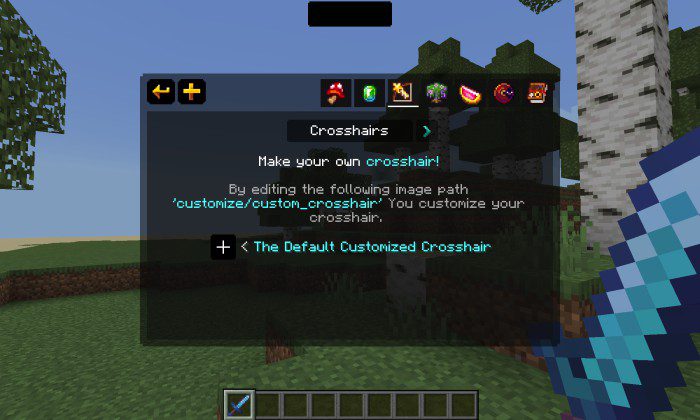
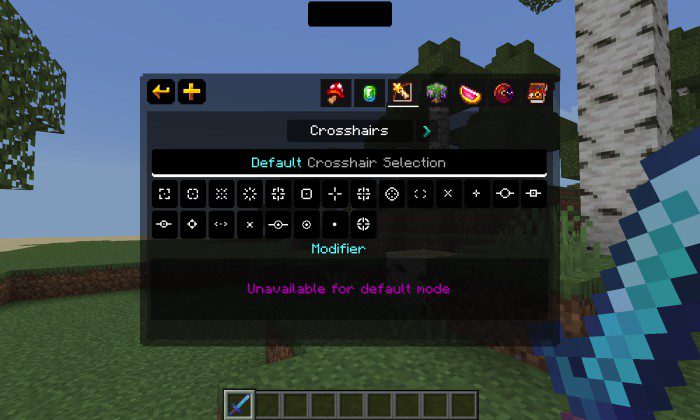
Utility UI Pack Upgrade your screen with one of the best HUD packs for Bedrock — useful info panels, sleek indicators and a cleaner interface all in one. Features: Enhanced HUD showing handy in-game information Clean, modern redesign of menus and overlays Armor and tool status displayed at a glance Lightweight UI tweaks that stay out of your way Why You'll Love It: 1 Get vital info without opening your inventory 2 A tidier screen means better focus in combat 3 Looks great on both phones and tablets How to Get Started: 1 Download the Utility UI Pack. 2 Install it in Minecraft PE. 3 Open your world and enjoy the new experience. Smarter screen, smar
Read the full details and screenshots
Open this resource in CraftyBox