
CRAFTYBOX
Preparing your block world
正在准备你的方块世界
First visit setup
首次访问设置
CRAFTYBOX
Preparing your block world
正在准备你的方块世界
First visit setup
首次访问设置
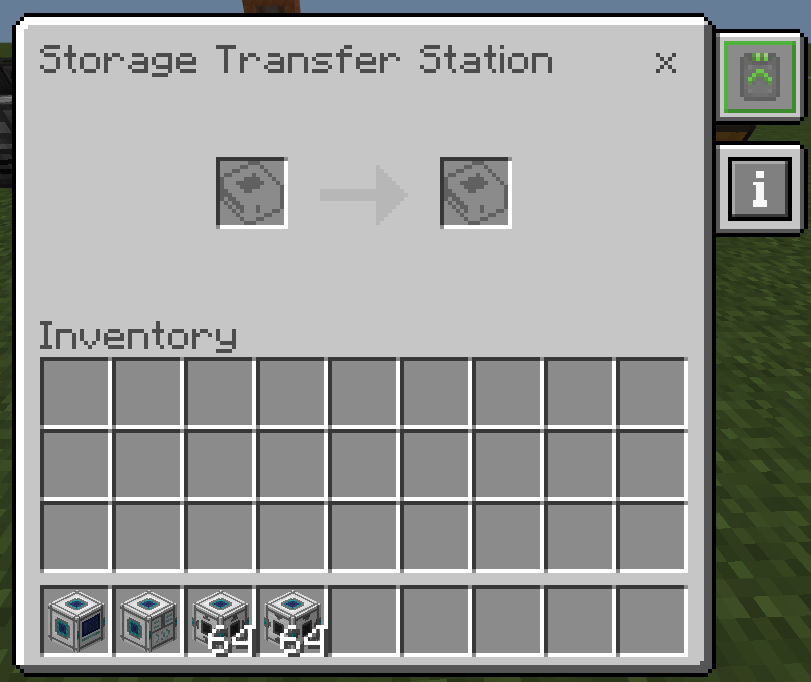
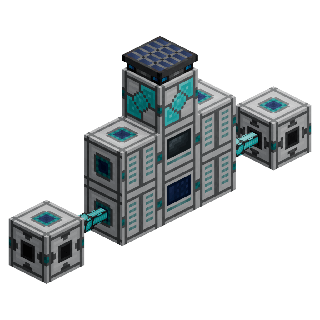
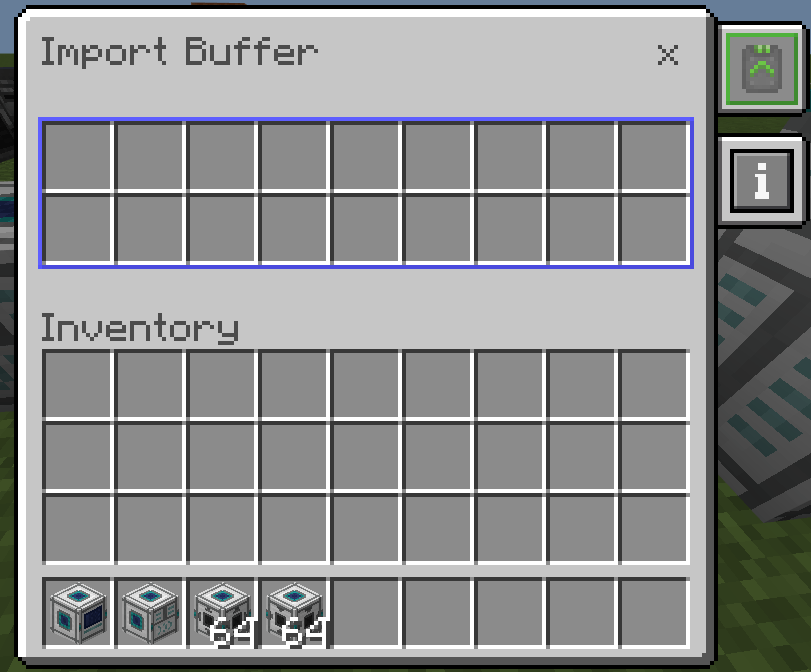
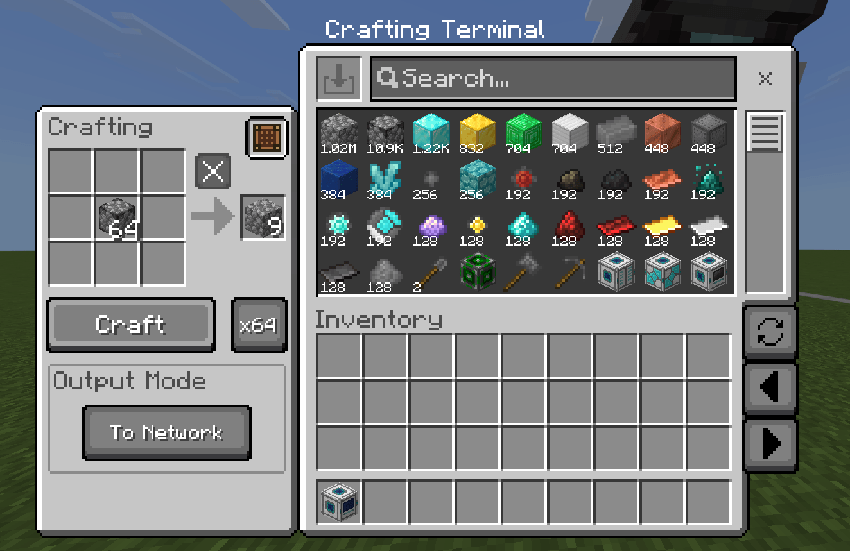
UtilityCraft Digital Storage Organize and access all your items seamlessly with a powerful centralized digital storage network. Features: High-capacity upgradeable Storage Cells Storage and Crafting Terminals for instant access Automated importing and filtered exporting buffers Multiple independent networks in a single world Why You'll Love It: 1 A clean and powerful alternative to chest rooms. 2 Instant item retrieval and direct crafting. 3 Virtually infinite scalable capacity. How to Get Started: 1 Download the UtilityCraft Digital Storage. 2 Install it in Minecraft PE. 3 Open your world and enjoy the new experience. Streamline your inventory man

Open this resource in CraftyBox