
CRAFTYBOX
Preparing your block world
正在准备你的方块世界
First visit setup
首次访问设置
CRAFTYBOX
Preparing your block world
正在准备你的方块世界
First visit setup
首次访问设置
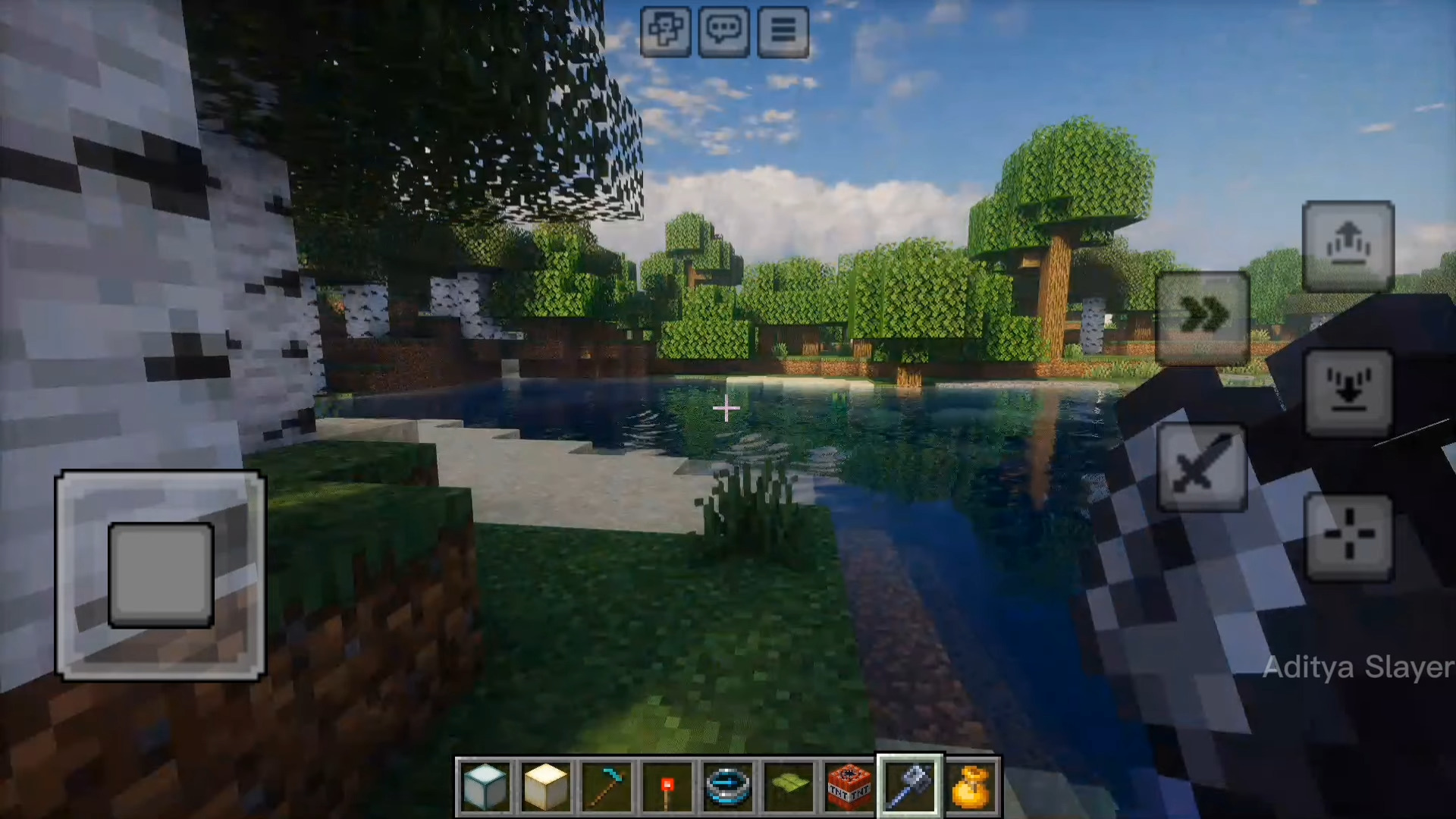
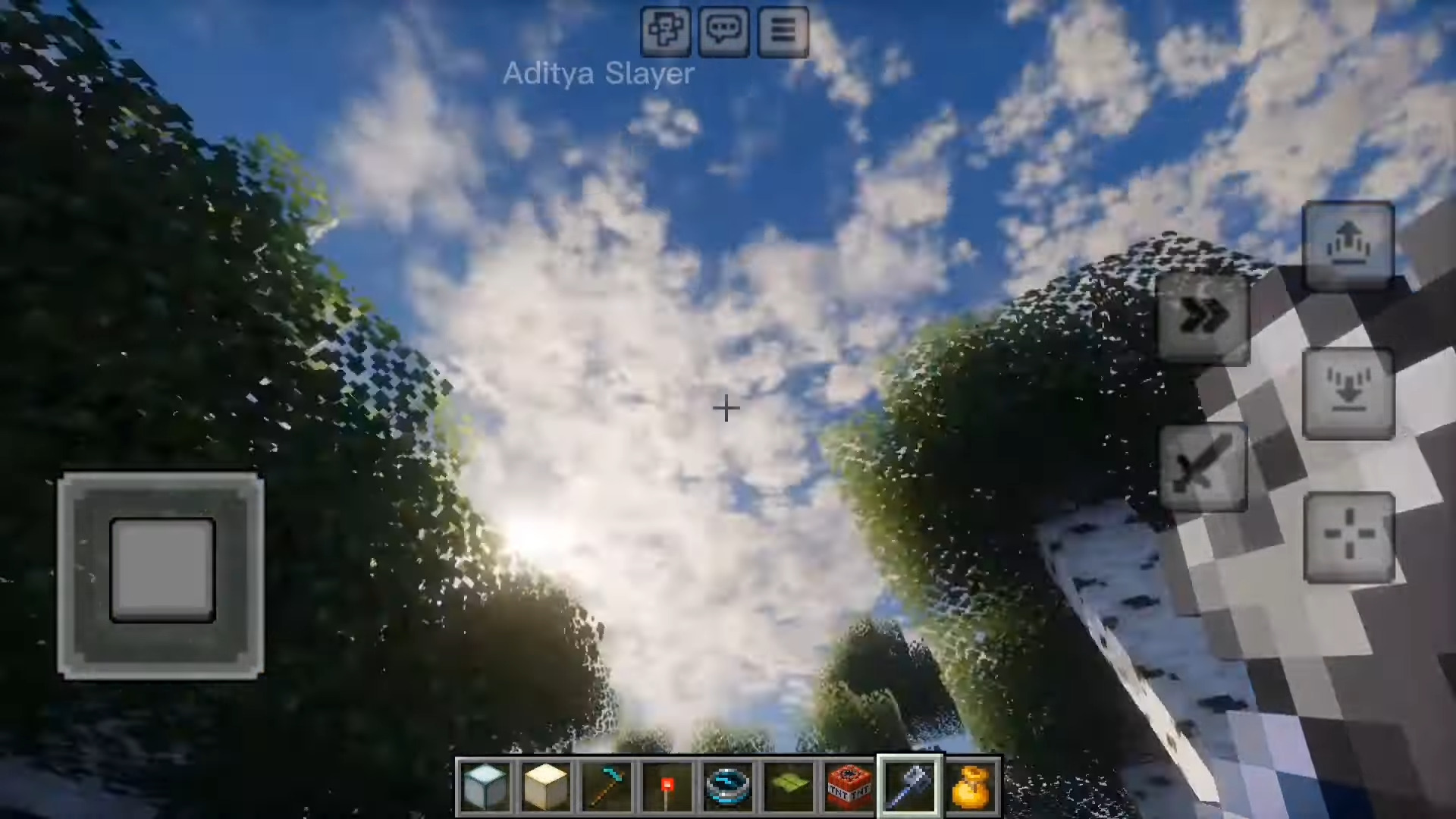
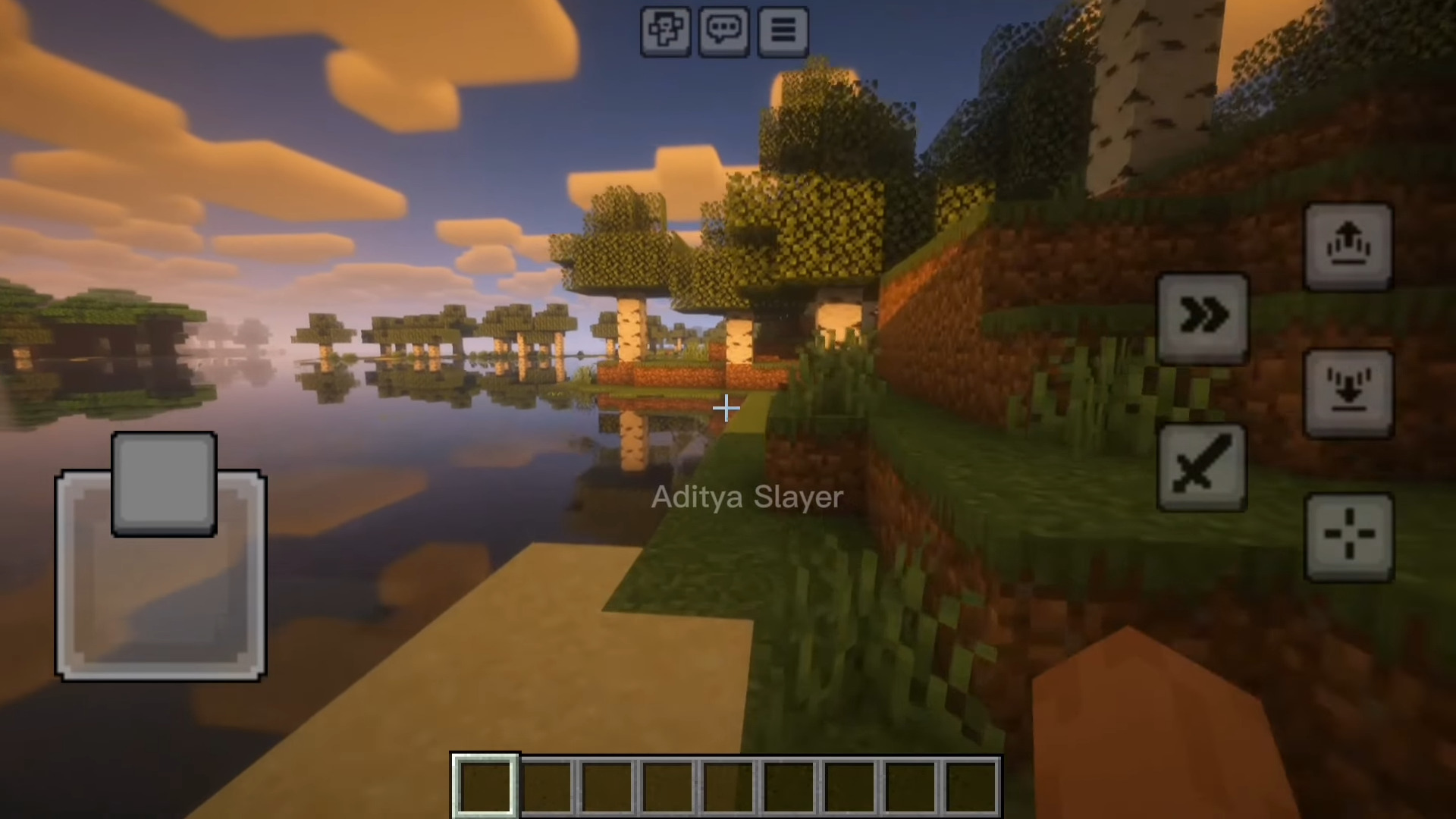
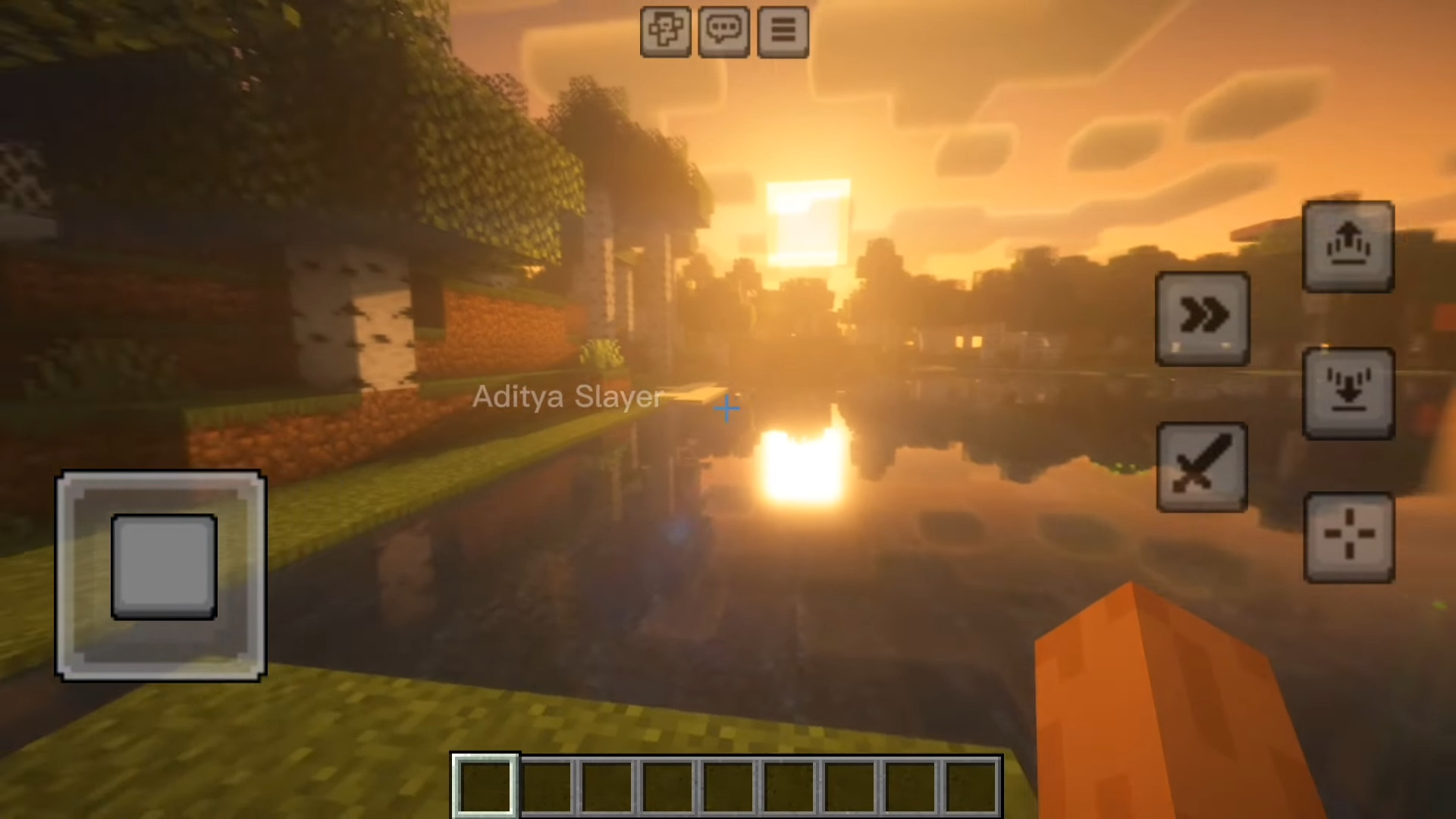
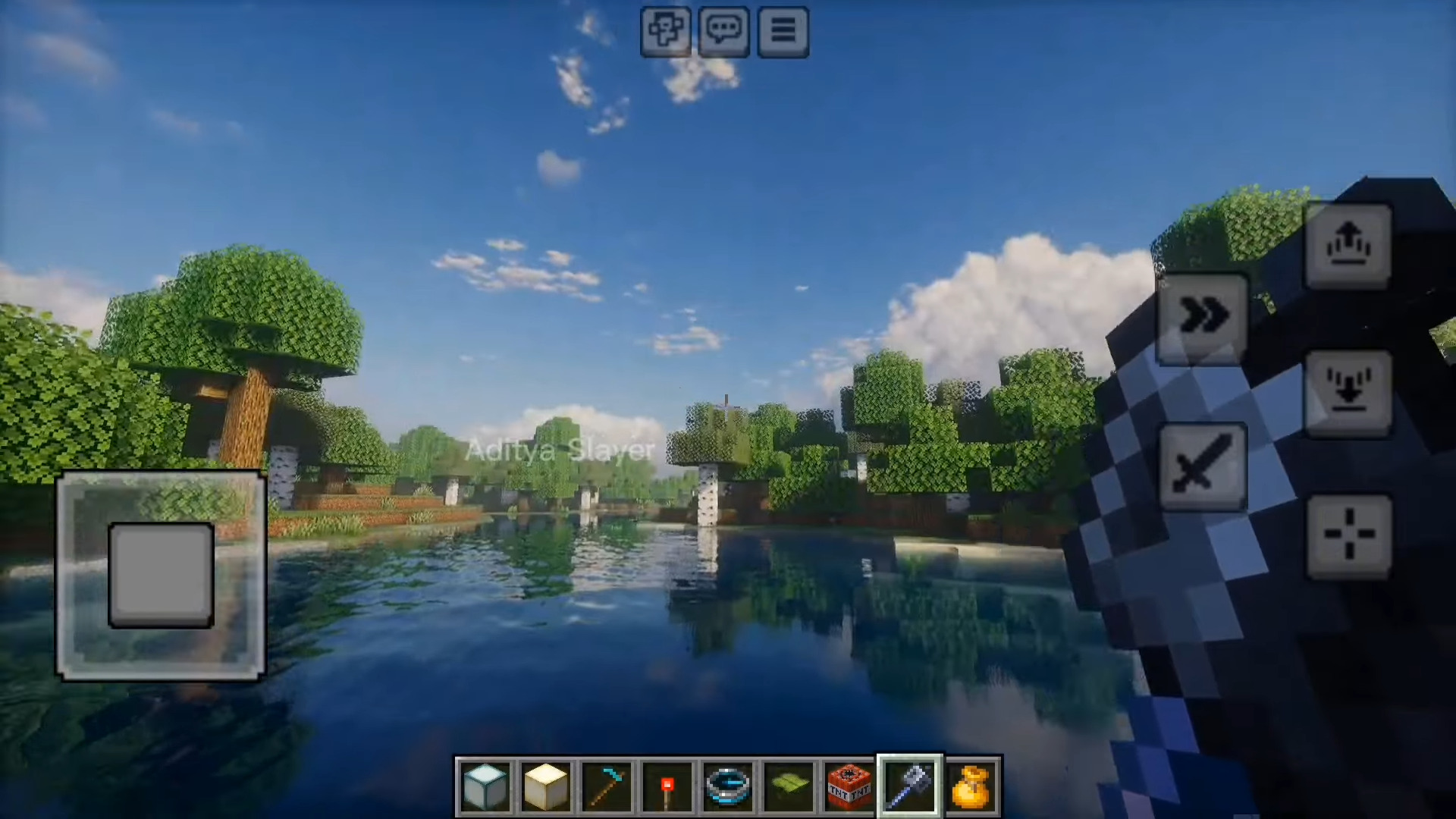
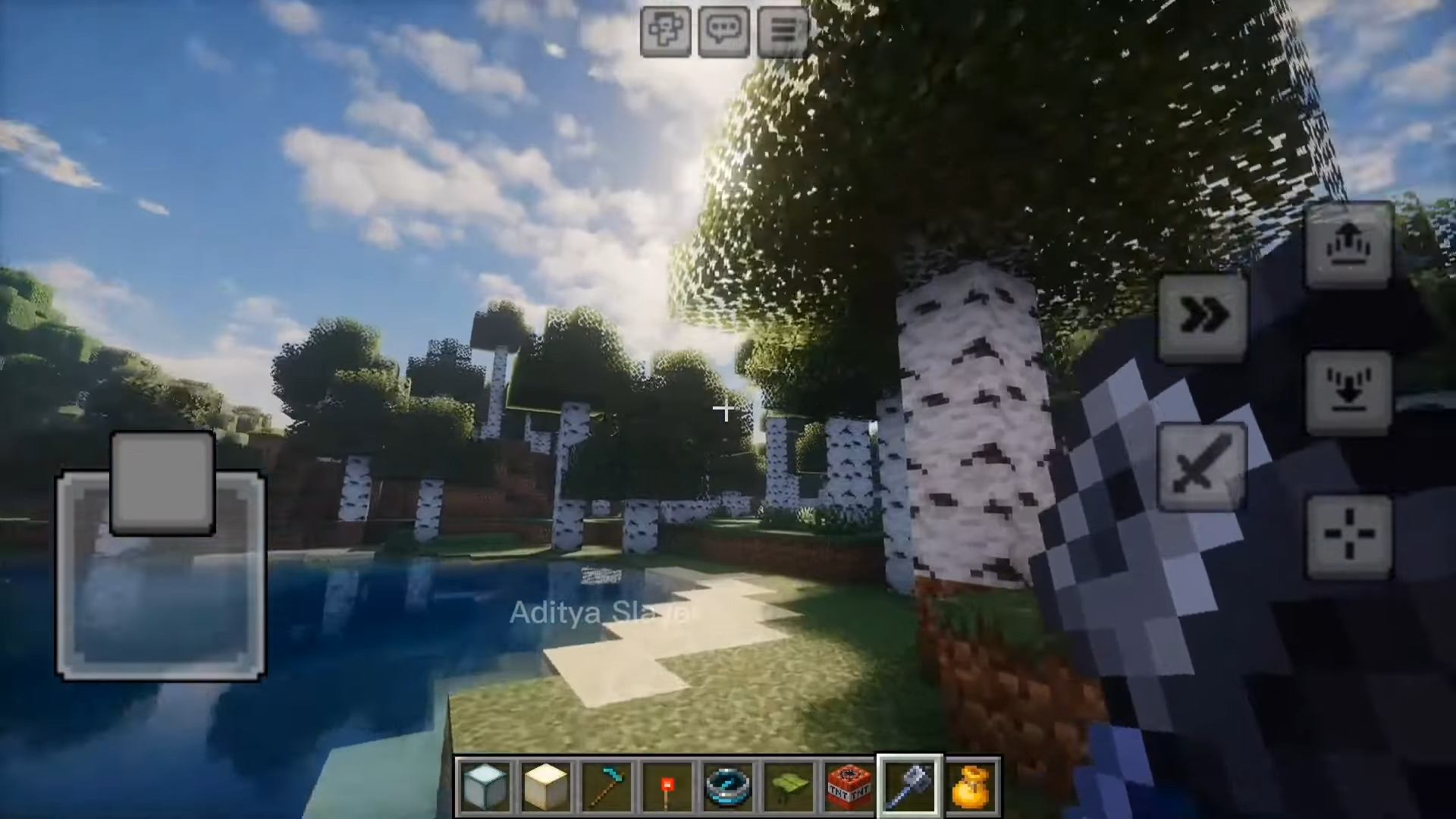
Visual Shader A clean, all-around visual overhaul for MCPE/Bedrock — better lighting, better skies, better everything! Features: Upgraded lighting and shadow rendering Enhanced sky colors and cloud details Smoother, more reflective water surfaces Balanced settings suited for everyday survival Why You'll Love It: 1 Instant graphics upgrade with one install 2 Doesn't drown your device in lag 3 A safe, solid pick for shader newcomers How to Get Started: 1 Download the Visual Shader. 2 Install it in Minecraft PE. 3 Open your world and enjoy the new experience. See Minecraft the way it was meant to look!
Open this resource in CraftyBox