
CRAFTYBOX
Preparing your block world
正在准备你的方块世界
First visit setup
首次访问设置
CRAFTYBOX
Preparing your block world
正在准备你的方块世界
First visit setup
首次访问设置
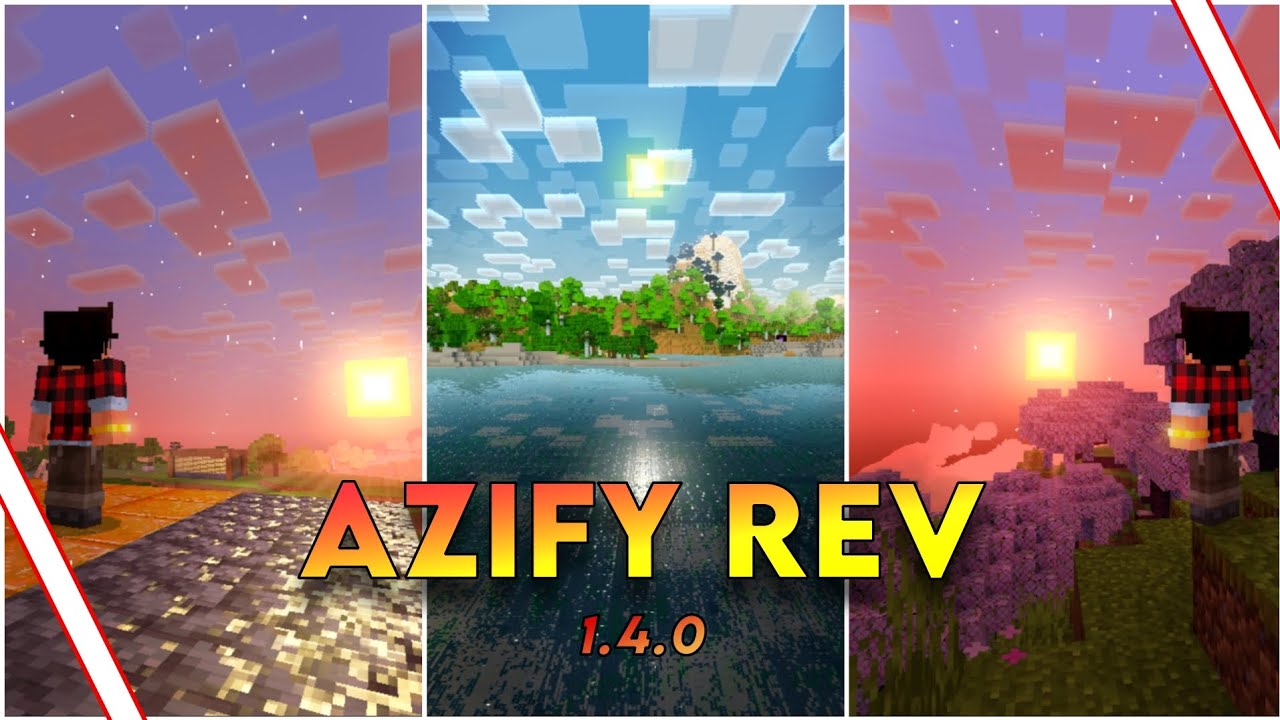
AziFy Revive Shader Bring your Minecraft world to life with stunning light effects, vibrant colors, and smooth visuals that revive every scene. Features: Realistic lighting and shadows. Color enhancements. Boosts game atmosphere. Why You’ll Love It: 1 Makes Minecraft look breathtaking. 2 Perfect for builders and explorers. 3 Smooth and immersive visuals. How to Get Started: 1 Download AziFy Revive Shader. 2 Activate in your shader options. 3 Enjoy a revived Minecraft world! Light up your adventure!
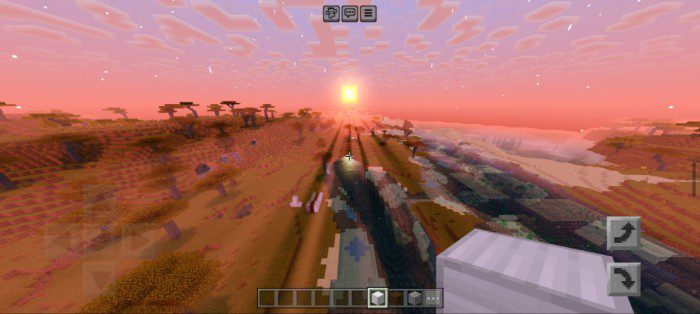
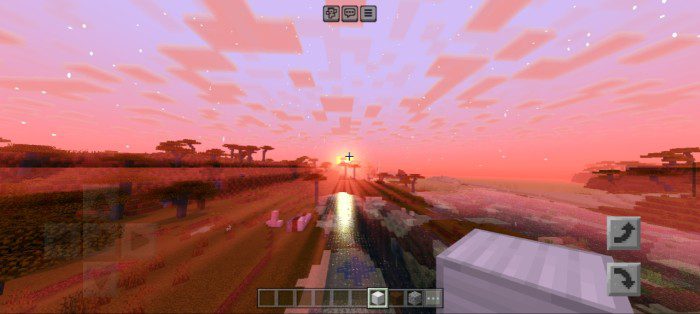
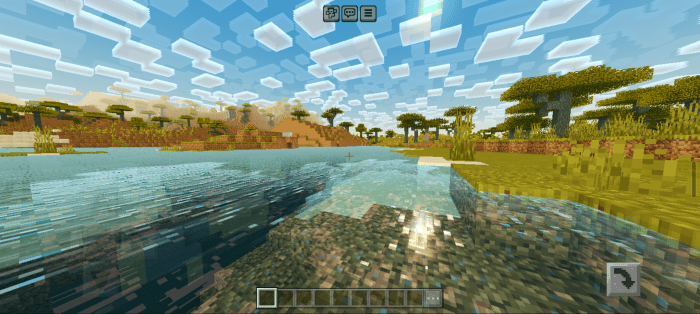
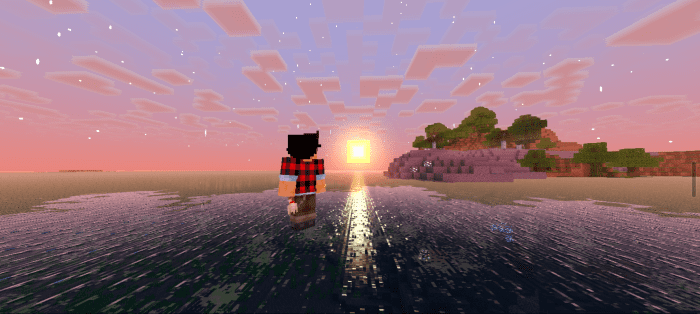
Read the full details and screenshots
Open this resource in CraftyBox