
CRAFTYBOX
Preparing your block world
正在准备你的方块世界
First visit setup
首次访问设置
CRAFTYBOX
Preparing your block world
正在准备你的方块世界
First visit setup
首次访问设置
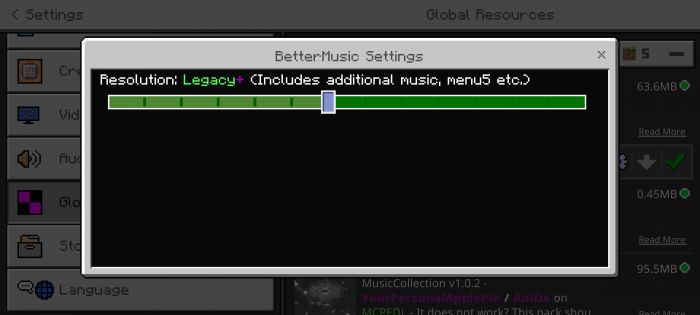
Better Music Texture Pack Give your ears an upgrade — this pack swaps the standard soundtrack for fresh custom music across your MCPE/Bedrock worlds! Features: A curated library of custom background music New tracks for menus, exploration, and more Replaces stale vanilla tunes with fresh vibes Simple drop-in pack for Bedrock 1.19+ Why You'll Love It: 1 A brand-new soundtrack makes old worlds feel new 2 Perfect background music for long building sessions 3 Easy to toggle on or off like any resource pack How to Get Started: 1 Download the Better Music Texture Pack. 2 Install it in Minecraft PE. 3 Open your world and enjoy the new experience. Press
Read the full details and screenshots
Open this resource in CraftyBox