
CRAFTYBOX
Preparing your block world
正在准备你的方块世界
First visit setup
首次访问设置
CRAFTYBOX
Preparing your block world
正在准备你的方块世界
First visit setup
首次访问设置
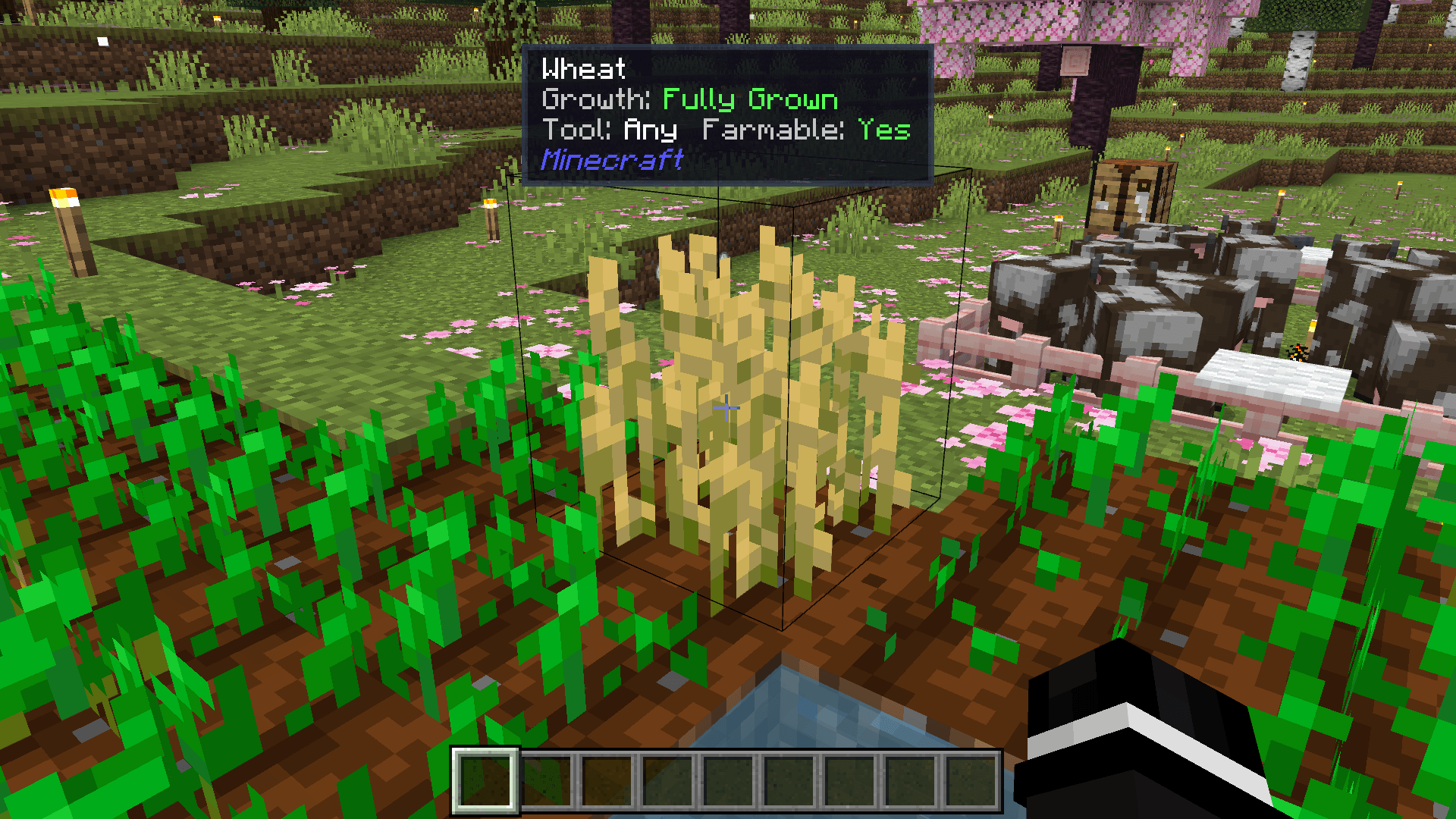
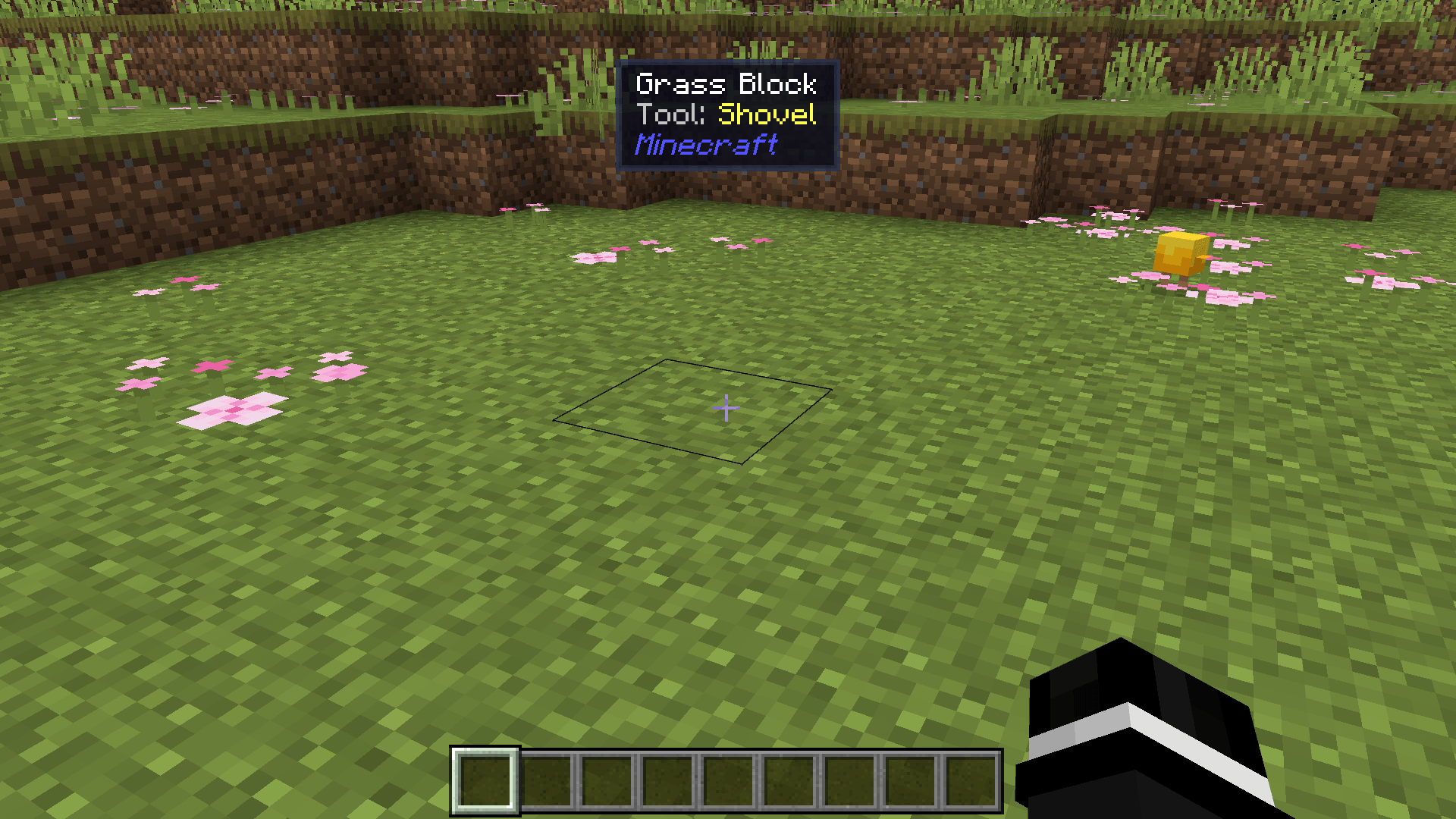
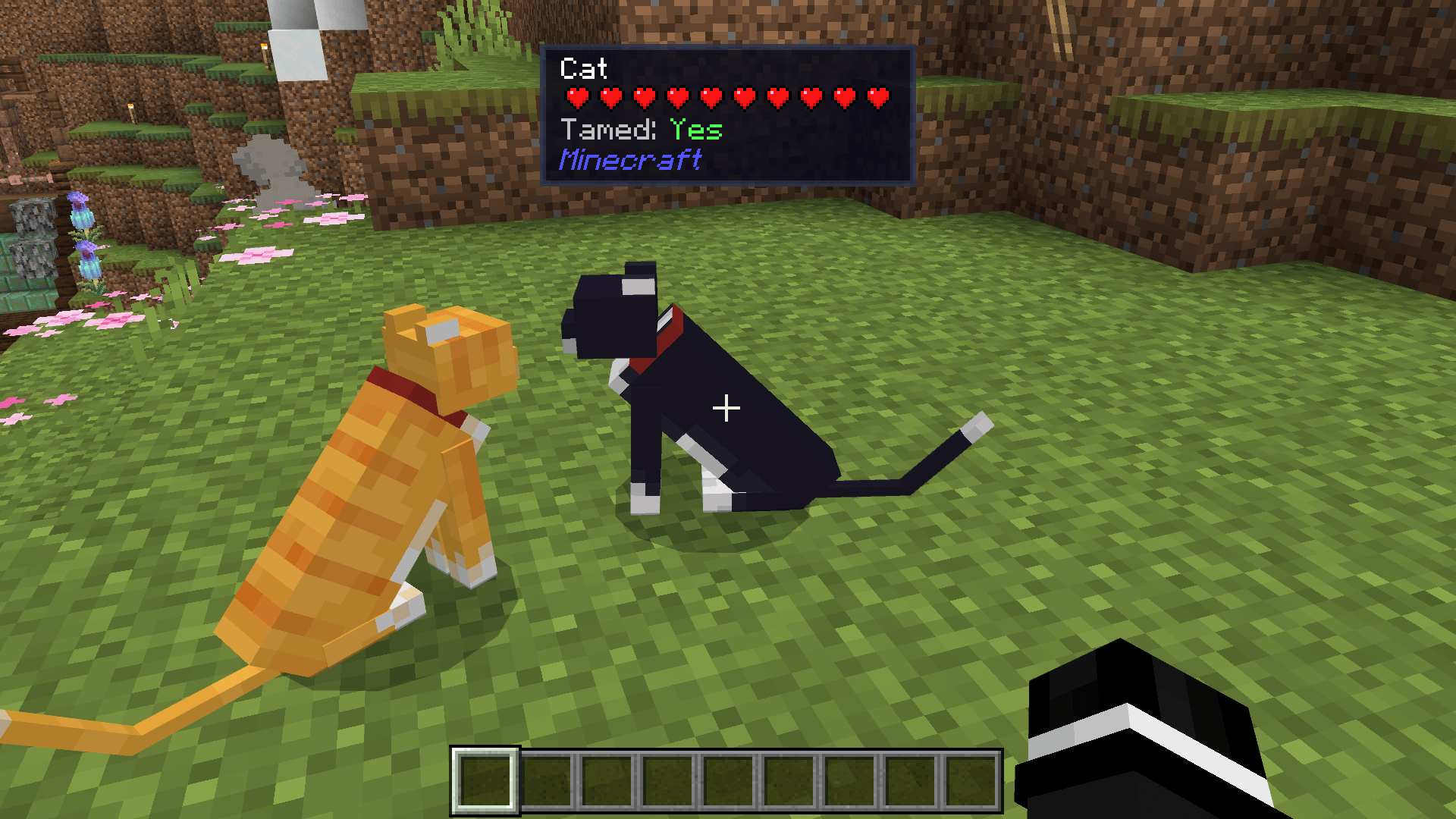
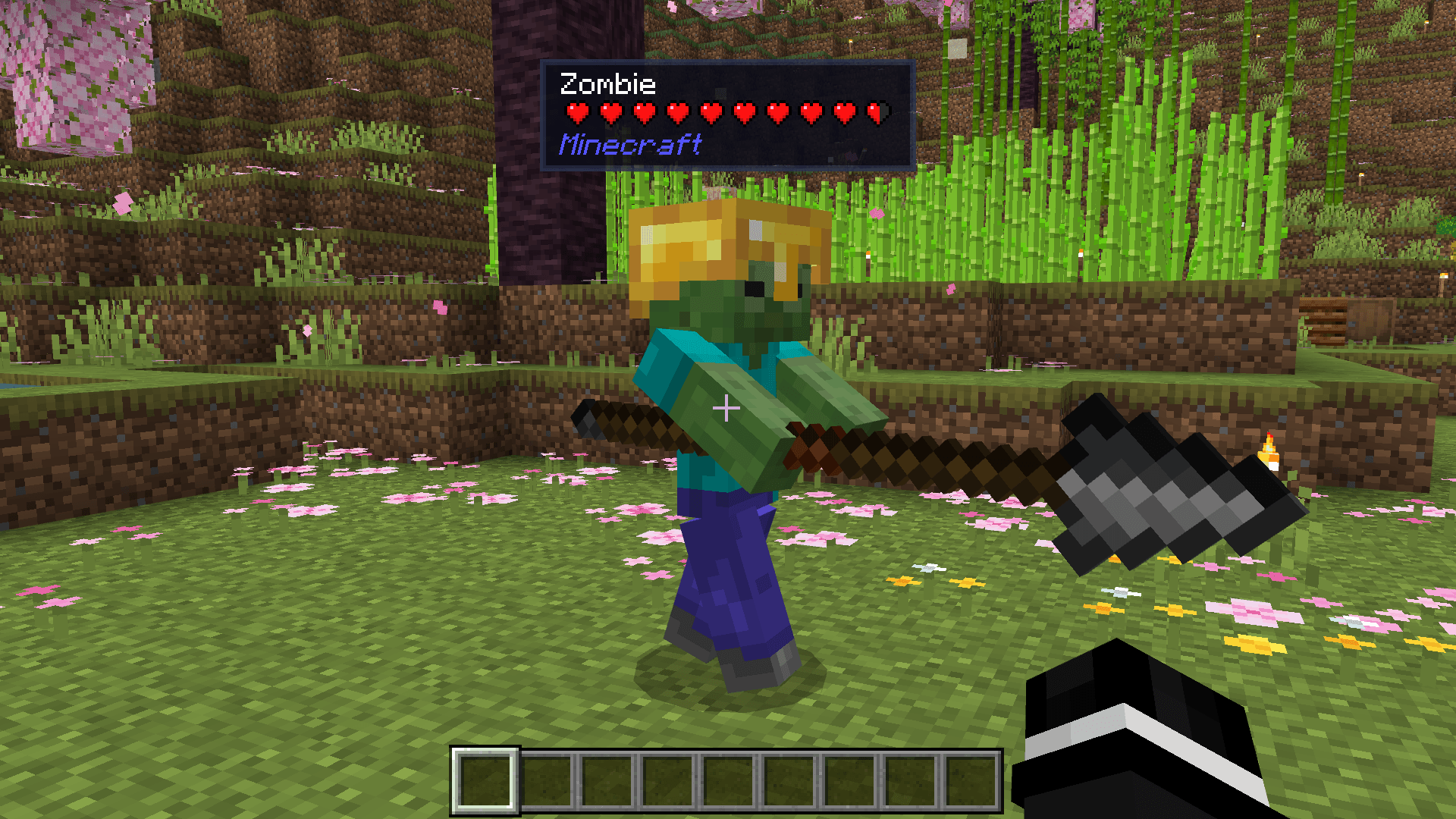
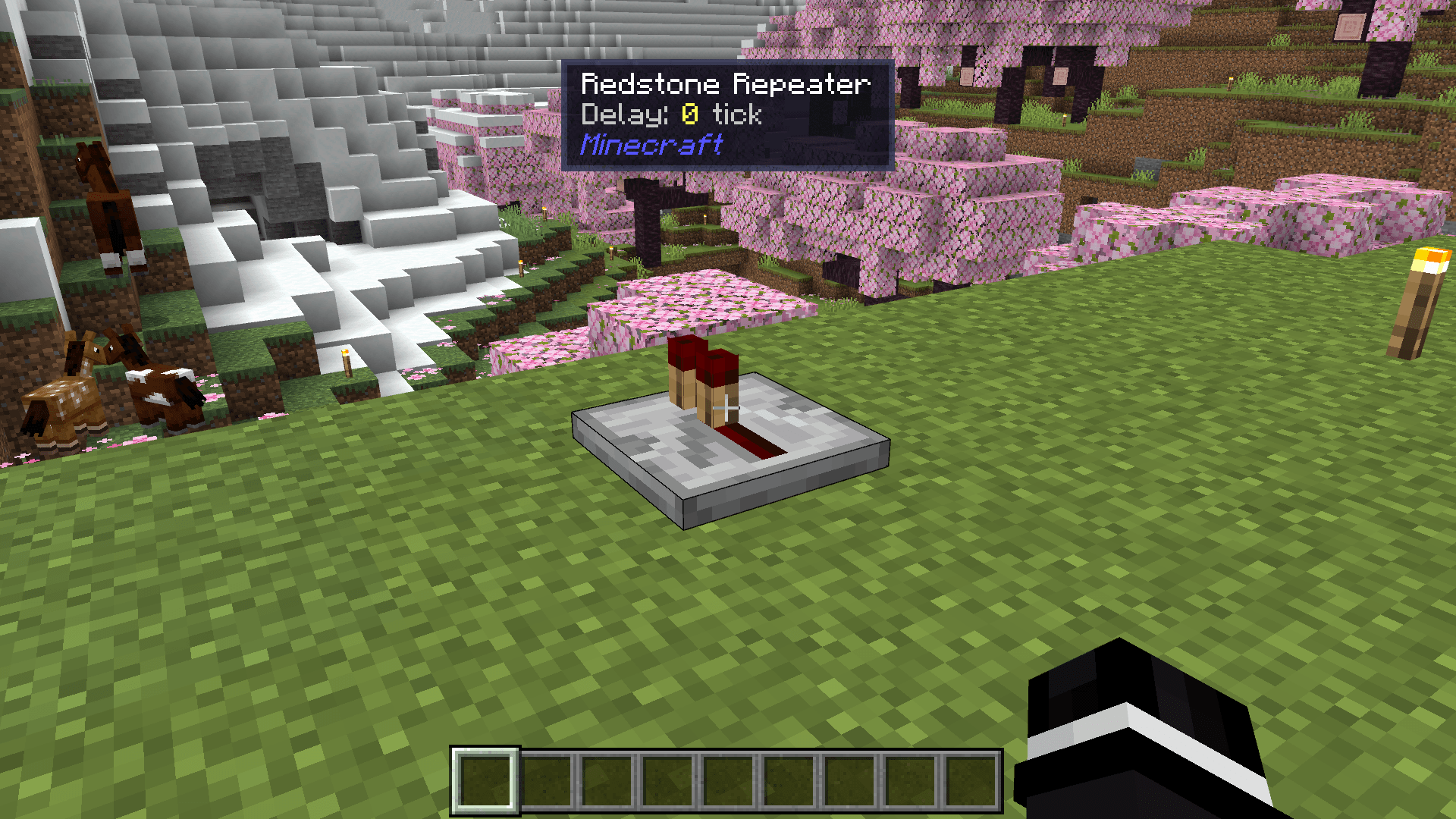
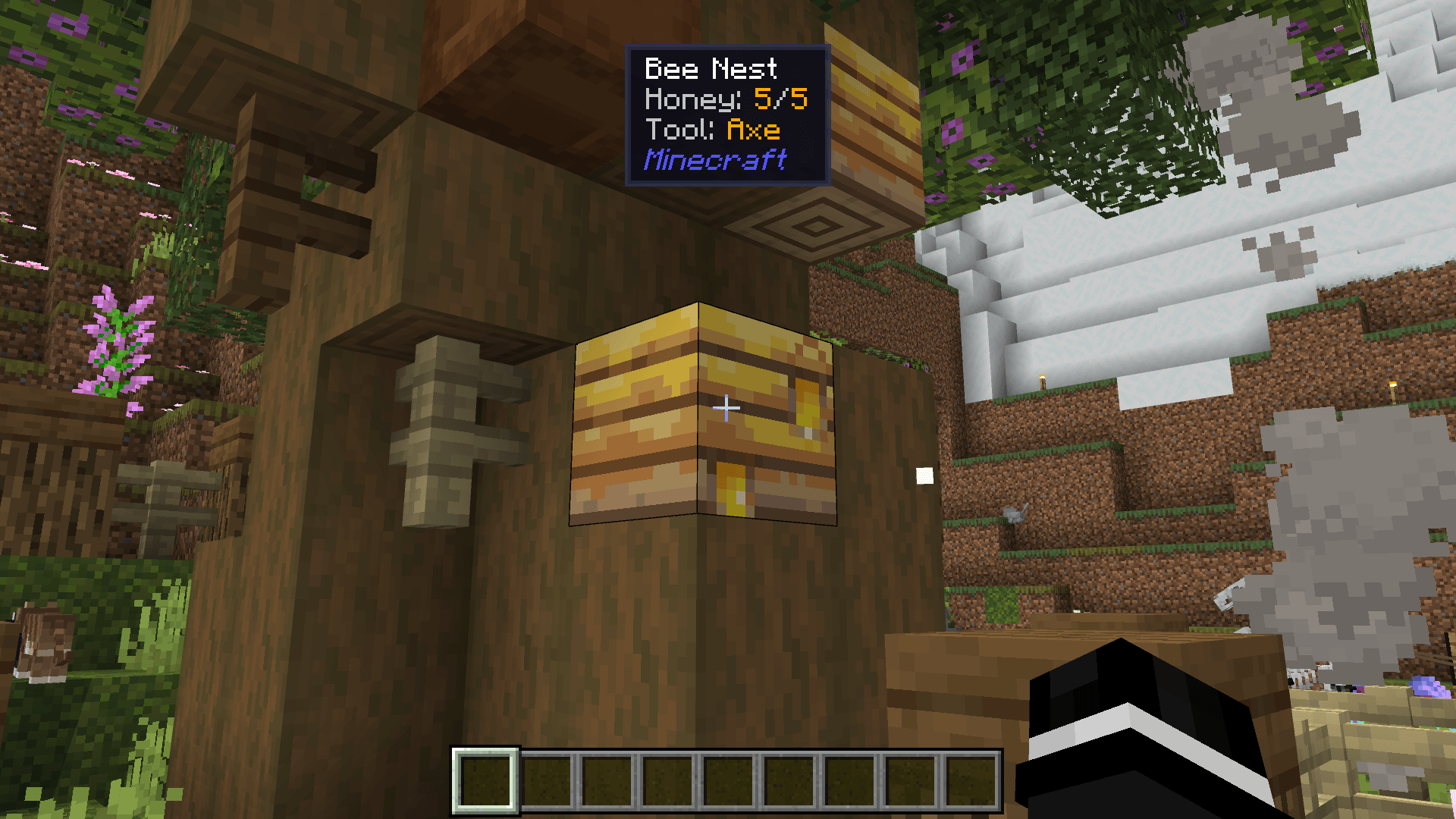
Block & Entity Details Point your crosshair at any block or entity to reveal instant detailed tooltips. Features: Displays mob health, baby status, and tame info. Shows correct tool requirements and crop growth states. Universal support for custom addon blocks and mobs. Stable Script API performance with zero lag. Why You'll Love It: 1 No commands or menus required to inspect objects. 2 Pixel art hearts match vanilla game style. 3 Instantly identifies namespaces from other addons. How to Get Started: 1 Download the Block & Entity Details. 2 Install it in Minecraft PE. 3 Open your world and enjoy the new experience. Learn everything about your world
Read the full details and screenshots
Open this resource in CraftyBox