
CRAFTYBOX
Preparing your block world
正在准备你的方块世界
First visit setup
首次访问设置
CRAFTYBOX
Preparing your block world
正在准备你的方块世界
First visit setup
首次访问设置
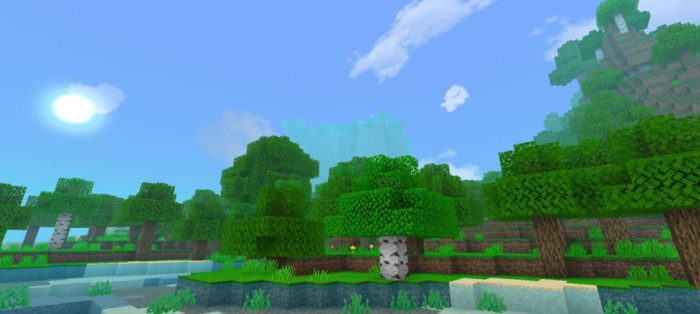
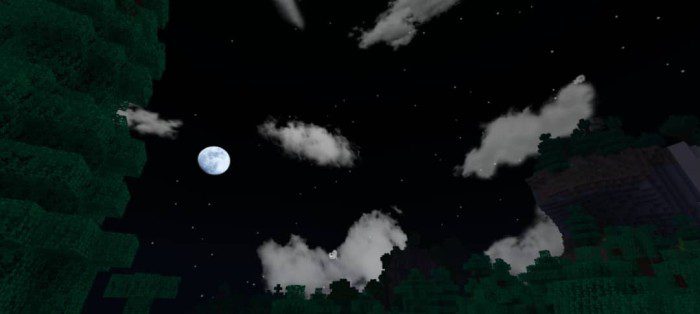
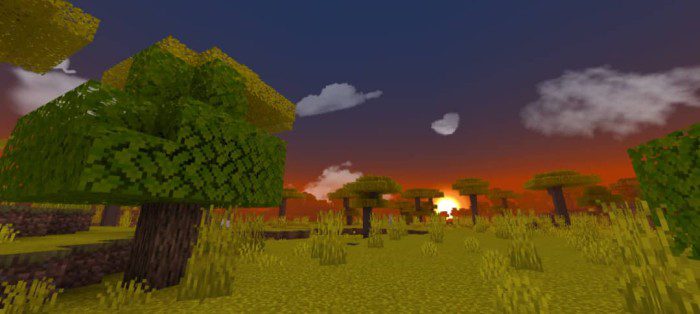
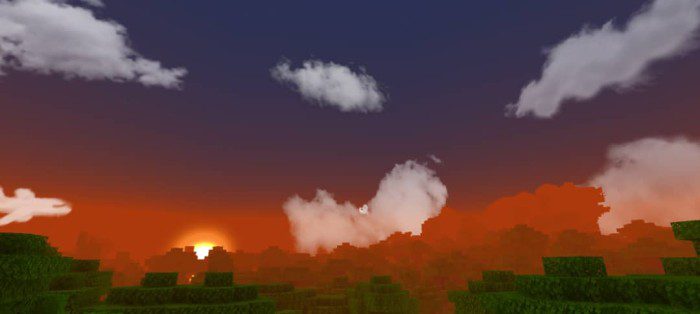
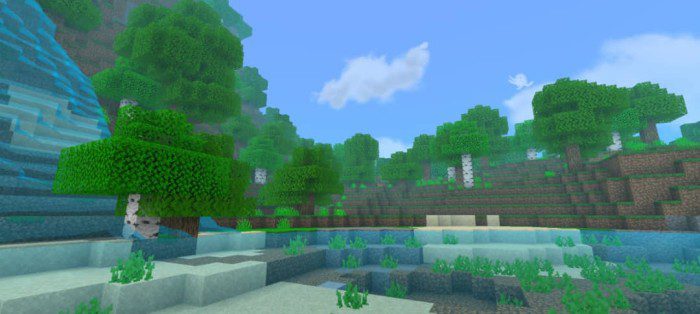
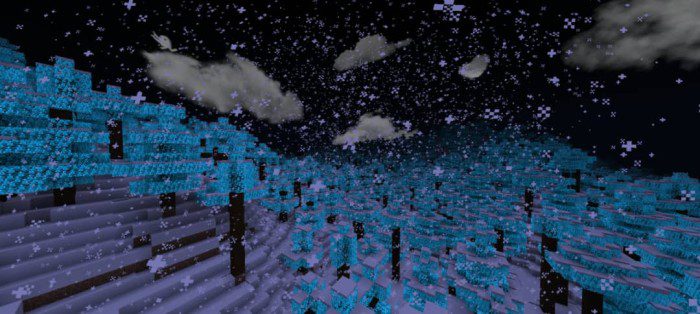
Blue Graphics Shader Dive into cool blue serenity — a Render Dragon supported shader that washes your world in calm, beautiful azure tones! Features: Signature cool blue color grading Enhanced skies with deep, tranquil hues Full Render Dragon engine support Reliable visuals for Bedrock 1.26+ Why You'll Love It: 1 The calming palette makes long sessions relaxing 2 Works on modern Bedrock where old shaders break 3 Ocean and sky views become stunning postcards How to Get Started: 1 Download the Blue Graphics Shader. 2 Install it in Minecraft PE. 3 Open your world and enjoy the new experience. Feeling blue never looked this good!
Read the full details and screenshots
Open this resource in CraftyBox