
CRAFTYBOX
Preparing your block world
正在准备你的方块世界
First visit setup
首次访问设置
CRAFTYBOX
Preparing your block world
正在准备你的方块世界
First visit setup
首次访问设置
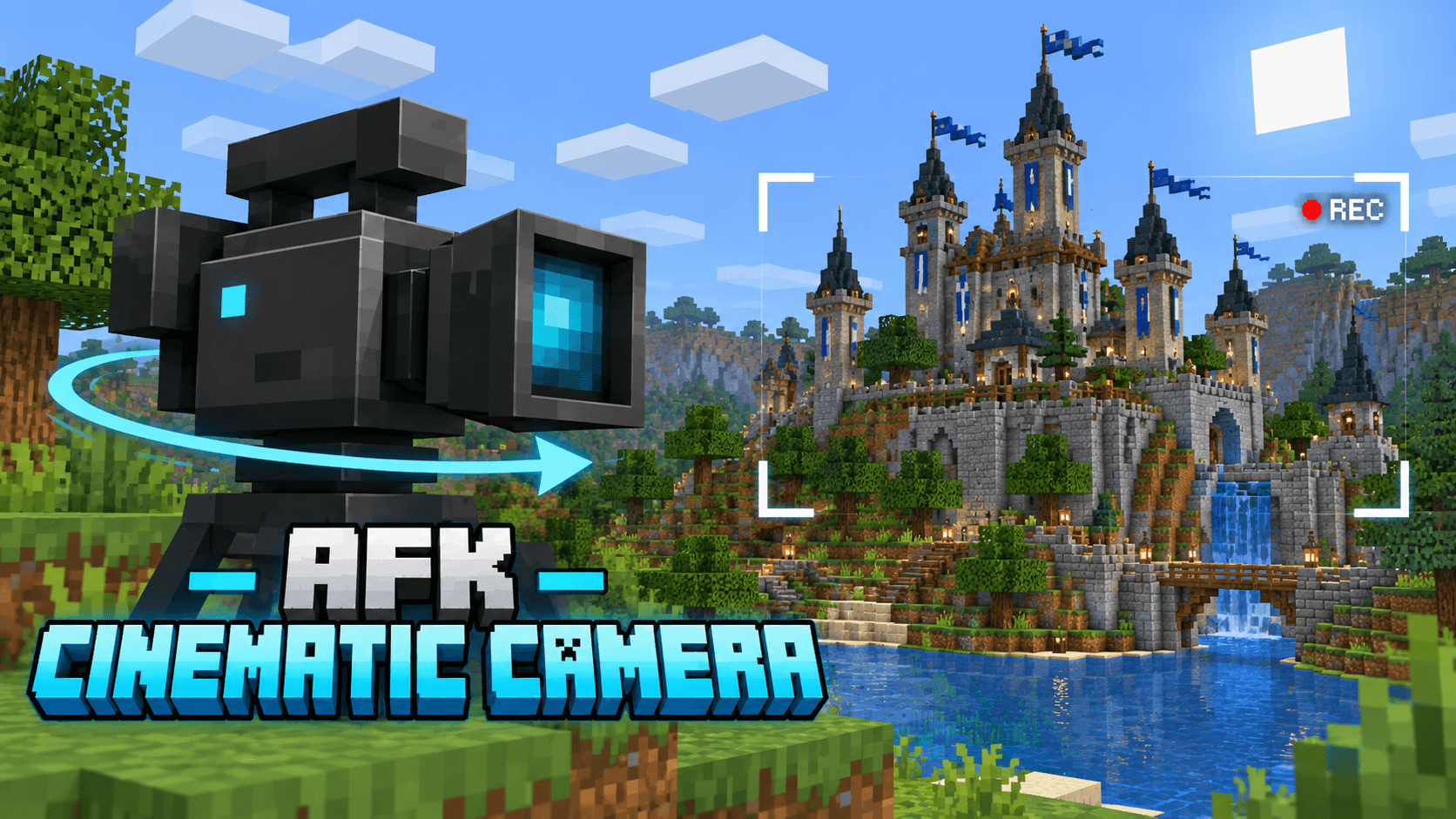
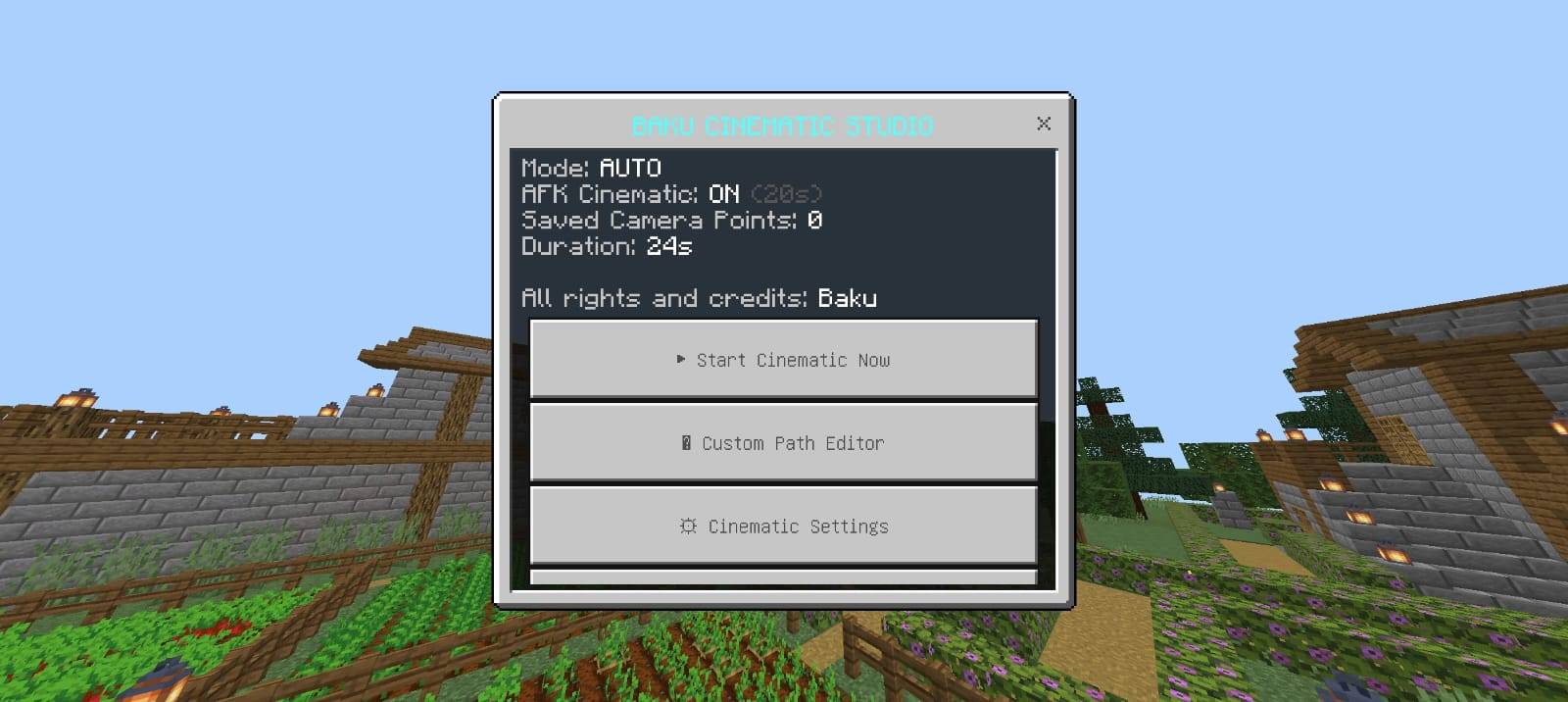
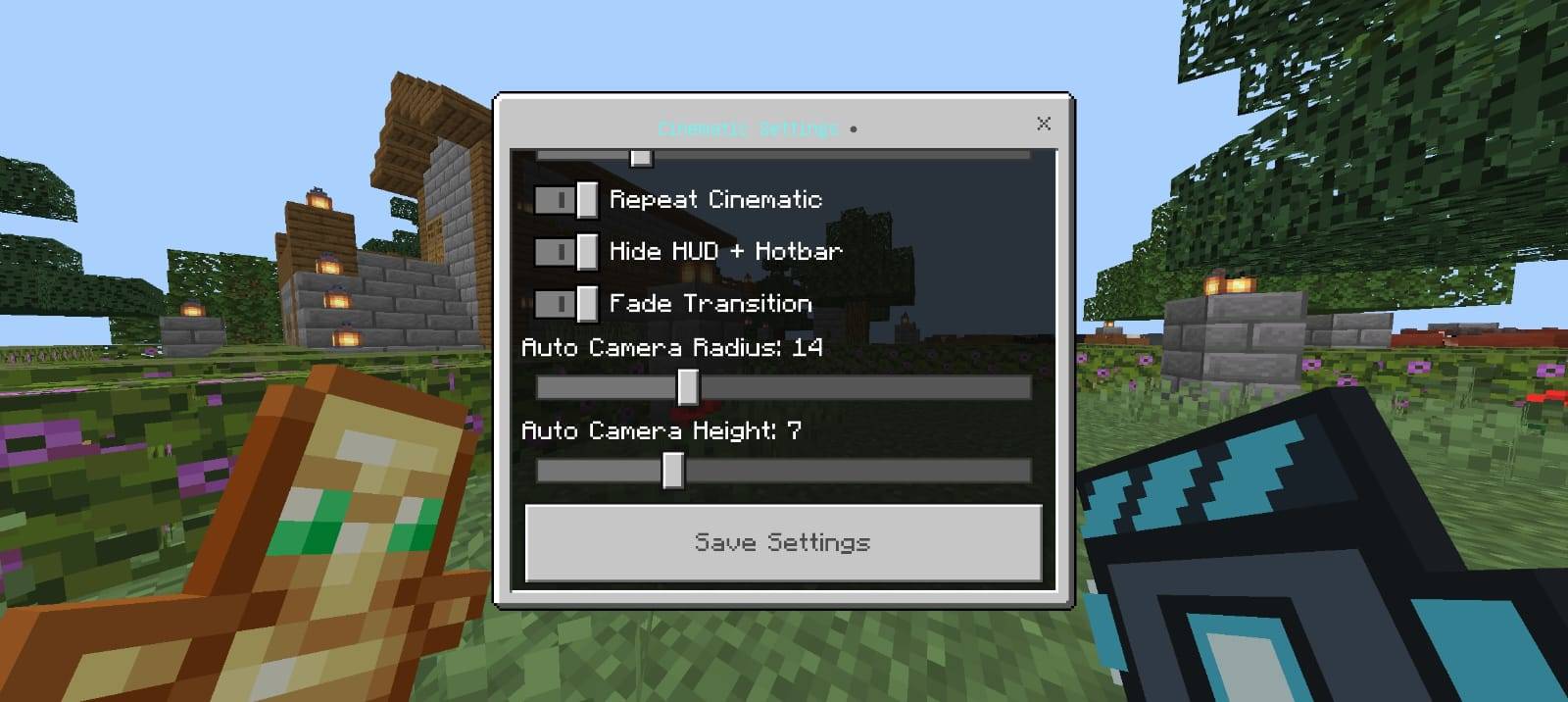
CINEMATIC CAMERA BY BAKU Turn your Minecraft world into a smooth cinematic showcase with automatic AFK tracking and custom camera paths! Features: Automatic cinematic mode activation during player inactivity. Custom path editor to save and link multiple camera positions. Manual cinematic controller for instant shot previews. Clean cinematic view that automatically hides and restores HUD elements. Why You'll Love It: 1 Perfect for showcasing massive castles, bases, and cities. 2 Fully customizable timers and camera angles. 3 Independent multiplayer support for every player. How to Get Started: 1 Download the CINEMATIC CAMERA BY BAKU. 2 Install it in Mine
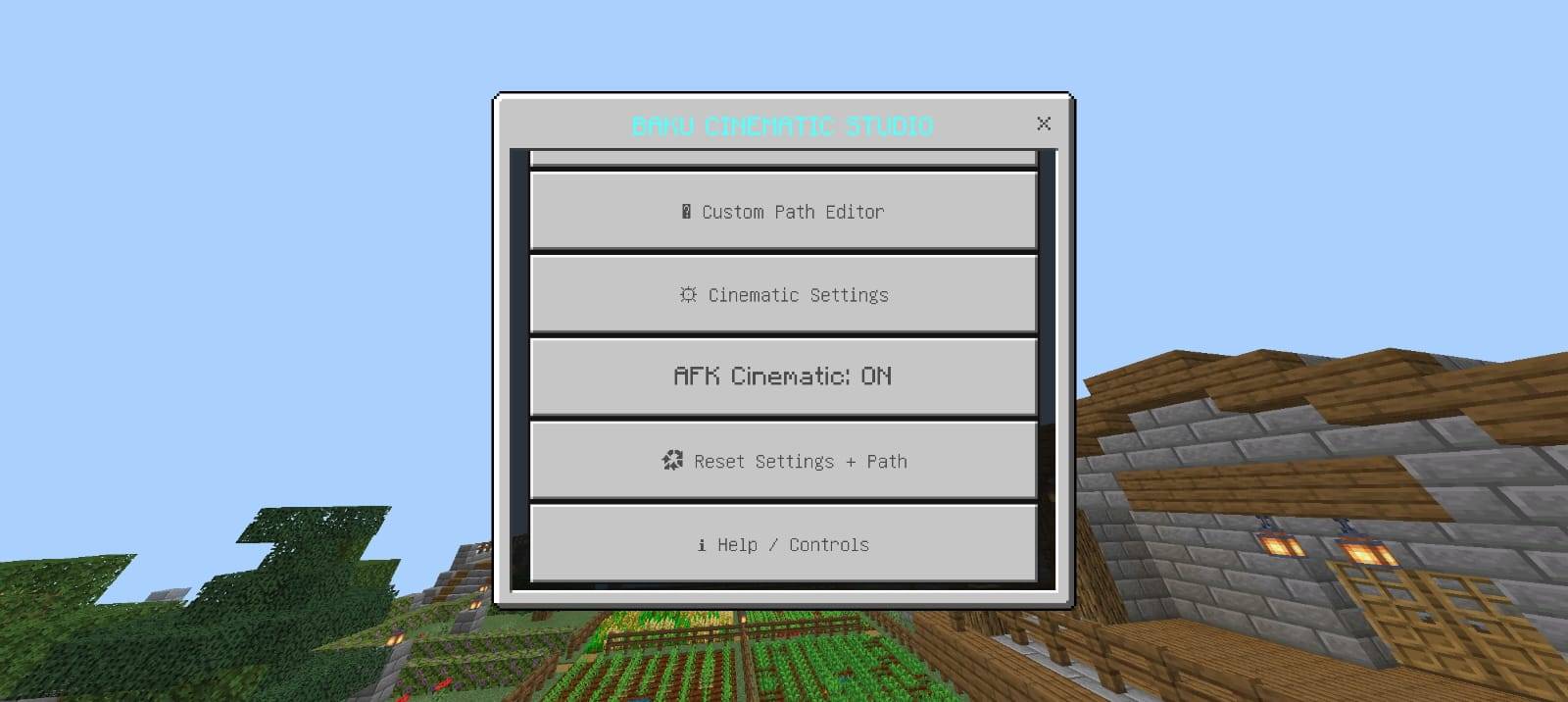
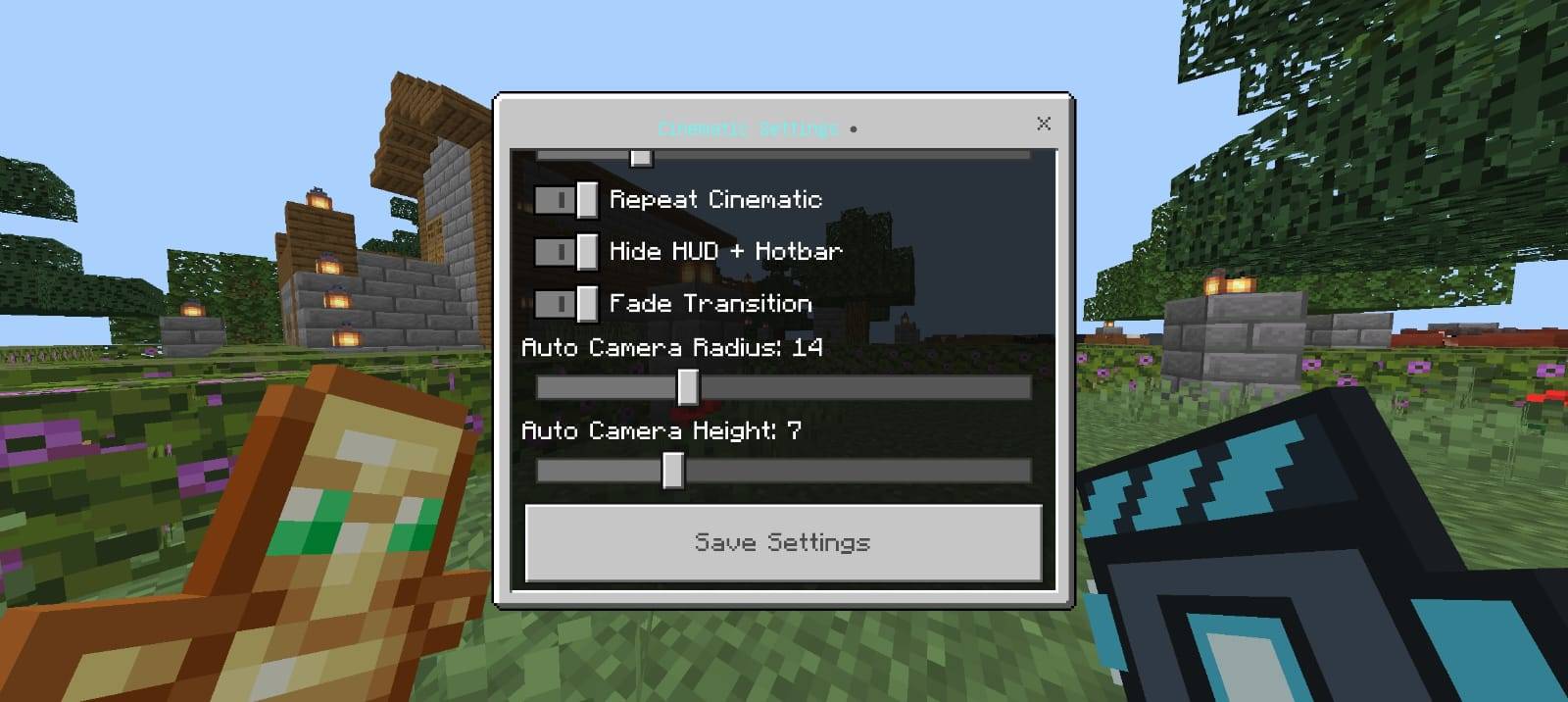
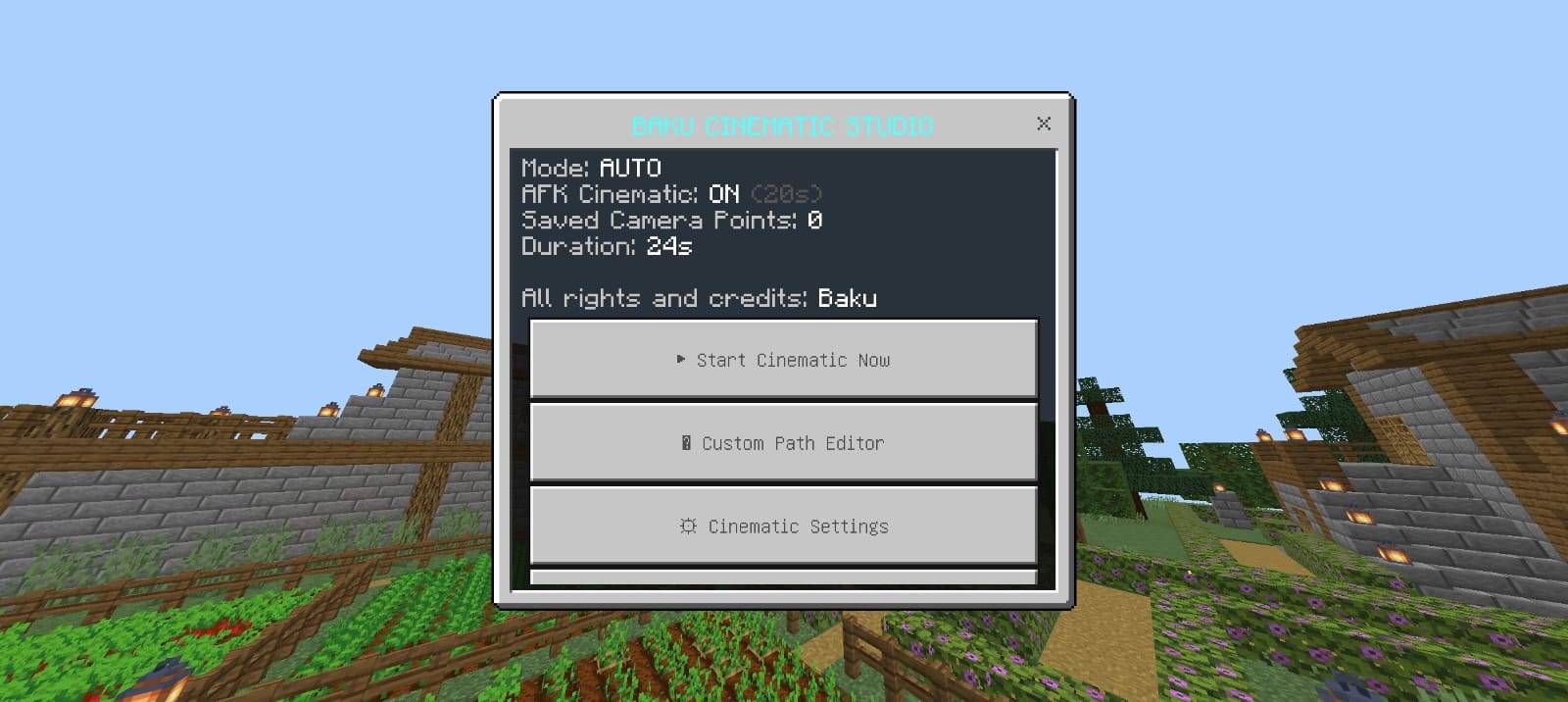
Read the full details and screenshots
Open this resource in CraftyBox