
CRAFTYBOX
Preparing your block world
正在准备你的方块世界
First visit setup
首次访问设置
CRAFTYBOX
Preparing your block world
正在准备你的方块世界
First visit setup
首次访问设置
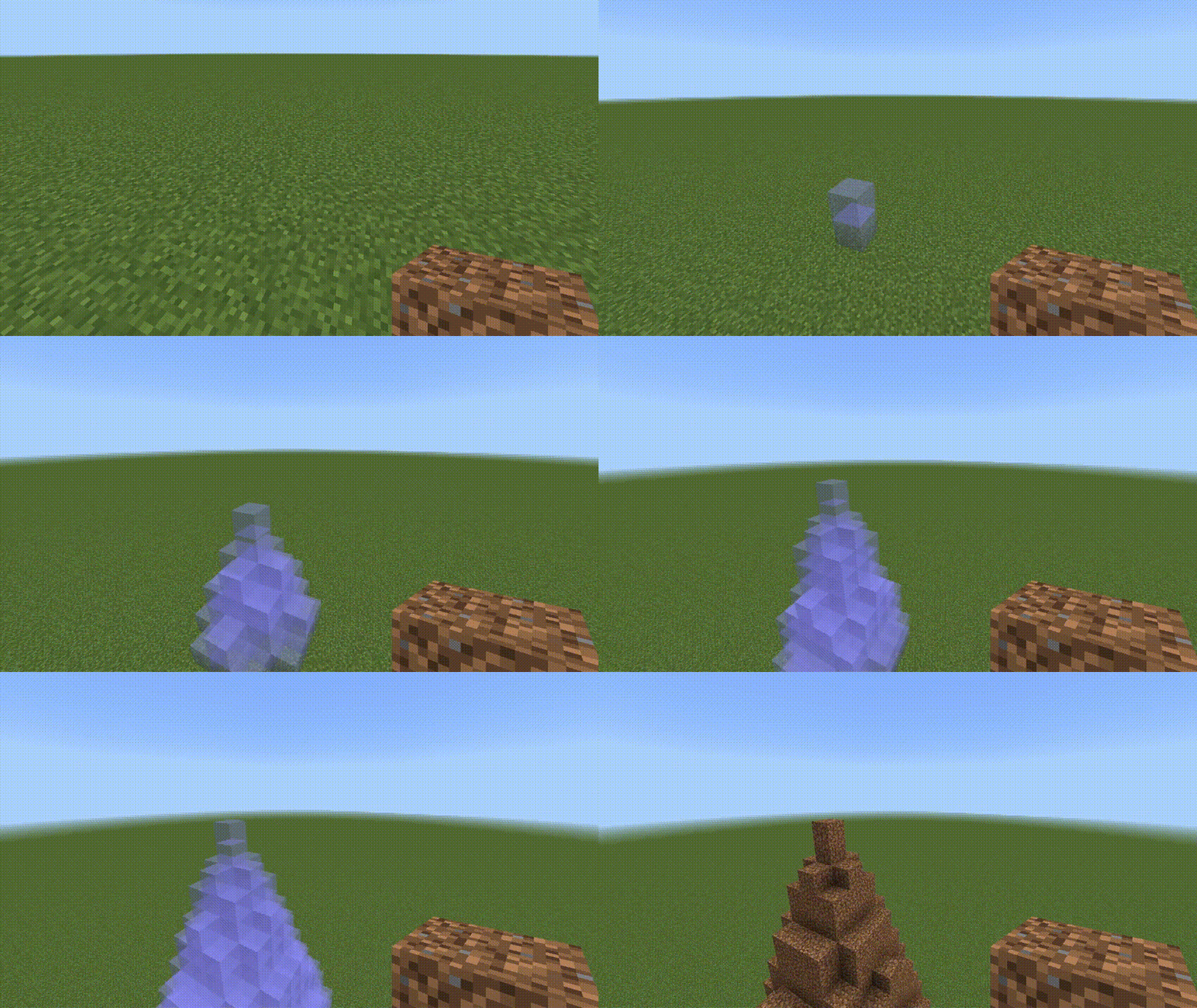
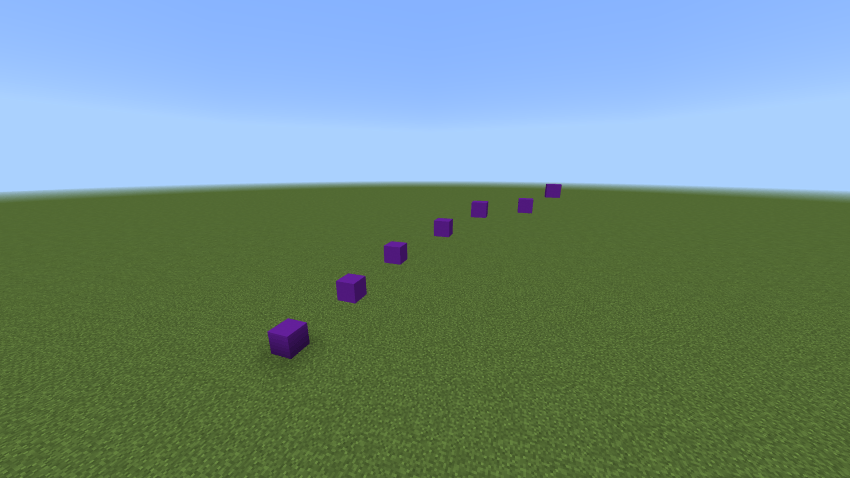
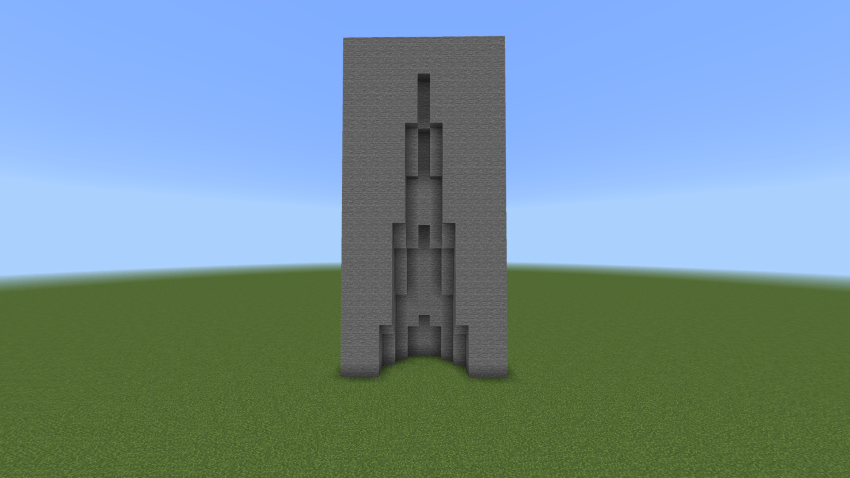
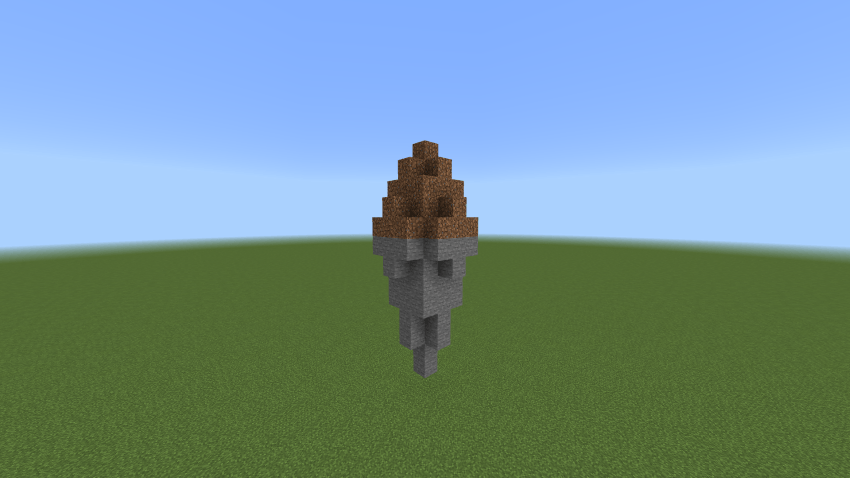
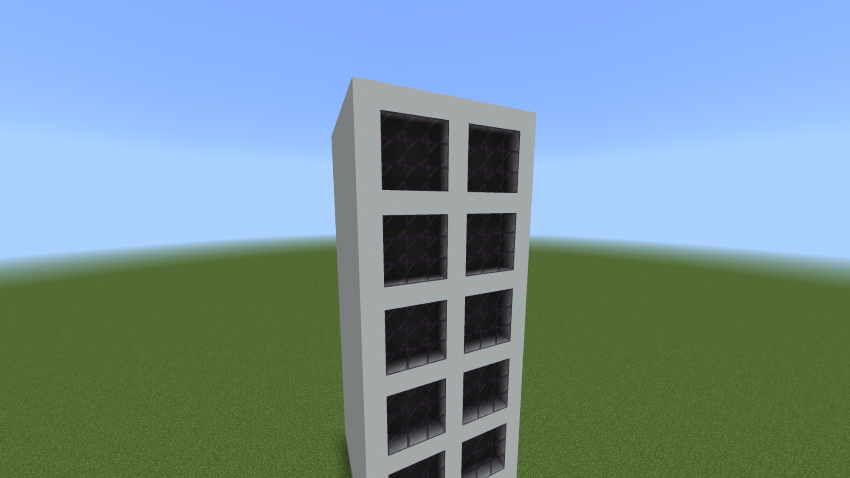
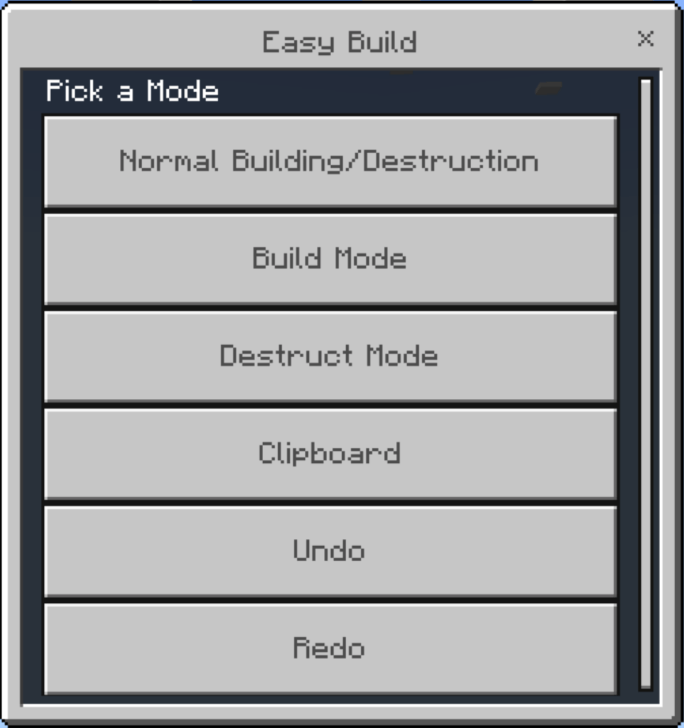
Easy Build Construct massive structures and intricate designs effortlessly using advanced building modes, shapes, and clipboard copy-paste tools. Features: Air, rectangular, spherical, and conical building modes Matching destruction modes for quick terraforming Clipboard cut, copy, and paste functionality Undo and redo history for stress-free building Why You'll Love It: 1 Build large architectural marvels in seconds. 2 Perfectly optimized for mobile and PC players. 3 Combine geometric shapes to create unique structures. How to Get Started: 1 Download the Easy Build. 2 Install it in Minecraft PE. 3 Open your world and enjoy the new experience. Brin
Read the full details and screenshots
Open this resource in CraftyBox