
CRAFTYBOX
Preparing your block world
正在准备你的方块世界
First visit setup
首次访问设置
CRAFTYBOX
Preparing your block world
正在准备你的方块世界
First visit setup
首次访问设置
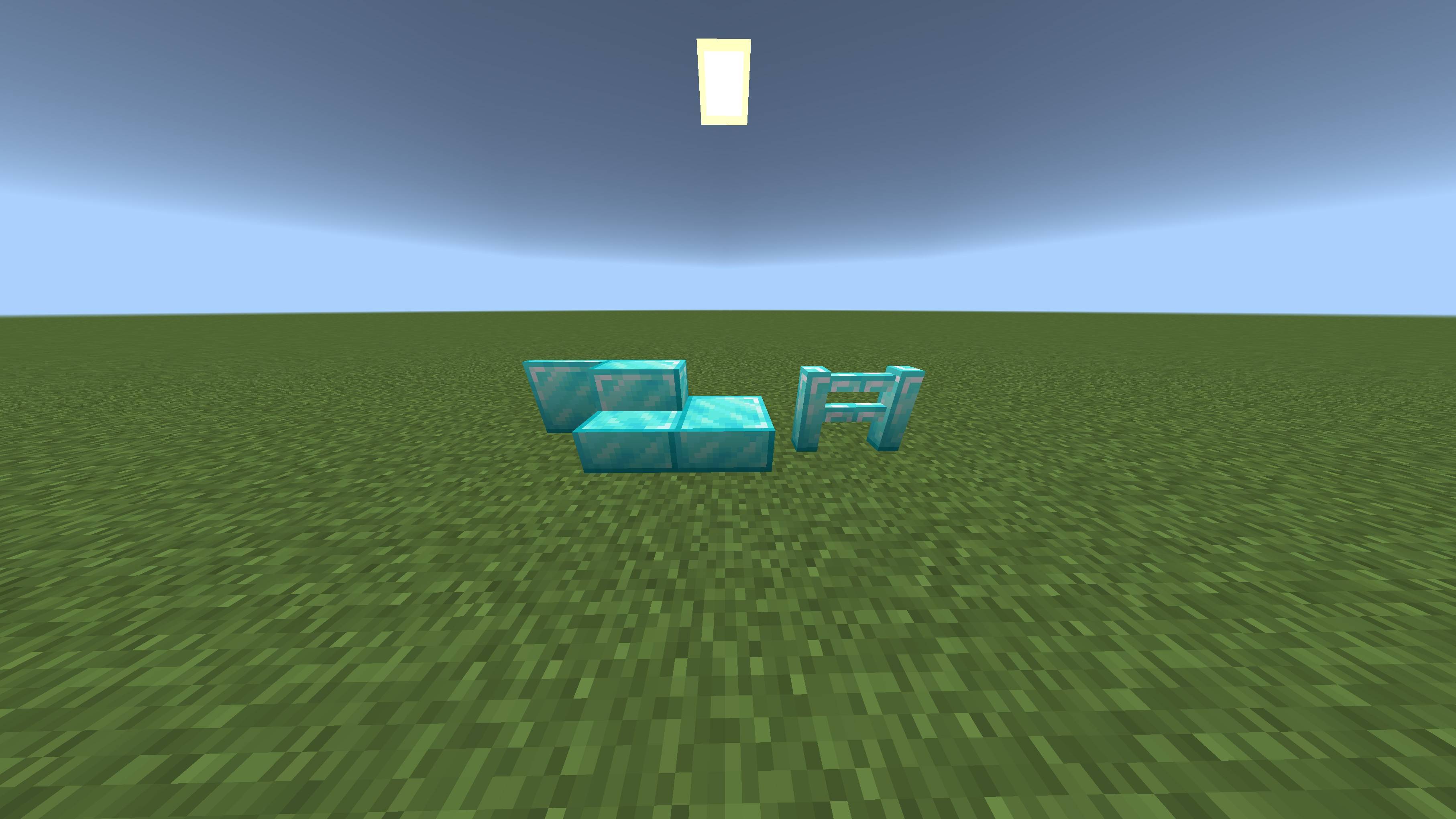
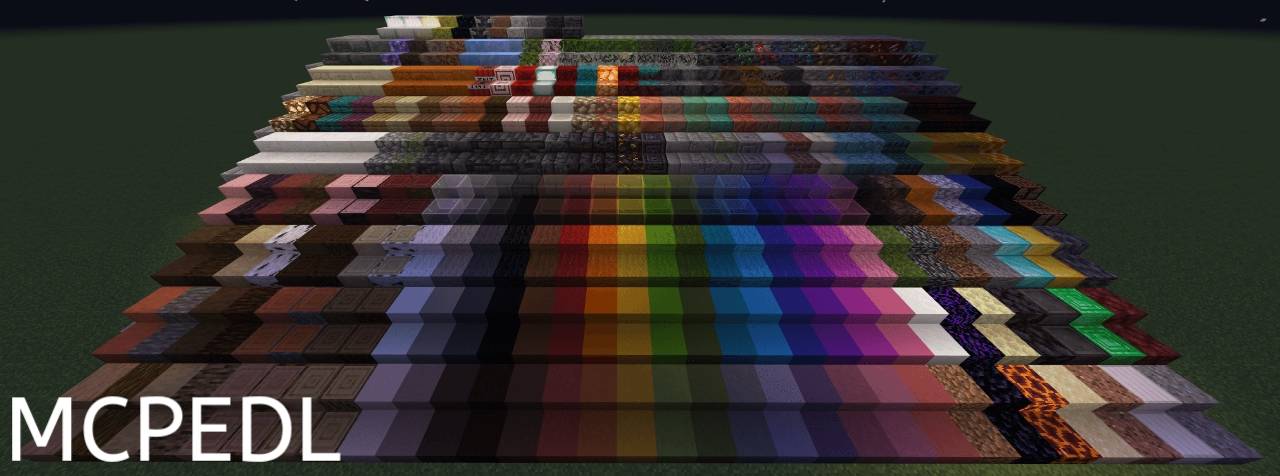
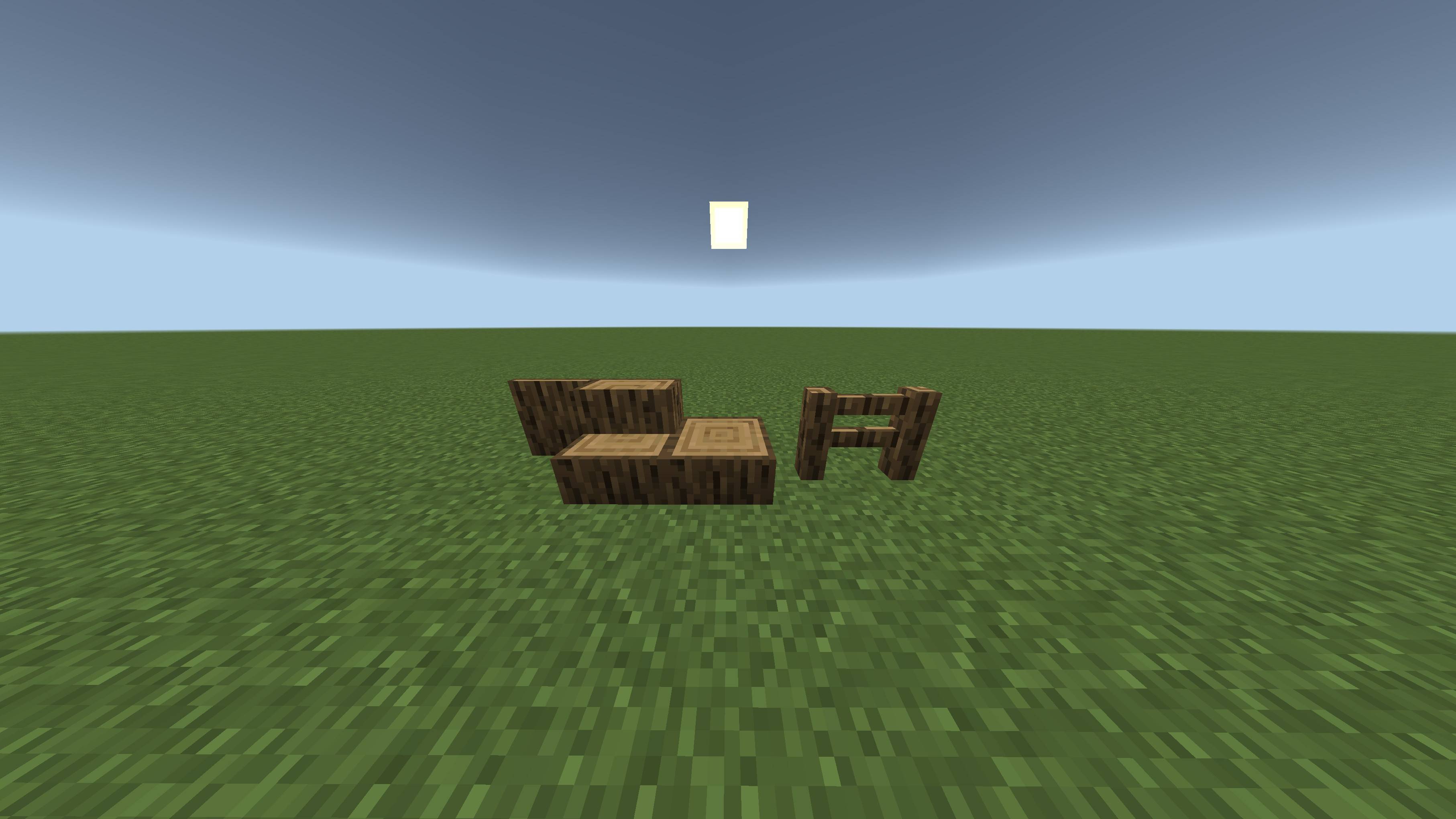
Framed Transform your builds with custom framed slabs, stairs, fences, and layers featuring over 300 textures. Features: Framed blocks for creative building Over 300 accepted block textures Framed layers with custom collision boxes Perfect for smooth slopes and detailed roofs Why You'll Love It: 1 Unlock incredible architectural freedom. 2 Match any block texture to custom shapes. 3 Design stunning modern and classic structures. How to Get Started: 1 Download the Framed. 2 Install it in Minecraft PE. 3 Open your world and enjoy the new experience. Build beyond vanilla limitations!
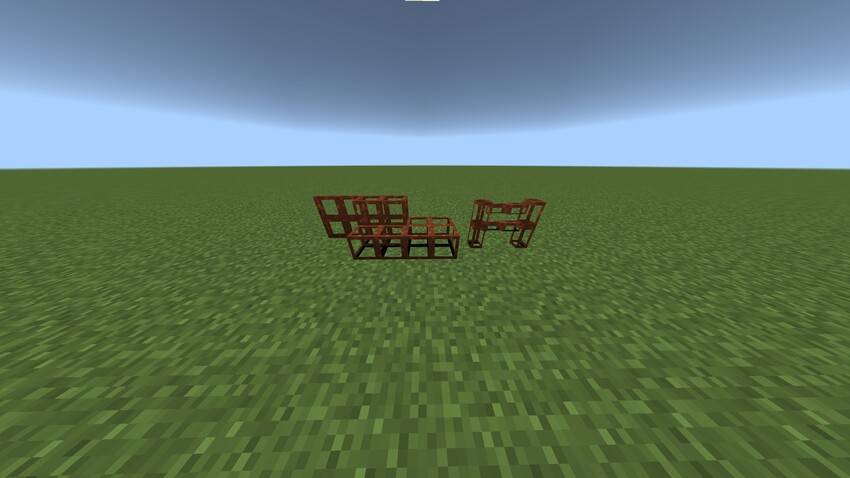
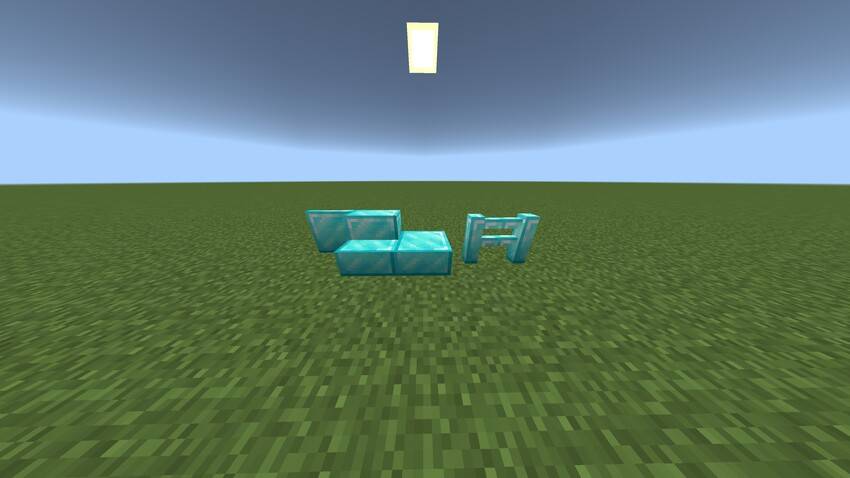
Read the full details and screenshots
Open this resource in CraftyBox