
CRAFTYBOX
Preparing your block world
正在准备你的方块世界
First visit setup
首次访问设置
CRAFTYBOX
Preparing your block world
正在准备你的方块世界
First visit setup
首次访问设置
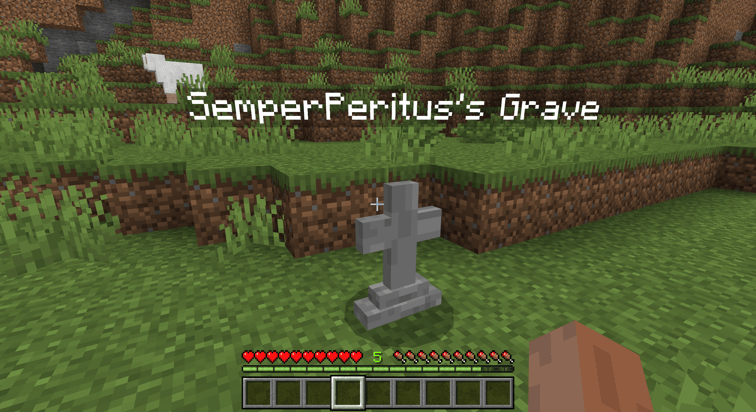
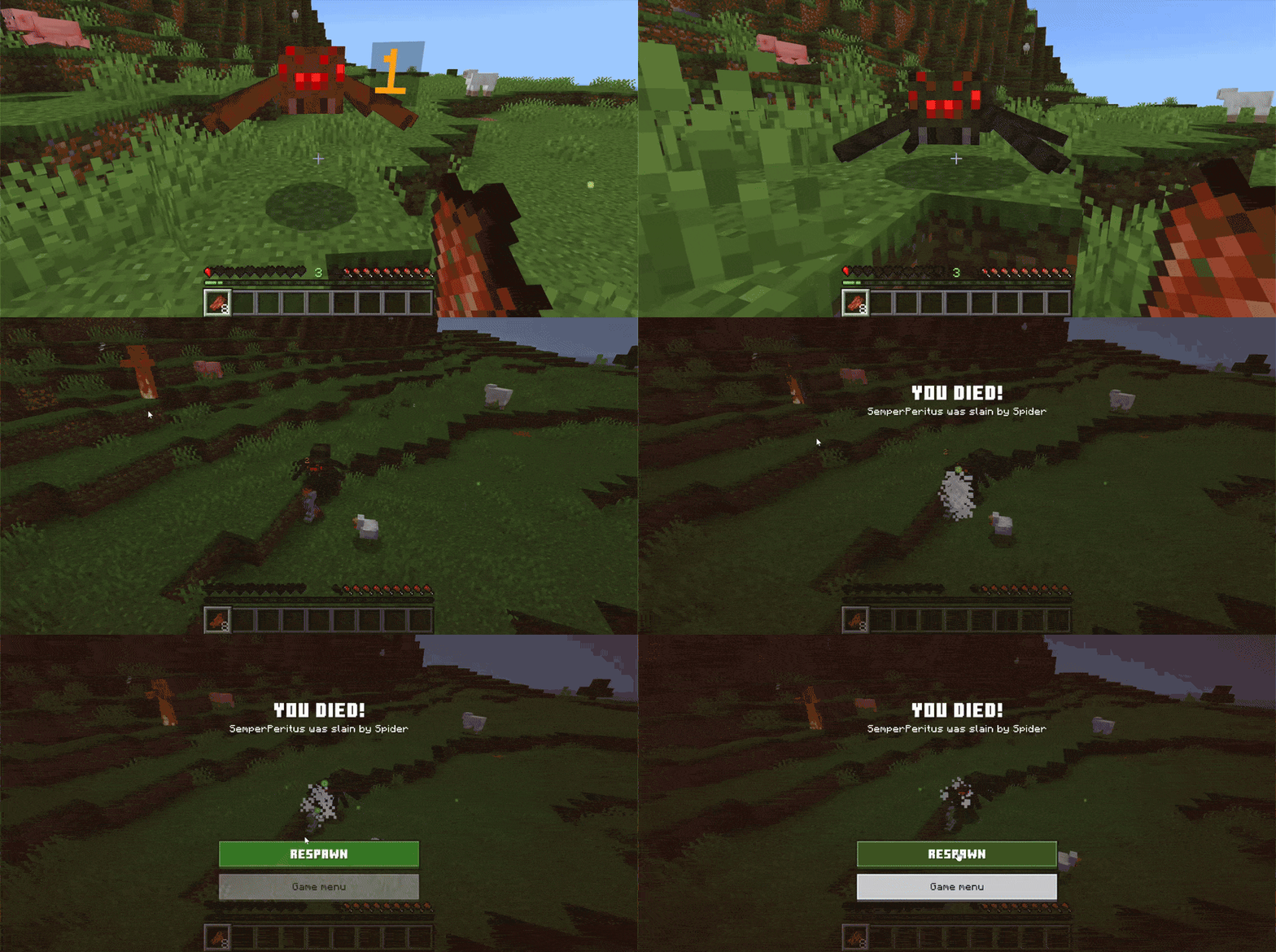
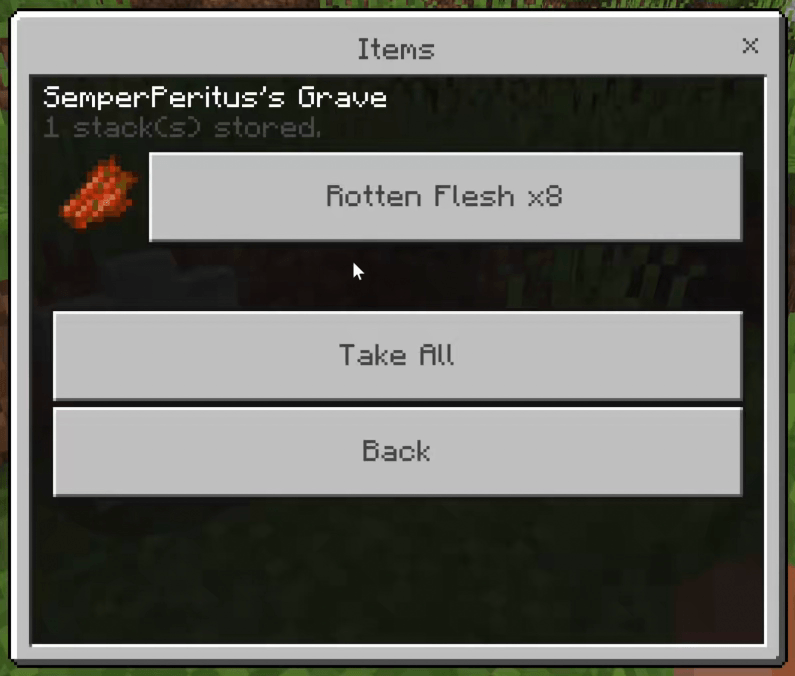
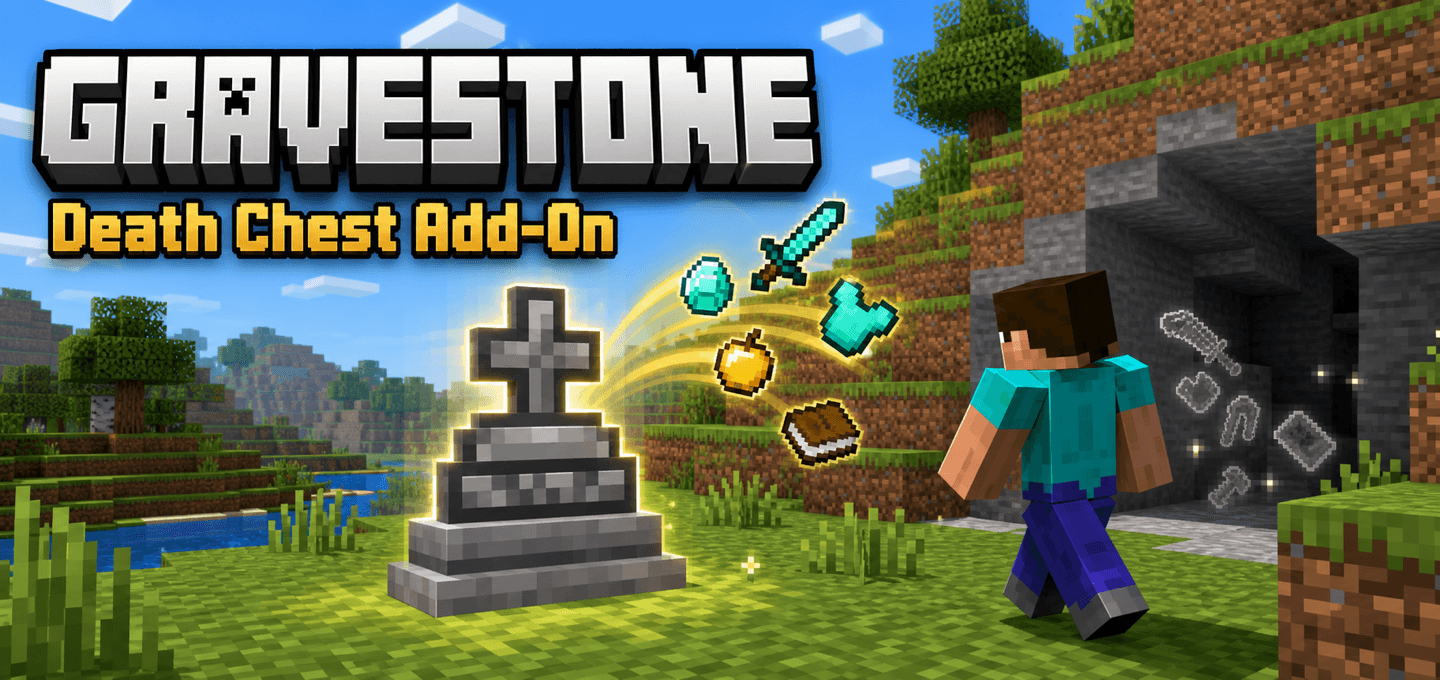
Gravestone Death Chest Never lose your items on death again by storing your inventory securely in a compact custom gravestone entity. Features: Creates a compact grave marker at your exact death location Stores full inventory, armor, and offhand items safely Preserves terrain blocks without placing bulky chests Convenient recovery UI with Take All and Inspect options Why You'll Love It: 1 Keep your items safe when you die in survival mode. 2 Avoid cluttering the landscape with underground chests. 3 Easily inspect and recover specific item stacks. How to Get Started: 1 Download the Gravestone Death Chest. 2 Install it in Minecraft PE. 3 Open your world
Read the full details and screenshots
Open this resource in CraftyBox