
CRAFTYBOX
Preparing your block world
正在准备你的方块世界
First visit setup
首次访问设置
CRAFTYBOX
Preparing your block world
正在准备你的方块世界
First visit setup
首次访问设置
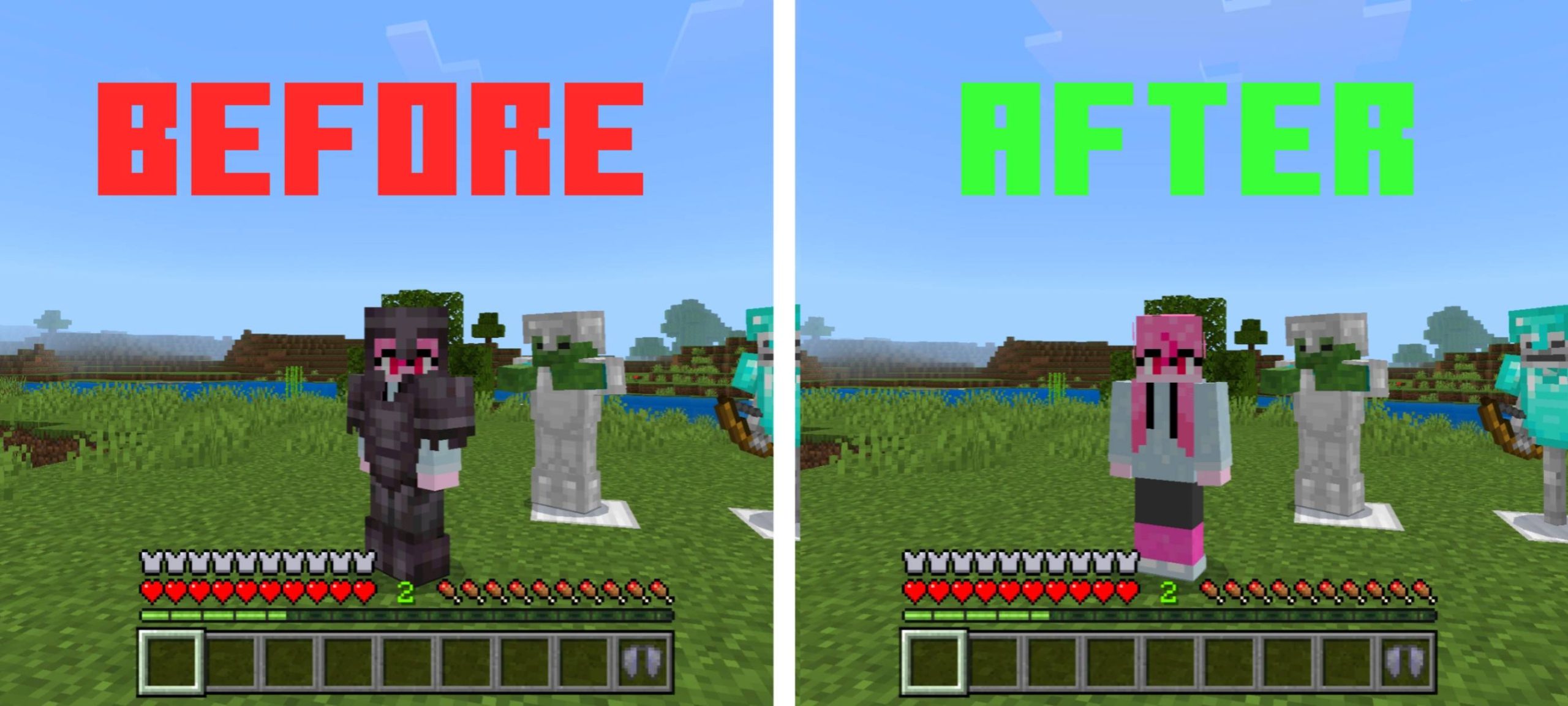
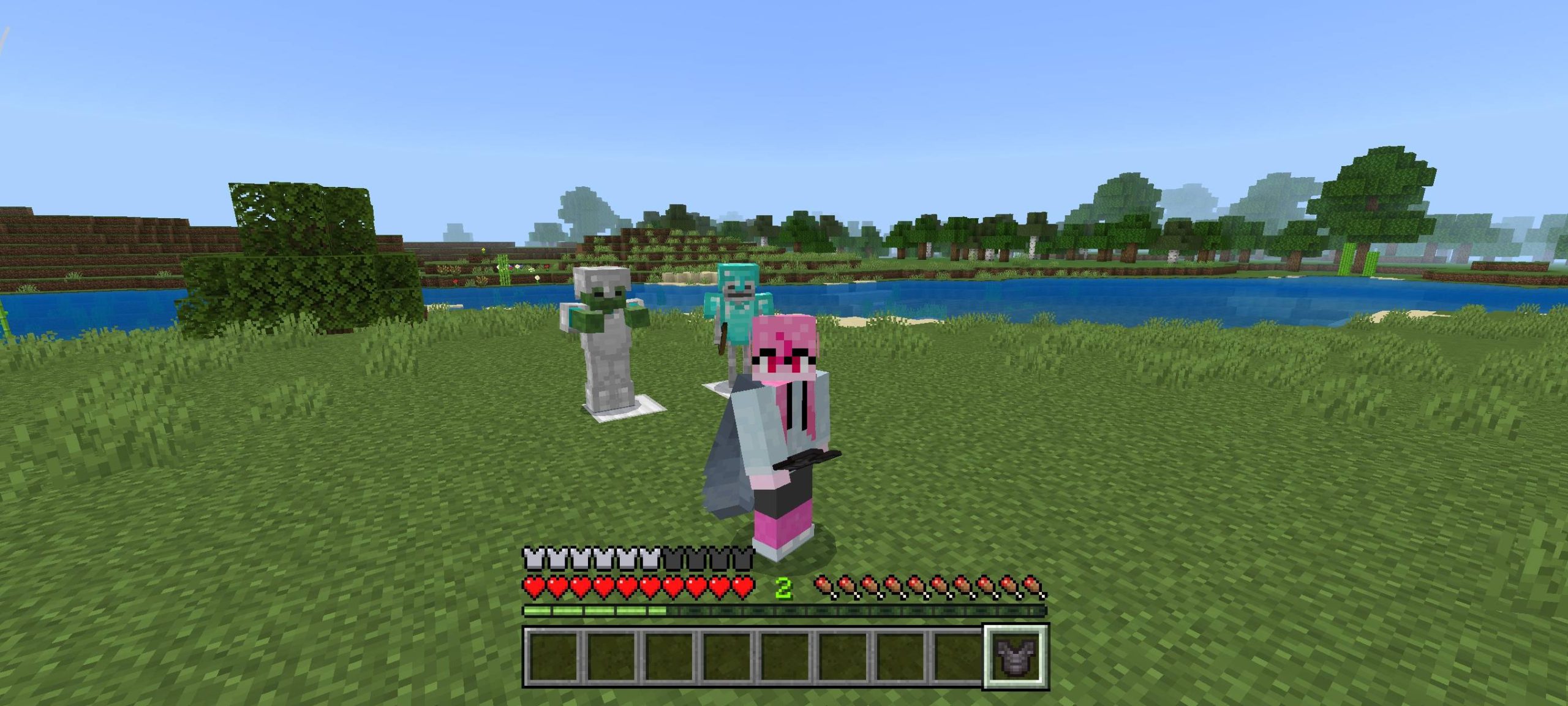
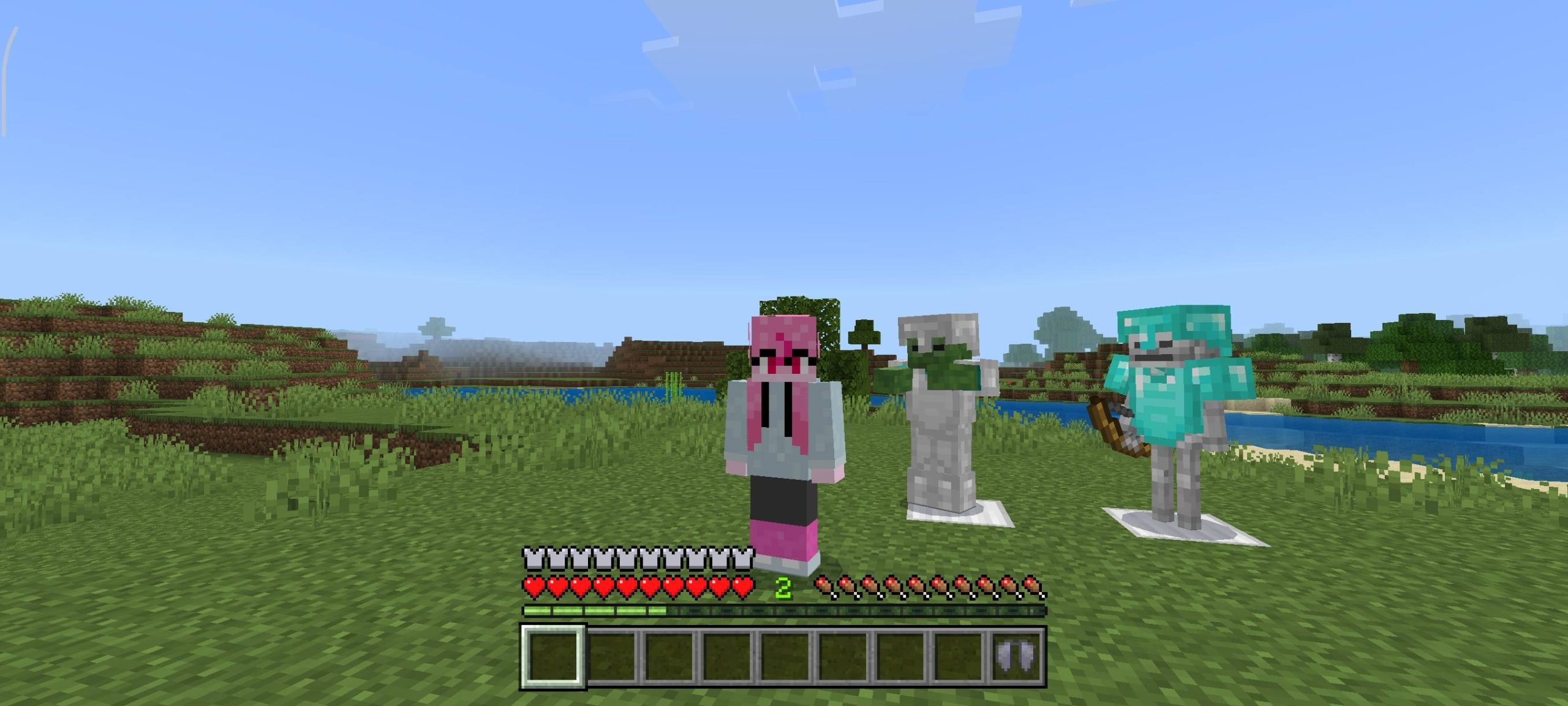
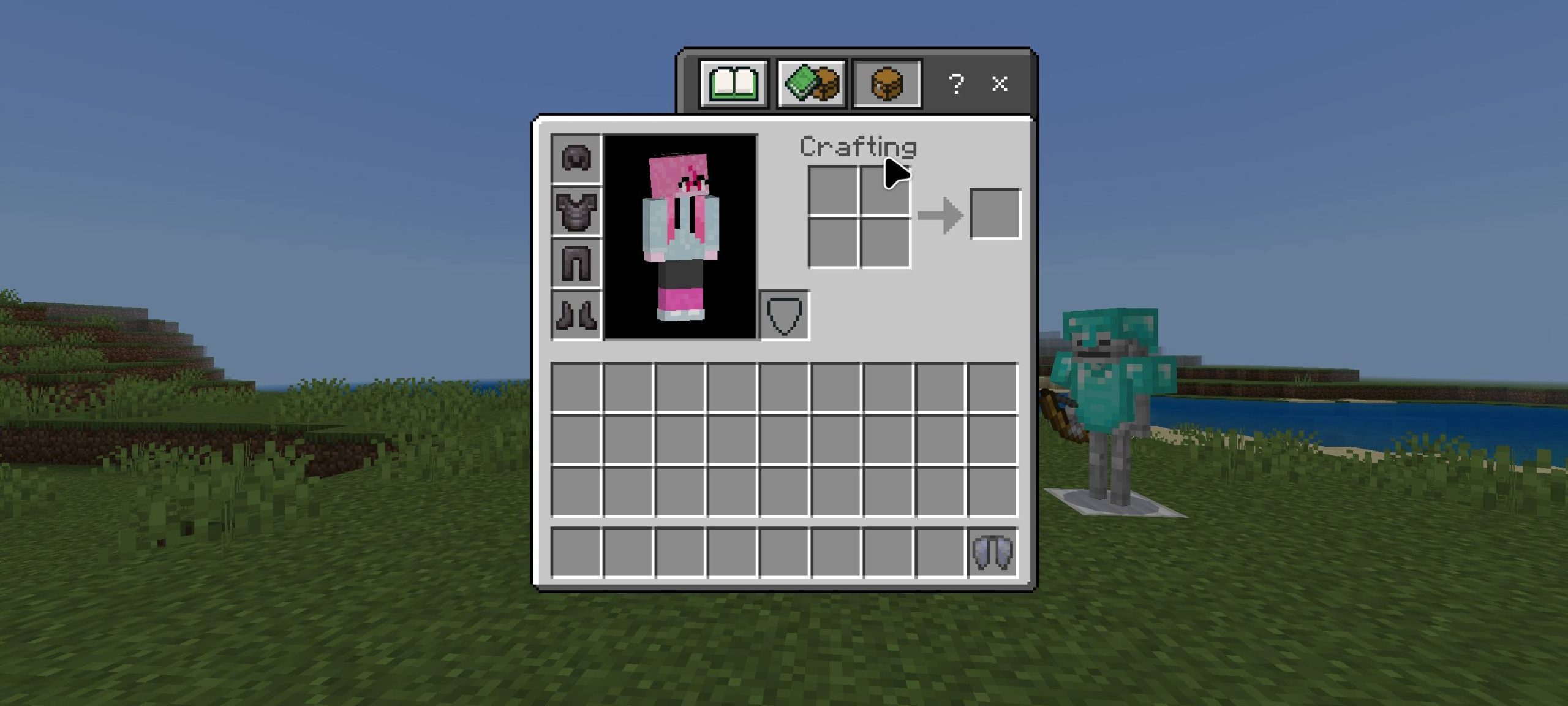
Hide Player Armor Texture Pack Hide Your Armor for a Sleek Look! The Hide Player Armor Texture Pack allows you to hide the visual appearance of your armor while keeping its functionality intact. Perfect for players who want a cleaner look without sacrificing the protective benefits of armor. Features: Invisible Armor: Hide the visual appearance of your armor while retaining its protection. Clean Aesthetic: Play with a sleek, unencumbered look. Fully Functional Armor: Armor still protects you from damage, even though it's invisible. Customization: Customize which armor pieces are hidden. Why You’ll Love It: 1 Sleek Look: Hide your bulky armor for a cleane
Read the full details and screenshots
Open this resource in CraftyBox