
CRAFTYBOX
Preparing your block world
正在准备你的方块世界
First visit setup
首次访问设置
CRAFTYBOX
Preparing your block world
正在准备你的方块世界
First visit setup
首次访问设置
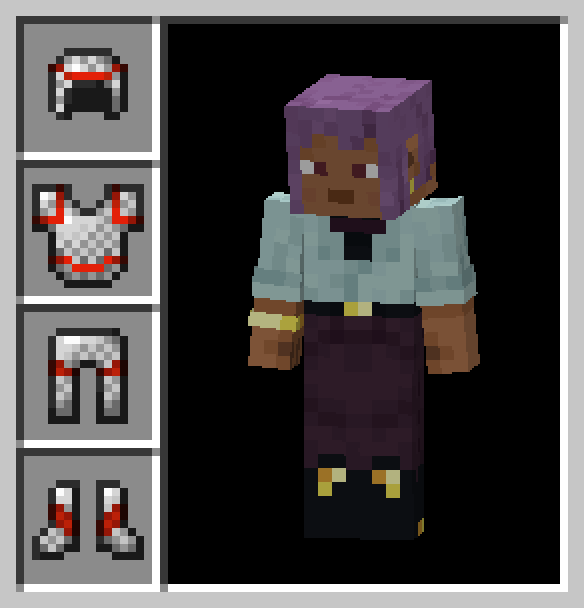
Invisible Armor Model for Bedrock Edition Keep your custom character skins fully visible by removing the bulky visual models of equipped vanilla armor pieces! Features: Hides the visual models of all standard armor Preserves elytras, turtle shells, and animal armor Clean client-side aesthetic enhancement Lightweight design with zero performance drop Why You'll Love It: 1 Show off your favorite character skins without obstruction. 2 Maintain full armor protection while looking sleek. 3 Enjoy a cleaner visual appearance during gameplay. How to Get Started: 1 Download the Invisible Armor Model for Bedrock Edition. 2 Install it in Minecraft PE. 3 Open you
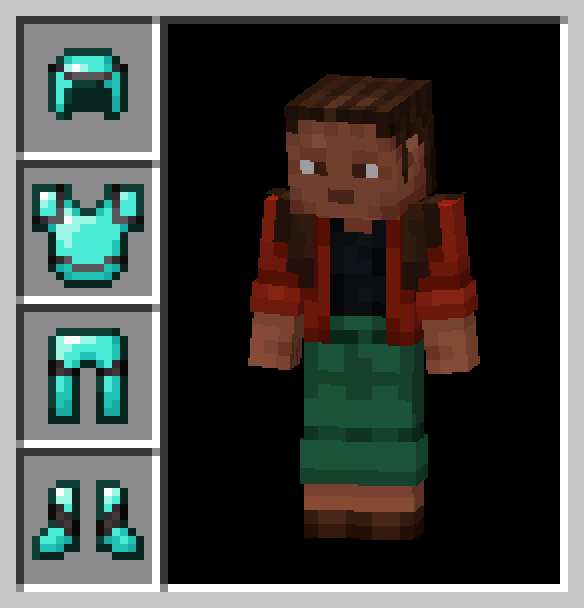
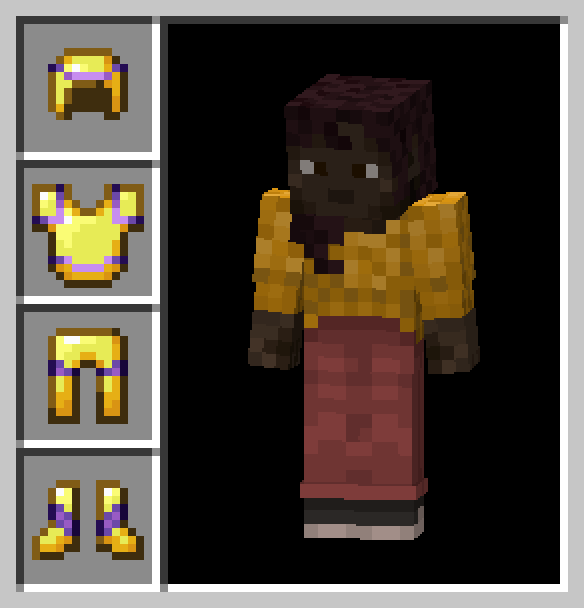
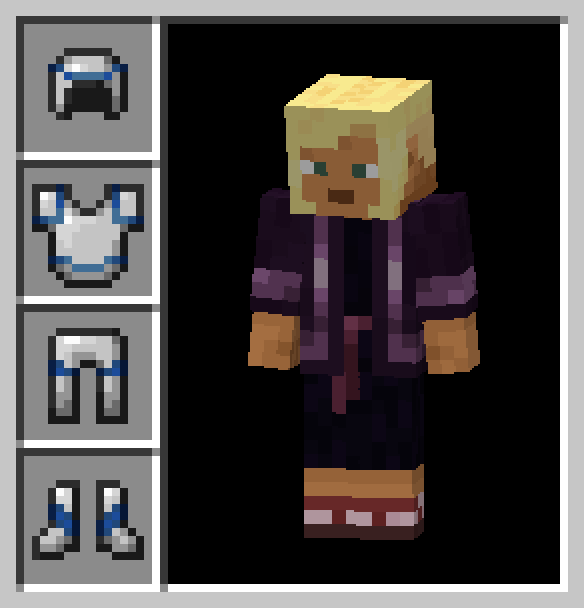
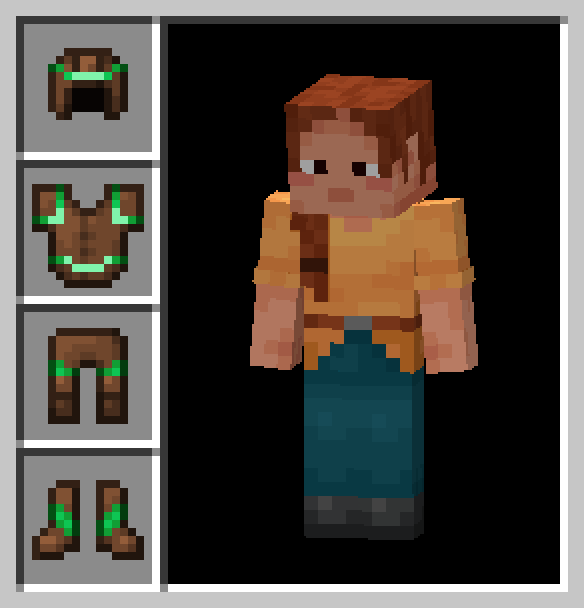
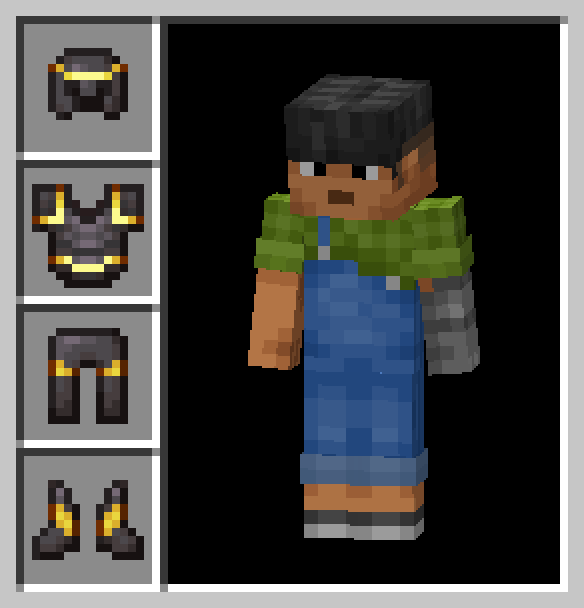
Read the full details and screenshots
Open this resource in CraftyBox