
CRAFTYBOX
Preparing your block world
正在准备你的方块世界
First visit setup
首次访问设置
CRAFTYBOX
Preparing your block world
正在准备你的方块世界
First visit setup
首次访问设置
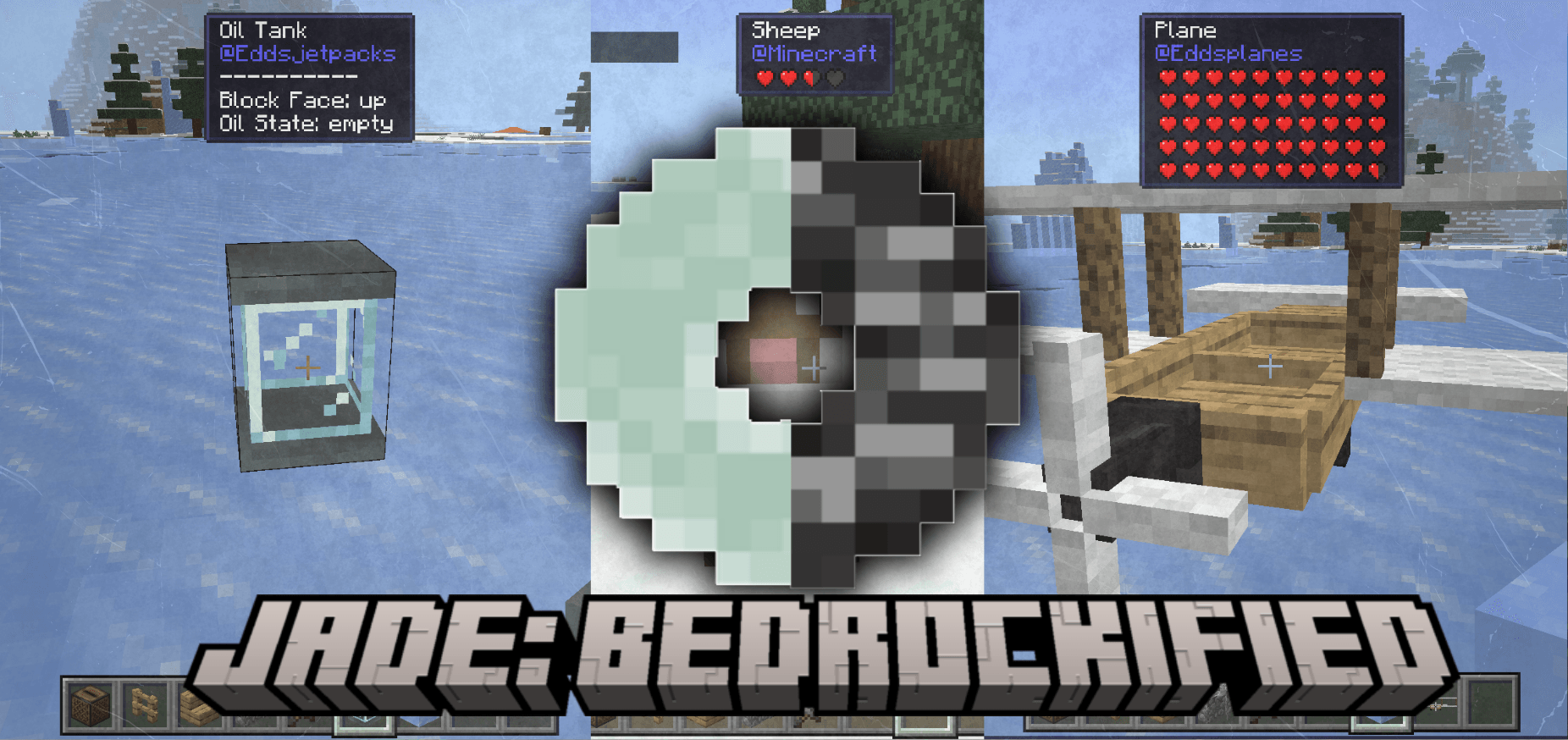
Jade Bedrockified Enhance your UI with a sleek information overlay that displays block and mob details as you look at them. Features: Real-time display of block and mob names Identifies the specific addon an entity belongs to Clean mobile-optimized UI positioning Custom themes to personalize your HUD Why You'll Love It: 1 Essential tool for heavy modded playthroughs. 2 Achievement-friendly and lightweight. 3 Accurately fixes vanilla block translation bugs. How to Get Started: 1 Download the Jade Bedrockified. 2 Install it in Minecraft PE. 3 Open your world and enjoy the new experience. See your world in full detail!
Read the full details and screenshots
Open this resource in CraftyBox