
CRAFTYBOX
Preparing your block world
正在准备你的方块世界
First visit setup
首次访问设置
CRAFTYBOX
Preparing your block world
正在准备你的方块世界
First visit setup
首次访问设置
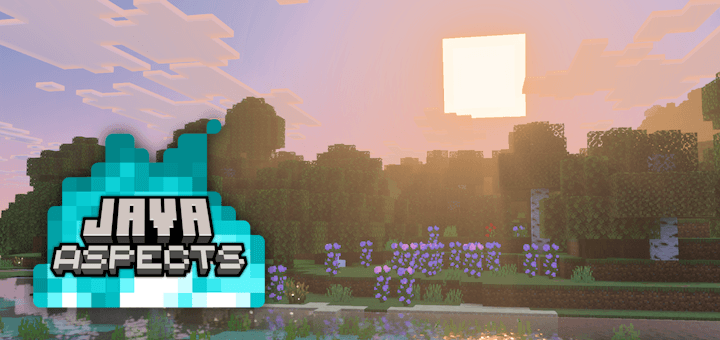
Java Aspects Bridge the gap between Bedrock and Java Edition by bringing clean visuals, sounds, and animations to your game. Features: Transparent water colors inspired by Java Custom explosion particles and block sounds Biome-specific sky colors and lighting Multiple subpack options including Programmer Art Why You'll Love It: 1 Enjoy the classic look and feel of Java Edition on Bedrock. 2 Highly compatible with various resource packs and device settings. 3 Enhances atmospheric details like fog, rain, and snow. How to Get Started: 1 Download the Java Aspects. 2 Install it in Minecraft PE. 3 Open your world and enjoy the new experience. Experience
Read the full details and screenshots
Open this resource in CraftyBox