
CRAFTYBOX
Preparing your block world
正在准备你的方块世界
First visit setup
首次访问设置
CRAFTYBOX
Preparing your block world
正在准备你的方块世界
First visit setup
首次访问设置
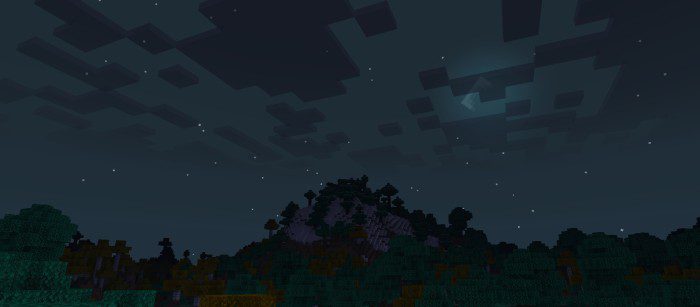
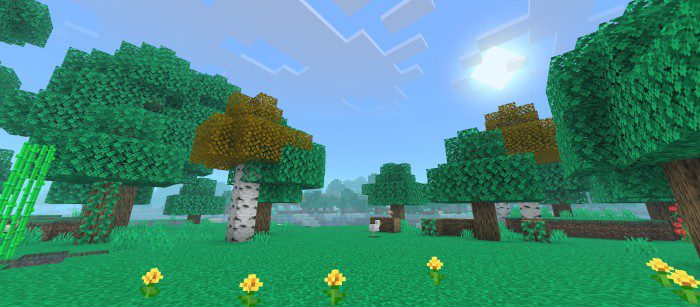
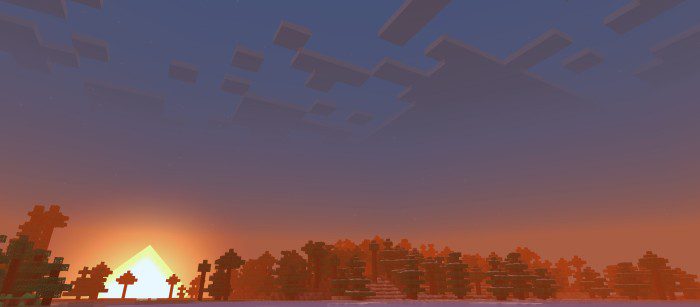
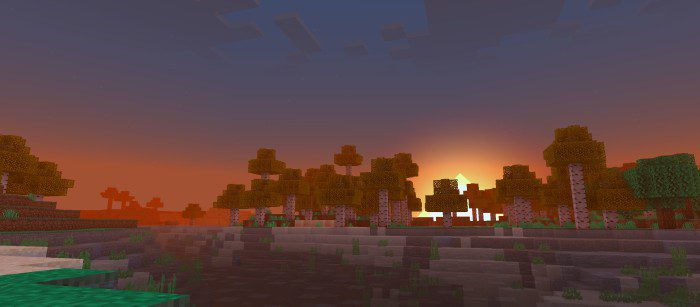
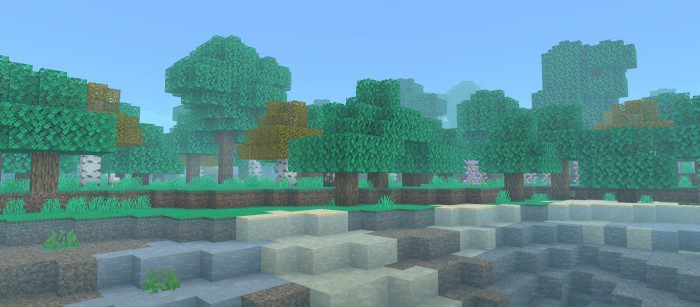
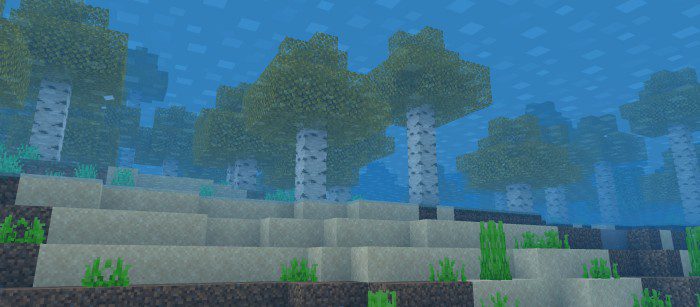
Moonlight Graphics Shader Fall in love with the night — Moonlight Graphics enhances MCPE 1.26+ with silvery moonlit scenes, working on Render Dragon across all devices. Features: Gorgeous moonlight rendering with silver-blue tones Render Dragon support on every device type Deep, starry night skies Balanced daytime visuals to match the nights Why You'll Love It: 1 Nighttime finally looks as good as daytime 2 Universal device compatibility 3 Dreamy ambience for builds and screenshots How to Get Started: 1 Download the Moonlight Graphics Shader. 2 Install it in Minecraft PE. 3 Open your world and enjoy the new experience. When the moon rises, your wo
Read the full details and screenshots
Open this resource in CraftyBox