
CRAFTYBOX
Preparing your block world
正在准备你的方块世界
First visit setup
首次访问设置
CRAFTYBOX
Preparing your block world
正在准备你的方块世界
First visit setup
首次访问设置
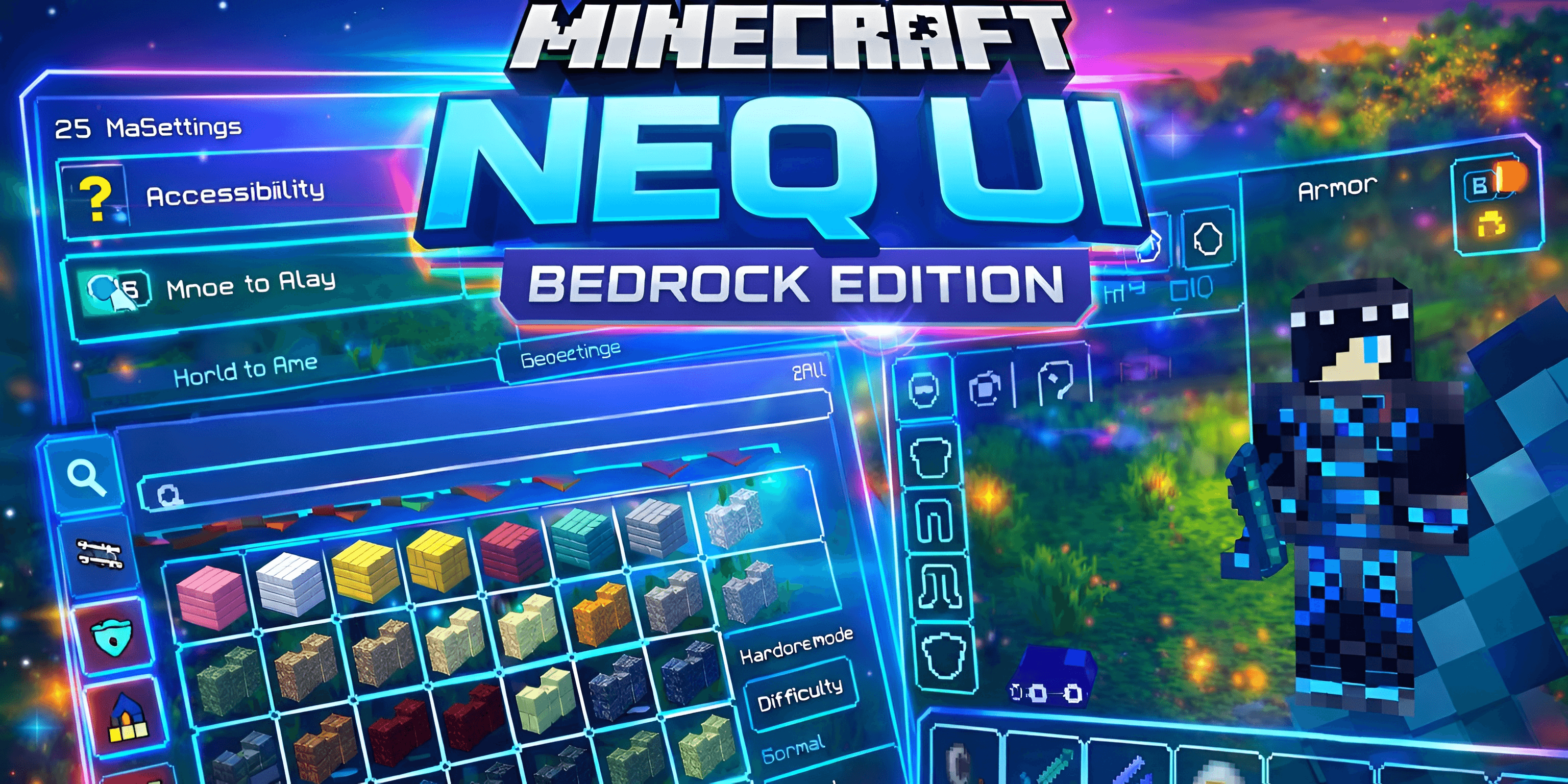
Neq's Clean UI Overhaul your user interface with a sleek, minimalist design that gets rid of screen clutter! Features: Minimalist aesthetic for a polished and distraction-free layout Enhanced visual immersion with streamlined menus Pro-level optimization for speed and clarity Modern interface overhaul for both survivalists and builders Why You'll Love It: 1 Removes bulky old-school menus blocking your epic views. 2 Provides a high-end, clean gaming feel. 3 Lets the beauty of your world take center stage. How to Get Started: 1 Download the Neq's Clean UI. 2 Install it in Minecraft PE. 3 Open your world and enjoy the new experience. Experience Minecr
Read the full details and screenshots
Open this resource in CraftyBox