
CRAFTYBOX
Preparing your block world
正在准备你的方块世界
First visit setup
首次访问设置
CRAFTYBOX
Preparing your block world
正在准备你的方块世界
First visit setup
首次访问设置
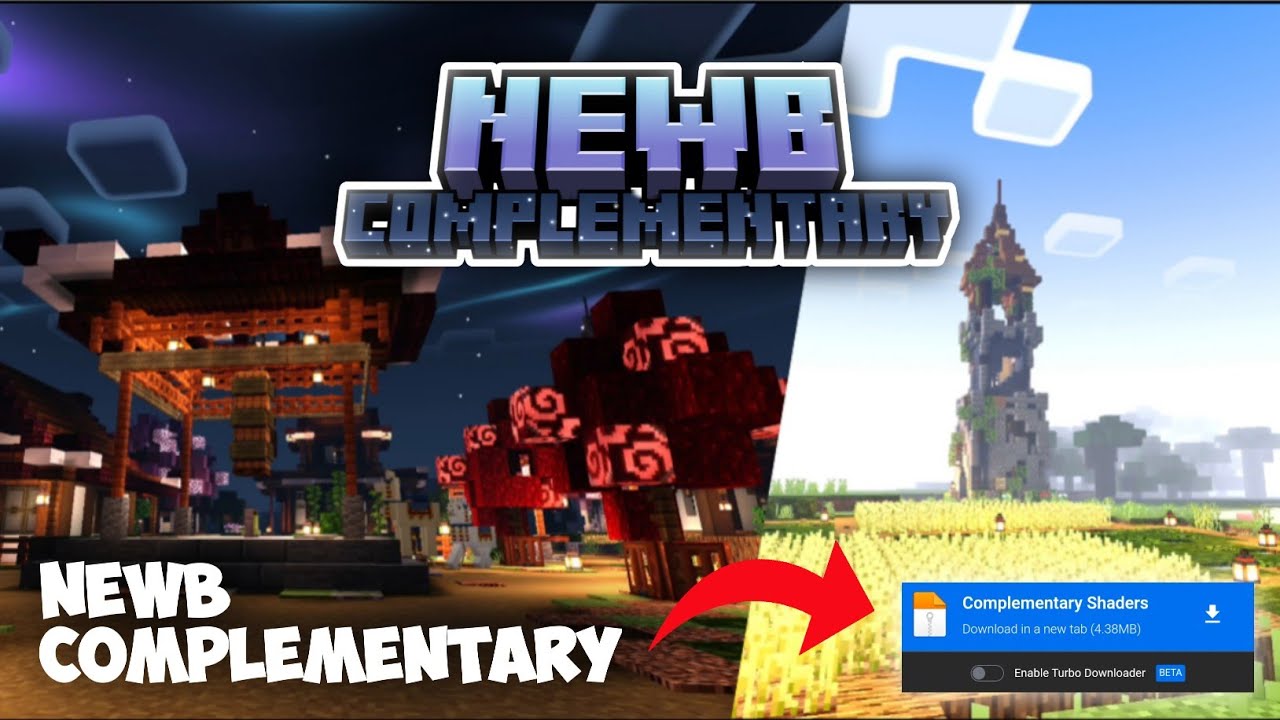
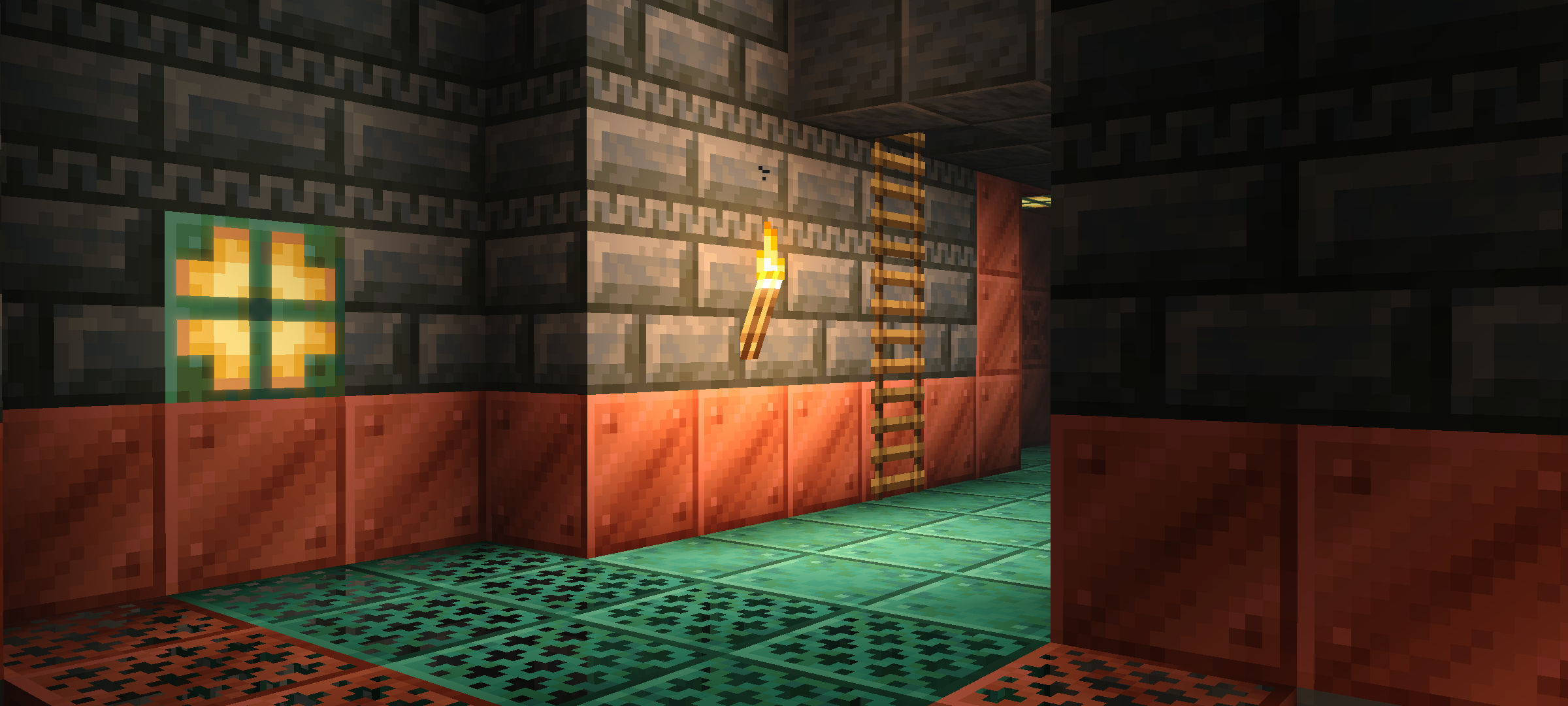
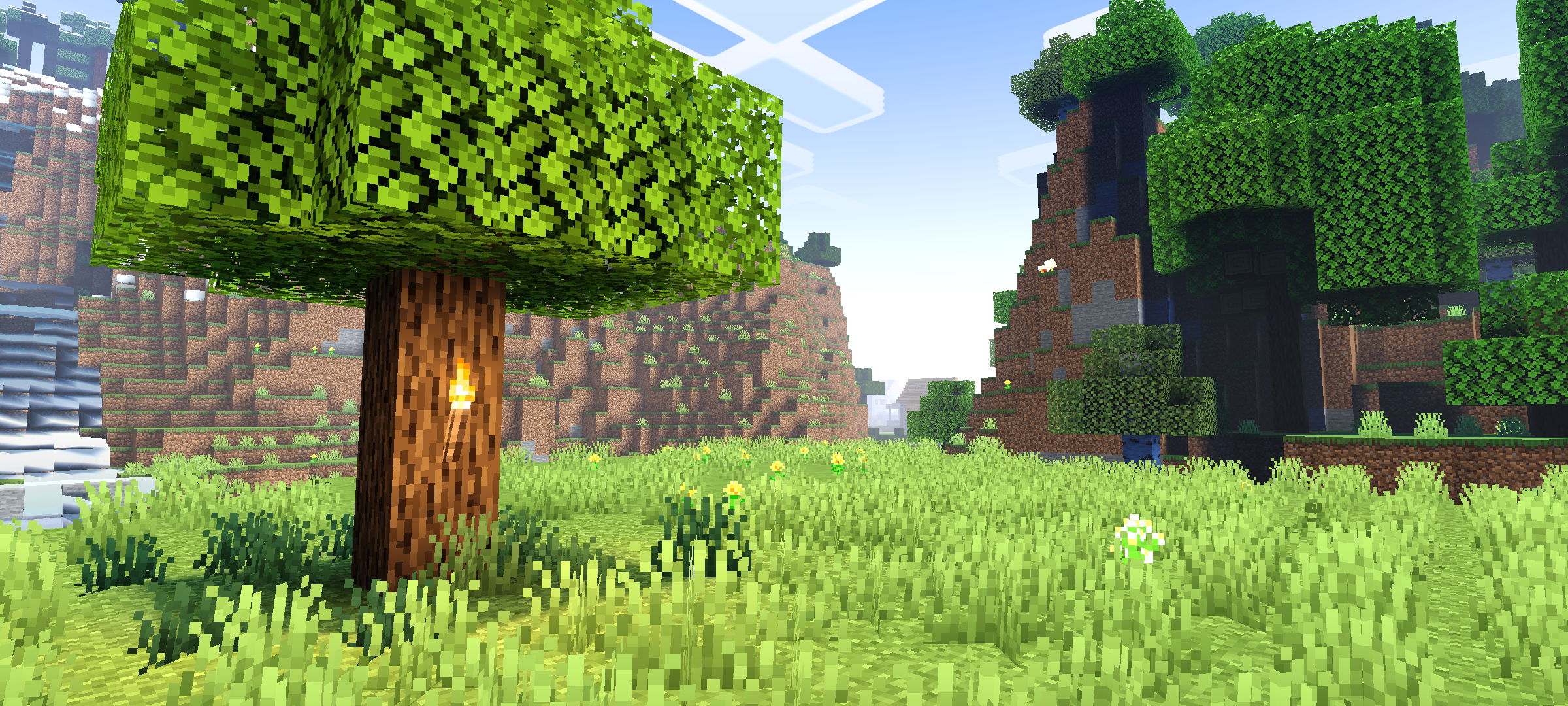
Newb Complementary Shader Add vibrant and complementary colors to your Minecraft world for a fresh, lively look. Features: Bright and vivid colors. Smooth lighting transitions. Works well with other shaders. Why You’ll Love It: 1 Refresh your visuals. 2 Perfect for creative builds. 3 Easy to use. How to Get Started: 1 Download Newb Complementary Shader. 2 Apply in settings. 3 Enjoy the colorful world! Brighten your Minecraft days!
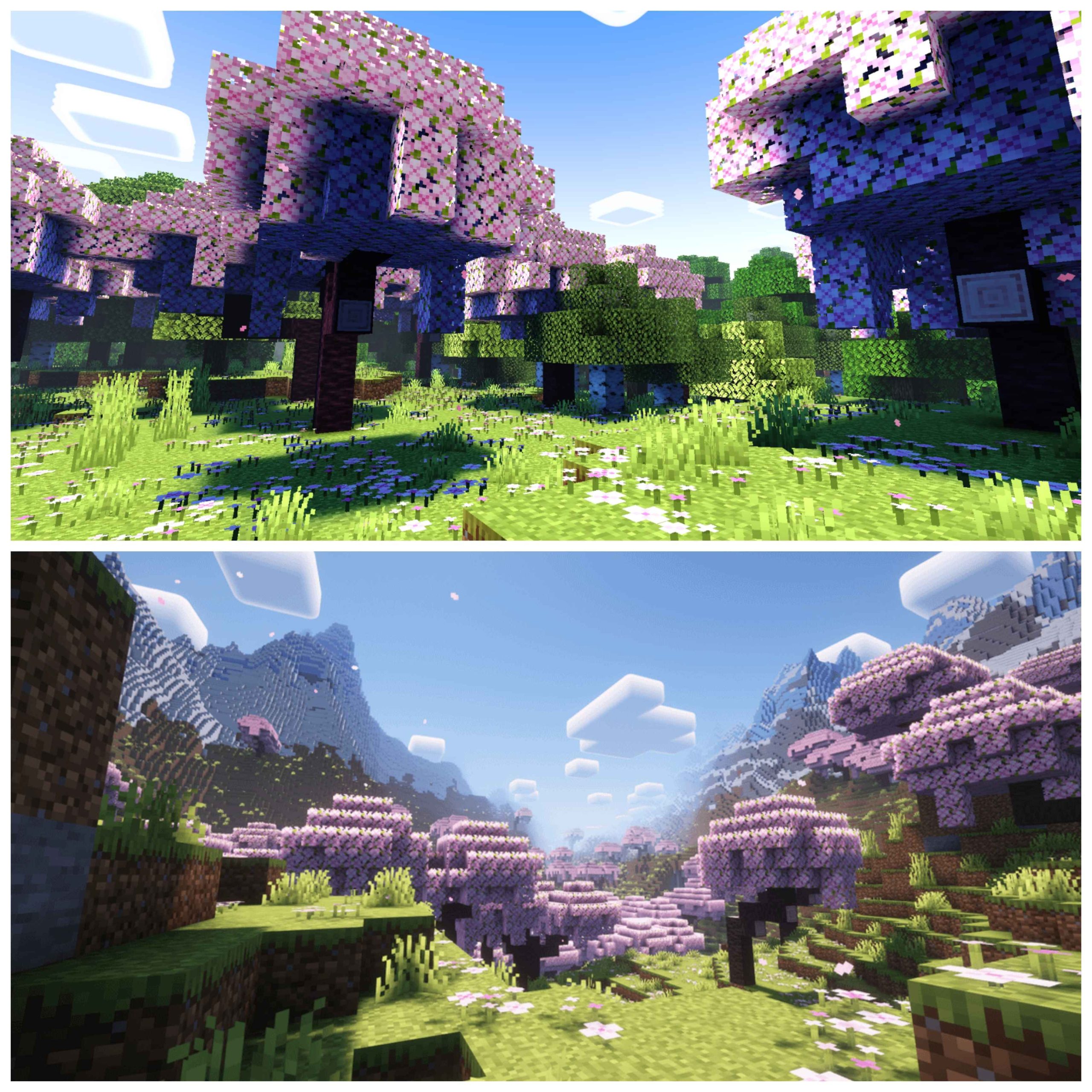
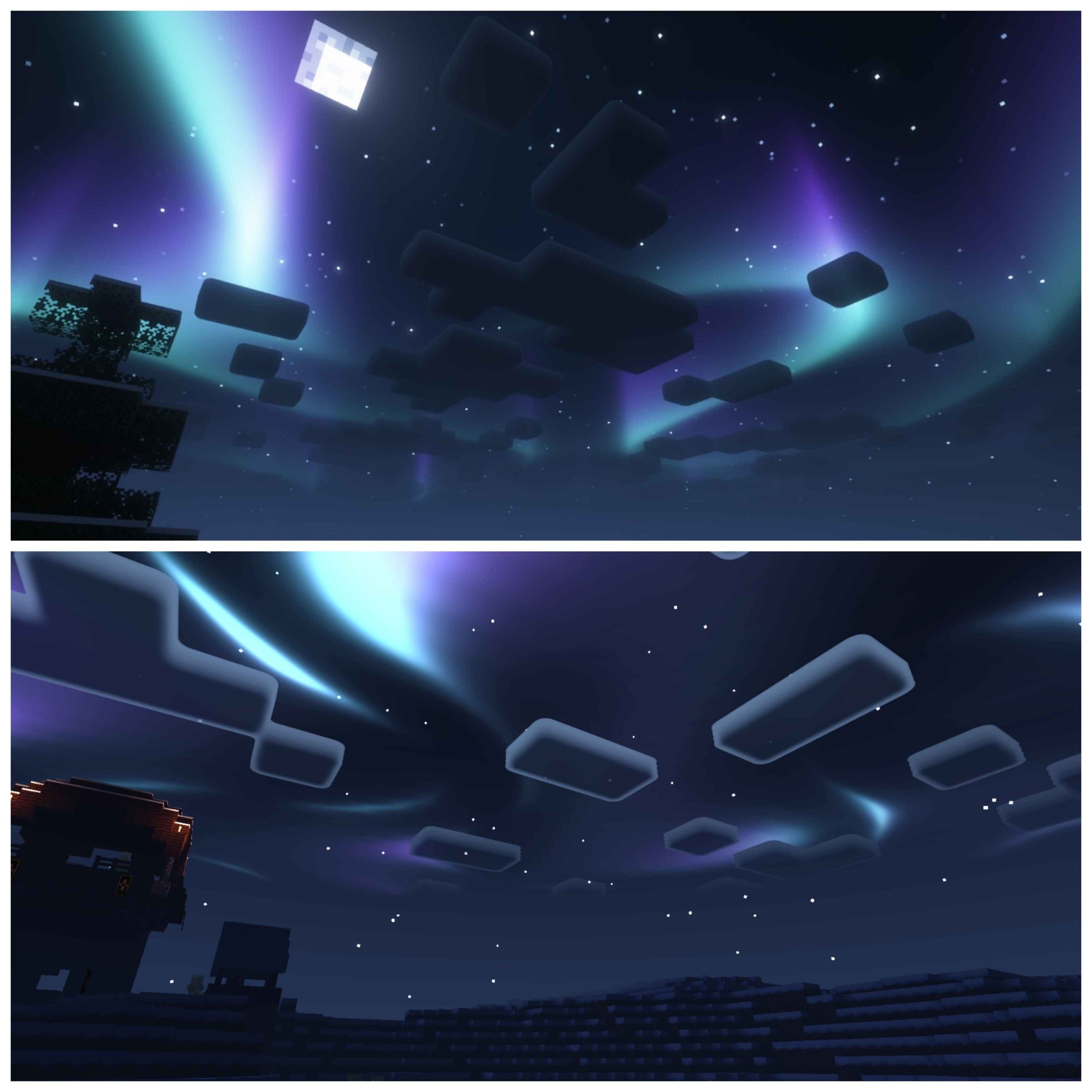
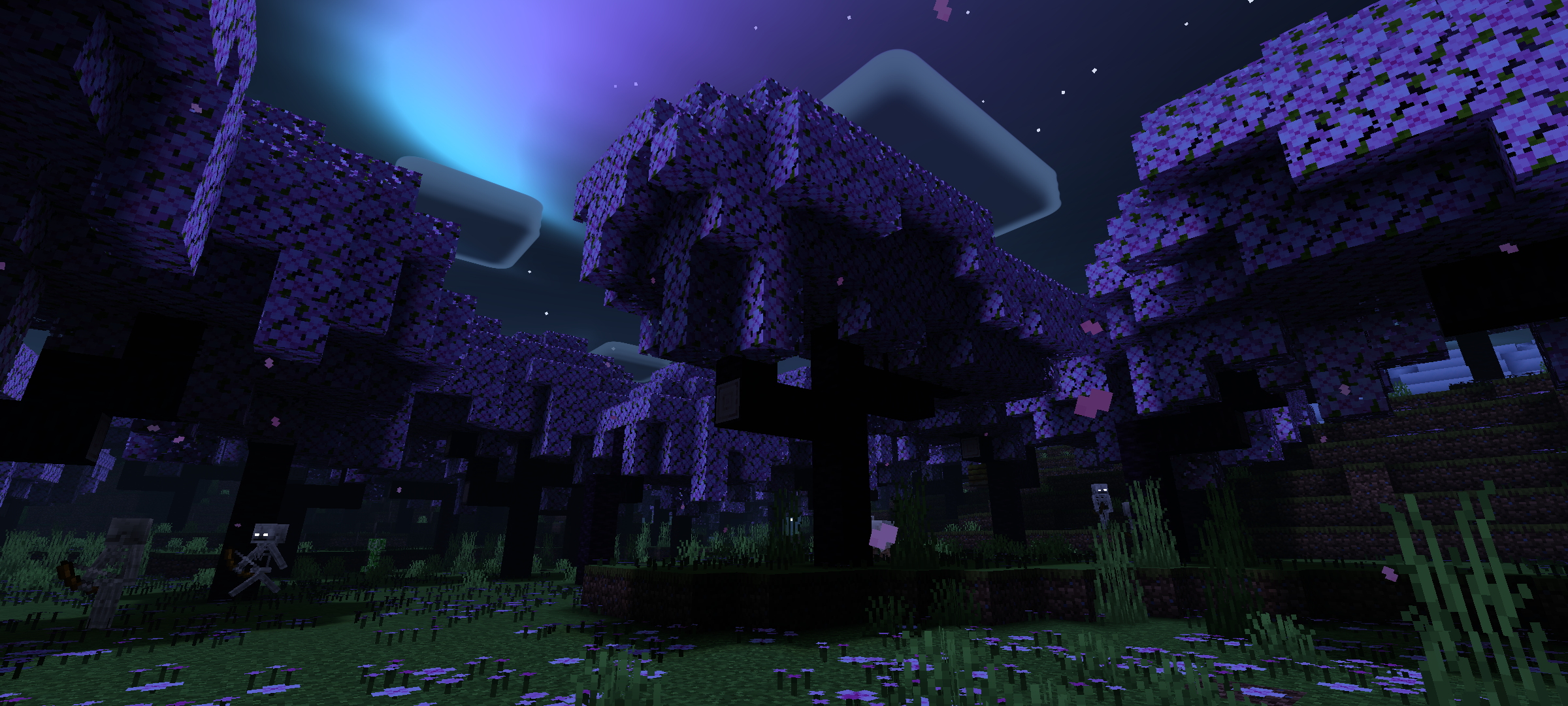
Read the full details and screenshots
Open this resource in CraftyBox