
CRAFTYBOX
Preparing your block world
正在准备你的方块世界
First visit setup
首次访问设置
CRAFTYBOX
Preparing your block world
正在准备你的方块世界
First visit setup
首次访问设置
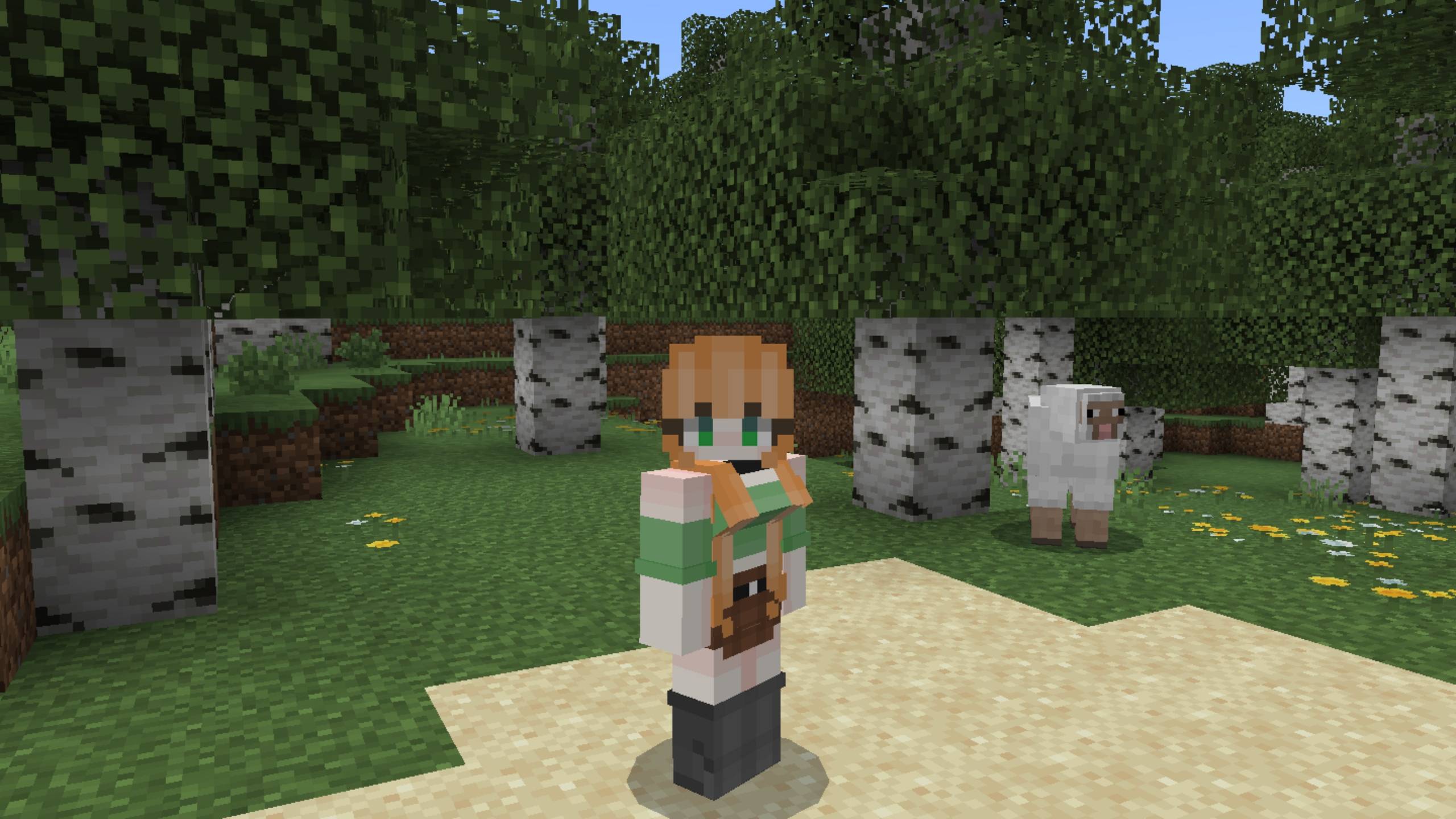
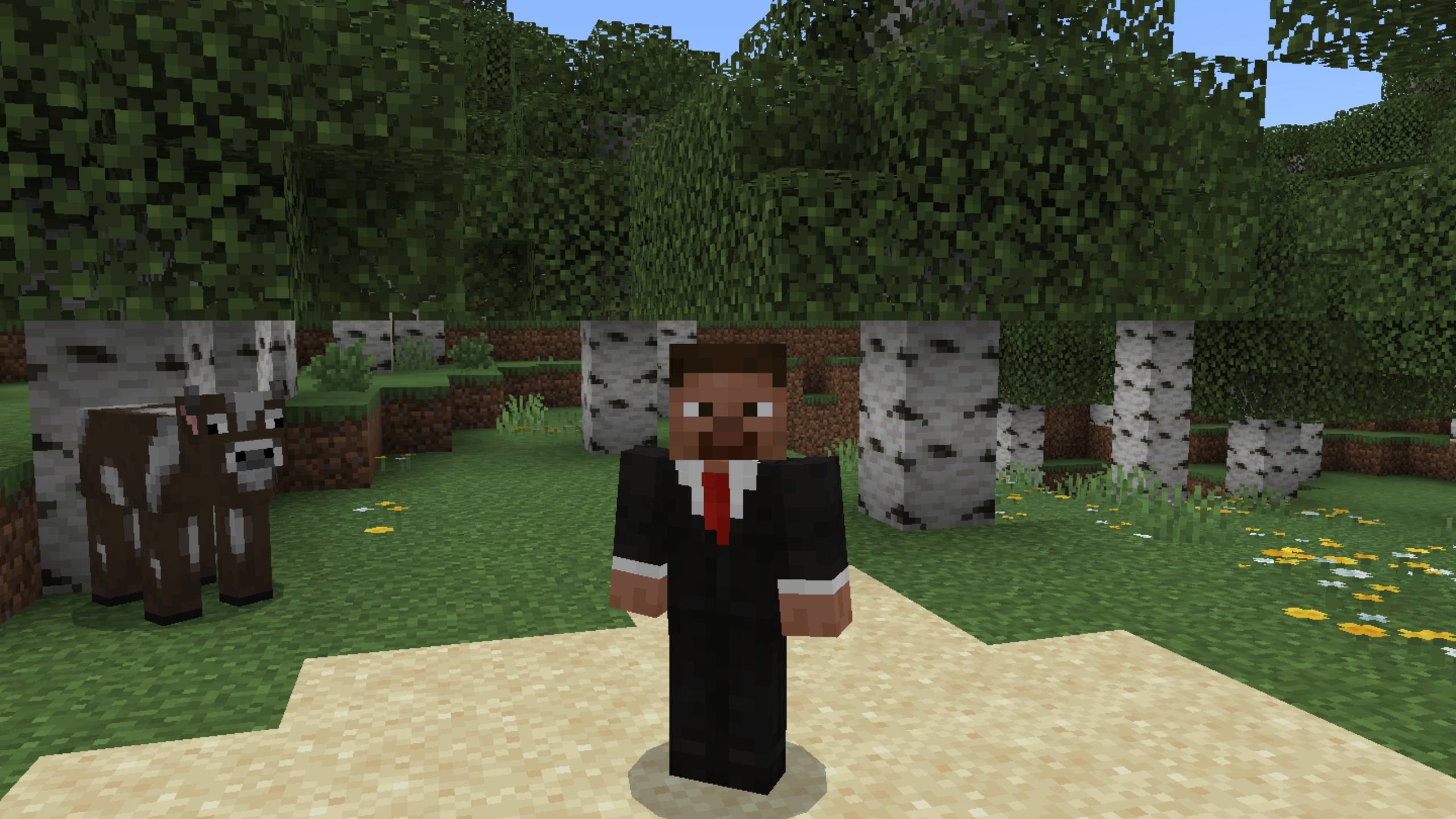
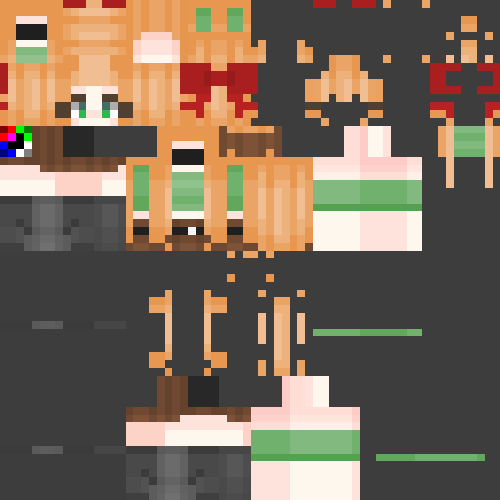
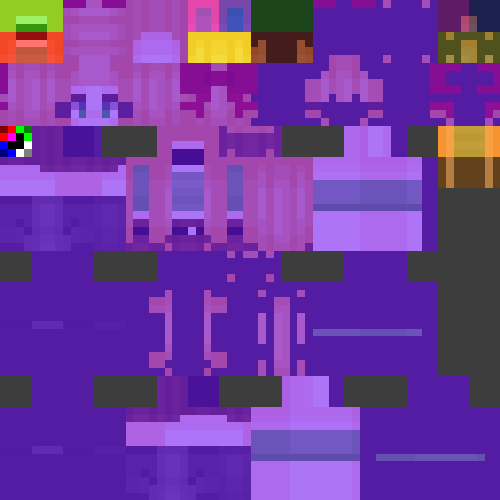
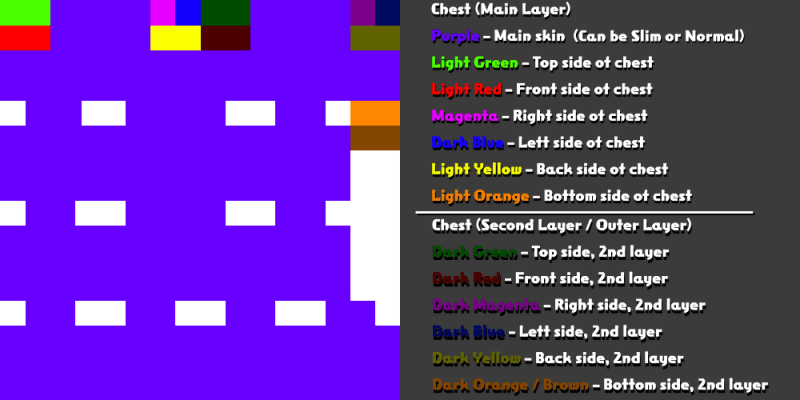
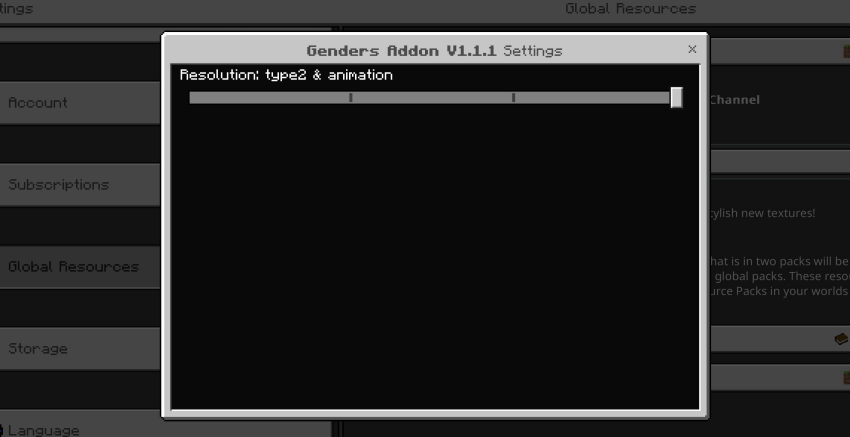
Player Genders Customize your in-game identity by selecting player models and gender styles through custom skin layouts. Features: Simple setting menu accessed via command inputs Multiple player model types with custom animations Lightweight design with online skin converter tools Fully compatible with modern 64x64 and 128x128 skin formats Why You'll Love It: 1 Better matches your personal in-game appearance. 2 Easy switching between custom animation styles. 3 Seamless integration into Minecraft Bedrock Edition. How to Get Started: 1 Download the Player Genders. 2 Install it in Minecraft PE. <div></div> 3 Open your world and enjoy the new experience.
Read the full details and screenshots
Open this resource in CraftyBox