
CRAFTYBOX
Preparing your block world
正在准备你的方块世界
First visit setup
首次访问设置
CRAFTYBOX
Preparing your block world
正在准备你的方块世界
First visit setup
首次访问设置
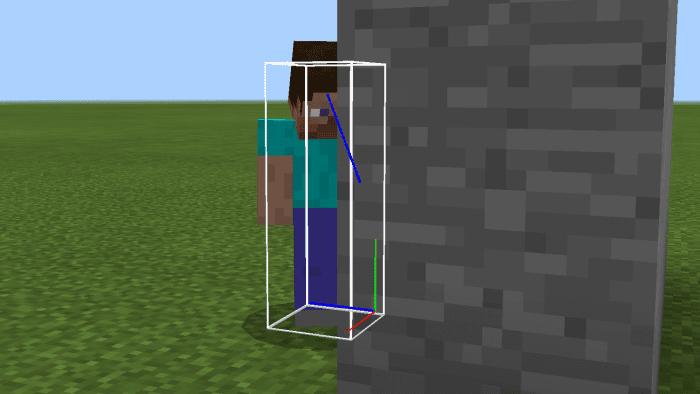
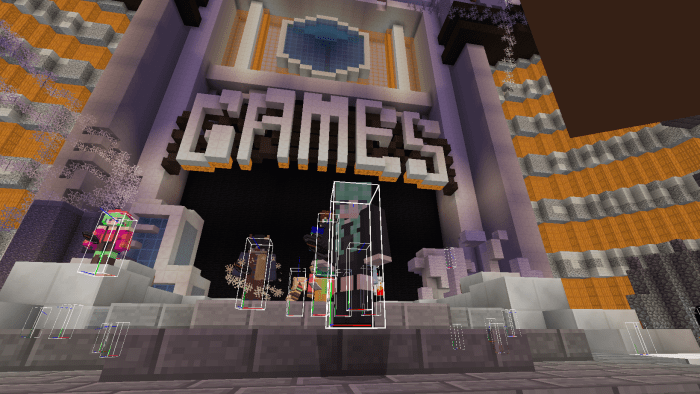
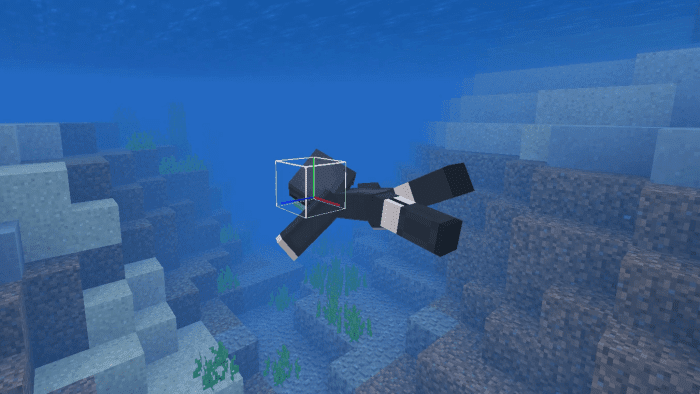
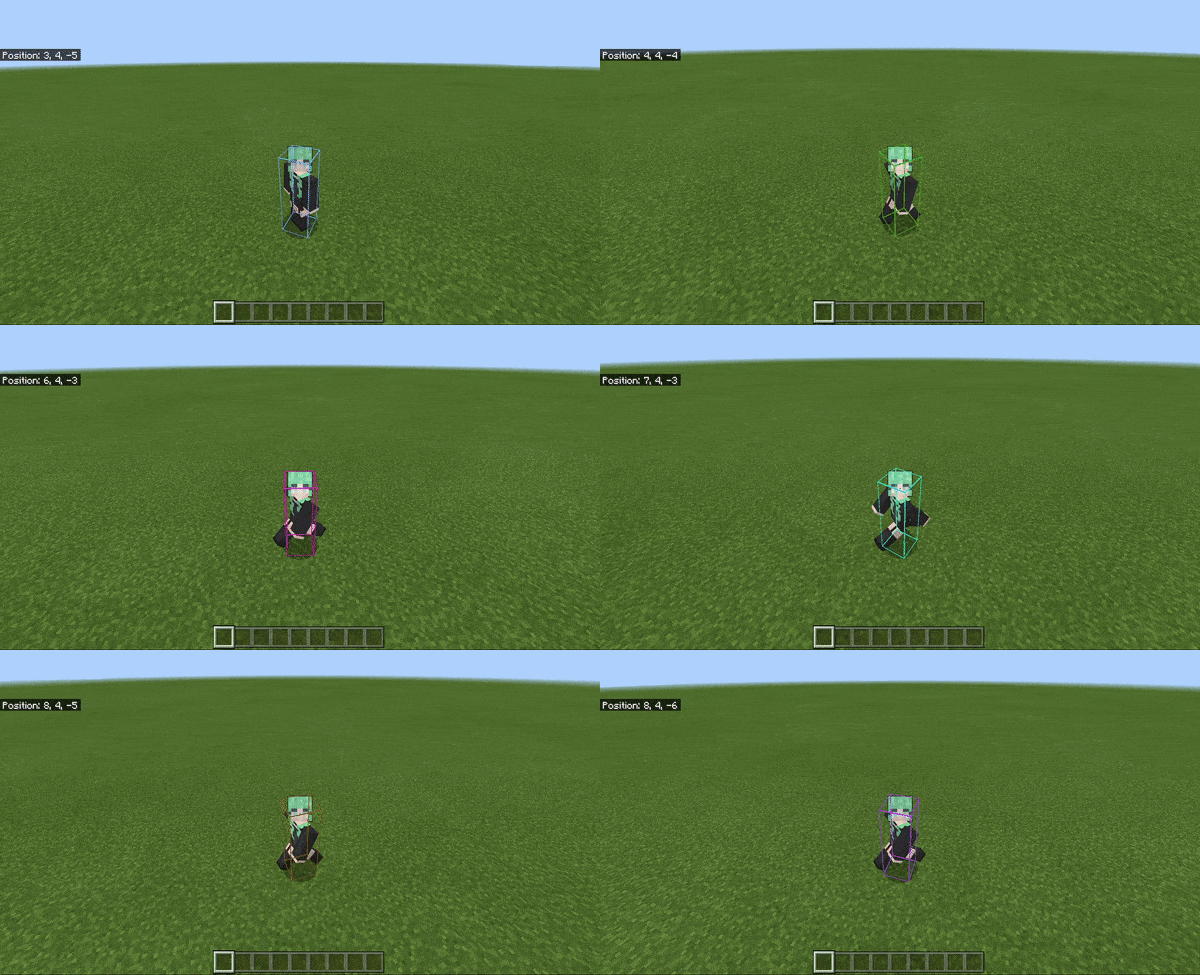
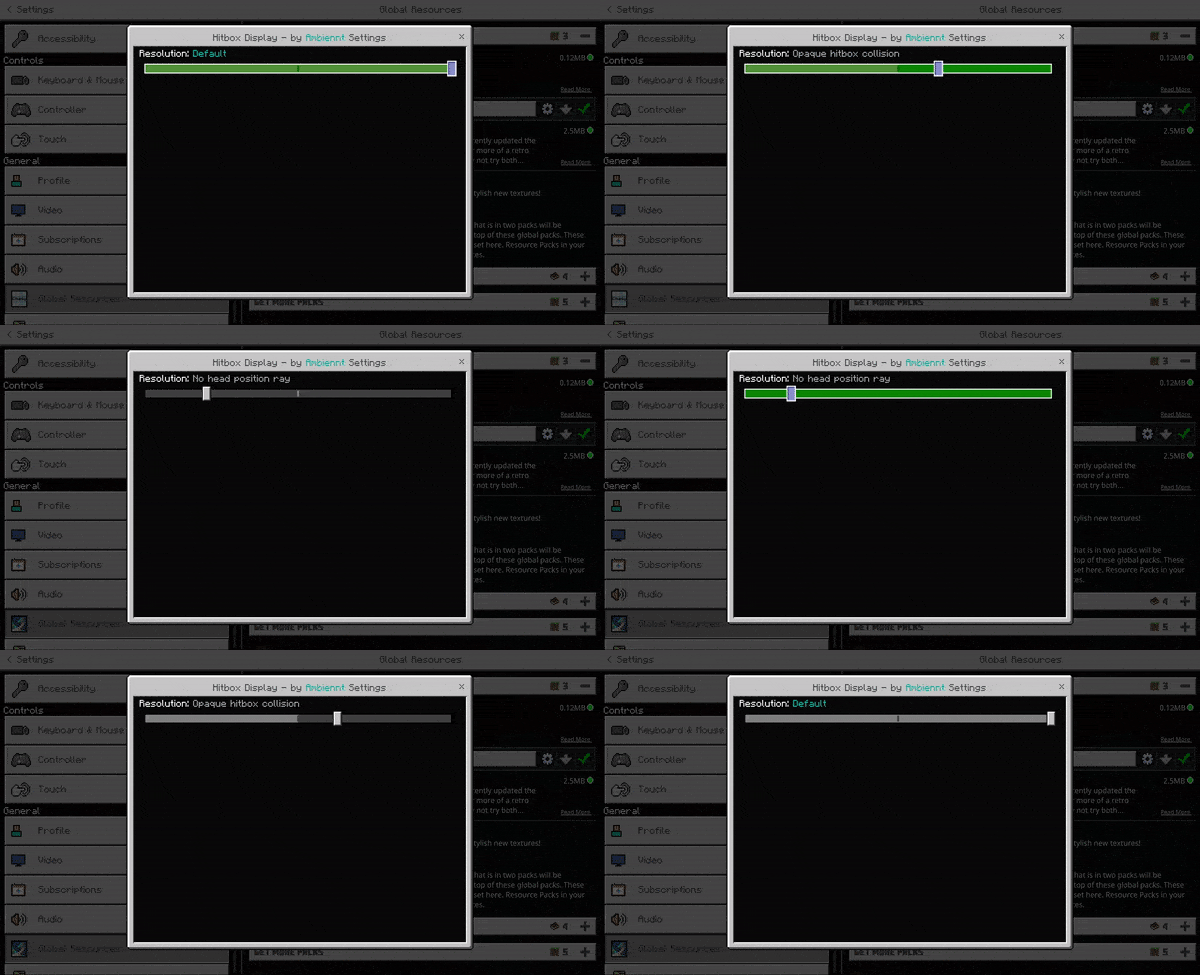
Player Hitbox Display Texture Pack Gain a tactical advantage or simply understand game mechanics better with this texture pack that visualizes player hitboxes! Perfect for PvP enthusiasts and developers alike. Features: Clearly outlines player hitboxes Improves aiming precision in combat Useful for bug testing and map creation Easy to enable and disable Why You'll Love It: 1 Sharpen your combat skills with precise hitbox visibility. 2 Understand mob and player interaction on a deeper level. 3 A valuable tool for creators and competitive players. How to Get Started: 1 Download the Player Hitbox Display Texture Pack. 2 Install it in Minecraft PE. 3 Ope
Read the full details and screenshots
Open this resource in CraftyBox