
CRAFTYBOX
Preparing your block world
正在准备你的方块世界
First visit setup
首次访问设置
CRAFTYBOX
Preparing your block world
正在准备你的方块世界
First visit setup
首次访问设置
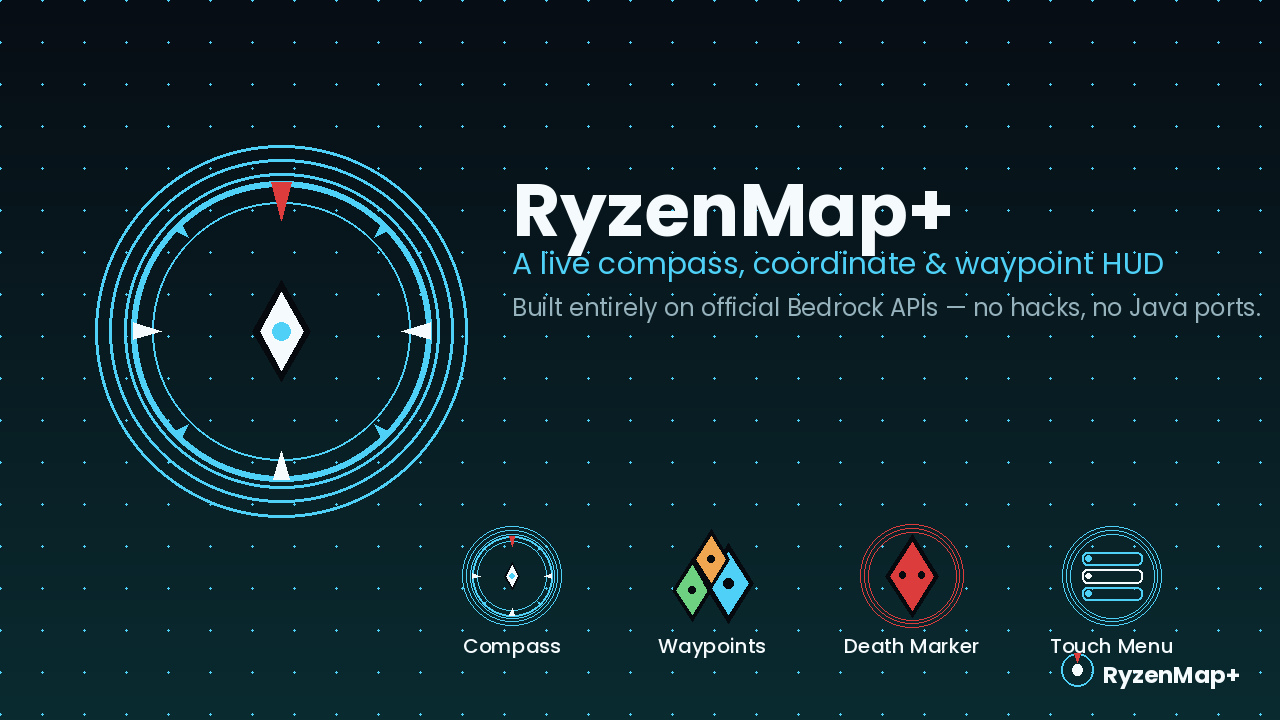
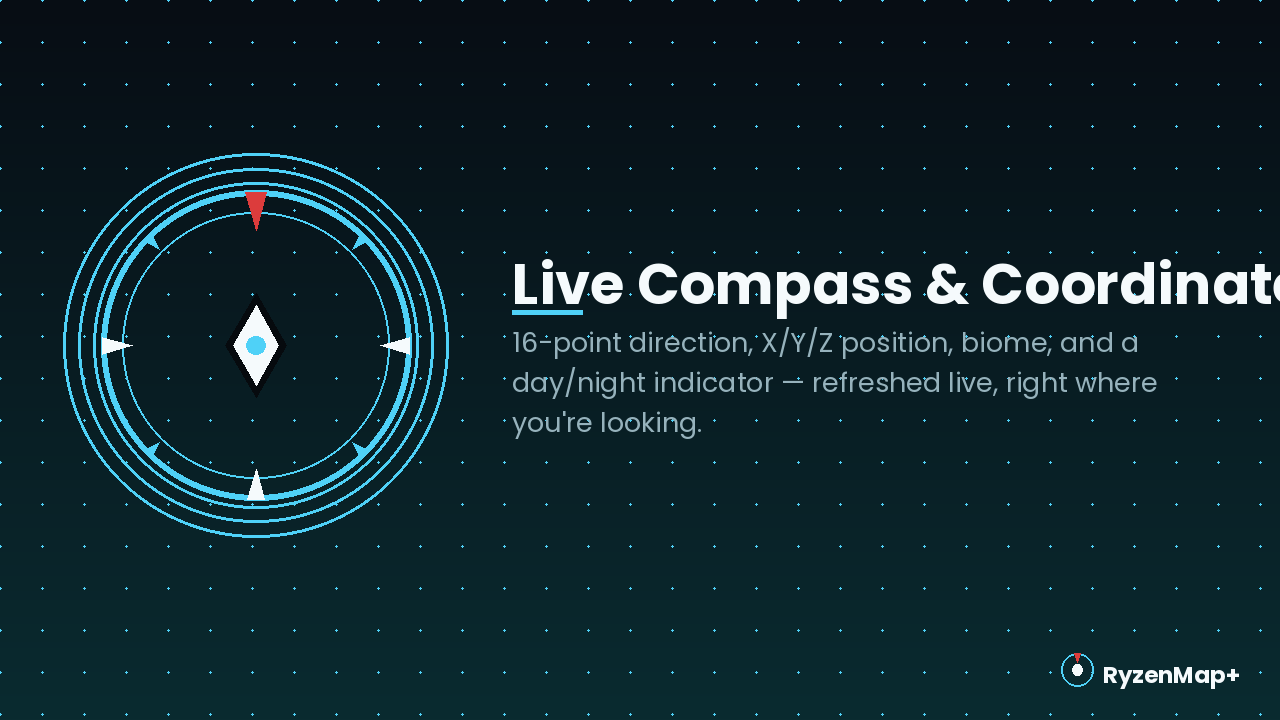
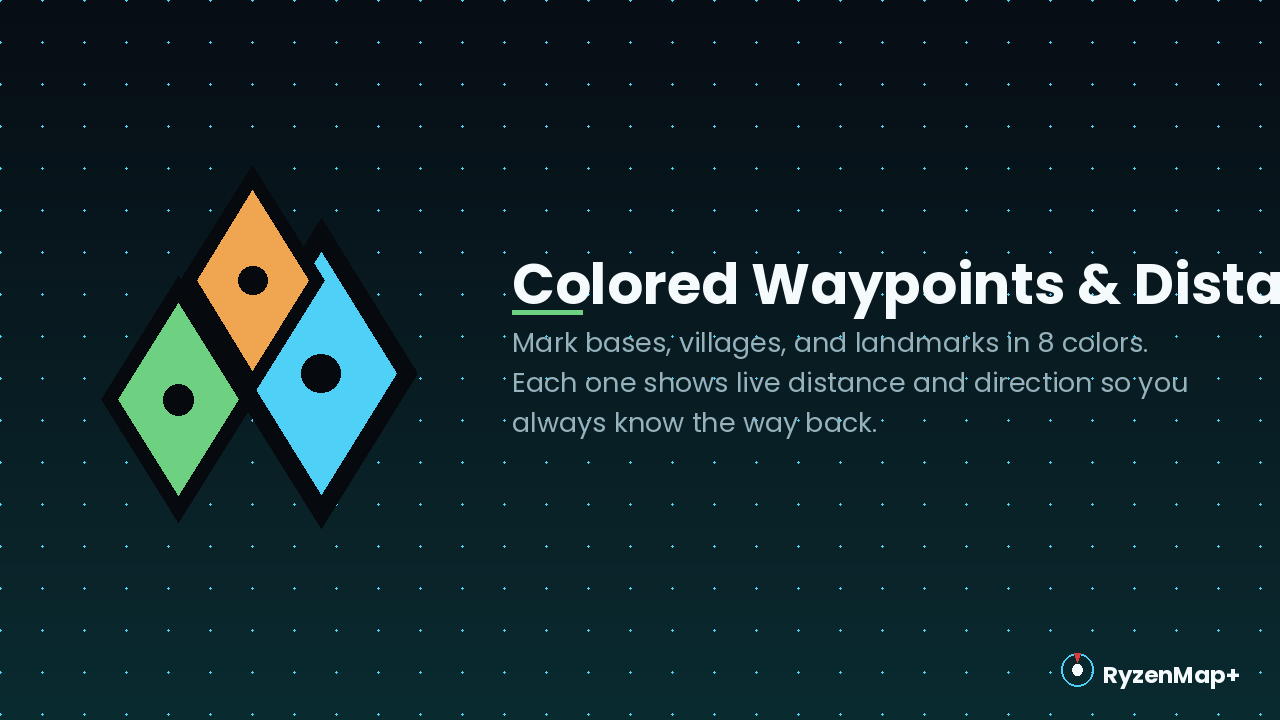
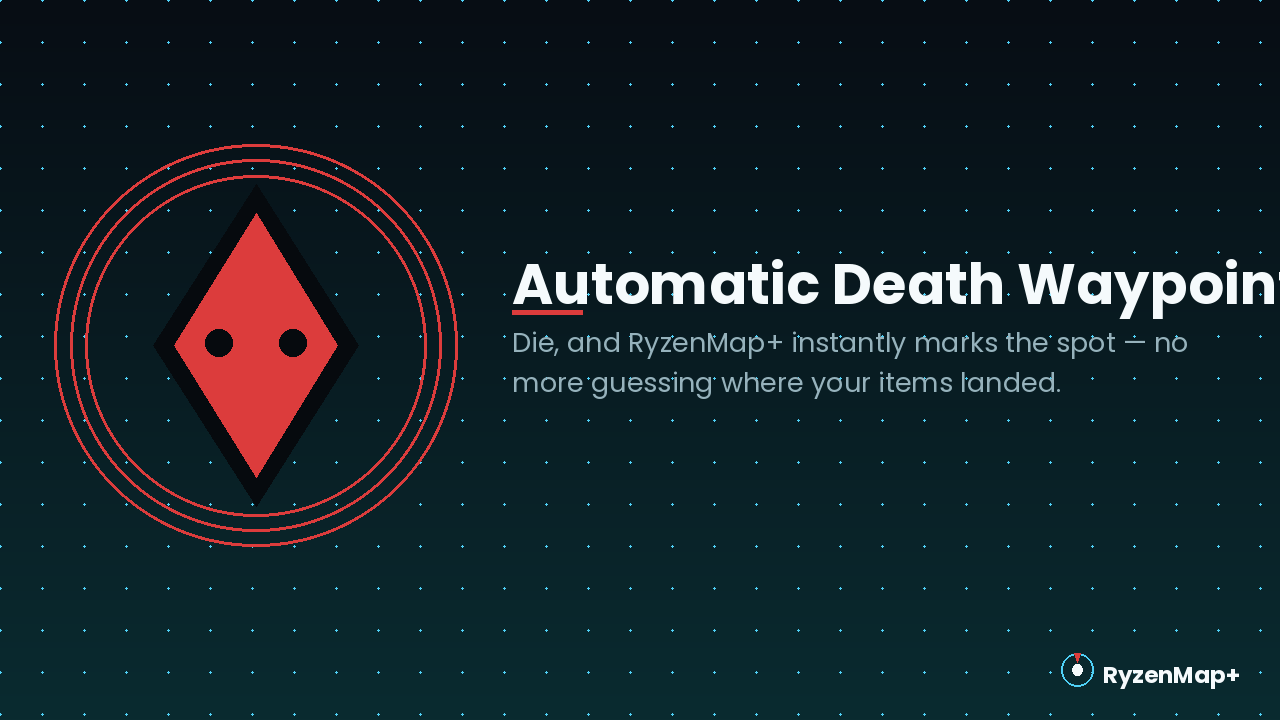
Ryzen Map+ Navigate your survival world with a live compass, coordinate HUD, colored waypoints, and automatic death markers. Features: Live Compass and Biome HUD Customizable Colored Waypoints Automatic Death-Location Saving Multiplayer-Safe Private Readouts Why You'll Love It: 1 Never lose your base or valuable locations again. 2 Instantly recover your lost items using the automatic death waypoint. 3 Enjoy a fully touch-friendly, mobile-first interface. How to Get Started: 1 Download the Ryzen Map+. 2 Install it in Minecraft PE. 3 Open your world and enjoy the new experience. Keep your bearings clear and structured across every expedition!
Read the full details and screenshots
Open this resource in CraftyBox