
CRAFTYBOX
Preparing your block world
正在准备你的方块世界
First visit setup
首次访问设置
CRAFTYBOX
Preparing your block world
正在准备你的方块世界
First visit setup
首次访问设置
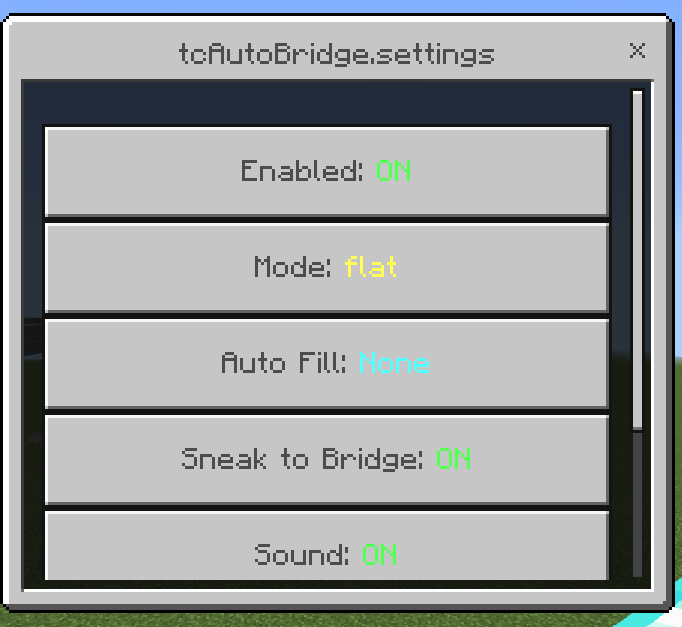
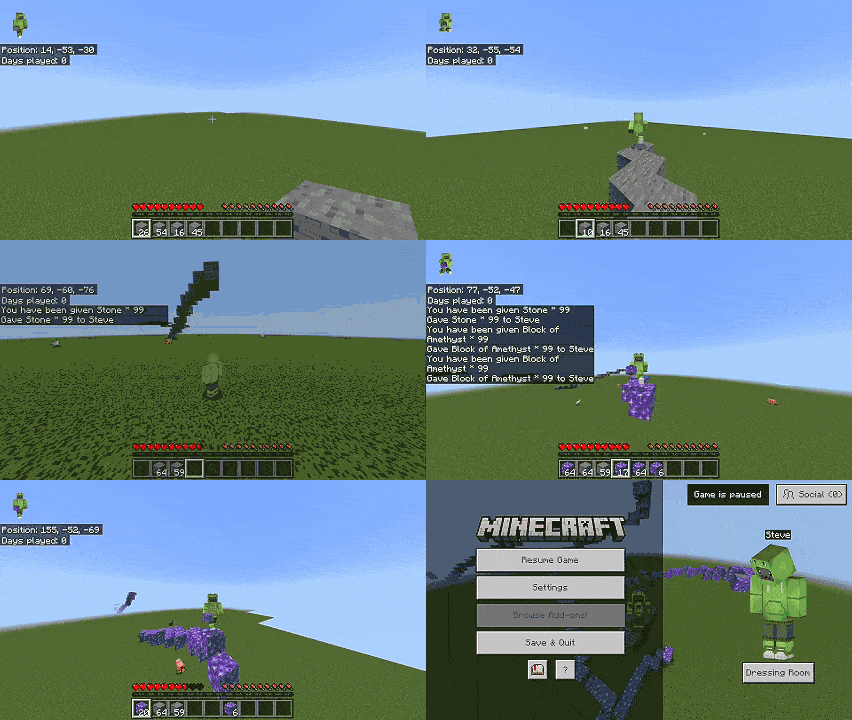
TC Auto Bridge – Smooth Bridging Make building and traversing terrain effortless by automatically placing blocks in front of you based on your movement velocity and viewing angle. Features: Four smart bridging modes including flat, up, down, and tower Hands-free sneak-to-bridge functionality Smart auto-fill for your building materials Real-time actionbar HUD and directional block support Why You'll Love It: 1 Bridge across voids and scale pillars instantly. 2 Never worry about running out of blocks mid-air. 3 Customize settings easily using the native in-game UI. How to Get Started: 1 Download the TC Auto Bridge – Smooth Bridging. 2 Install it in Minecr

Read the full details and screenshots
Open this resource in CraftyBox