
CRAFTYBOX
Preparing your block world
正在准备你的方块世界
First visit setup
首次访问设置
CRAFTYBOX
Preparing your block world
正在准备你的方块世界
First visit setup
首次访问设置
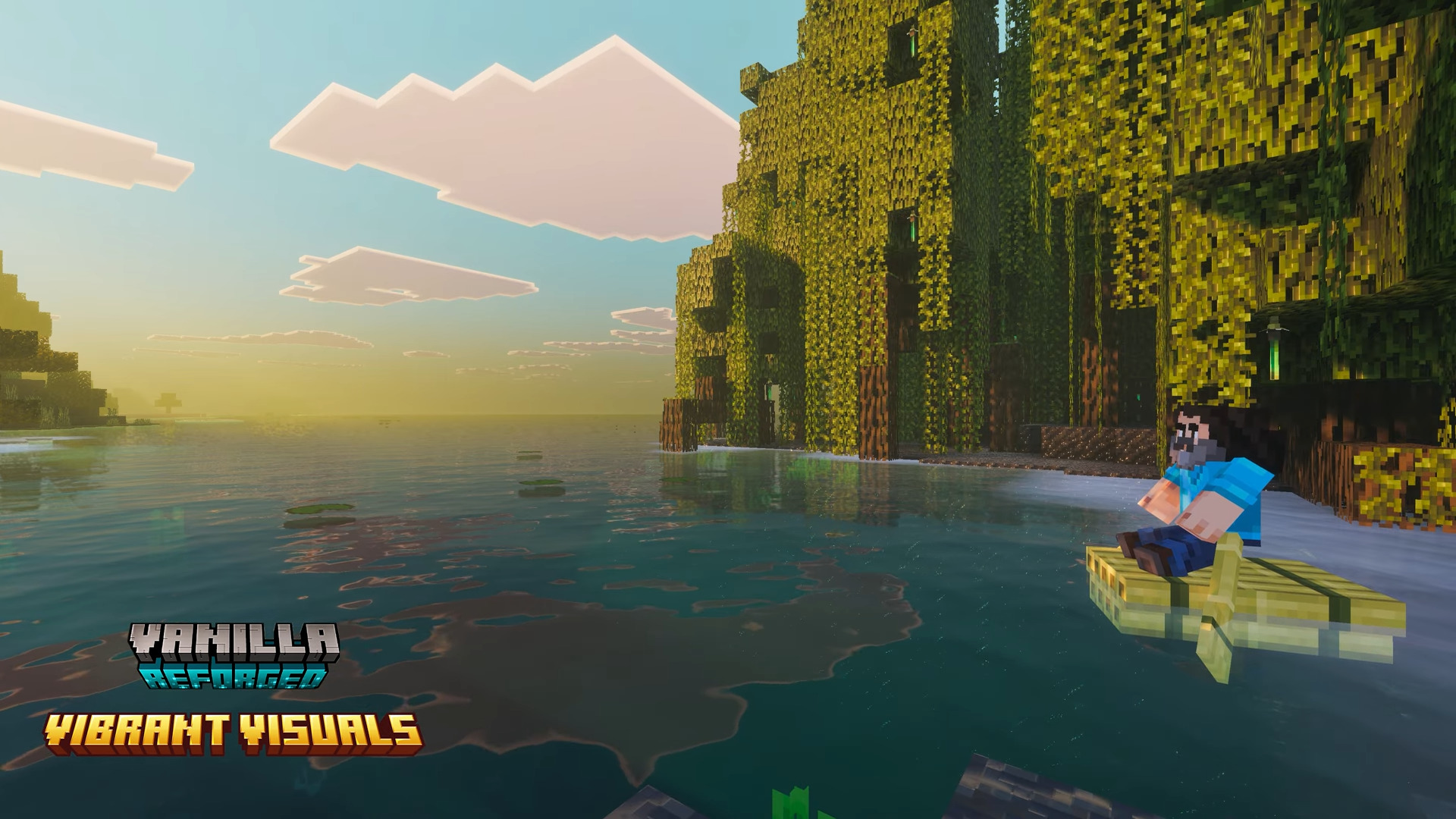
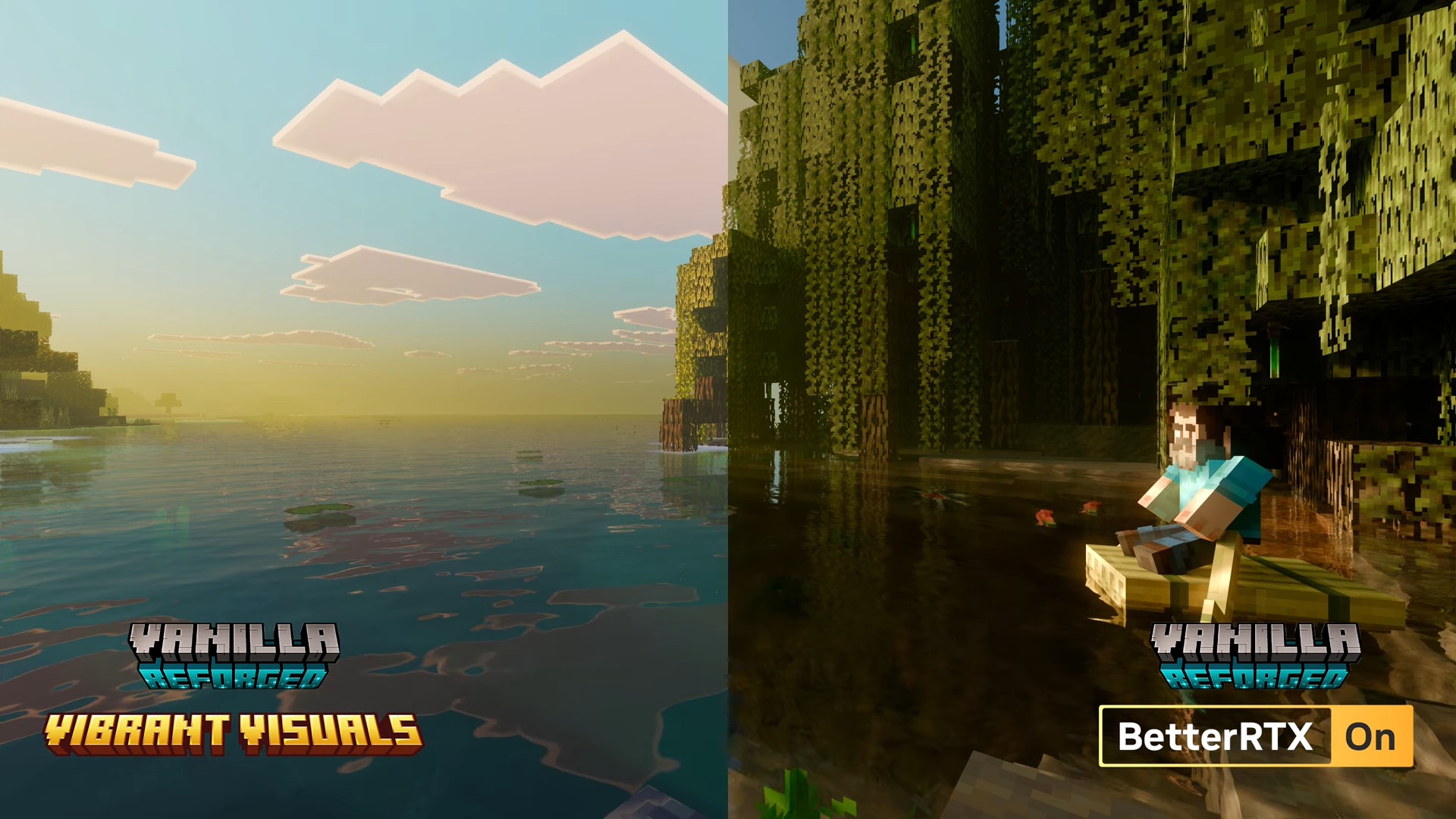
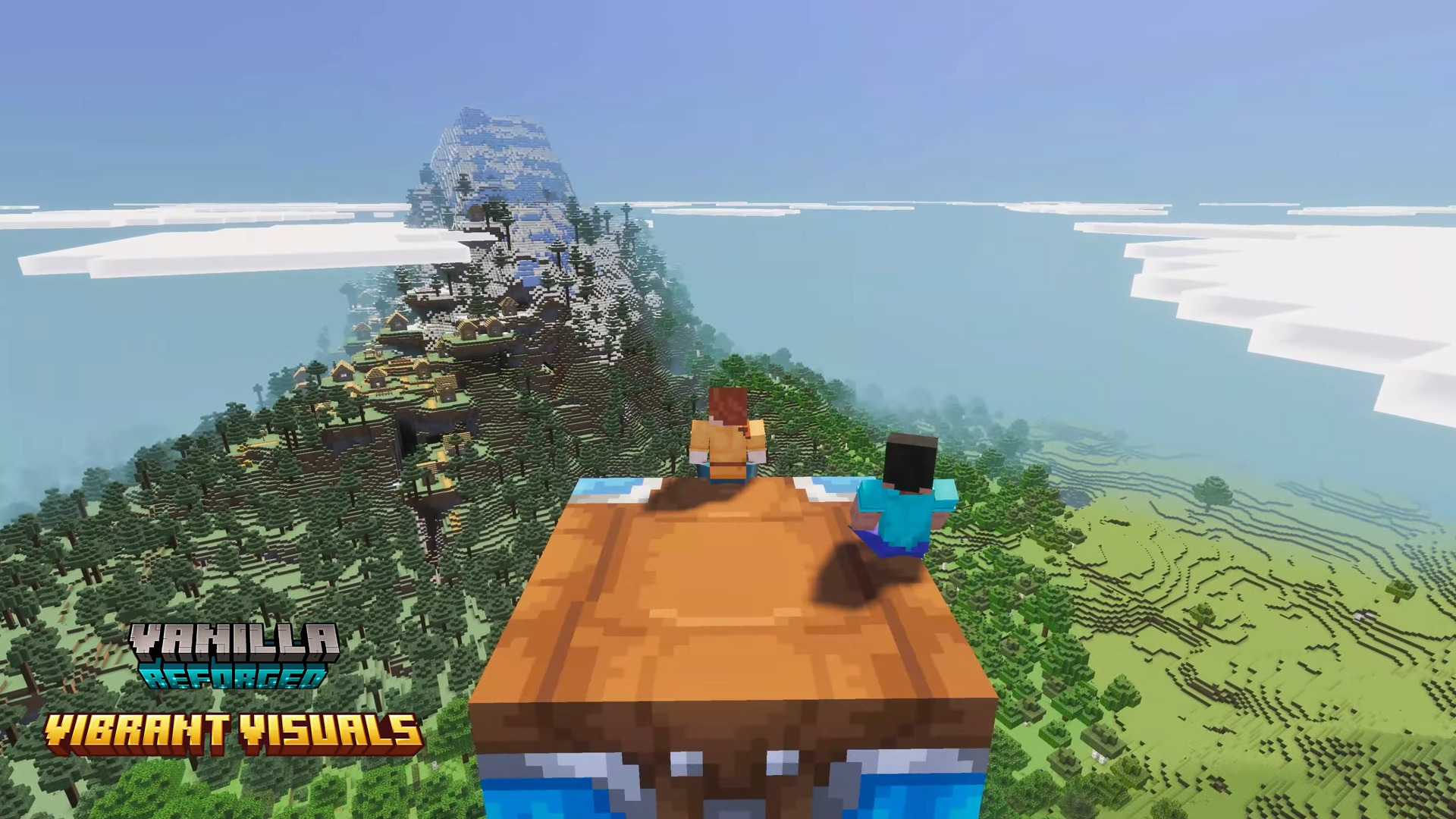
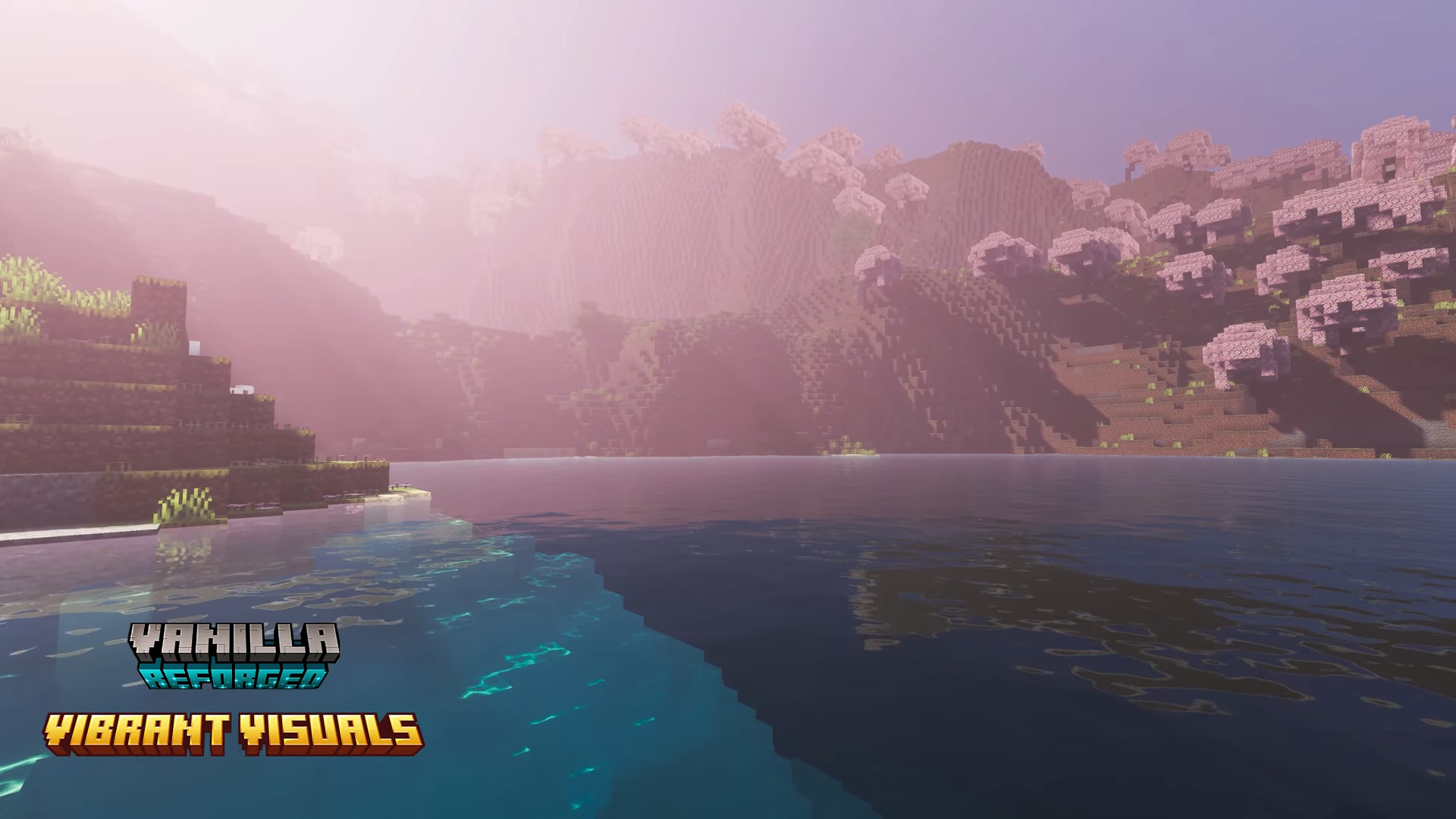
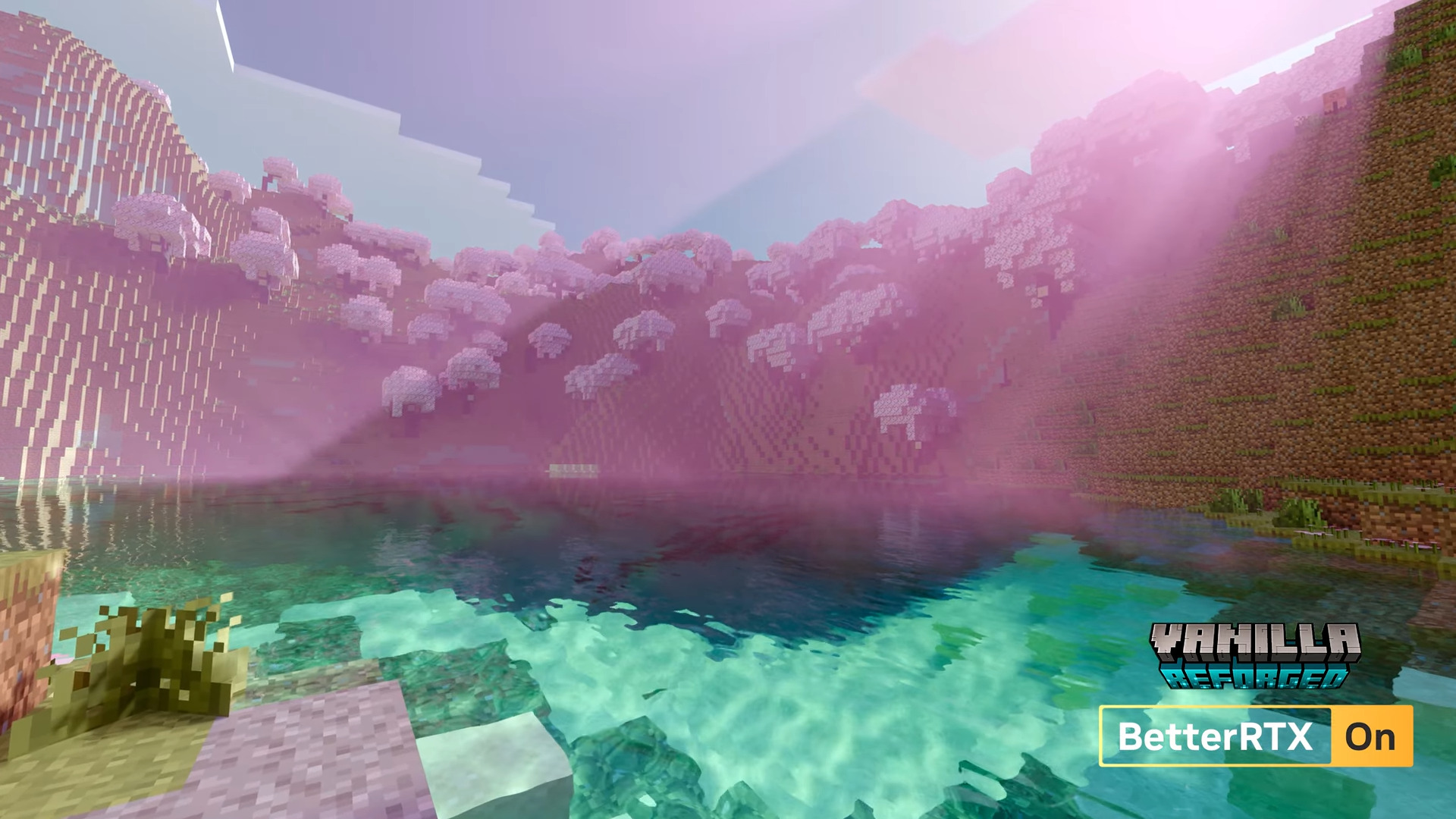
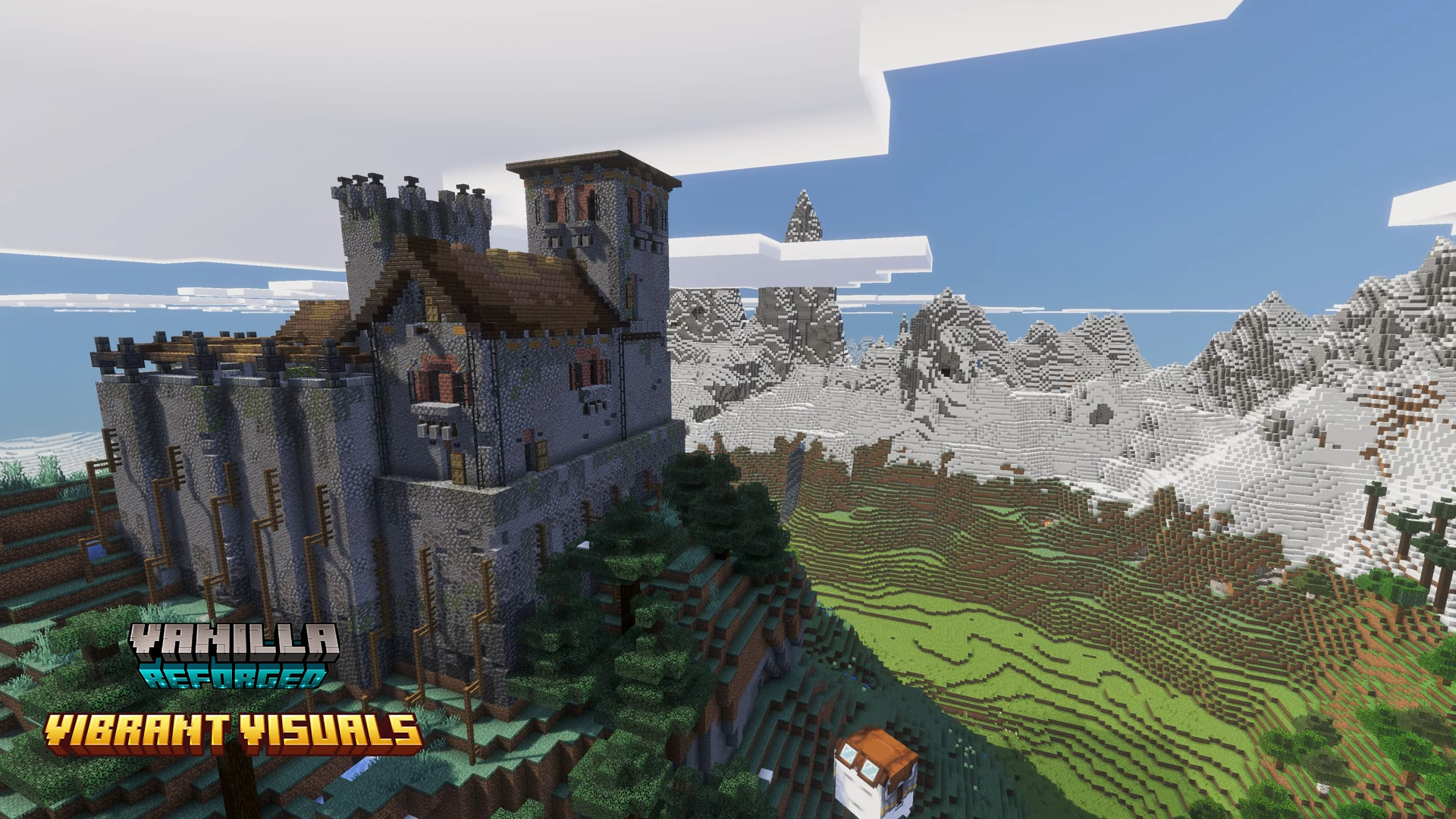
Vanilla Reforged Shader Vanilla Reforged polishes Minecraft's classic look with refined lighting, keeping the soul of the game while sharpening every detail. Features: Enhanced vanilla-style lighting with soft shadows Improved sky, cloud and sunset rendering Faithful colors that never stray from the original feel Built for Bedrock 1.21+ with dependable performance Why You'll Love It: 1 Minecraft looks like the best version of itself 2 No jarring changes, just quality refinement 3 Ideal for purists who still want prettier worlds How to Get Started: 1 Download the Vanilla Reforged Shader. 2 Install it in Minecraft PE. 3 Open your world and enjoy the new
Read the full details and screenshots
Open this resource in CraftyBox