
CRAFTYBOX
Preparing your block world
正在准备你的方块世界
First visit setup
首次访问设置
CRAFTYBOX
Preparing your block world
正在准备你的方块世界
First visit setup
首次访问设置
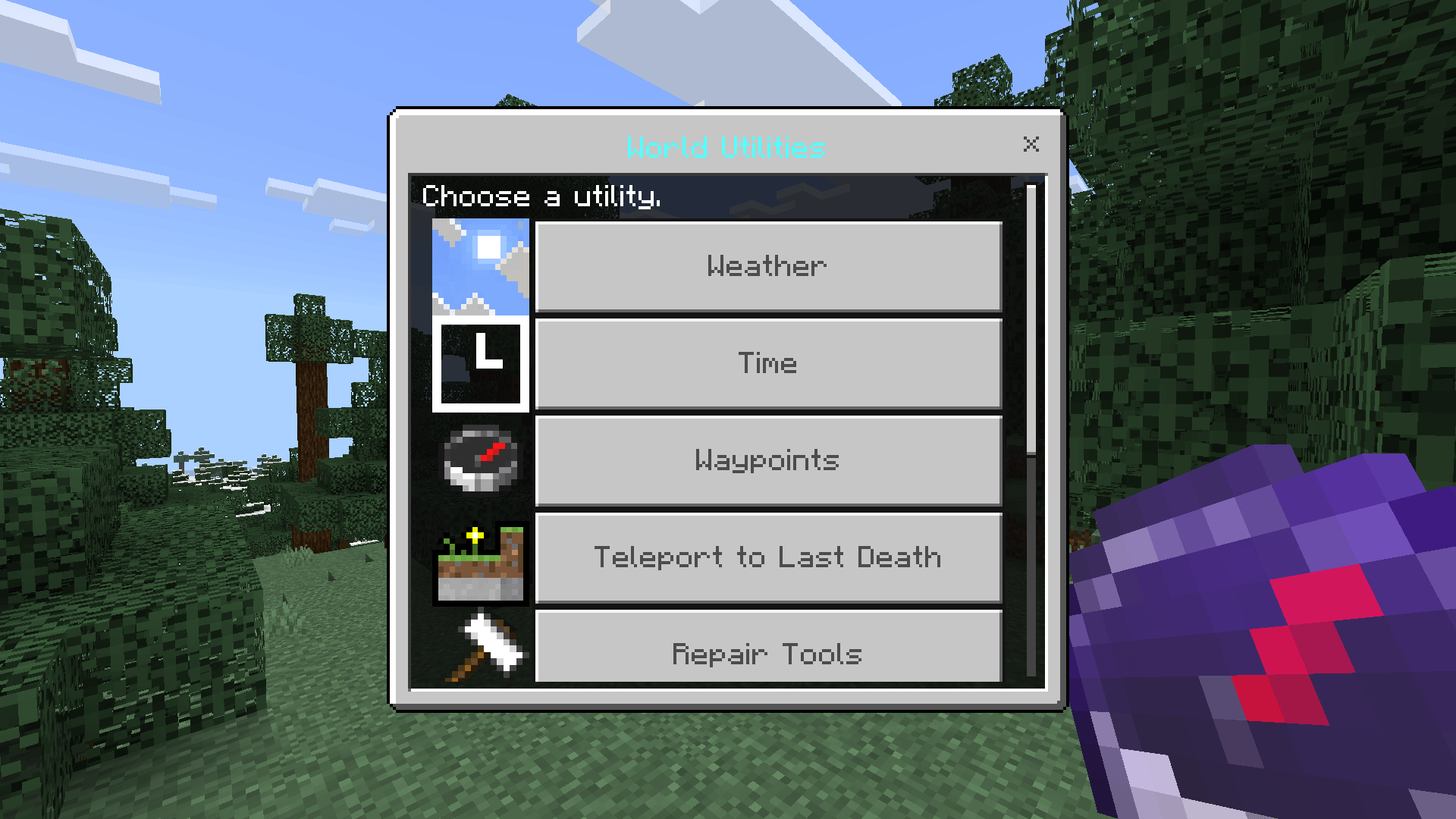
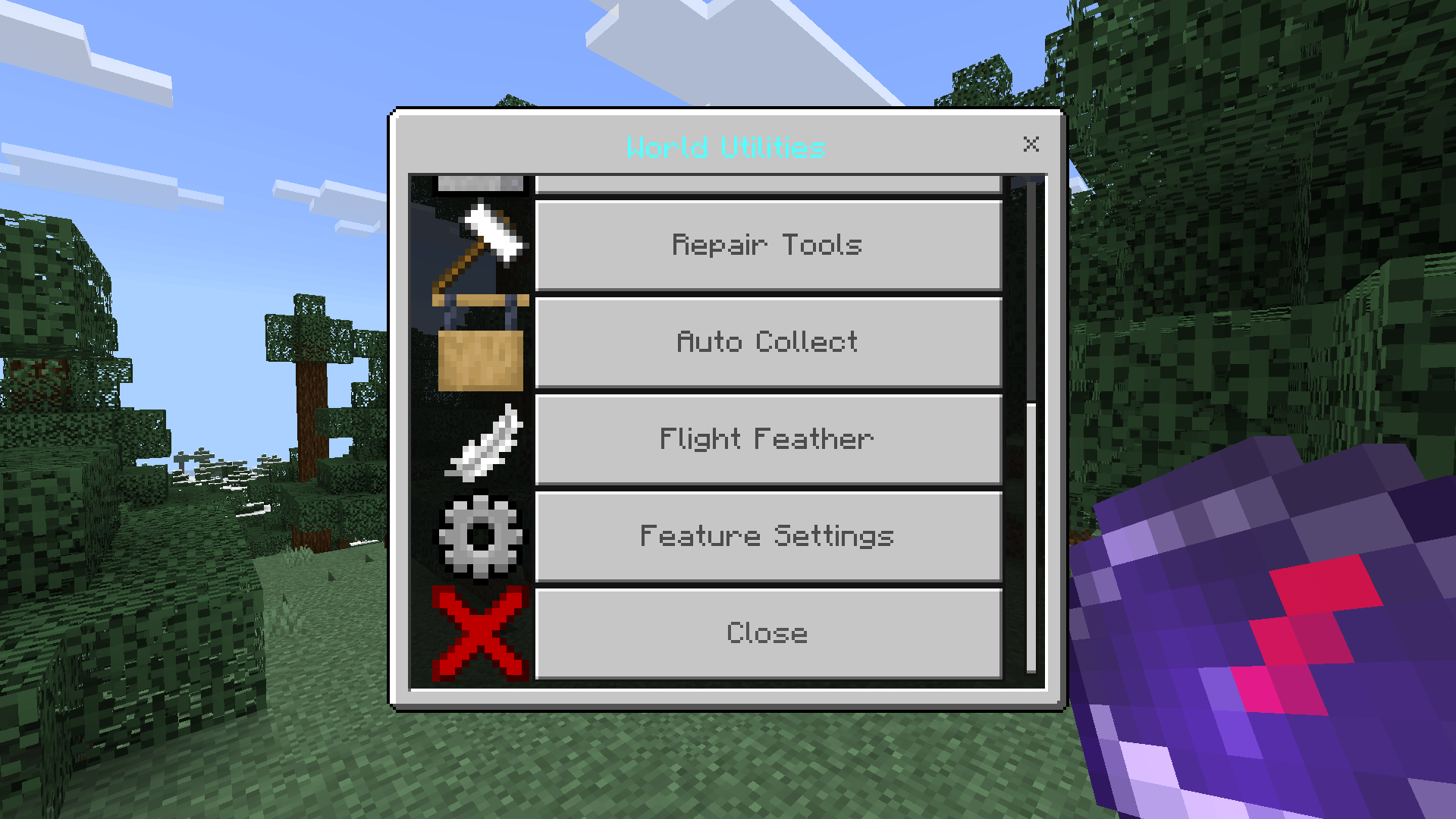
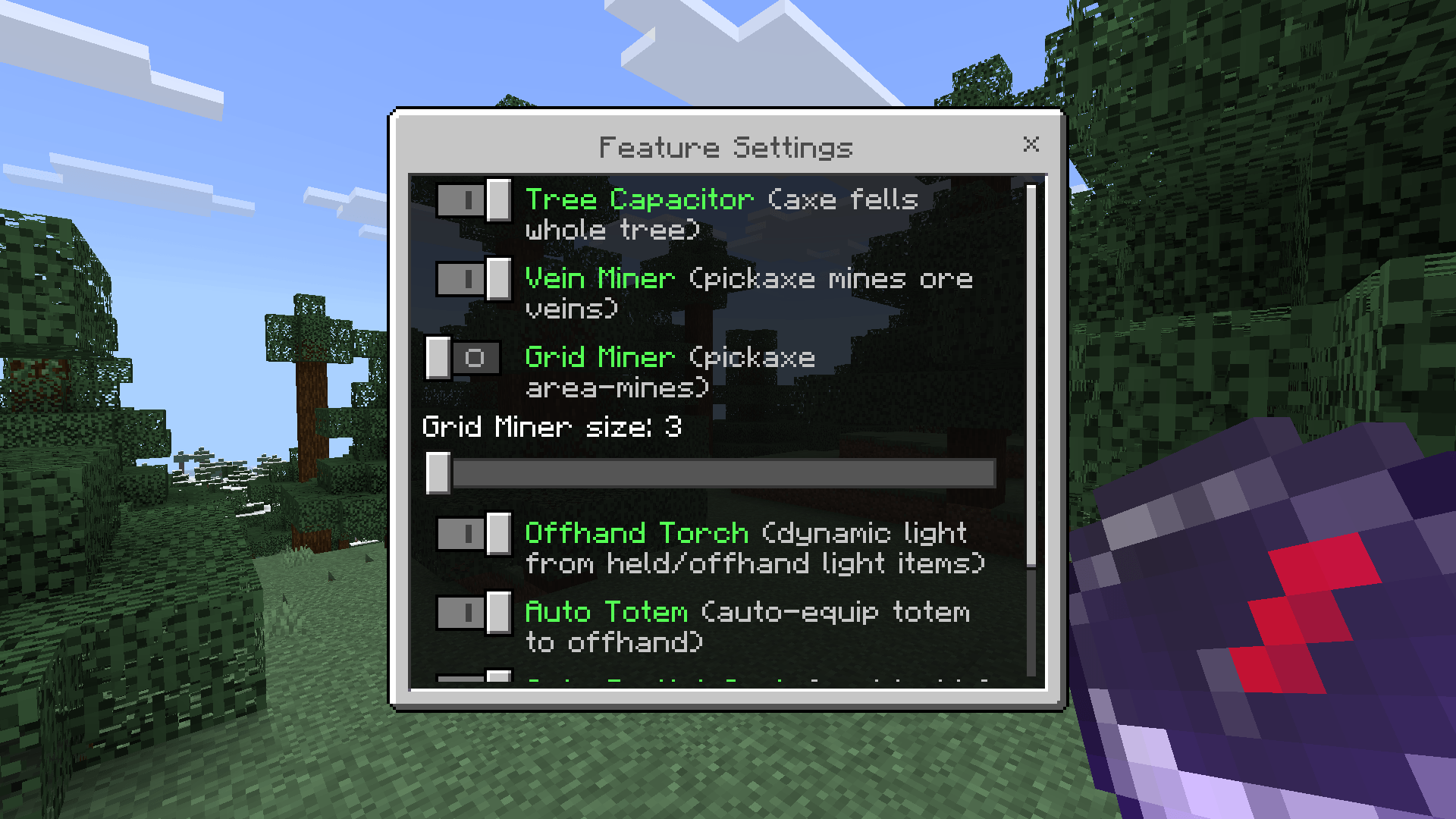
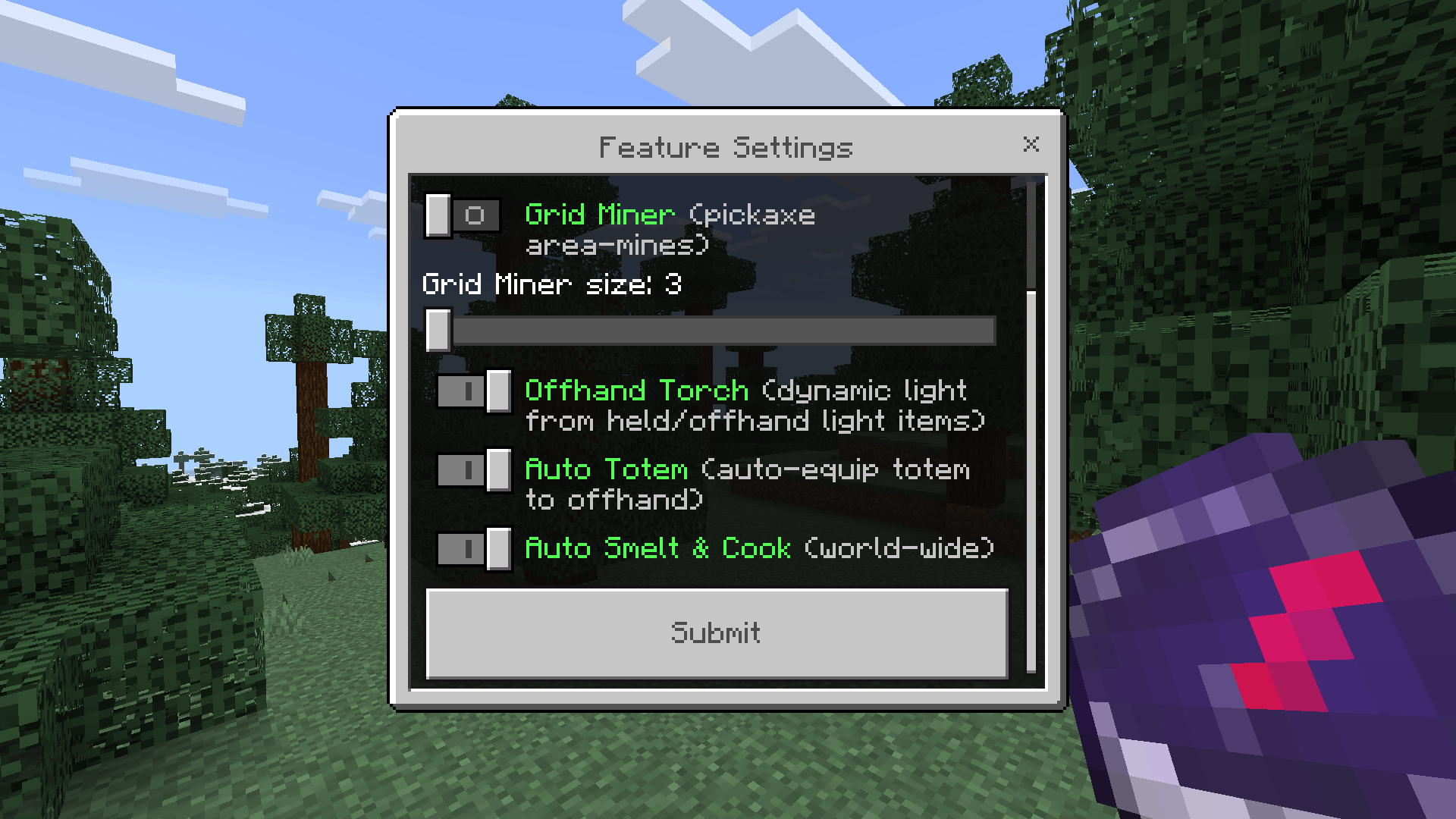
World Utilities Pack nine powerful quality-of-life utilities into a single clean in-game menu. Features: Custom waypoints and multi-dimension teleportation Instant weather and time control commands Auto-collect and tree/vein mining toggles Tool repair and crafting enhancements Why You'll Love It: 1 Access multiple powerful tools without enabling world cheats. 2 Quickly navigate across dimensions and return to your last death. 3 Streamline your survival experience with automated harvest and repair. How to Get Started: 1 Download the World Utilities. 2 Install it in Minecraft PE. 3 Open your world and enjoy the new experience. Master your world effor

Read the full details and screenshots
Open this resource in CraftyBox