
CRAFTYBOX
Preparing your block world
正在准备你的方块世界
First visit setup
首次访问设置
CRAFTYBOX
Preparing your block world
正在准备你的方块世界
First visit setup
首次访问设置
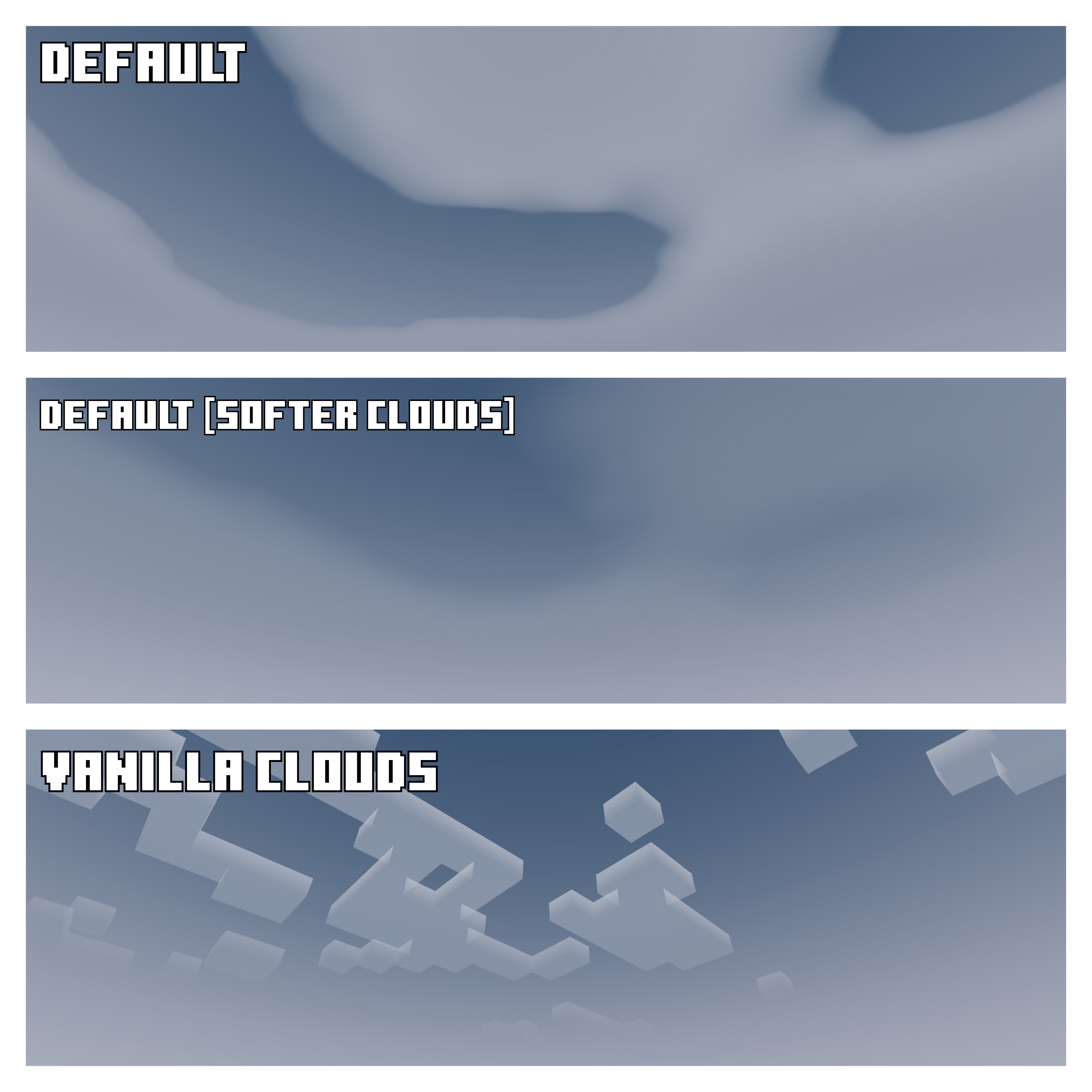
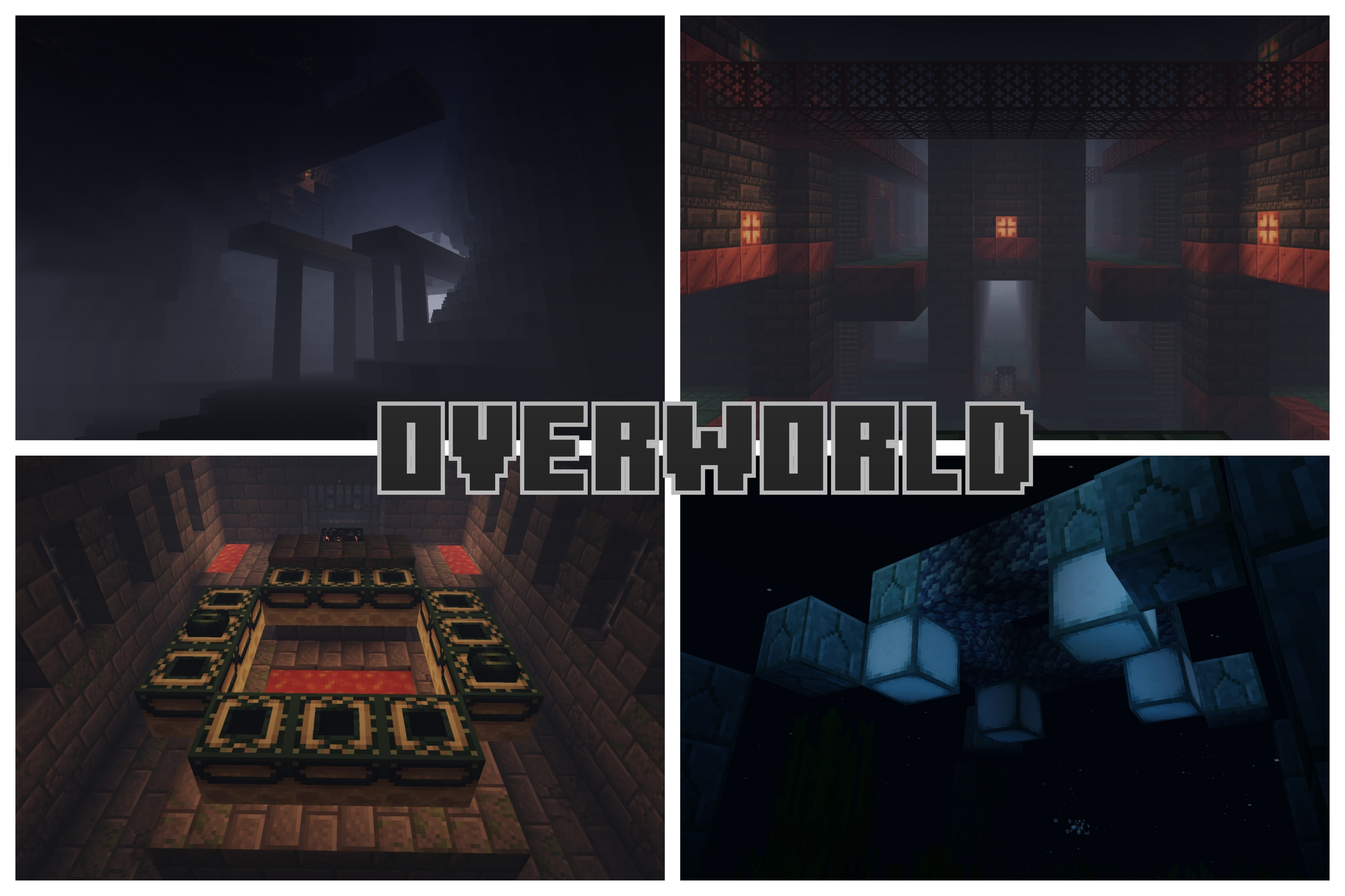
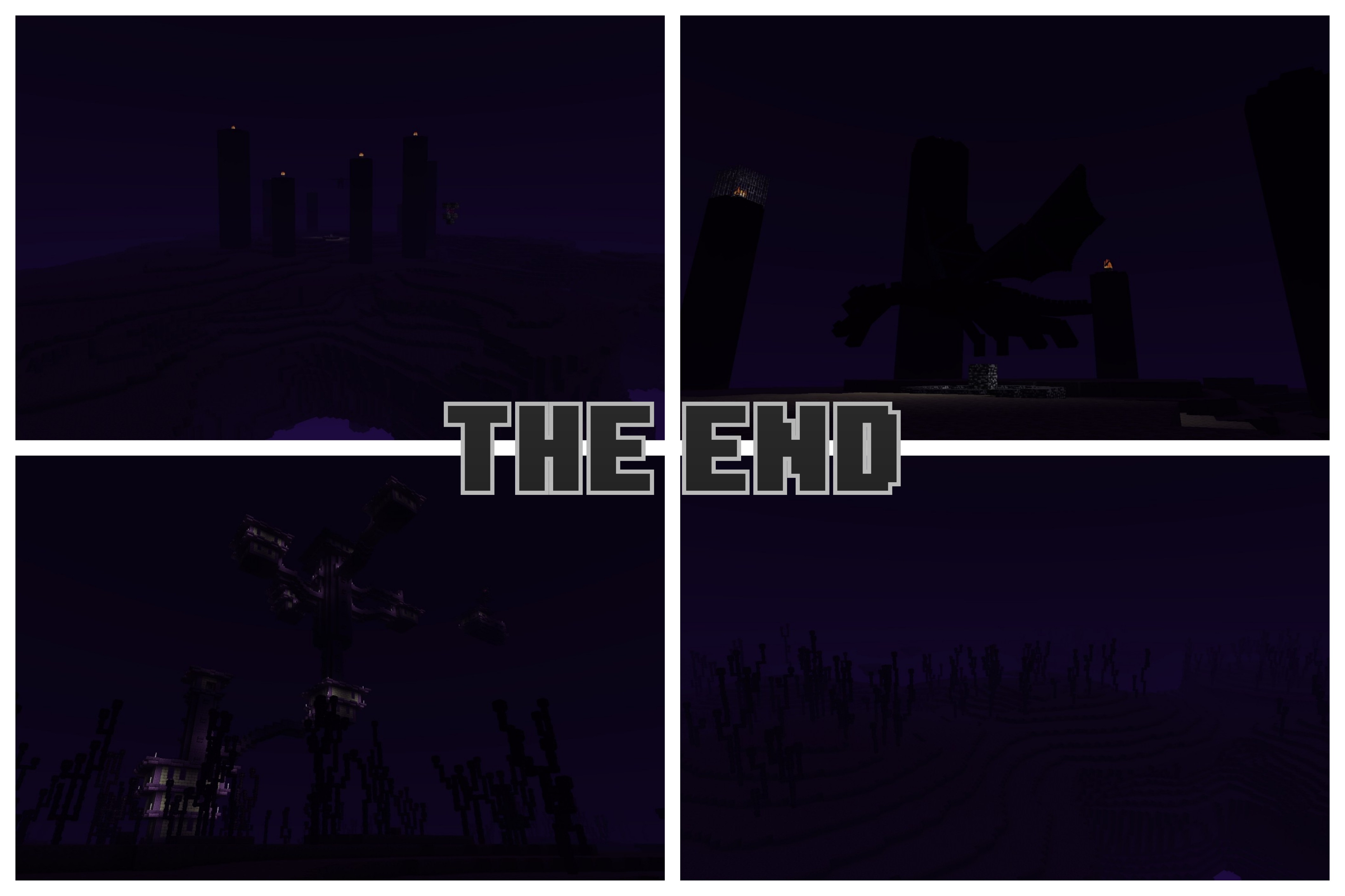
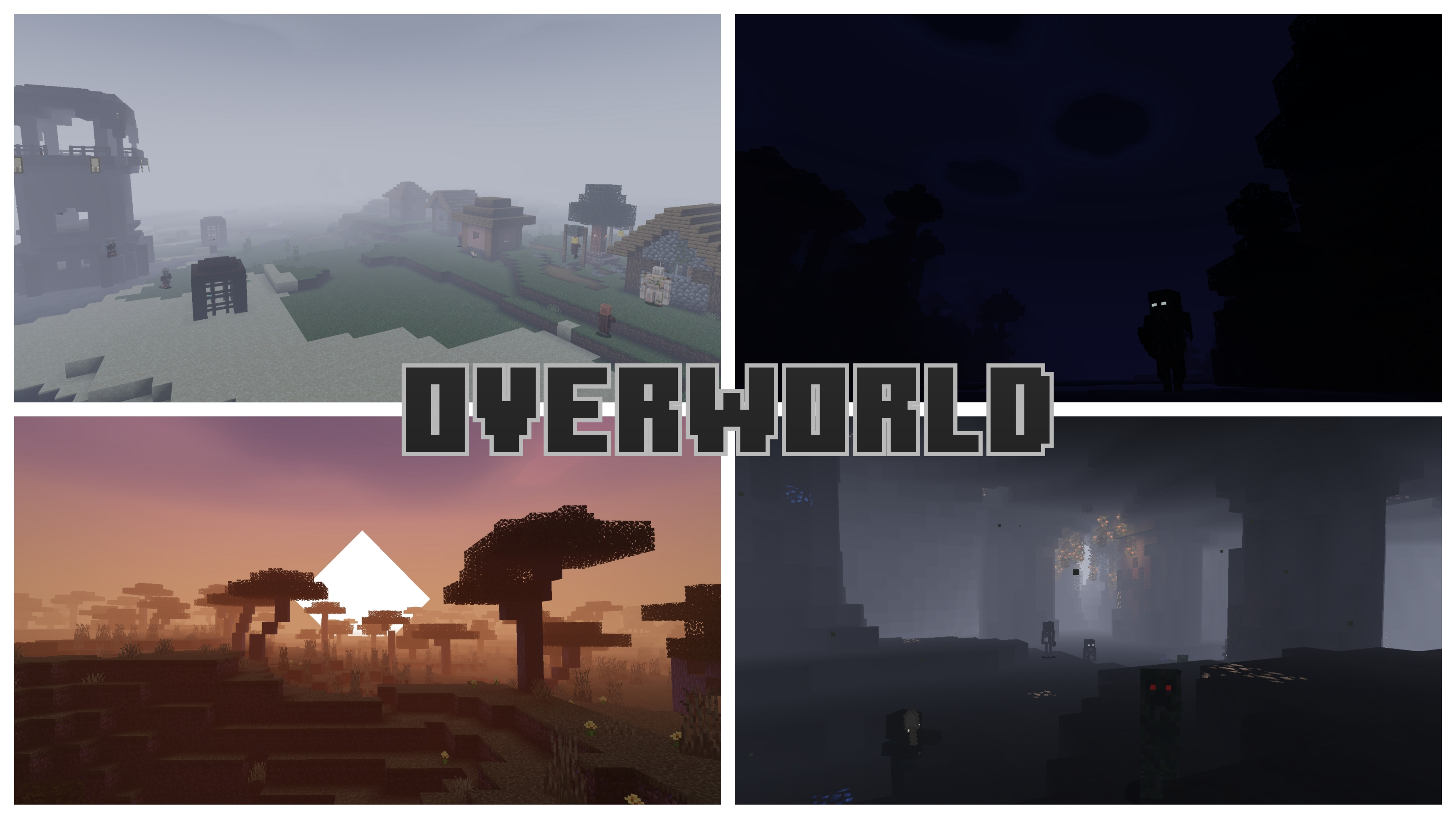
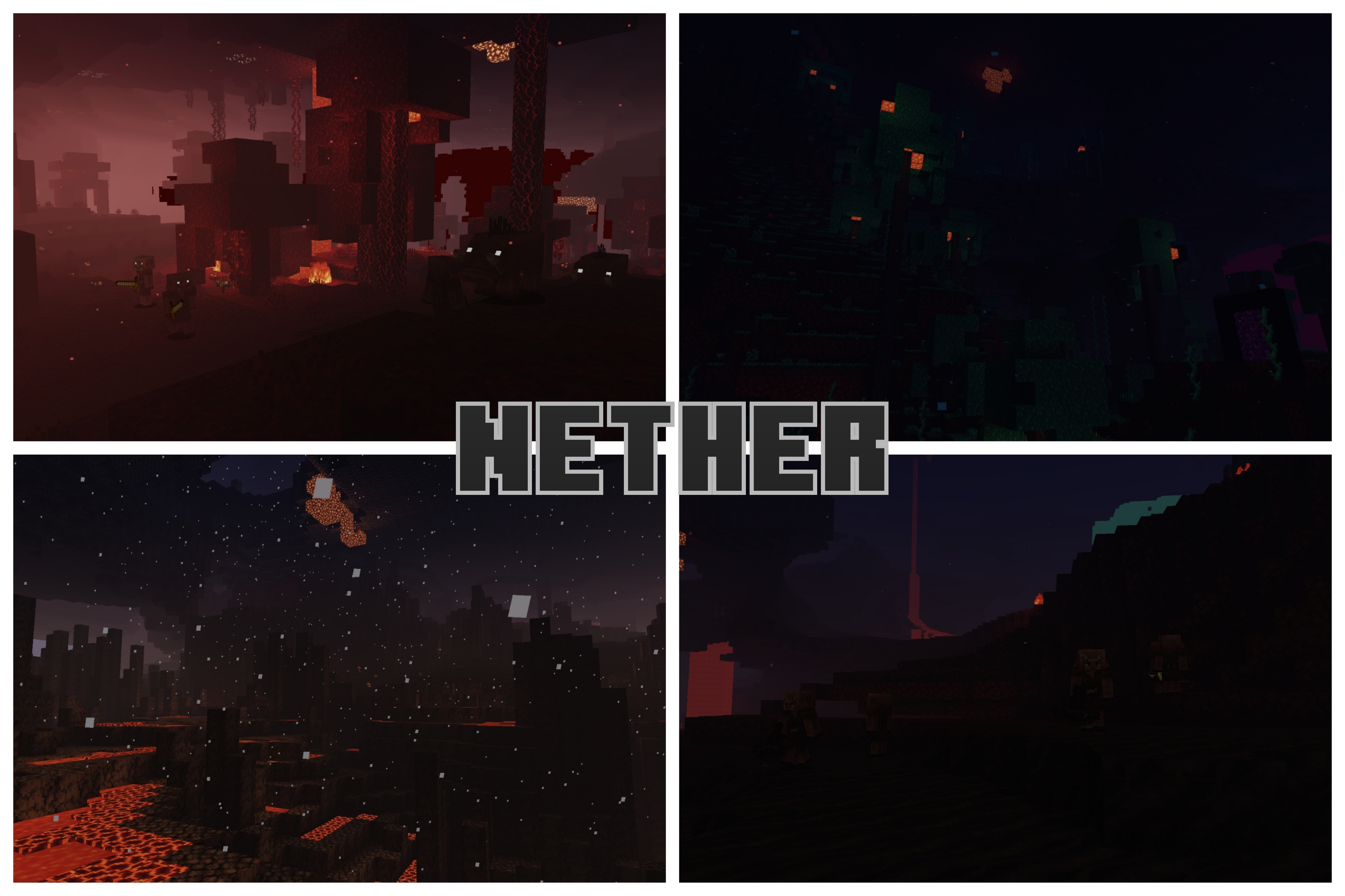
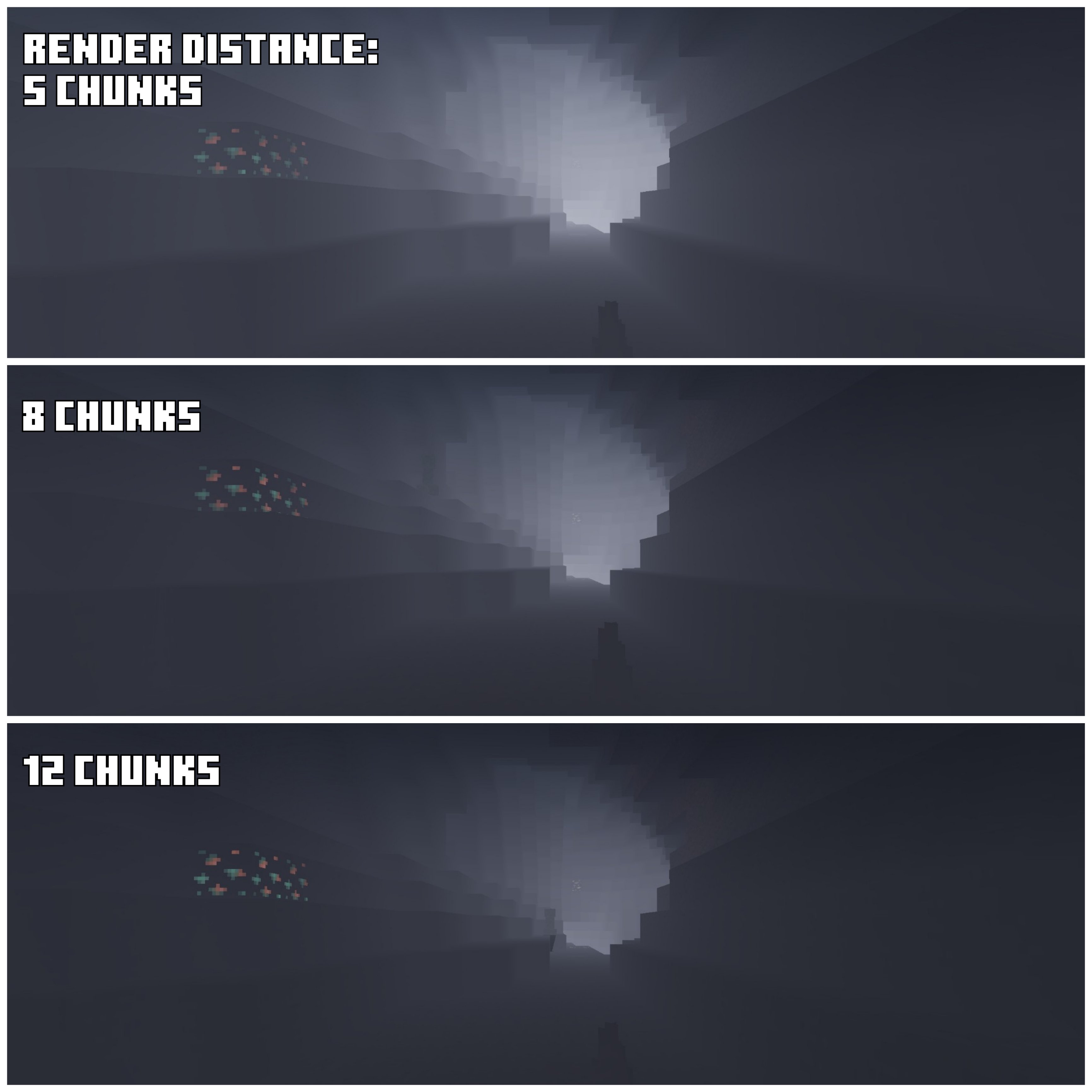
Dark Fantasy Shader Enter a grim and beautiful realm — Dark Fantasy cloaks MCPE 1.21.20+ in shadowy tones, gothic skies and hauntingly moody light. Features: Dark, gothic color palette with muted highlights Moody lighting that deepens every shadow Ominous night skies and eerie fog Cinematic contrast for dramatic scenes Why You'll Love It: 1 Perfect atmosphere for castles, dungeons and dark builds 2 Turns survival nights into true dark-fantasy chapters 3 A striking alternative to bright, cheerful shaders How to Get Started: 1 Download the Dark Fantasy Shader. 2 Install it in Minecraft PE. 3 Open your world and enjoy the new experience. Embrace the
Read the full details and screenshots
Open this resource in CraftyBox